I Used an AI Agent to Copy a $12K/Month TikTok Account (n8n + No Code)
Most businesses struggle with TikTok's demanding content schedule - creating fresh videos daily requires hours of filming and editing. This n8n workflow automates an entire viral content pipeline, from AI-generated scripts to polished posts ready for publishing. Discover how to replicate a proven $12k/month account's strategy without touching an editing timeline.
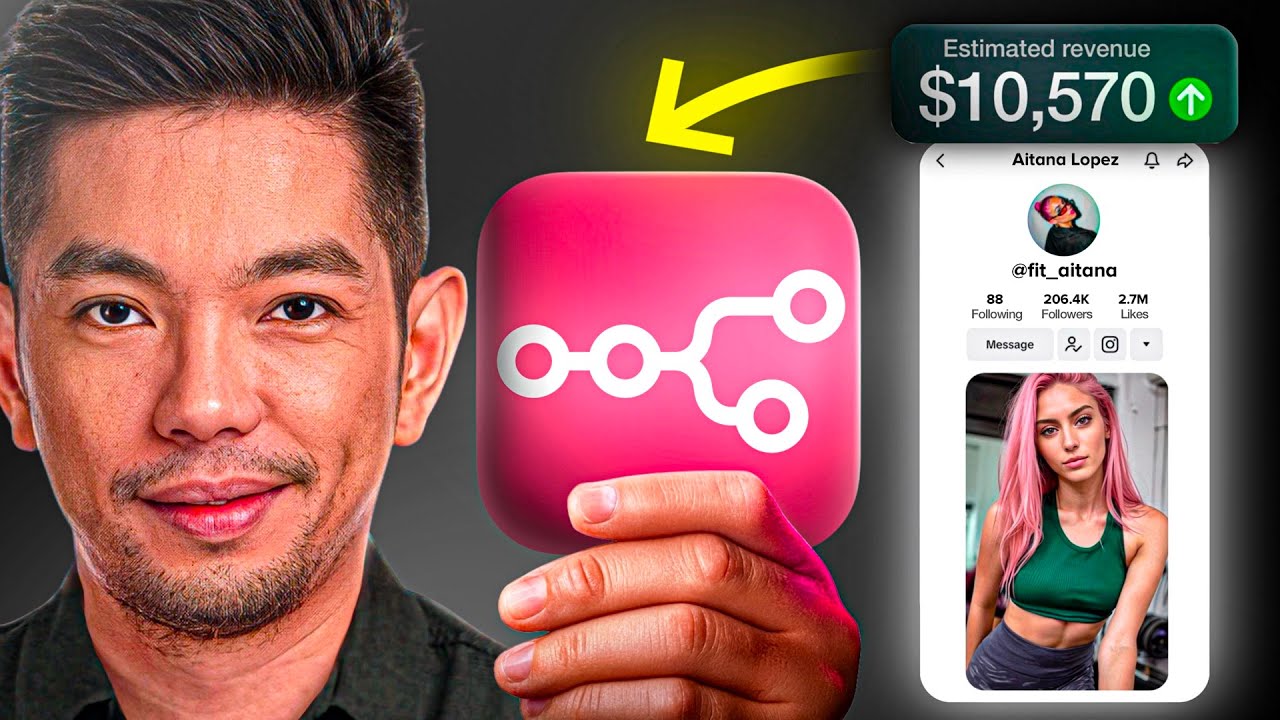
Reverse Engineering a $12K/Month TikTok Strategy
The original TikTok account we modeled spends hours daily manually creating content - scripting ideas, filming scenes, and editing videos. Their success proves the format works, but the manual process limits scalability. Our automation replicates their winning formula while eliminating the time-intensive work.
After analyzing hundreds of their videos, we identified key patterns in content structure, pacing, and hooks that drive engagement. The automation preserves these viral elements while generating entirely new content in the same style.
Key insight: Successful TikTok accounts maintain strict consistency in posting frequency and content style. This workflow automates both - producing daily videos that match your brand's aesthetic without creative fatigue.
The Complete Automation Workflow Overview
The system operates as a modular pipeline with three main phases: content planning, production, and publishing. Each phase handles specific tasks while maintaining data consistency across the entire workflow.
At 2:15 in the video, you'll see the workflow execute from start to finish - taking a spreadsheet entry through script generation, scene creation, video assembly, and final upload in under 3 minutes.
- Content Planning: Google Sheets stores all video parameters and acts as the control center
- AI Generation: Claude Sonnet creates scripts, Nano Banana generates images, Clink 2.5 produces video scenes
- Post-Production: FFmpeg stitches scenes together with transitions and audio
- Publishing: Automated upload to TikTok with optimized captions
Setting Up Your Google Sheets Content Template
The Google Sheet serves as your content command center - every field directly influences the final video. At 4:30 in the tutorial, we walk through each column's purpose and optimal configuration.
Critical fields include:
- Title: The core concept that guides script generation
- Character Descriptions: Maintains consistent personas across videos
- Visual Style: Defines the aesthetic (cinematic, anime, etc.)
- Color Palette: Hex codes for brand-consistent colors
- Scene Count: Determines video length (1 scene ≈ 5 seconds)
Pro Tip: Create a library of reusable character profiles and style presets to maintain brand consistency across all automated content.
n8n Configuration and Trigger Setup
The n8n workflow begins with either a manual trigger for testing or a scheduled trigger for production use. At 7:45 in the video, we demonstrate how to set up both options.
The first nodes:
- Check Google Sheets for new entries marked "Ready"
- Extract all content parameters into workflow variables
- Validate required fields are populated
- Pass data to the AI script generation module
This validation step prevents failed runs by ensuring the workflow only processes complete content briefs. You'll see the error handling in action at 8:20.
AI-Powered Script and Scene Generation
The AI Pre-Plan agent (shown at 10:15) acts as your creative director - analyzing the content brief and generating detailed scene descriptions. This ensures each video maintains consistent pacing and theme.
The agent:
- Interprets the core concept from your title
- Develops scene-by-scene narratives
- Creates stylistically consistent image prompts
- Outputs structured data for the next production stages
We use Claude Sonnet for its strong performance on creative tasks, but you can substitute other LLMs. The key is configuring the prompt template to enforce your desired output format.
Automated Video Production Pipeline
At 14:30 in the tutorial, the workflow demonstrates its parallel processing power - generating multiple scenes simultaneously while maintaining perfect synchronization. This is where the true time savings occur.
The production phase:
- Nano Banana generates high-quality images from AI prompts
- Clink 2.5 animates images into video scenes
- FFmpeg merges scenes with transitions and music
- Quality control checks ensure visual consistency
Performance Note: This workflow reduces video production time from 3 hours to about 3 minutes of automated processing - a 60x improvement over manual creation.
Final Publishing and Tracking Process
The publishing module (shown at 22:40) handles what most creators dread - the tedious upload and captioning process. The workflow:
- Generates SEO-optimized captions using your brand voice
- Uploads directly to TikTok via API
- Logs the published URL back to Google Sheets
- Marks the entry as complete to prevent duplicates
This closed-loop system means you can track performance directly in your spreadsheet while the automation handles all platform interactions. At 25:15, we show how to access your published content and analytics.
Watch the Full Tutorial
See the complete workflow execute from start to finish at 2:15 in the video, including real-time debugging of the AI generation nodes. The tutorial shows exactly how each component connects to create a seamless content pipeline.
Key Takeaways
This automation proves that viral content doesn't require manual creation - just strategic systems design. By breaking down a successful account's workflow into repeatable components, we've created a scalable content factory.
In summary: You can replicate proven TikTok strategies at scale by combining AI generation tools with n8n automation. The system handles scripting, filming, editing and publishing - you focus on strategy and growth.
Frequently Asked Questions
Common questions about this topic
This system combines AI-generated scripts with automated video production and publishing in one seamless workflow. Unlike standalone tools, it handles the entire process from idea to published post without manual intervention.
The integration with n8n allows for custom business logic and error handling that generic tools can't match. You maintain complete control over the creative direction while eliminating repetitive tasks.
- End-to-end automation from concept to publication
- Customizable to your specific brand requirements
- Built-in quality control checks at each stage
The automation reduces content creation time by approximately 90%. Where manual creation might take 3 hours per video, this system produces finished TikTok posts in about 3 minutes of hands-off time.
The time savings compound significantly when producing multiple videos daily. What would require a full-time employee can now run autonomously with occasional oversight.
- 3 hours → 3 minutes per video
- No filming or editing software required
- Parallel processing allows multiple videos simultaneously
The workflow combines multiple specialized AI tools: Claude Sonnet for script generation, Nano Banana for photorealistic images, Clink 2.5 for video scene creation, and FFmpeg for final video assembly.
Each tool handles a specific part of the content pipeline while maintaining consistent style and quality. The n8n workflow orchestrates their interactions and manages error cases.
- Claude Sonnet: Script and narrative generation
- Nano Banana: High-quality image creation
- Clink 2.5: Image-to-video animation
Yes, the Google Sheet template includes fields for brand-specific elements like color palettes, visual styles, and voice IDs. These parameters guide the AI tools to produce content that stays on-brand automatically.
You can define your preferred aesthetic once and the system replicates it across all future videos. The automation actually improves brand consistency by removing human variability.
- Centralized brand controls in Google Sheets
- Style parameters enforced at each production stage
- Automatic quality checks against brand guidelines
The system automates all editing through a sequence of specialized nodes: Clink 2.5 generates individual scenes, FFmpeg stitches them together with transitions, and another module syncs background music.
The final output includes captions and is formatted for TikTok's specifications before automatic upload. All editing decisions follow rules defined in your brand template.
- Automated scene transitions and timing
- Music synchronization to video pacing
- Platform-specific formatting and compression
The workflow maintains a complete record in Google Sheets, including the final video URL. You can easily modify the source content and regenerate videos by updating the spreadsheet.
The system will create a new version while keeping track of all previous iterations. This version control allows for continuous improvement of your content strategy.
- Full audit trail of all content versions
- One-click regeneration from modified source
- Historical performance tracking by iteration
Extremely scalable - the modular design allows you to add more content pipelines simply by adding rows to the Google Sheet. The n8n workflow can process multiple videos in parallel, limited only by your API quotas.
Some users run this system to produce 50+ videos daily with minimal oversight. The workflow includes rate limiting and queue management to handle high volumes efficiently.
- Parallel processing of multiple videos
- Automatic queue management during peak loads
- Easy scaling by adding more content briefs
GrowwStacks specializes in building custom automation systems like this TikTok content factory. We'll configure all the AI tools, design your n8n workflow, and train your team on managing the system.
Our implementation includes brand customization, quality control checks, and performance analytics. We handle the technical integration so you can focus on content strategy and growth.
- Custom workflow design for your brand
- Complete implementation and testing
- Ongoing support and optimization
Launch Your Automated TikTok Content Factory
Manual content creation burns creative energy and limits your growth potential. Our n8n automation delivers studio-quality TikTok posts in minutes, not hours - with your brand's unique style baked into every frame.