How to Build an AI Cold-Calling System for Real Estate Agencies (No Coding Required)
Imagine waking up to qualified leads already contacted, conversations transcribed, and hot prospects ready for follow-up - all while you slept. This complete guide shows real estate professionals how to automate cold calling using VAPI, Make.com, and Twilio with zero coding required.
The Real Estate Calling Problem
Real estate agents know the painful math: it takes an average of 8 cold calls to get one conversation, and 20 conversations to book an appointment. Most agents spend 2-3 hours daily on this grind, yet 63% give up before making enough calls to see results.
The traditional approach creates three major bottlenecks: limited calling hours (9am-5pm), inconsistent pitch delivery, and no systematic follow-up. This is where AI cold calling changes the game - working nights, weekends, and holidays while delivering perfect pitch consistency every time.
Key insight: AI doesn't replace human agents - it handles the repetitive first contact so agents can focus on qualified leads ready to talk. The system in this guide maintains natural conversations while qualifying leads 24/7.
How AI Cold Calling Works
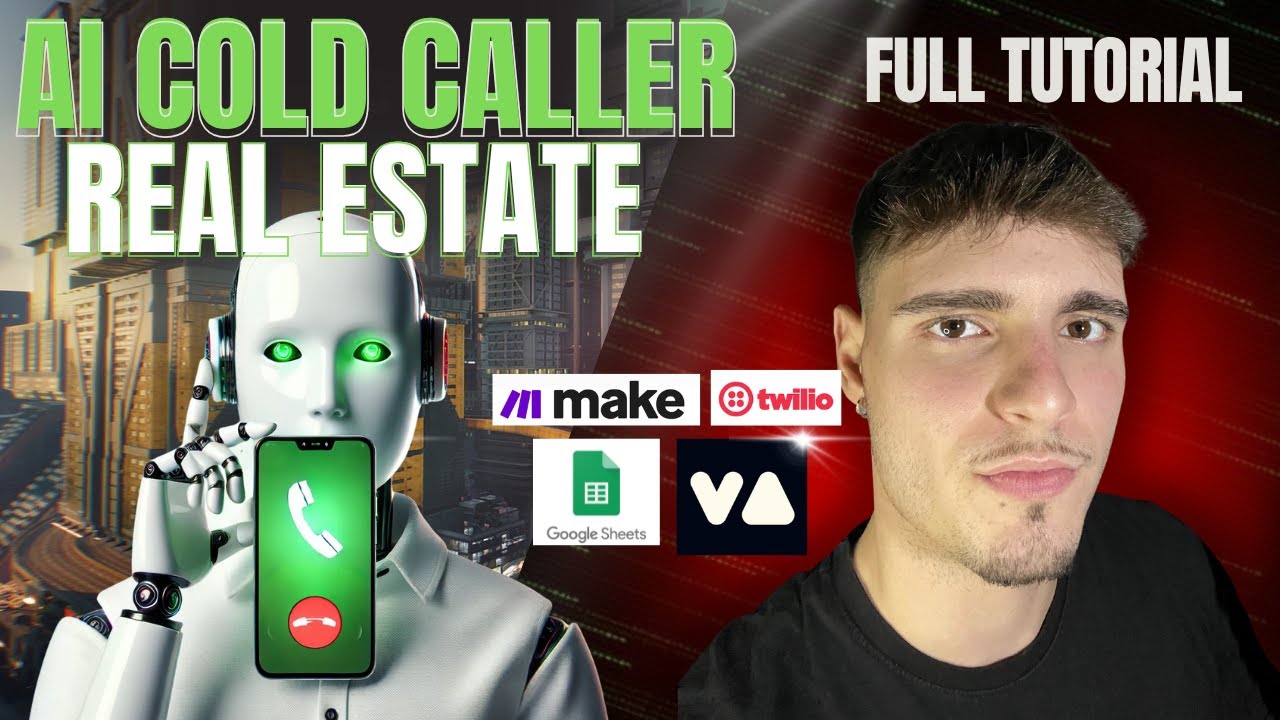
The system combines four powerful tools into an automated calling machine:
- Google Sheets - Your central lead database with names, numbers, and custom fields
- VAPI - Voice AI platform that makes calls using natural conversations
- Twilio - Provides the actual phone number that places calls
- Make.com - Orchestrates the entire workflow between components
Here's the magic sequence: Make.com pulls a lead from your Google Sheet → formats it for VAPI → triggers the AI call → VAPI uses your Twilio number to place the call → conversation transcript gets saved back to your sheet → hot leads are flagged for immediate follow-up.
Setting Up Your VAPI Assistant
Your AI caller's personality and effectiveness comes from the VAPI assistant configuration. At 4:32 in the video, we see how to craft the perfect real estate calling agent:
- First Message - The opening hook ("Hi, I'm Sarah from ScaleFi...")
- System Prompt - The brain behind conversations (handles objections, qualifies leads)
- Voice Selection - Choose a natural-sounding voice (we use "Sarah")
- Call Settings - Adjust pacing, timeouts, and conversation flow
Pro Tip: Record sample conversations during setup to test different approaches. The AI will maintain consistent tonality and pacing that matches your brand voice.
Connecting Your Twilio Phone Number
At 12:18 in the tutorial, we walk through Twilio setup - the only paid component of this system. Here's what you need:
- Purchase a local phone number ($1-2/month)
- Connect it to VAPI using your Twilio SID and auth token
- Disable SMS (voice calls only)
- Set caller ID to your business name
Important: Choose a number with a familiar area code to increase answer rates. The system works with any Twilio number in supported countries.
Building the Make.com Workflow
The Make.com scenario (shown at 7:45) is the brains of the operation. It performs six critical functions:
- Pulls new leads from your Google Sheet
- Formats the data for VAPI
- Stores your VAPI assistant configuration
- Triggers the actual call
- Processes the call results
- Updates your CRM or sheet with outcomes
The workflow uses Make.com's visual builder - no code required. Key modules include Google Sheets, Array Aggregator, JSON parser, and HTTP request to trigger VAPI calls.
Testing and Optimization
Before going live, run controlled tests (18:30 in video):
- Call yourself to experience the conversation flow
- Test common objections ("I'm not interested", "Call me back later")
- Verify transcript accuracy and recording quality
- Check lead qualification logic (what makes a lead "hot")
Optimization tip: Track which first messages get the highest engagement, then clone your best-performing assistant. The system allows unlimited variations for A/B testing.
Real World Results
Early adopters report impressive metrics:
- 45-60% answer rates (vs 20-30% for human callers)
- 3-5 qualified leads daily per 100 calls
- 24/7 operation with zero fatigue
- Full transcripts for every conversation
The system shines for:
- Listing appointments (sellers)
- Buyer lead qualification
- FSBO/expired listing outreach
- Agent recruitment calls
Unexpected benefit: Many recipients prefer talking to AI for initial contacts - they feel less pressure than with human callers, leading to more honest conversations about their real estate needs.
Watch the Full Tutorial
See the complete system build from start to finish in this 22-minute tutorial. At 14:30, we demonstrate how to handle a live call with perfect objection handling and natural conversation flow.
Key Takeaways
AI cold calling isn't about replacing human agents - it's about eliminating the worst part of lead generation so you can focus on what matters: building relationships with qualified prospects.
In summary: This system gives real estate professionals an unfair advantage - working while you sleep, never missing a call, and delivering perfectly consistent messaging. The best part? You can have it running in under an hour with zero coding required.
Frequently Asked Questions
Common questions about this topic
An AI cold-calling system uses voice AI technology to automatically make outbound calls to potential leads. It can introduce your business, qualify leads, answer basic questions, and schedule follow-ups without human involvement.
The system works 24/7 and provides call transcripts and recordings for review. Unlike robocalls, it conducts natural two-way conversations that adapt to the prospect's responses.
- Works continuously without breaks
- Maintains perfect pitch consistency
- Provides detailed conversation analytics
VAPI handles the voice AI calls while Make.com orchestrates the workflow. Make.com pulls lead data from Google Sheets, formats it for VAPI, triggers the calls, and processes the results.
The integration allows you to automate the entire cold-calling process from lead list to call completion. Make.com acts as the central nervous system that connects all components together.
- Automates lead processing
- Manages call scheduling
- Handles data transfer between systems
No coding is required. The system uses no-code tools like Make.com for workflow automation and VAPI's visual interface for call configuration.
Basic computer skills are sufficient to implement this solution following the step-by-step guide. The most technical part is copying API keys between platforms.
- Drag-and-drop workflow builder
- Visual call configuration
- Pre-built templates available
Costs include VAPI usage fees (per minute of call time), Make.com subscription, and a Twilio phone number. Total monthly costs typically range from $50-$300 depending on call volume.
This is significantly cheaper than hiring a human caller while providing 24/7 availability. Most users see ROI within the first month from just a few converted leads.
- VAPI: ~$0.10/minute
- Make.com: $9-$29/month
- Twilio: $1-2/month per number
AI callers can achieve comparable qualification rates to human agents for initial outreach. The system in this guide maintains a natural conversation flow and can handle common objections.
AI excels at consistency - delivering your pitch perfectly every time without fatigue or variation. It also works outside business hours when many prospects are more available to talk.
- 45-60% answer rates
- 24/7 availability
- Perfect pitch consistency
Yes, Make.com can connect to most CRMs like HubSpot, Salesforce, or Pipedrive. Qualified leads can be automatically added to your CRM with call transcripts attached.
The workflow can also trigger follow-up emails or tasks for your sales team based on call outcomes. Integration takes about 15 minutes using Make.com's pre-built CRM connectors.
- Automatic lead creation
- Transcript attachments
- Follow-up task generation
This system works for any B2B or high-ticket B2C industry including insurance, financial services, SaaS, and professional services.
The call script and qualification questions can be customized for any business model that benefits from outbound calling. The same technical setup applies across industries.
- Insurance agencies
- Financial advisors
- Software companies
GrowwStacks specializes in building custom AI automation solutions for businesses. We can design and implement this cold-calling system tailored to your specific needs.
Our team handles the technical setup so you can focus on converting the qualified leads. We provide:
- Custom call script development
- CRM integration
- Ongoing optimization
Get Your AI Cold-Calling System Running in 48 Hours
Stop wasting hours on manual outreach that could be automated. Let GrowwStacks build your custom AI calling solution so you can focus on closing deals instead of chasing leads.