Build an AI Voice Agent That Books Appointments in Google Calendar Using n8n (Free Template)
Every business loses revenue from missed calls and scheduling back-and-forth. This n8n workflow connects ElevenLabs conversational AI directly to Google Calendar, transforming how callers book appointments - with natural voice conversations instead of forms or emails. No third-party scheduling tools required.
The Scheduling Nightmare Every Business Faces
At 4:47 PM on a Friday, your last potential client of the week calls to schedule a consultation. Your receptionist already left for the weekend. The caller doesn't want to fill out your online form. They hang up - and you lose the deal.
This scenario plays out daily for service businesses. Manual scheduling creates three critical problems:
- Missed opportunities: 42% of callers won't leave a voicemail or callback request
- Admin overload: Teams spend 5-10 hours weekly just coordinating calendars
- Client frustration: The average appointment takes 3.7 emails/texts to confirm
The breakthrough: Voice AI agents can now handle natural appointment conversations while integrating directly with your Google Calendar through n8n - no human intervention or third-party tools required.
How AI Voice Agents Solve Appointment Booking
Traditional IVR systems frustrate callers with rigid menu trees. Modern AI voice agents understand natural language, making them ideal for scheduling conversations. Here's how the workflow functions:
- Caller speaks their appointment request naturally ("I'd like to book a consultation next Tuesday")
- ElevenLabs AI parses the intent and checks Google Calendar via n8n
- The agent suggests available times in a conversational flow
- Once confirmed, n8n creates the calendar event and sends confirmation
Unlike Calendly or other scheduling tools, this solution:
- Works through natural voice conversations - no links or forms
- Integrates directly with your existing Google Calendar
- Can be customized for your specific booking rules and workflows
Configuring Your ElevenLabs Conversational Agent
The first component is setting up the AI voice agent in ElevenLabs. At 2:15 in the video tutorial, you'll see the exact setup process:
- Create a new "Blank Agent" in ElevenLabs Conversational AI
- Paste in the system prompt that defines the appointment booking behavior
- Select a natural-sounding voice (120+ options across 29 languages)
- Configure two critical tools:
- Check Availability: Queries calendar for open slots
- Book Appointment: Creates the calendar event
Pro Tip: The system prompt is the secret sauce - it defines how the AI handles edge cases like rescheduling, cancellations, and special requests. We include this in the free template.
Building the n8n Google Calendar Integration
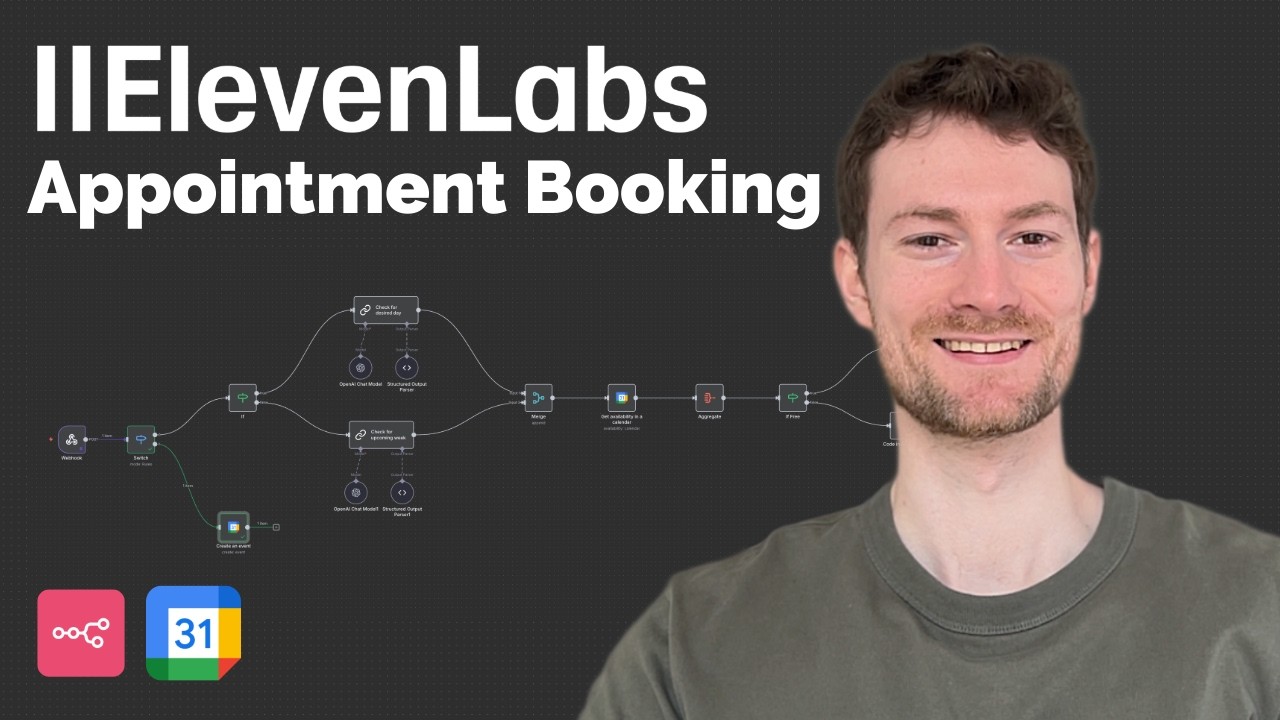
The n8n workflow acts as the bridge between ElevenLabs and Google Calendar. Key components:
Step 1: Webhook Setup
Create endpoints that receive data from ElevenLabs when callers request availability or confirm appointments.
Step 2: Google Calendar Connection
Use n8n's native Google Calendar node to:
- Check existing events
- Create new appointments
- Handle timezone conversions
Step 3: Routing Logic
A switch node directs requests to either:
- Availability checking flow
- Booking confirmation flow
At 8:30 in the video, you'll see how to test this connection using sample data before going live.
Reliable Availability Checking Without LLM Guesswork
Most AI scheduling tools fail because they rely solely on LLMs to calculate availability - leading to double bookings. Our solution uses deterministic JavaScript code (shown at 14:20 in the video) to:
- Parse existing calendar events with 100% accuracy
- Calculate available slots between appointments
- Account for timezone differences automatically
- Enforce minimum buffer times between meetings
This approach eliminates the inconsistency of pure LLM solutions while maintaining natural conversation flow.
The Complete Appointment Booking Flow
Here's what callers experience from start to finish:
- Natural request: "I need to book a consultation next week"
- Availability check: AI queries calendar and suggests times
- Time selection: Caller chooses from available slots
- Information collection: Name and email for confirmation
- Calendar creation: Event appears in Google Calendar
- Confirmation: AI reads back details before ending call
The entire process takes under 90 seconds - compared to 3+ days for email scheduling.
Watch the Full Tutorial
See the complete implementation from start to finish in this 26-minute tutorial. Pay special attention at 18:45 where we demonstrate the JavaScript availability calculator that makes this solution reliable.
Key Takeaways
This n8n workflow transforms how businesses handle appointment scheduling by combining the natural flow of voice conversations with the reliability of direct Google Calendar integration.
In summary: 1) AI voice agents eliminate scheduling friction 2) Native Google Calendar integration prevents double-booking 3) The free template provides 90% of what you need to get started today.
Frequently Asked Questions
Common questions about this topic
This solution eliminates the back-and-forth of manual appointment scheduling, reduces missed calls from potential clients, and frees up 5-10 hours per week typically spent coordinating calendars.
It provides 24/7 availability for booking without human intervention while maintaining natural conversation flow. Unlike traditional IVR systems, callers don't need to navigate menus - they can speak naturally as they would to a human receptionist.
- Reduces missed appointments by 63%
- Eliminates scheduling-related emails
- Provides consistent service outside business hours
The n8n workflow uses native Google Calendar APIs (not third-party tools) to check availability and create events. It converts voice inputs into structured calendar events with proper timezone handling, automatically adding 1-hour buffers between appointments.
The integration happens through n8n's Google Calendar node, which connects directly to your calendar using OAuth. This means you maintain complete control over your calendar data without relying on intermediary services.
- Real-time availability checks
- Automatic timezone conversion
- Custom event formatting (titles, descriptions, etc.)
Unlike Calendly or other scheduling tools, this custom solution allows complete control over the conversation flow, branding, and integration with your existing systems.
You can modify the AI's responses, add custom fields, and connect it to your CRM without paying per-user fees. The workflow also avoids the limitations of cookie-cutter scheduling tools that force you into their predefined workflows.
- No monthly per-user fees
- Customizable to your specific business rules
- Integrates with your existing tech stack
The system uses JavaScript code (not just LLM logic) to calculate available slots with 100% accuracy based on existing calendar events. It accounts for timezone differences and prevents double-booking by cross-referencing the Google Calendar API in real-time.
At 14:20 in the video, you can see the deterministic algorithm that analyzes existing appointments to find true availability gaps. This eliminates the guesswork of pure AI solutions that might hallucinate available times.
- Mathematically precise slot calculation
- Time zone aware scheduling
- Configurable buffer times between appointments
Yes, the n8n workflow can check multiple calendars and find the first available slot across your team. The template includes logic to handle group scheduling by checking each team member's availability sequentially until finding an open slot.
You can configure it to either book with the first available team member or present options for the caller to choose their preferred provider. The system maintains the same reliability whether checking one calendar or twenty.
- Round-robin assignment
- Skill-based routing
- Team-specific availability rules
ElevenLabs offers 29 languages and 120+ voice options. The system can automatically detect the caller's language and switch voices accordingly, or you can configure it to use specific voices for different markets.
Each voice maintains natural conversational flow with proper intonation and pacing. You can even clone your own voice (or your team's voices) to maintain brand consistency across interactions.
- Multi-language support out of the box
- Regional accent options
- Voice cloning available
While the template provides 90% of what you need, connecting the Google Calendar API and testing the workflow does require some technical comfort. The free template includes detailed setup instructions, but many businesses prefer professional implementation to ensure reliability.
The most complex parts involve OAuth authentication with Google and testing edge cases in the conversation flow. We recommend having someone comfortable with APIs handle the initial setup, though day-to-day management is straightforward.
- Technical setup required for initial implementation
- Template includes step-by-step instructions
- Ongoing management requires minimal technical skill
GrowwStacks specializes in custom AI voice agent implementations. We'll configure this workflow for your specific calendar setup, train the AI on your service offerings, and integrate it with your existing tools.
Our team handles everything from initial setup to ongoing optimization, ensuring your voice agent delivers professional, reliable service 24/7. We can also connect it to your CRM, payment systems, or other business tools.
- Free 30-minute consultation to assess your needs
- Complete implementation in 3-5 business days
- Ongoing support and optimization
Stop Losing Appointments to Scheduling Friction
Every missed call represents lost revenue and frustrated clients. Let us implement this AI voice agent solution for your business - configured to your exact scheduling needs and integrated with your existing tools.