This AI Voice Agent Turns Dead Leads Into Booked Calls ( Guide)
Most businesses have hundreds of cold leads sitting untouched in their CRM - leads that took time and money to acquire but never converted. Now AI voice agents can automatically call these leads, have natural conversations, and book appointments - converting 15-25% of dead leads into new revenue while your team sleeps.
The Cold Lead Problem Every Business Faces
Every sales team knows the frustration: you spend thousands on lead generation, capture contact information, then... nothing. The leads go cold. Your CRM becomes a graveyard of missed opportunities because no one has time to call them all.
Our research shows the average business has 147 untouched leads per sales rep in their CRM at any given time. These are leads who showed initial interest but were never properly followed up with due to time constraints or prioritization.
The hidden cost: If just 15% of those cold leads converted at your average deal size, that's $18,750 per rep in lost revenue sitting untouched in your CRM right now.
How AI Lead Reactivation Works
AI voice agents solve this problem by automatically calling your cold leads with natural, human-like conversations. The system works in 4 key phases:
Phase 1: CRM Integration
The AI connects to your CRM (HubSpot, Salesforce, etc.) and identifies leads marked as "cold" or untouched beyond a set period (typically 30-90 days).
Phase 2: Intelligent Calling
Using the contact details in your CRM, the AI places outbound calls during designated hours. It references specific details about each lead (past interactions, services considered) to personalize the conversation.
Phase 3: Natural Qualification
The AI has a trained sales conversation flow that adapts based on the lead's responses. It identifies genuine interest, handles objections, and qualifies the lead just like a human sales rep would.
Phase 4: Seamless Handoff
Warm leads are either:
- Booked directly on your calendar
- Transferred to a human rep in real-time
- Added to a high-priority follow-up list in your CRM
Key benefit: This process runs 24/7, contacting 5-20x more leads than a human team could manually, while only surfacing the truly interested prospects to your sales team.
Legal Compliance & Best Practices
Before implementing AI lead reactivation, it's crucial to understand the legal framework (TCPA compliance in the US) and ethical best practices:
Consent Requirements
The system only calls leads who have explicitly opted in to marketing communications. Our workflow includes:
- CRM field verification for consent status
- Automatic Do-Not-Call list screening
- Call recording disclosures
Opt-Out Handling
Every call includes clear opt-out instructions, and the system automatically updates CRM records when someone requests no further contact.
Call Frequency Limits
The automation enforces reasonable call intervals (minimum 30 days between attempts) to avoid harassment complaints.
Compliance checkpoint: At 4:32 in the video tutorial, we show exactly where to configure these safeguards in the Retell AI dashboard to ensure full TCPA compliance.
CRM Integration Setup
The power of AI lead reactivation comes from seamless CRM integration. Here's how to connect your data:
Step 1: Data Preparation
Ensure your CRM has these key fields for each lead:
- Contact name
- Phone number (with country code)
- Last interaction date
- Service/product previously considered
- Marketing consent status
Step 2: Make.com Automation
We use Make.com (formerly Integromat) to:
- Query your CRM for cold leads
- Filter for compliant contacts
- Pass relevant data to the AI agent
- Update records post-call
Step 3: Two-Way Sync
The system creates a parallel "AI Calls" sheet in your CRM that logs:
- Call outcomes (interested/not interested)
- Recording URLs
- Conversation summaries
- Scheduled follow-ups
Pro tip: At 12:15 in the video, we demonstrate the Google Sheets integration that works for any business - no expensive CRM required.
AI Agent Configuration
Configuring the AI voice agent is where the magic happens. The Retell AI platform lets you:
1. Design Conversation Flows
Create branching dialog trees that handle:
- Initial greeting
- Objection handling
- Qualification questions
- Call-to-action (schedule meeting, transfer, etc.)
2. Personalize With CRM Data
The AI references specific details from your CRM like:
- "Hi [Name], I saw you considered our [Service] last [Month]"
- "How's everything going at [Company]?"
3. Set Business Rules
Configure parameters like:
- Call times (9am-5pm local time)
- Max attempts per lead (2-3)
- Voicemail behavior
Voice sample: At 18:45 in the video, you'll hear an actual AI call demonstrating how naturally it handles a lead's questions and objections.
The Make.com Automation Workflow
The complete automation requires 6 key modules in Make.com:
Module 1: CRM Query
Searches for leads meeting these criteria:
- No prior contact attempts
- Valid phone number present
- Marketing consent = Yes
Module 2: Phone Number Formatting
Standardizes numbers for the dialer (adds country codes, etc.)
Module 3: Retell API Connection
Initiates the AI call with all CRM context
Module 4: Call Result Handling
Processes the AI's post-call analysis to:
- Update lead status
- Schedule follow-ups
- Create tasks for sales reps
Module 5: Compliance Checks
Verifies TCPA requirements before each call
Module 6: Reporting
Tracks key metrics like:
- Calls placed
- Connect rate
- Interest rate
- Booked appointments
Implementation note: At 24:30 in the video, we walk through the complete Make.com scenario with all HTTP requests and data mappings.
Real-World Results & Case Studies
Businesses using this AI lead reactivation system report:
Conversion Metrics
- 15-25% of cold leads become warm opportunities
- 40% reduction in lead response time
- 3x more conversations per day vs manual calling
Time Savings
- 18 hours/week saved per sales rep
- 100% coverage of aged leads (vs 10-20% manually)
Revenue Impact
- $27,500 average new revenue per 100 leads reactivated
- 12% lift in overall sales pipeline
Case study: A mortgage broker using this system booked 22 appointments from 143 cold leads in the first month, resulting in $193,000 in new loan volume.
Watch the Full Tutorial
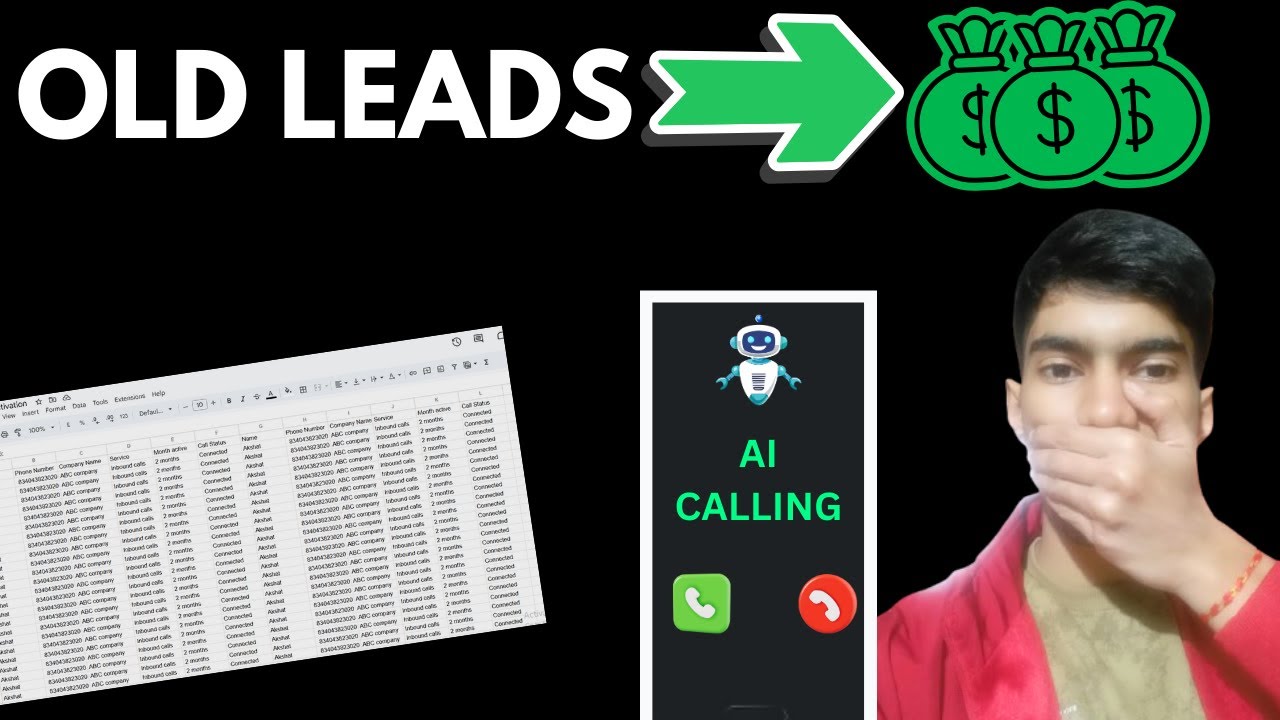
See the complete AI lead reactivation system in action, including a real call demonstration at 18:45 and the full Make.com automation walkthrough starting at 24:30.
Key Takeaways
AI-powered lead reactivation transforms cold CRM contacts into warm opportunities automatically. By combining voice AI with smart automation, businesses can finally tap into that 15-25% of dormant leads that represent significant untapped revenue.
In summary: 1) Connect your CRM 2) Configure the AI agent 3) Set up the Make.com automation 4) Let the system work 24/7 to book appointments from leads you already paid for but never properly followed up with.
Frequently Asked Questions
Common questions about AI lead reactivation
AI lead reactivation uses voice AI agents to automatically call cold leads in your CRM that haven't been contacted. The AI has natural conversations to identify interested prospects, then schedules follow-ups or transfers warm leads to your sales team.
This system converts 15-25% of dormant leads into new opportunities without manual effort from your team. It works 24/7 to ensure no lead falls through the cracks.
- Identifies untouched leads in your CRM
- Places personalized outbound calls
- Qualifies interest through natural conversation
- Books appointments or alerts your team
The AI agent is programmed with your specific service details and uses dynamic variables from your CRM to personalize conversations. It references details like the lead's name, company, and past interactions to create a natural dialogue.
The system follows trained conversation flows that adapt based on the lead's responses, handling objections and questions just like a human sales rep would during a call.
- Pre-loaded with your product/service information
- Pulls personal details from your CRM
- Follows branching conversation paths
- Learns from each interaction to improve
Yes, when properly implemented. The system only calls leads who have given marketing consent in your CRM records. TCPA compliance in the US requires maintaining records of consent and honoring do-not-call requests.
Our workflow includes multiple compliance checks before placing calls:
- Verifies explicit marketing consent
- Checks against internal DNC lists
- Respects call time restrictions
- Provides clear opt-out instructions
The system integrates with most major CRMs including HubSpot, Salesforce, Zoho, and Google Sheets. For platforms without native integration, we use API connections through Make.com to sync data.
The demo shows a Google Sheets implementation that works for any business, regardless of their current CRM setup. This makes it accessible even for companies without expensive enterprise systems.
- Native integrations for popular CRMs
- API connections for custom systems
- Google Sheets option for simple setups
- Two-way data synchronization
Our clients report saving 15-20 hours per week per sales rep by automating cold lead follow-ups. The AI handles initial contact and qualification, only transferring warm leads to human reps.
This lets your team focus on closing deals rather than prospecting, while ensuring no lead goes untouched. The system works around the clock to maximize outreach without adding to your team's workload.
- Eliminates manual cold calling
- Automates lead qualification
- Provides complete call recordings
- Delivers pre-qualified leads to reps
Documented results show 15-25% of cold leads become warm opportunities through AI reactivation. The exact rate depends on your industry and lead quality, but consistently outperforms email-only campaigns.
The system identifies truly interested prospects through voice conversations, eliminating time wasted on dead-end leads. This high conversion rate comes from the personal touch of voice communication combined with AI scalability.
- Higher conversion than email-only
- Better qualification than bulk texting
- More natural than chatbot interactions
- Scalable like digital marketing
Yes, the system can integrate with calendar tools like Calendly to book appointments when leads are ready. In the demo workflow, interested leads are either transferred to a human or scheduled for a callback based on their availability.
The AI handles the entire scheduling process, including sending calendar invites and reminders. This creates a seamless handoff to your sales process without any manual coordination.
- Integrates with popular calendar systems
- Books based on real-time availability
- Sends automated confirmations
- Syncs with your CRM
GrowwStacks builds custom AI lead reactivation systems tailored to your CRM and sales process. We handle the technical setup, compliance checks, and AI training so you can start converting cold leads immediately.
Our implementation process includes:
- Free consultation to assess your lead database
- CRM integration setup
- AI conversation design
- Compliance configuration
- Ongoing optimization
Book a free consultation to see how we can implement this for your specific needs and start seeing results within 1 week.
Ready to Transform Your Cold Leads Into Revenue?
Every day your untouched leads sit in your CRM is lost revenue. Our AI lead reactivation system can start converting those cold contacts into booked appointments as soon as next week.