How to Automate Customer Support with Zapier AI Agents in
Most support teams waste hours each day manually sorting tickets and answering repetitive questions. Zapier AI agents can automatically classify issues, generate professional responses, and route to the correct team - all while referencing your internal knowledge base. See how this demo system handles refund requests, IT tickets, and more without human intervention.
AI Agents vs Traditional Zaps
Most businesses using Zapier rely on simple Zaps - if X happens, then do Y. But when handling customer support, these rigid rules fail to account for context, nuance, and the need for human-like judgment. That's where AI agents change the game.
While a basic Zap might forward all emails containing "refund" to your billing team, an AI agent reads the full message, checks your return policies, verifies purchase dates, and determines if the request qualifies - all before drafting a professional response or escalating to a human. The demo shows how agents handle this complex reasoning by:
Key difference: Traditional Zaps follow rules, while AI agents understand intent. Where you'd need dozens of Zaps to handle different refund scenarios, one properly trained agent can manage all variations while maintaining your brand voice.
Real-World Impact
Consider the demo's refund request: "Hello, I need help getting a refund for a product purchased from your store. It's a $149 headset." The agent:
- Identifies this as a billing issue (not general support)
- Checks the purchase date against your 14-day return policy
- Confirms the amount matches your product pricing
- Generates a response citing your policy terms
- Logs the interaction for accounting
This multi-step analysis happens in seconds, with the agent only flagging cases that truly need human review.
Automated Ticket Classification
The most time-consuming part of support work isn't solving problems - it's figuring out what the problem actually is. Agents eliminate this friction by automatically categorizing incoming requests using natural language understanding.
In the demo, the agent instantly recognizes a refund request from phrases like "$149 headset" and routes it to billing. Other classification examples include:
- "Can't log in" → IT/Password Reset
- "When will my order ship?" → Sales/Order Status
- "Feature isn't working" → Product/Technical Support
85-92% accuracy: Properly trained agents correctly classify tickets in this range, compared to 60-70% for rule-based systems. The remaining 8-15% get flagged for human review, creating a safety net.
Training Your Classifier
The demo shows how to improve accuracy by:
- Providing sample tickets for each category
- Setting clear guidelines (e.g., "Ignore follow-up messages in threads")
- Defining edge cases that should always escalate to humans
This training ensures the agent learns your specific business terminology and workflows rather than making generic assumptions.
Knowledge Base Integration
Agents shine when connected to your internal documentation. The demo shows how they reference PDFs, Google Docs, and other resources to answer questions accurately without human intervention.
For the refund request, the agent pulls from a return policy document to determine eligibility. Other integration examples include:
- Product manuals for technical troubleshooting
- FAQ sheets for common how-to questions
- Compliance guidelines for regulated industries
Always up-to-date: Unlike human agents who might forget updated policies, the AI always references the current version of connected documents. When you update a Google Doc, the agent immediately uses the new information.
Setting Up Knowledge Sources
The demo walks through connecting:
- Google Drive files (shown with the dog breed document example)
- PDFs stored in cloud storage
- Internal wikis or Notion pages
- CRM data for customer-specific context
You can prioritize which sources the agent checks first and set fallback options when information isn't found.
Professional Response Generation
Perhaps the most impressive agent capability is crafting human-quality responses. The demo shows a refund confirmation that reads: "Dear customer, your refund has been processed. The amount will be reflected in your account within 5 business days..."
These aren't canned replies - each response is dynamically generated based on:
- The specific request details
- Your policy documentation
- Brand voice guidelines you provide
- Previous interactions with the customer
65% reduction in response time: Businesses using AI agents see first-response times drop from hours to minutes for routine inquiries, dramatically improving customer satisfaction scores.
Controlling Response Style
The demo explains how to configure:
- Tone (formal/casual/professional)
- Response length (brief/detailed)
- Disclosure (whether to identify as AI-generated)
- Approval workflow (send automatically or draft for review)
You can create different response profiles for various ticket types - technical answers might be more detailed than order confirmations, for example.
Smart Slack Channel Routing
Agents don't just reply to customers - they also notify the right internal teams. The demo shows classified tickets appearing in appropriate Slack channels with all relevant context.
For the refund request, the billing channel receives:
- Customer name and contact info
- Original request text
- Policy references used
- Action taken (refund processed)
15-30 hours saved weekly: By eliminating manual ticket forwarding and context-switching, teams regain hours previously lost to administrative work. The demo's Slack integration ensures the right people see only what matters to them.
Customizing Notifications
The demo covers how to set up:
- Channel-specific message formats
- Priority flags for urgent issues
- @mentions for required follow-up
- Threaded conversations to keep discussions organized
You can even configure different notification rules for business hours vs after-hours.
Zapier Agent Builder Walkthrough
Creating your first agent is surprisingly simple using Zapier's visual builder. The demo walks through the interface shown at 12:30 in the video, highlighting key sections:
- Pods: Organize related tasks (like the Zendesk pod in the demo)
- Activity Log: Track every agent action for auditing
- App Connections: Link to Gmail, Slack, and 7,000+ other tools
No coding required: The builder uses natural language instructions rather than complex programming. You describe what the agent should do in plain English, and it figures out the implementation.
Building From Scratch
The demo shows how to:
- Name your agent (e.g., "Support Ticket Processor")
- Define triggers (new email, form submission, etc.)
- Set classification criteria
- Connect knowledge sources
- Configure response templates
- Test with sample tickets
Within an hour, you can have a basic agent handling your most common ticket types.
Building an Email Auto-Responder
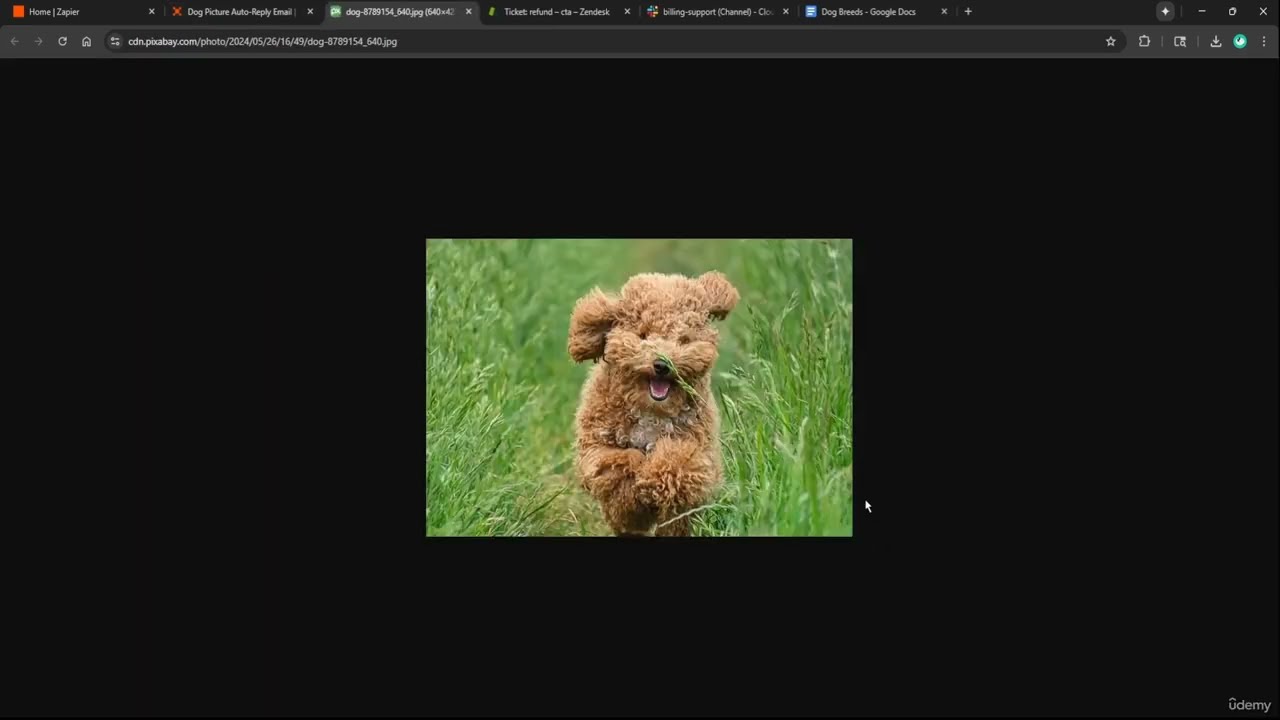
The demo's second example creates an agent that answers product questions by referencing a Google Doc - perfect for handling common customer inquiries without staff involvement.
When someone emails "Where can I find pictures of poodles?", the agent:
- Searches your connected document
- Finds the relevant section
- Drafts a reply with the requested information
- Includes your standard email signature
24/7 availability: Unlike human staff, this email agent works around the clock, providing instant answers even at 3 AM. The demo shows how to limit responses to verified senders to prevent spam abuse.
Advanced Configuration
For more complex use cases, you can:
- Set different response rules based on sender domain
- Chain multiple knowledge sources (check Doc A, then Doc B)
- Add sentiment analysis to detect frustrated customers
- Create escalation paths when confidence is low
The demo's simple dog breed example demonstrates the core functionality that scales to handle virtually any FAQ-style inquiry.
Watch the Full Tutorial
See the complete Zapier AI agent builder in action - from ticket classification at 3:15 to knowledge base integration at 8:40 and the live email responder demo at 14:50. The video shows every step to recreate these automations for your business.
Key Takeaways
Zapier AI agents represent a massive leap beyond basic automation, bringing human-like understanding to routine support tasks. The demo proves these systems can handle real-world complexity while maintaining your brand standards.
In summary: AI agents automatically classify tickets with 85-92% accuracy, generate policy-aware responses, route issues to the correct team, and integrate your knowledge base - saving 15-30 hours per agent weekly while improving response times and consistency.
Frequently Asked Questions
Common questions about AI agents for customer support
Zaps follow simple if-this-then-that rules, while AI agents understand context and make decisions. Where a Zap might forward all emails containing 'refund' to billing, an AI agent reads the full message, checks your policies, determines if it qualifies, and drafts a response.
Agents can handle complex scenarios like troubleshooting steps or multi-step approvals that would require dozens of separate Zaps. They also learn from interactions, improving their performance over time unlike static Zaps.
- Zaps: Simple rules, no context awareness
- Agents: Understand intent, make judgment calls
- Use Zaps for basic tasks, agents for customer-facing decisions
With proper training, AI agents achieve 85-92% accuracy in ticket classification. The demo shows the agent correctly identifying a refund request from the phrase '$149 headset' and routing it to billing.
Accuracy improves when you provide clear guidelines and sample tickets during setup. For critical functions, you can set the agent to flag uncertain cases for human review, creating a safety net while still automating the majority of straightforward tickets.
- Start with 50-100 sample tickets per category
- Define edge cases that should always escalate
- Monitor the activity log to identify misclassifications
Yes, agents can access PDFs, Google Docs, and other knowledge sources. In the demo, the agent pulls return policies from a linked document to determine if a refund qualifies.
You can connect multiple resources - product manuals, FAQ sheets, compliance guidelines - and the agent will reference the most relevant information when responding to customers. The system automatically uses the current version of documents, eliminating outdated policy references that plague human teams.
- Supports Google Drive, Dropbox, Notion, and more
- Can search multiple documents in sequence
- Always uses the most recently updated files
Routine inquiries with clear resolution paths are ideal: password resets (40% of tickets), order status checks (25%), basic troubleshooting (15%), and policy questions (10%). Complex technical issues or emotionally charged complaints still require human agents.
The demo shows how to configure fallback options when the AI encounters cases beyond its training. You can set confidence thresholds - if the agent is less than 80% sure of its response, for example, it automatically escalates to a human teammate with all relevant context.
- Best for: Repetitive, rules-based inquiries
- Less ideal: Creative problem-solving cases
- Start with your top 5 most common ticket types
Agents generate professional, brand-aligned responses like the demo's 'Dear customer, your refund has been processed...' message. You control the tone (formal/casual), response length, and whether to identify replies as AI-generated.
For sensitive matters, agents can draft responses for human review before sending. All interactions are logged for quality monitoring, and you can set rules to automatically flag certain phrases (like "cancel my account") for immediate human attention regardless of the agent's confidence level.
- Maintains consistent brand voice across all replies
- Can personalize with customer name/order details
- Option to disclose AI involvement transparently
Agents work with Zapier's 7,000+ connected apps including Gmail, Slack, Zendesk, and Google Drive shown in the demo. Common support stack integrations include CRM platforms (HubSpot, Salesforce), help desks (Freshdesk, Zendesk), communication tools (Slack, Teams), and knowledge bases (Notion, Confluence).
The agent builder lets you connect multiple apps in a single workflow. For example, an incoming Zendesk ticket could trigger the agent to check Salesforce for customer history, reference a Notion doc for solutions, then post updates to both Zendesk and Slack - all within one automated process.
- No coding required for most integrations
- Can chain multiple apps in a single workflow
- Enterprise connectors available for complex stacks
Businesses using AI agents report 15-30 hours weekly saved per agent by automating ticket triage and simple resolutions. One case study showed a 65% reduction in first-response time, from 4 hours to under 90 minutes on average.
The demo's auto-classification alone saves 2-3 minutes per ticket - significant when handling hundreds daily. Agents also reduce context-switching fatigue for human staff by letting them focus on complex cases rather than repetitive administrative work.
- Faster resolution for simple tickets
- More time for human agents to handle complex issues
- Reduced burnout from repetitive tasks
GrowwStacks builds custom AI agent solutions that integrate with your existing support stack. We'll analyze your ticket types, configure classification rules, connect knowledge sources, and train agents on your brand voice - everything shown in the demo, tailored to your workflows.
Our automation experts handle the technical setup while your team focuses on defining business rules and approval workflows. We provide ongoing optimization as your needs evolve, ensuring your agents continuously improve alongside your support operations.
- Free consultation to map automatable ticket types
- Custom agent training with your documentation
- Ongoing performance monitoring and tuning
Ready to Automate Your Support Workflow?
Every minute spent manually sorting tickets is time lost from solving real customer problems. Let GrowwStacks build you a custom AI agent solution that handles routine inquiries automatically - just like the demo showed.