How to Automate Your Email Triage with AI Using Zapier
Most marketing teams waste hours each week manually sorting through inbox replies - feedback gets lost, sales leads go cold, and unsubscribe requests pile up. This Zapier workflow uses AI to automatically categorize every email, draft personalized responses, and route messages to the right team - cutting email management time by 80%.
The Email Triage Problem
Marketing teams know they should monitor inbox replies - but in reality, most only check them weekly (if at all). A Zapier study found that 68% of marketing emails receive replies, but teams only respond to 23% of them. The consequences are severe:
- Valuable product feedback gets buried
- Sales leads go cold before follow-up
- Unsubscribe requests violate CAN-SPAM rules
- Customer complaints escalate unnecessarily
The hidden cost: For a team receiving 200 email replies weekly, manual triage consumes 15-20 hours of productivity - time that could be spent on strategic work instead of inbox management.
Zapier AI Triage Solution
Zapier's lifecycle marketing team solved this with an AI-powered triage system that:
- Automatically categorizes every incoming email
- Routes messages to the appropriate workflow
- Drafts personalized responses where needed
- Maintains human review for sensitive actions
The system uses GPT-4 through Zapier's AI tools to analyze email content, then follows deterministic paths based on the classification. This combines AI's analytical power with human oversight where it matters most.
Workflow Breakdown
The core Zapier workflow has three key components:
1. Email Trigger
Connects to your shared inbox (Gmail or Outlook) and watches for new incoming messages. For teams, this typically monitors your marketing@ or info@ address.
2. AI Classification
Using OpenAI's GPT-4, the system analyzes each email's content, subject line, and sender to categorize it into one of six types:
- Feedback/Complaint
- Sales Inquiry
- Unsubscribe Request
- Praise
- Out of Office
- Unknown
3. Path Routing
Based on the classification, emails follow different paths through the workflow. Each path handles the message type appropriately while maintaining necessary human oversight.
Pro Tip: The "Unknown" category acts as a safety valve - any message the AI can't confidently classify routes to a human for manual review.
Feedback Path
When an email is classified as feedback or complaint (like "I don't like these emails"), the workflow:
- Drafts an empathetic response acknowledging the feedback
- Saves the draft in your email client (threaded to the original)
- Notifies your team in Slack to review and send
The AI-generated response includes key elements:
- Thanks the customer for their time
- Acknowledges their concern
- Offers to discuss further if needed
- Maintains brand voice and professionalism
At Zapier, this approach has helped turn frustrated customers into advocates by showing there are real people listening to feedback.
Sales Lead Path
For emails classified as sales inquiries (like "How can I get access to this feature?"), the workflow:
- Looks up the sender in HubSpot (or your CRM)
- Pulls relevant company and deal information
- Identifies the appropriate sales owner
- Sends a Slack alert with all context
The Slack notification includes:
- Sender details and original message
- Company information from CRM
- Open deals and historical interactions
- Sales owner assignment
This creates a warm handoff rather than a cold task assignment in your CRM. Sales reps get full context before responding.
Unsubscribe Path
The most sensitive path handles unsubscribe requests (like "STOP EMAILING ME"). The workflow:
- Flags the message for human review
- Sends a Slack approval request
- Requires manual confirmation
- Only then updates CRM subscription status
This multi-step approval prevents accidental unsubscribes and ensures compliance with email regulations. The Slack approval shows:
- Original email content
- Sender information
- Clear "Confirm Unsubscribe" button
- Warning about the CRM update
Compliance Note: This process helps maintain CAN-SPAM compliance by ensuring unsubscribe requests are processed within 10 business days.
Building the AI Agent
For personal inboxes, Zapier's AI Agent builder creates a more flexible assistant that:
- Analyzes incoming emails contextually
- Learns your communication style
- Drafts appropriate responses
- Handles scheduling requests
To build your agent (shown at 12:30 in the video):
1. Set Up the Trigger
Connect to your Gmail or Outlook account to watch for new emails.
2. Configure AI Actions
Instruct the agent to:
- Analyze the sender and email content
- Review your past emails to learn your tone
- Check your calendar for scheduling requests
- Draft context-appropriate replies
3. Define Response Rules
Set guidelines like:
- Politely decline sales pitches
- Route job inquiries to your careers page
- Ignore notification emails
- Handle meeting requests with available times
The agent creates draft replies in your email client, maintaining your voice while saving hours each week.
Watch the Full Tutorial
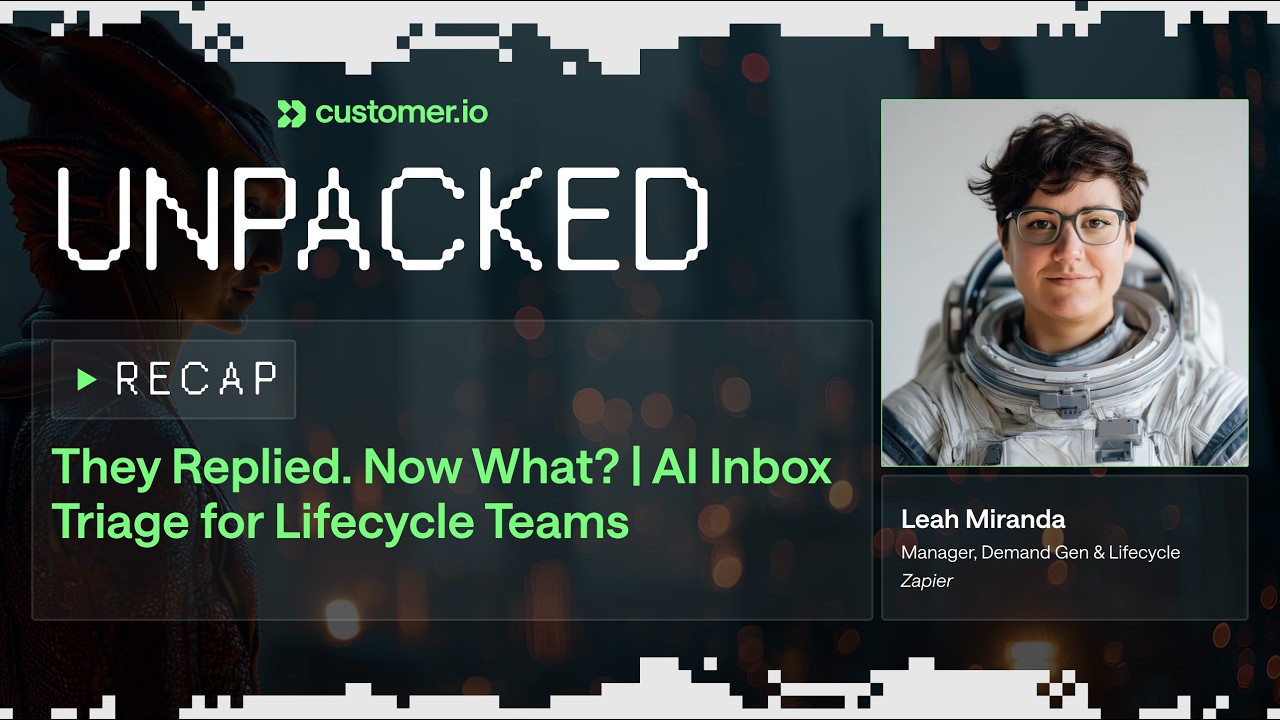
See the complete workflow in action, including how to set up the AI classification prompts and path routing logic. At 7:15 in the video, you'll see the exact GPT-4 prompt used for email categorization.
Key Takeaways
An AI-powered email triage system transforms how teams handle inbox replies:
- 5-10 hours saved weekly by automating categorization and response drafting
- Improved customer experience through faster, more personalized responses
- Better lead conversion by ensuring sales inquiries get immediate attention
- Regulatory compliance with proper unsubscribe handling
- Team visibility through Slack notifications and shared drafts
In summary: This Zapier workflow combines AI classification with human oversight to create an email triage system that's both efficient and safe - ensuring no valuable message falls through the cracks while saving hours of manual work.
Frequently Asked Questions
Common questions about AI email triage systems
The workflow categorizes emails into 6 types: feedback/complaints, sales inquiries, unsubscribe requests, praise, out of office replies, and unknown messages.
Each type follows a different path:
- Feedback gets drafted responses
- Sales leads route to CRM
- Unsubscribes require manual approval
- Praise gets shared with the team
In real-world testing at Zapier, the GPT-4 classification achieves about 90% accuracy right out of the box.
The system includes safeguards:
- An "unknown" category for uncertain messages
- Human review for sensitive actions like unsubscribes
- Ability to refine the classification prompt over time
The core workflow connects three key systems:
1. Email provider (Gmail or Outlook)
2. Team communication (Slack)
3. CRM (HubSpot or Salesforce)
The AI agent version can also connect to:
- Calendar apps for scheduling
- Task managers for follow-ups
- Document systems for templates
Teams report saving 5-10 hours weekly on email management.
The time savings break down as:
- 2-3 hours on automatic categorization
- 2 hours on drafted responses
- 1-2 hours on message routing
- 1 hour on reduced context switching
Yes, the system offers multiple customization options:
The AI analyzes your past emails to learn your natural communication style. You can also provide specific templates for different categories.
- Feedback responses include empathy statements
- Sales replies show available meeting times
- Unsubscribe confirmations use compliant language
The workflow includes multiple safeguards against inappropriate replies:
1. All responses go to drafts for human review before sending
2. Unsubscribe requests require manual confirmation
3. Unknown messages route to humans
4. Sensitive actions have approval workflows
- No emails are sent without human review
- CRM updates require explicit approval
- Team members get notifications for oversight
The two approaches complement each other:
The Zapier workflow uses predefined rules and paths - emails follow set routes based on AI classification. This works best for team inboxes with clear processes.
The AI agent analyzes each email contextually and takes appropriate action. This works better for personal inboxes or complex cases.
- Start with the structured workflow for team inboxes
- Add agent capabilities for personal emails
- Combine both for comprehensive coverage
GrowwStacks specializes in building custom AI email triage systems tailored to your business needs.
Our implementation process:
- Analysis: Review your current email volume and types
- Design: Create workflow matching your apps and processes
- Training: Teach the AI your specific email patterns
- Deployment: Implement with human review safeguards
Book a free 30-minute consultation to discuss your requirements.
Stop Losing Valuable Emails in the Inbox Black Hole
Every day your team spends manually sorting emails is a day not spent on growth. Let GrowwStacks build you a custom AI triage system that routes, responds, and reports - so you can focus on what matters.