How to Automate Lead Routing by Language with Zapier
Most scheduling tools force bilingual teams into manual lead distribution. This creates missed opportunities when Spanish-speaking leads get routed to English-only reps. Here's how to automatically send each lead to the right team member based on their language preference.
The Problem With Manual Routing
Bilingual sales teams face a unique challenge - leads come in speaking different languages, but most scheduling tools treat all leads the same. At 2:15 in the video, you'll see how this creates a broken experience when Spanish-speaking leads get routed to English-only reps.
The manual workaround - having separate forms for each language - creates maintenance headaches and doesn't solve cases where reps speak multiple languages. What's needed is intelligent routing that evaluates each lead's language preference and sends them to the appropriate team member automatically.
74% of customers are more likely to purchase when addressed in their native language. Yet most scheduling systems force bilingual teams into manual distribution workflows that slow response times and create missed opportunities.
How Language Routing Works
The solution combines three key components: Zapier's Lead Router (currently in beta), Fillout.com for scheduling links, and Relay Hook for handling redirects. At 3:42 in the demo, you'll see how these pieces connect to create a seamless flow.
When a lead submits the form, the language selection gets evaluated by Zapier's router. Spanish selections route to the Spanish queue, English to the English queue. Each queue can have weighted distribution rules - like sending 1 out of 4 English leads to one rep and 3 out of 4 to another.
The selected rep's scheduling link gets passed back through Relay Hook, which performs the final redirect to the appropriate booking page. This happens in seconds, with the lead never seeing the behind-the-scenes routing logic.
Setting Up the Lead Router
Zapier's Lead Router (currently in beta) serves as the decision engine. At 5:18 in the tutorial, you'll see the router configuration screen where language rules are defined. The setup process involves three key steps:
Step 1: Create Language Fields
Add a "book_link" field that connects to your sales reps. This field will store the appropriate scheduling link for each rep based on their language capabilities.
Step 2: Define Your Queues
Create separate queues for each language group (Spanish and English in the demo). These queues contain your sales reps who speak each language.
Step 3: Configure Routing Rules
Set up rules like "when language contains English → route to English queue" and matching rules for other languages. These rules evaluate the form submission to determine the correct path.
Pro Tip: Name your queues clearly (e.g., "Spanish-Speaking Team") so anyone reviewing the setup can immediately understand the routing logic.
Configuring Weighted Distribution
Not all reps in a language queue need equal distribution. At 7:05 in the video, you'll see how weights can be assigned to balance workload across team members.
In the demo setup, English leads are distributed with 1 out of 4 going to one rep and 3 out of 4 to another. This allows you to:
- Balance workload between senior and junior team members
- Account for different capacity levels
- Gradually ramp up new reps by starting with lighter weights
Weights are easily adjusted as your team changes - simply modify the distribution percentages in the router configuration when adding new reps or rebalancing workloads.
Integrating With Scheduling Links
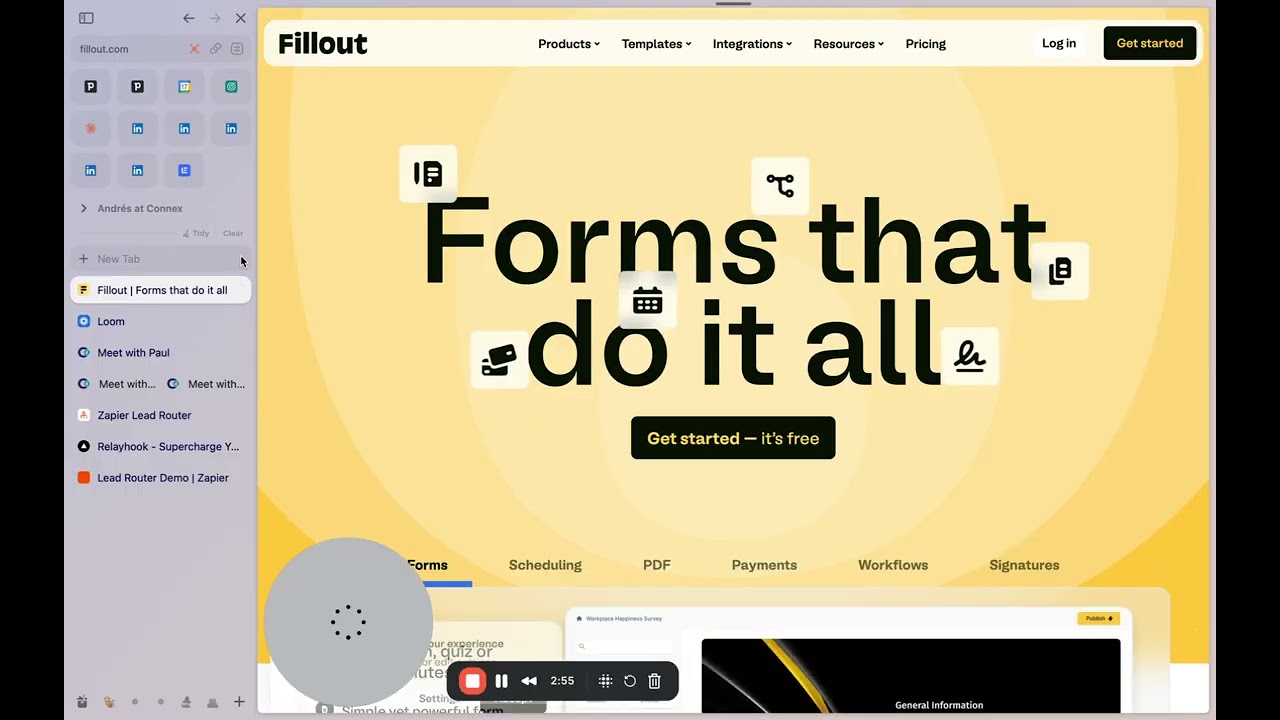
Fillout.com provides the scheduling interface in this workflow. At 8:30 in the tutorial, you'll see how their form builder creates the booking pages that leads ultimately reach.
Key integration points:
- Each rep maintains their own scheduling link in Fillout
- These links get associated with their router profile
- The language selection form includes a hidden field for the final redirect URL
When testing the workflow at 9:15, notice how the form submission includes all necessary lead information (name, email, language) while seamlessly handling the routing decision behind the scenes.
Handling the Redirects
Zapier can't natively handle the final redirect to the scheduling link. That's where Relay Hook comes in. At 10:42 in the demo, you'll see how this service bridges the gap:
Relay Hook works by:
- Providing a webhook URL that captures the form submission
- Passing all lead data to Zapier for routing
- Receiving the selected rep's scheduling link from Zapier
- Performing the final redirect to the appropriate booking page
The free tier allows for testing, while paid plans support production volumes. Setup involves pasting the Relay Hook URL into your form's redirect settings (shown at 11:20).
Testing the Workflow
At 12:05 in the video, you'll see the system in action with test submissions. The demo shows two key scenarios:
English Lead Test
Submitting with English selected routes to the English queue. With the weighted distribution setup, the first test goes to one rep while the second goes to another - exactly as configured.
Spanish Lead Test
Spanish selections bypass the English queue entirely, going straight to Spanish-speaking reps. This ensures language preference always determines the routing path.
Implementation Tip: Test with various language combinations to ensure your routing rules handle all expected cases. Pay special attention to edge cases like mixed-language selections or unexpected input formats.
Watch the Full Tutorial
See the complete workflow in action from 3:15 to 6:30 in the video, where we walk through the router configuration and demonstrate live testing with both English and Spanish submissions.
Key Takeaways
This Zapier-powered solution eliminates the manual work of routing leads by language while ensuring each prospect connects with a rep who speaks their preferred language. The weighted distribution feature adds flexibility for balancing workload across team members.
In summary: Zapier's Lead Router (with Relay Hook for redirects) creates a seamless experience where language selection automatically determines which rep gets the lead, with customizable distribution rules to balance workload across your team.
Frequently Asked Questions
Common questions about this topic
Most scheduling tools don't automatically route leads based on language preference. This creates manual work for teams and poor customer experiences when Spanish speakers get routed to English-only reps.
The Zapier lead router automatically sends leads to the right team based on their language selection, eliminating these issues while maintaining flexibility in how leads get distributed among available reps.
- Solves language mismatch problems
- Eliminates manual routing work
- Maintains weighted distribution rules
Yes, the router supports weighted distribution. In the demo, English leads were distributed with 1 out of 4 going to one rep and 3 out of 4 to another.
This helps balance workload across team members while maintaining routing logic. You can adjust these weights anytime based on rep availability, capacity, or other business rules.
- Customizable distribution percentages
- Easy weight adjustments
- Works alongside language rules
You'll need Zapier's Lead Router (currently in beta), a form builder like Fillout.com for scheduling links, and Relay Hook for handling redirects between systems.
Fillout provides the scheduling interface while Relay Hook handles the URL redirects that Zapier can't do natively. The combination creates a seamless experience from form submission to scheduled meeting.
- Zapier Lead Router (beta)
- Scheduling tool like Fillout
- Relay Hook for redirects
The router evaluates the language field from the form submission. If the value contains English, it routes to the English queue. If Spanish, it goes to the Spanish queue.
Each queue can have multiple reps with weighted distribution rules determining which specific rep gets the lead. The decision happens in milliseconds, with no visible delay to the lead.
- Evaluates form language field
- Matches against queue rules
- Applies distribution weights
Absolutely. The router can support any number of language queues. You would simply add additional routing rules for each language you need to support.
Each language group can have its own distribution logic among team members who speak that language. There's no practical limit to how many language paths you can create.
- Supports unlimited languages
- Separate queues per language
- Custom weights for each
Relay Hook provides reliable redirects with minimal latency. In testing, the redirect from form submission to appropriate scheduling link typically completes in under 2 seconds.
The service has a free tier for testing and paid tiers for production use with higher volume needs. It's built specifically to handle these types of automation redirects.
- Sub-2 second redirects
- Free testing tier available
- Purpose-built for automation
The current implementation routes based on availability shown in the scheduling system. If all reps are booked, the lead would follow your scheduling tool's default behavior (usually showing as unavailable).
You could enhance this with Zapier logic to notify managers when queues reach capacity or automatically schedule follow-ups when reps become available.
- Follows scheduling tool behavior
- Can add overflow logic
- Notification options available
GrowwStacks specializes in building custom lead routing systems like this for businesses with multilingual teams. We can set up your Zapier lead router, configure the language-based queues, integrate with your scheduling system, and handle all the redirect logic.
Our team will ensure leads get to the right reps with the proper distribution weights based on your specific business needs. We'll handle the technical implementation so you can focus on serving customers in their preferred language.
- Complete router setup
- Custom queue configuration
- Scheduling system integration
Stop Losing Leads to Language Barriers
Manual routing costs you sales when Spanish-speaking leads get stuck with English-only reps. Let GrowwStacks build your automated language routing system in under 48 hours.