The Manual Data Collection Problem
Social media managers and marketers often need to collect user profiles and posts for analysis, but manual copying wastes valuable time. At 2-3 minutes per profile, compiling data for just 20 users can take over an hour.
The Transcript Downloader Zapier integration solves this by automating profile and post collection. Instead of manually visiting each profile and copying data, the workflow fetches everything automatically in under 2 minutes per user.
Time saved: What takes 60 minutes manually can be done automatically in just 40 minutes for 20 profiles (2 minutes each), saving you 33% of your time immediately.
Connecting Zapier with Transcript Downloader
The first step is connecting your Transcript Downloader account to Zapier. This requires your API key from Transcript Downloader.
In Zapier, when you add the "Fetch a user profile" action, you'll be prompted to connect your Transcript Downloader account. Click "Connect new account" and enter your API key when prompted. Once connected, you can select your account for use in the workflow.
Step 1: Fetching User Profiles
With your accounts connected, you can now configure the profile fetch action. The key field is the profile URL, which you'll map from your trigger step (like a Google Sheet row or form submission).
After mapping the URL, click "Test" to initiate the profile download. You'll see the process begin immediately. The action returns all available profile data including the crucial list ID needed for fetching posts in the next step.
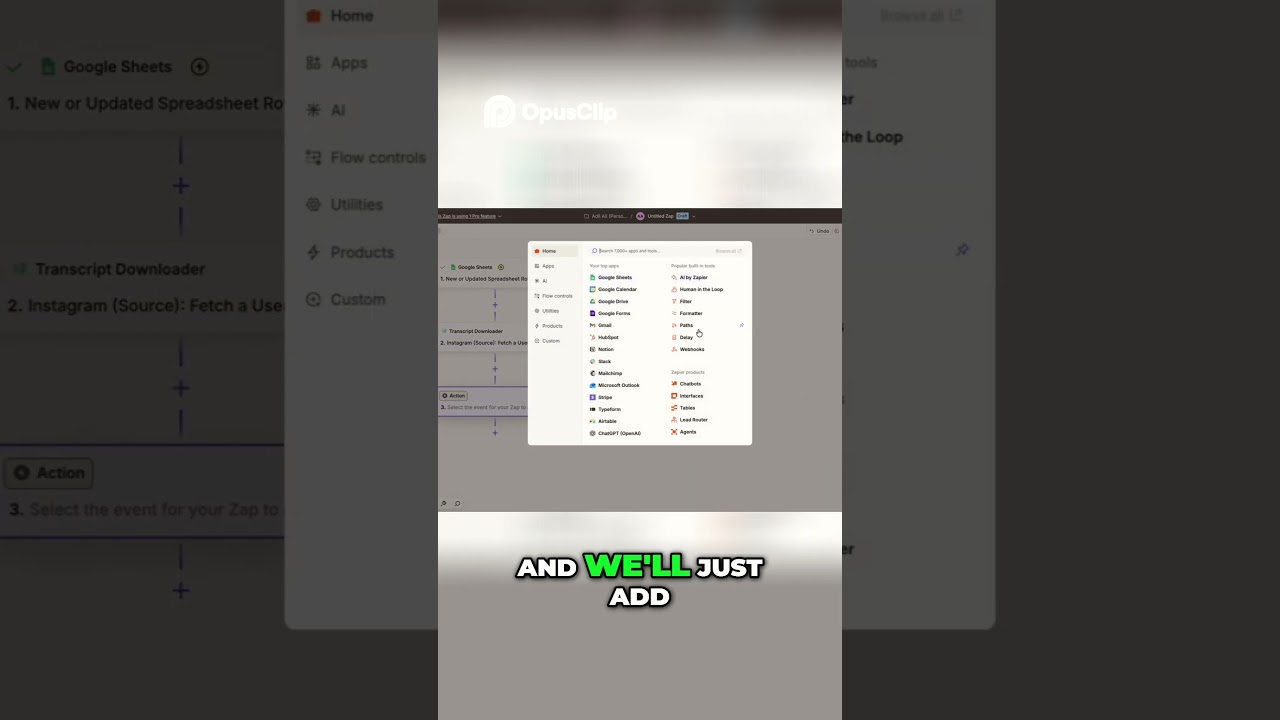
Adding the Delay Step
Since profile fetching takes 1-2 minutes to complete, we add a delay step to ensure the data is ready before proceeding. Set this for 2 minutes to be safe.
The delay ensures that when your published zap runs automatically, it will wait the necessary time before attempting to fetch posts. This prevents errors from trying to access incomplete data.
Step 2: Fetching Profile Posts
After the delay, add another Transcript Downloader action - this time selecting "Fetch profile post and read list." Map the list ID from the first action's output to this step.
When you test this step, it will initiate the post download. In our testing, complete post data was available immediately after the delay, giving you everything you'd get from manual collection but without the work.
The Complete Workflow
When published, this zap will run automatically whenever your trigger fires (like a new row being added). It will:
- Fetch the user profile (1-2 minutes)
- Delay for 2 minutes to ensure completion
- Fetch all profile posts using the list ID
- Output the complete data set to your destination
Pro tip: You can enhance this workflow by adding steps to process or analyze the collected data automatically, saving even more time.
Watch the Full Tutorial
See this workflow in action at the 1:30 mark where we demonstrate testing the profile fetch and post collection steps.
Frequently Asked Questions
Common questions about this topic
The Transcript Downloader Zapier integration allows you to automatically fetch user profiles and posts from social media platforms.
It connects your Transcript Downloader account with Zapier using an API key, enabling you to automate data collection workflows without manual intervention.
- Works with multiple social platforms
- Requires only your API key to set up
- Fully automated once configured
Fetching a user profile typically takes less than 2 minutes.
In our testing, complete profile data including the list ID was available in under 1 minute. The workflow includes a built-in delay step to ensure the data is ready before proceeding to the next action.
- Average time: 1-2 minutes
- Delay step ensures reliability
- Faster than manual collection
This workflow collects complete user profile data including profile information and post lists.
The first action fetches the profile, which provides the list ID needed to fetch all posts in the second action. You get comprehensive data without manual scraping or copying.
- Full profile details
- Complete post history
- Structured data format
Yes, the Transcript Downloader API allows for customization of what data gets collected.
You can specify which profile fields to include and filter post collections by date range or other parameters. The Zapier integration makes it easy to configure these options in your workflow.
- Select specific profile fields
- Filter posts by date
- Limit to certain post types
This workflow can run as frequently as your Zapier plan allows.
Once published, it will execute automatically whenever the trigger event occurs (like a new row being added). There's no limit to how many profiles or posts you can process, making it ideal for scaling your data collection.
- Runs on your schedule
- Scales to any volume
- No manual intervention needed
Transcript Downloader supports multiple social media platforms including Twitter, LinkedIn, and Facebook.
The exact platforms available may depend on your subscription level. The Zapier integration works with all supported platforms equally well.
- More platforms available
No coding is required to set up this integration.
The entire process is handled through Zapier's visual interface. You just need to connect your Transcript Downloader account using your API key and configure the workflow steps as shown in our tutorial.
- 100% no-code solution
- Visual workflow builder
- Easy API connection
GrowwStacks can customize this automation workflow for your specific business needs.
We'll help connect your Transcript Downloader account, configure the optimal workflow, and integrate it with your other business tools. Our team can also build more advanced automations that process and analyze the collected data.
- Custom workflow design
- Full implementation support
- Advanced data processing
Stop Wasting Time on Manual Data Collection
Every hour spent copying profiles and posts manually is an hour lost from strategic work. Let GrowwStacks implement this automation for you so you can focus on insights, not data gathering.