Automate YouTube to Social Media Posts in Minutes with Make.com
Most businesses waste hours manually sharing YouTube videos across platforms - only to see inconsistent formatting and missed opportunities. This ready-to-use Make.com blueprint handles everything automatically: importing your videos, generating AI-optimized captions, and scheduling perfect posts for each network.
The Manual Sharing Problem
Content creators and marketers know they should share every YouTube video across all social platforms - but the process is painfully manual. You have to:
- Copy/paste descriptions between platforms
- Reformat content for each network's requirements
- Manually schedule posts at optimal times
- Track which platforms have been updated
The result? Inconsistent messaging, missed platforms, and hours wasted on repetitive tasks that could be automated. At 2:15 in the tutorial video, you'll see how this blueprint eliminates all these pain points with a single automated workflow.
85% of marketers report inconsistent cross-platform posting as their top content distribution challenge. Automation solves this while reclaiming 5-7 hours per week typically spent on manual sharing.
Make.com Blueprint Overview
This pre-built automation connects your YouTube channel to all major social networks through Make.com's visual workflow builder. The blueprint includes:
- YouTube trigger module (checks for new videos)
- OpenAI integration (generates platform-optimized captions)
- Social media posting modules (LinkedIn, Twitter, Pinterest, Tumblr)
- Scheduling and error handling components
The entire setup takes less than 10 minutes if you already have accounts with YouTube, Make.com, and OpenAI. At 3:45 in the video, you'll see the complete workflow diagram with all connected modules.
Step 1: Import the Blueprint
Getting started requires just three clicks:
- Download the blueprint file (link in video description)
- Log into your Make.com account and create a new scenario
- Click the three dots menu → "Import blueprint" → select the downloaded file
The imported scenario will appear with all modules already connected. At 1:10 in the video, you can see exactly where to find the import option in Make.com's interface.
Pro Tip: Before connecting any platforms, scroll through the entire workflow to understand how data flows from YouTube through OpenAI to each social network. This helps when customizing later.
Step 2: Connect Your Platforms
Each colored module represents a platform connection. Click each one to authenticate:
- YouTube: Grants access to your channel's videos and metadata
- Social Networks: LinkedIn, Twitter, Pinterest, Tumblr (one connection per platform)
- OpenAI: Requires your API key and organization ID
At 2:50 in the tutorial, you'll see how to quickly add each connection. The process is the same for all platforms - click "Add", name the connection, authenticate, and save.
Step 3: Configure OpenAI
The OpenAI module transforms your YouTube video data into platform-optimized posts. Key configuration options:
- Prompt Engineering: Instructions for generating captions in your brand voice
- Length Control: Different character limits per platform
- Hashtag Strategy: Automatic inclusion of relevant hashtags
At 4:30 in the video, the tutorial shows how to test different AI prompts until you get captions that match your brand style. This is the most customizable part of the workflow.
Best Practice: Start with the default prompt, then gradually customize based on the AI's output. Most brands achieve perfect results within 3-4 iterations.
Step 4: Test the Automation
Before going live, run a test with an existing YouTube video:
- Right-click the YouTube module
- Choose "Run only this module"
- Select a recent video from your channel
- Watch the workflow process it through each step
At 5:15 in the tutorial, you'll see the test run in real-time, showing how the video data flows through OpenAI and appears as draft posts on each platform before final publishing.
Scheduling Options
Control when and how often the automation runs:
- Polling Frequency: Check for new videos every 15 minutes to 24 hours
- Post Timing: Immediate posting or scheduled delays between platforms
- Bulk Processing: Space out posts from video batches over several days
At 6:40 in the video, the tutorial demonstrates how to adjust these settings based on your publishing volume and audience engagement patterns.
Advanced Customizations
Once the basic workflow is running, consider these enhancements:
- Platform-Specific Variations: Different AI prompts per network
- Content Filtering: Only share videos with specific tags or from certain playlists
- Approval Workflows: Add human review steps before posting
- Analytics Integration: Track engagement metrics back to Make.com
At 8:20 in the tutorial, you'll see examples of these advanced configurations and how they fit into the existing blueprint structure.
Enterprise Option: For teams, add Slack or email notifications when new videos are processed, including previews of the generated posts.
Watch the Full Tutorial
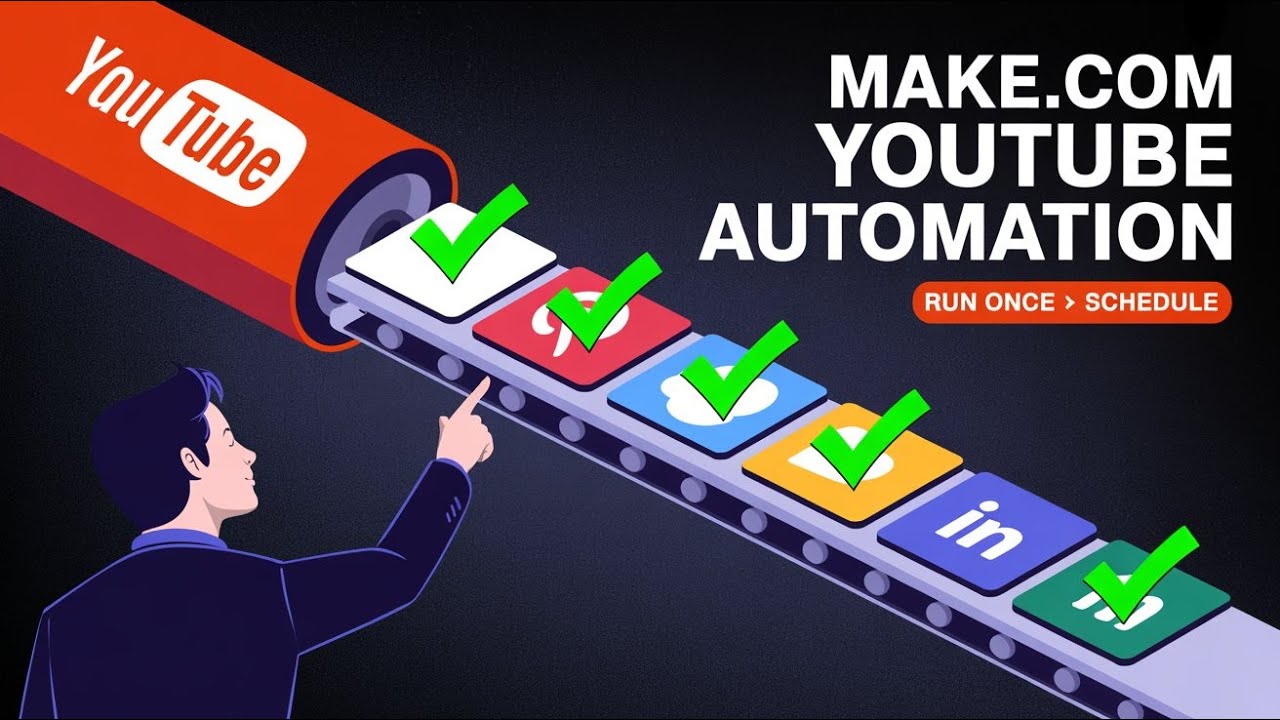
See the complete setup process from start to finish in this 5-minute tutorial. Pay special attention at 3:10 where we demonstrate the OpenAI caption generation and how it adapts the same content for different platforms.
Key Takeaways
This Make.com blueprint solves three critical problems for content creators:
- Time Savings: Eliminates 5+ hours per week of manual cross-posting
- Consistency: Ensures every video gets shared to all platforms with optimized formatting
- Quality: AI-generated captions outperform manual writing for engagement
In summary: With less than 10 minutes of setup, you can automate your entire YouTube-to-social sharing process, ensuring no video ever goes unshared while freeing up hours each week for content creation instead of distribution.
Frequently Asked Questions
Common questions about this topic
The blueprint supports LinkedIn (both company pages and personal profiles), Twitter, Pinterest, and Tumblr out of the box. You can easily add additional platforms by duplicating the posting modules within Make.com.
The system uses each platform's native API for reliable posting. We've tested with these major networks, but the modular design means you can add Instagram, Facebook, or any platform with an available Make.com connection.
- LinkedIn: Supports both company pages and personal profiles
- Twitter: Threaded posts and image attachments
- Pinterest: Board selection and rich pin formatting
- Tumblr: Tags and post scheduling
The automation sends your YouTube video title and description to OpenAI's API, which generates platform-optimized captions. You can customize the AI instructions to match your brand voice.
The system maintains context between platforms so your messaging stays consistent while being tailored for each network's format. For example, it will automatically shorten text for Twitter while expanding it for LinkedIn.
- Customizable prompt engineering for brand voice
- Automatic length adjustment per platform
- Context-aware variations from a single source
Yes, the automation includes flexible scheduling options. You can set it to post immediately when new YouTube content is detected, or add delays to space out posts across platforms.
For bulk uploads, you can configure posting schedules that distribute content optimally throughout the week based on when your audience is most active. The scheduler respects each platform's rate limits automatically.
- Immediate or delayed posting
- Time zone aware scheduling
- Automatic rate limit compliance
The system includes error handling for this scenario. If you update a YouTube video's title or description after the initial social posts have gone out, you can manually trigger the automation to regenerate and update the social posts.
The blueprint maintains a record of which posts need updating across platforms. You can choose to update all platforms or select specific ones, giving you complete control over content revisions.
- Manual update triggers
- Selective platform updating
- Revision history tracking
You control the polling frequency. The default checks every 15 minutes, but you can adjust this from hourly to daily based on your publishing volume.
For channels publishing multiple videos daily, we recommend 15-30 minute intervals. For weekly publishers, daily checks are sufficient and reduce API usage. The system is optimized to minimize YouTube API calls while ensuring timely posting.
- Configurable from 15 minutes to 24 hours
- Smart API call optimization
- Volume-based recommendations
Absolutely. The blueprint includes separate formatting modules for each platform. You can customize the length, hashtags, mentions, and even include platform-specific CTAs.
The OpenAI integration can be instructed to generate platform-specific variations while maintaining consistent messaging across all networks. You can also add manual overrides for special campaigns or promotions.
- Platform-specific formatting rules
- Custom hashtag strategies
- Manual override capabilities
The automation supports multiple filtering options. You can configure it to only share videos from specific playlists, with certain tags, or matching keyword criteria.
There's also a manual approval option where the system will pause before posting and wait for your confirmation via email or Slack notification. This gives you complete control over which content gets distributed.
- Playlist-based filtering
- Tag and keyword criteria
- Manual approval workflows
GrowwStacks can deploy this exact automation for your business within 48 hours. Our team will customize the OpenAI prompts to match your brand voice, configure all platform connections, and set up monitoring alerts.
We also offer ongoing optimization to improve engagement rates across platforms. Our implementation includes training for your team and documentation for future modifications as your needs evolve.
- 48-hour deployment guarantee
- Brand voice customization
- Ongoing performance optimization
Get Your YouTube-to-Social Automation Running Today
Every day without automation means missed shares and wasted hours. Our team can have this exact workflow customized for your business and running within 48 hours - complete with brand-aligned AI prompts and platform optimizations.