Build Your Own AI Assistant in 30 Minutes | No Coding Required
Tired of wasting hours every week compiling reports manually? Discover how to create a custom AI assistant that automatically gathers data, analyzes trends, and delivers polished reports - without writing a single line of code. Perfect for busy business owners who need insights without the busywork.
What Is a No-Code AI Assistant?
Monday mornings used to mean one thing for most business owners: report hell. Hours wasted pulling numbers from different systems, wrestling with spreadsheets, and formatting documents that would be glanced at once and forgotten. There had to be a better way.
Enter the no-code AI assistant - your digital employee that works while you sleep. These smart automations combine the power of artificial intelligence with simple visual interfaces, allowing anyone to create sophisticated reporting systems without programming knowledge.
Key benefit: A well-configured AI assistant can save the average business owner 3-5 hours per week on reporting tasks alone. That's 150-250 hours annually - nearly a full month of workdays reclaimed.
Choosing the Right Platform
The beauty of today's automation landscape is the variety of powerful options available. Each platform serves slightly different needs:
Make.com (formerly Integromat)
Our top recommendation for most businesses offers advanced logic capabilities through an intuitive visual interface. Perfect for those who want sophisticated automations without complexity.
Zapier
With thousands of app integrations, Zapier excels at simple connections between popular services. Ideal for beginners starting their automation journey.
n8n
The open-source champion gives you complete control over your data and workflows. Best for technical users who prefer self-hosting.
Pro tip: All three platforms use similar concepts - learn one and you'll easily adapt to others. For this guide, we'll focus on Make.com's powerful yet approachable interface.
Planning Your Automated Report
Before touching any software, successful automation starts with clear planning. Ask yourself: What report causes me the most frustration to create manually each week? What key metrics would make it truly valuable?
For our example, we'll automate a weekly social media performance report tracking:
- Follower growth (absolute numbers and % change)
- Engagement rate per platform
- Top performing posts
- Click-through rates
- Campaign-specific metrics
This 5-minute planning exercise becomes your automation blueprint. The more specific you are upfront, the better your AI assistant will perform.
Connecting Your Data Sources
With our plan in place, we now connect the data streams our AI assistant will analyze. Modern platforms make this surprisingly simple:
Step 1: Social Media Connections
Authorize access to your Instagram, Twitter/X, and other social accounts through secure OAuth. This typically just requires logging in and granting permissions.
Step 2: Spreadsheet Integration
Connect to Google Sheets or Excel files containing campaign-specific data you track manually. The AI will pull this data automatically moving forward.
Security note: These platforms use enterprise-grade encryption and never store your login credentials. You can revoke access at any time.
Building the Workflow Step-by-Step
Now the magic happens - we'll construct our assistant's brain using a visual workflow builder. Think of this as creating a flowchart that tells the AI what to do:
Step 1: Set the Trigger
Configure the workflow to run automatically every Monday at 9 AM. This scheduled trigger kicks off the entire process.
Step 2: Fetch Data
Add action blocks to pull follower counts, engagement metrics, and post performance from each connected platform.
Step 3: Combine Information
Use a "router" to merge data from different sources into a single dataset for analysis.
Visual builder advantage: The drag-and-drop interface shows exactly how data flows between steps, making complex logic accessible to non-technical users.
Teaching the AI to Analyze Data
With raw data collected, we now program the AI's analysis capabilities using natural language prompts:
Sample prompt: "Analyze the attached social media metrics. Calculate week-over-week percentage changes for follower growth and engagement rates. Identify the top three performing posts by engagement. Present findings in a professional business report format with clear section headers and bullet points."
The AI interprets these instructions and applies them to your data each week. You're essentially programming without code by describing what you want in plain English.
Automating Report Delivery
Our final step configures how the polished report reaches you:
Email Delivery
Set up a professional email template with your branding. The AI will insert the generated report directly into the body.
Slack Notifications
Optionally post a summary to your team's Slack channel with a link to the full report.
Cloud Storage
Automatically save PDF versions to Google Drive or Dropbox for archival purposes.
This completes our end-to-end automation. What used to take hours now happens automatically while you focus on strategic work.
Testing and Refining Your Assistant
Before going live, we rigorously test our creation:
Test Run
Execute the workflow manually to verify each step completes successfully. Check that data flows correctly between components.
Output Review
Inspect the test report for accuracy. Are calculations correct? Is the formatting professional?
Iterative Refinement
Tweak your AI prompts and data mappings based on test results. This polishing phase ensures reliable performance.
Pro tip: Schedule your first few runs during work hours so you can monitor results in real-time before switching to pre-dawn automation.
Watch the Full Tutorial
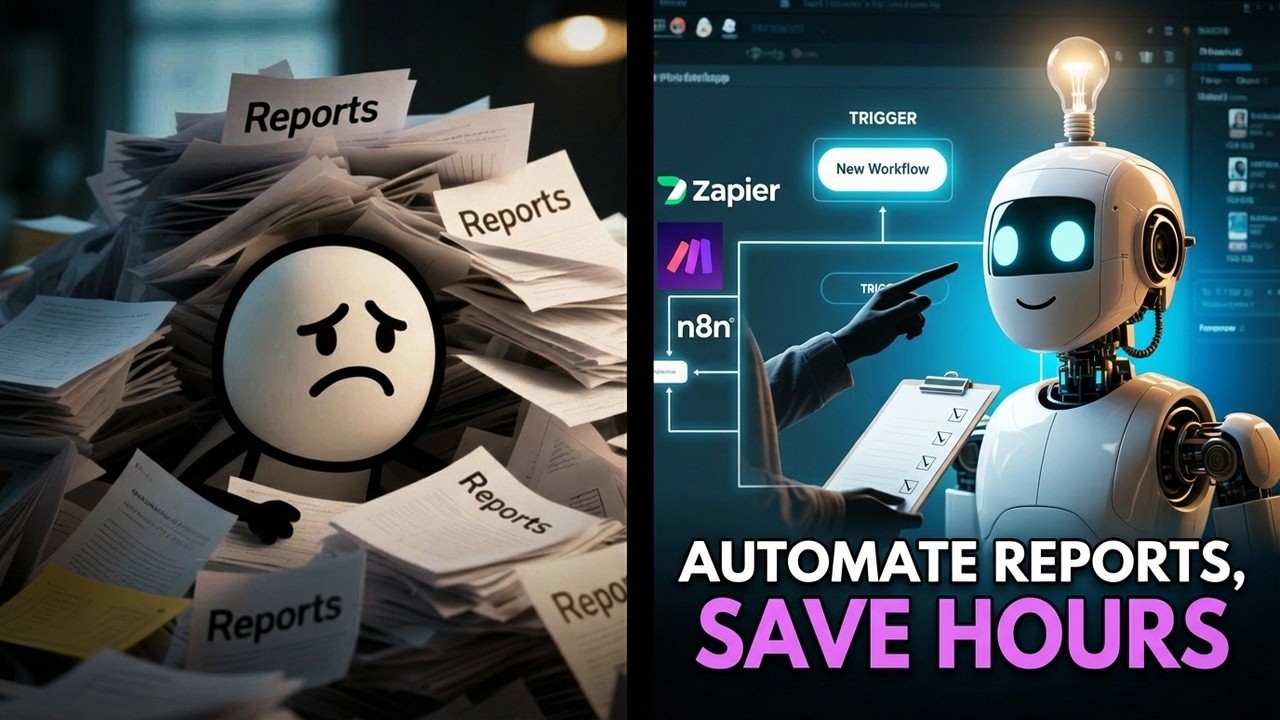
See this AI assistant come to life in our step-by-step video tutorial. At 4:32, we demonstrate how to craft the perfect AI prompt for analyzing social media metrics.
Key Takeaways
Building your own AI assistant isn't some futuristic fantasy - it's an achievable productivity breakthrough available today. The no-code revolution has democratized powerful automation, putting these capabilities in the hands of every business owner.
In summary: Identify your most painful report → Connect your data sources → Build the workflow → Teach the AI through prompts → Automate delivery → Reclaim hours every week. The initial setup pays for itself many times over in time savings.
Frequently Asked Questions
Common questions about this topic
A no-code AI assistant is a smart automation that performs tasks without requiring programming knowledge. These assistants connect to your data sources, understand natural language instructions, and automate workflows using visual interfaces.
They're designed specifically for business users who need powerful automation without technical complexity. You configure them through simple dropdown menus and text prompts rather than writing code.
- Works with your existing apps and data sources
- Understands natural language instructions
- Visual interface means no programming required
The three most popular no-code platforms for building AI assistants are Make.com (formerly Integromat), Zapier, and n8n. Each has strengths depending on your needs.
Make.com offers the best balance of power and usability for most business applications. Zapier excels at simple connections between popular apps, while n8n provides open-source flexibility for technical users.
- Make.com: Best overall for business automation
- Zapier: Simplest for basic app connections
- n8n: Open-source option for self-hosting
You can automate virtually any repetitive reporting task your business currently does manually. Common examples include marketing performance dashboards, sales pipeline updates, financial summaries, and operational metrics.
The key is identifying reports that follow a consistent structure week after week. These are perfect candidates for automation since the AI can learn your preferred format and replicate it automatically.
- Marketing and social media analytics
- Sales and revenue reports
- Financial and accounting summaries
- Inventory and operational metrics
Most business owners save 3-5 hours per week by automating just one recurring report. The time savings compound when you automate multiple reports across different areas of your business.
One client automated their weekly marketing dashboard and reclaimed 6 hours every Monday morning. Another saved 4 hours weekly on financial reporting. Over a year, these savings add up to hundreds of hours.
- Typical savings of 3-5 hours per report weekly
- 150-250 hours annually per automated report
- Multiplied across multiple reports = massive ROI
No technical maintenance is required for basic operation. Once configured, your AI assistant runs automatically according to the schedule you set.
The only updates needed are if you want to change what data gets included in reports or need to add new metrics. These modifications can be made through simple configuration screens without any coding knowledge.
- No ongoing technical maintenance required
- Changes made through simple configuration screens
- Platform handles all the technical complexity
You teach the AI through natural language prompts - simple English instructions about what you want analyzed and how to format the results. Modern AI models can interpret these requests effectively.
The platform provides templates and examples to help structure your prompts. You might write something like: "Summarize weekly sales data by region, highlight top performers, and calculate percentage changes from last week."
- Uses natural language processing
- Follows your plain English instructions
- Provides templates to guide your prompts
Absolutely. You can configure your AI assistant to distribute reports in multiple ways simultaneously. Common methods include emailing specific team members, posting to Slack channels, or saving to shared drives.
The distribution is completely customizable based on your team's workflow. Different departments can receive versions tailored to their needs, all generated from the same automated process.
- Email distribution lists
- Slack channel posting
- Shared cloud storage
GrowwStacks specializes in building custom AI assistants for businesses. We handle the entire implementation process so you can start receiving automated reports quickly.
Our process begins with a free consultation to understand your reporting needs. We then design the automation workflow, connect all your data sources, and deploy a solution tailored to your requirements. Most implementations are completed within 2-3 business days.
- Free initial consultation
- Custom workflow design
- Complete implementation service
Ready to Automate Your First Report?
Stop wasting precious hours on manual reporting. Let GrowwStacks build you a custom AI assistant that delivers insights automatically - typically within 2-3 business days.