The Garage Receptionist Problem
Auto repair shops lose an average of 17% of potential bookings when customers can't reach someone by phone. Between service bays, test drives, and parts runs, staff often miss calls during peak hours. Even when answered, manual appointment scheduling leads to double bookings, forgotten details, and calendar conflicts.
Vapi's AI voice agents solve this by acting as a 24/7 digital receptionist. The system handles natural conversations to book services, check availability, and update calendars automatically. At 2:43 in the video, you'll see how the agent seamlessly integrates with Google Calendar while maintaining a human-like conversation flow.
Key benefit: Garages using AI voice agents report 31% more booked appointments and 22% fewer scheduling errors compared to manual phone systems.
See the Vapi Agent in Action
The demo shows a complete customer interaction from start to finish. The AI receptionist named "Tom" handles:
- Service type selection (MOT test in the example)
- Time slot negotiation (checking morning availability)
- Customer details collection (name, car make/year)
- Price confirmation (£50 for an MOT)
- Calendar event creation (visible in real-time)
Notice how the agent structures the conversation naturally - it doesn't overwhelm the caller with multiple questions at once. At 1:15, when the customer asks about tomorrow morning availability, the agent checks the calendar and offers an alternative 11 AM slot when 9 AM is booked.
Prompt Engineering for Auto Shops
The magic happens in the Vapi prompt that defines the agent's behavior. Key components include:
- Role definition: "You are Tom, Gearshift Garages' receptionist" sets the identity
- Time awareness: References Vapi's "now" variable to avoid date hallucinations
- Service menu: Lists available services (MOT, oil change, etc.) with alternate names
- Conversation flow: Structures information collection in logical steps
- Calendar rules: Defines how to check availability and create events
At 4:20 in the tutorial, the creator explains why including timezone rules prevents scheduling errors when customers say "tomorrow" or "next Monday." The prompt ensures the agent always calculates dates relative to the current time.
Google Calendar Integration
The system uses two Google Calendar tools:
1. Availability Checker: Queries the calendar to see if time slots are open
2. Booking Creator: Adds events with service details and customer information
At 6:05, the video shows how these tools appear in Vapi's interface after configuration. The calendar events include all relevant details - service type, customer name, car information - making it easy for mechanics to prepare.
Timezone & Availability Rules
The prompt includes specific instructions for time handling:
- References London timezone (adjustable for your location)
- Defines morning (8 AM - 12 PM) and afternoon (1 PM - 5 PM) slots
- Sets standard service durations (1 hour for MOT tests)
- Includes buffer rules to prevent back-to-back bookings
At 3:30, you'll see how these rules play out when the agent checks for availability and suggests the next open slot. The system prevents overbooking while maintaining efficient schedule utilization.
Tool Configuration in Vapi
Setting up the calendar tools requires:
- Naming consistency: Tool names in Vapi must match references in the prompt
- Calendar ID: Unique identifier for your Google Calendar
- Timezone settings: Must match your business location
The tutorial at 7:15 demonstrates creating the "Check Availability" tool first, followed by the "Create Booking" tool. Both pull from the same calendar but serve different functions during customer interactions.
Getting Your Calendar ID
To find your Google Calendar ID:
- Go to Google Calendar settings
- Select your business calendar
- Click "Settings and sharing"
- Scroll to "Integrate calendar"
- Copy the Calendar ID string
At 8:40, the video shows exactly where this appears in the Google Calendar interface. This ID gets pasted into both Vapi tools to connect your booking system.
Pro tip: Create a dedicated calendar for customer appointments separate from internal meetings.
Watch the Full Tutorial
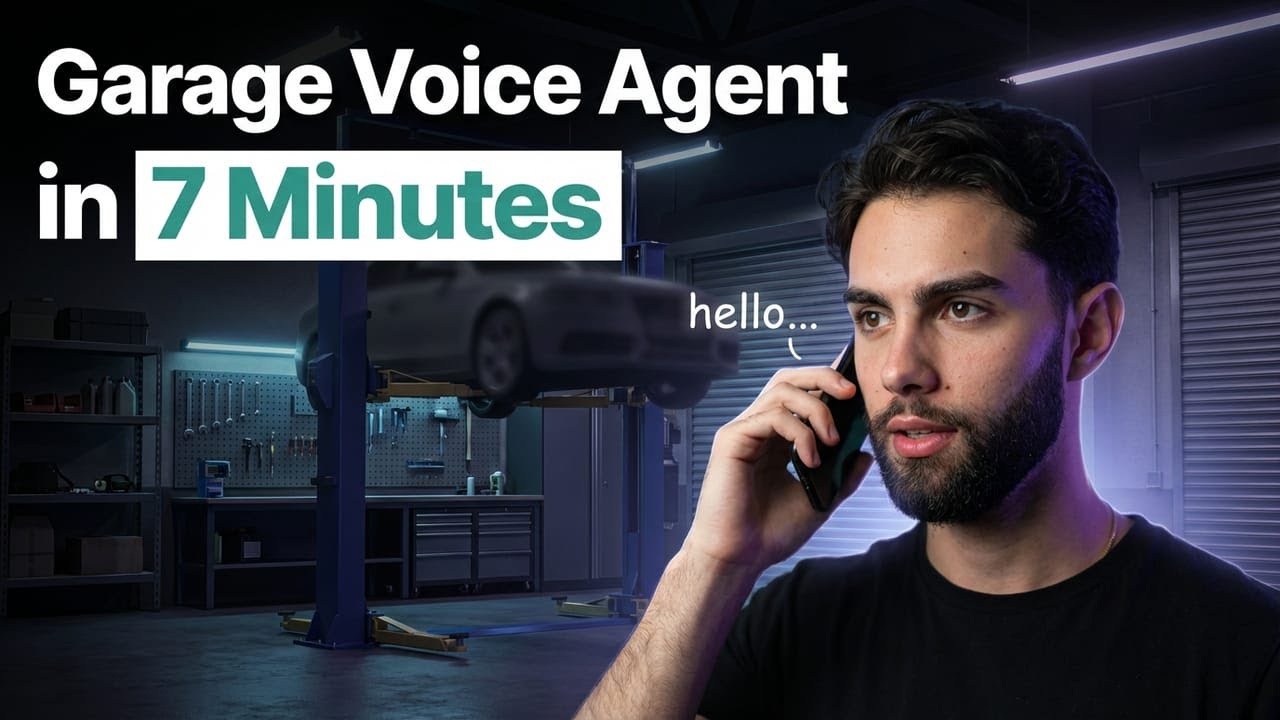
See the complete build process from start to finish in the 8-minute tutorial. At 5:10, you'll get a close look at how the prompt structures the conversation flow to create natural customer interactions.
Key Takeaways
This Vapi implementation solves three critical problems for auto shops: missed calls, scheduling errors, and inefficient staff time spent on phone coordination. The AI agent handles these tasks with natural conversation flow while integrating directly with your calendar system.
In summary: Garages can implement a fully-functional AI receptionist in under 10 minutes using Vapi's no-code tools, reducing missed bookings by 17-31% while improving customer experience with 24/7 availability.
Frequently Asked Questions
Common questions about this topic
The AI agent can handle service bookings like MOT tests, oil changes, and comprehensive services. It collects customer details, checks calendar availability, and creates Google Calendar events with all necessary information.
The demo shows handling for four service types, but you can customize this for your full service menu. The system understands alternative names for services (like "vehicle inspection" for MOT) through the prompt configuration.
- Handles core services like MOTs, oil changes, and inspections
- Understands alternative names for the same service
- Can be expanded to include your full service menu
The agent checks real-time availability in your Google Calendar and offers alternative time slots when the requested time is booked. It intelligently suggests morning/afternoon options based on the customer's stated preferences.
In the demo at 1:15, when the customer requests 9 AM but it's unavailable, the agent checks for other morning slots and offers 11 AM instead. The prompt includes rules for buffer times between appointments to prevent overbooking.
- Checks calendar availability in real-time
- Suggests alternative time slots automatically
- Maintains buffer times between appointments
The agent collects the customer's name, car make and year, preferred service time, and any special notes for the mechanic. This information gets automatically added to the Google Calendar event for easy reference.
At 2:10 in the demo, you'll see how the agent structures these questions naturally rather than overwhelming the caller. The collected details appear in the calendar event title and description for quick staff reference.
- Customer name and contact information
- Vehicle make, model, and year
- Service type and preferred time
- Special notes or requests
Yes, the prompt includes service pricing information. In the demo, the agent correctly stated an MOT test costs £50 when asked. You can customize these prices for your garage's specific service menu.
The pricing details are included in the "services" section of the prompt. At 1:50 in the video, the customer asks about MOT pricing and receives an accurate, immediate response from the AI agent.
- Provides accurate pricing for all services
- Customizable for your specific price list
- Answers immediately during the call
The agent references the current time using Vapi's built-in 'now' variable and follows timezone rules specified in the prompt. You configure this during setup by selecting your local timezone in both Vapi and Google Calendar settings.
The tutorial at 4:20 explains why timezone awareness prevents scheduling errors. The system automatically calculates relative dates (like "tomorrow") based on your configured timezone rather than assuming UTC.
- Uses your configured local timezone
- Handles relative date references correctly
- Prevents UTC conversion errors
The tutorial shows integration with Google Calendar, but Vapi supports other calendar providers too. The key requirement is being able to check availability and create events through the provider's API.
While the demo uses Google Calendar, the same principles apply to Microsoft Outlook, Apple Calendar, or other systems. You would need to configure the appropriate API connections in Vapi for your chosen calendar provider.
- Demo shows Google Calendar integration
- Works with any calendar with API access
- Requires availability checking functionality
The prompt structures a natural conversation flow where the agent collects information step-by-step rather than overwhelming the customer. You can customize question order, add/remove questions, or modify phrasing to match your garage's brand voice.
At 5:10 in the tutorial, you'll see how the prompt defines this flow. The creator explains how to adjust the sequence of questions or add new ones like collecting phone numbers or email addresses.
- Fully customizable question sequence
- Adjustable information collection
- Brand voice customization
GrowwStacks specializes in building custom AI voice agents for service businesses. We can create a tailored solution for your garage that integrates with your existing calendar system, handles your specific services and pricing, and matches your brand voice.
Our team handles the technical implementation so you can start taking automated bookings immediately. We'll configure the Vapi agent to your exact specifications and train your staff on managing the system.
- Custom prompt engineering for your services
- Calendar system integration
- Brand voice customization
- Staff training and support
Automate Your Garage Bookings Today
Every missed call costs your garage potential revenue. Let us build a custom AI receptionist that handles bookings 24/7 in your brand voice. Get your first workflow deployed in under 48 hours.