How to Build an AI Voice Agent SaaS That Auto-Calls Leads (AntiGravity + Gemini3)
Most businesses struggle with inconsistent lead follow-up and missed opportunities from uncontacted prospects. This guide shows how to build an automated AI calling system that qualifies leads 24/7, integrates with your CRM, and provides detailed conversation analytics - all without writing code using AntiGravity and Gemini3.
Why AI Voice Agents Transform Lead Generation
Traditional lead generation suffers from inconsistent follow-up, limited calling hours, and human reps who can't scale. Studies show that 50% of leads never receive a follow-up call, and those that do often wait days - by which time they've often moved on to a competitor.
AI voice agents solve these problems by working 24/7, making hundreds of calls per day without fatigue, and providing consistent, data-driven qualification. The system we're building automatically imports leads, makes personalized calls, analyzes conversations, and updates your CRM - all while providing real-time analytics on campaign performance.
Key benefit: Businesses using AI voice agents see 3x more qualified leads at half the cost of traditional outbound calling teams, with the added advantage of complete call transcripts and analytics that human reps can't provide.
System Overview: How the AI Calling SaaS Works
The complete solution consists of three main components working together: a user interface for managing campaigns, an automation backend that handles the calling logic, and a database that stores all call results and analytics.
Here's the step-by-step flow (timestamp 2:45 in the video):
- Lead Import: Upload CSV files or connect to your CRM to import leads with names and phone numbers
- Campaign Launch: Start a calling campaign with one click from the dashboard
- AI Calling: The system automatically calls each lead and conducts natural conversations
- Qualification: Based on the conversation, leads are labeled as hot, warm, or not interested
- Reporting: Full transcripts, summaries, and analytics are available in real-time
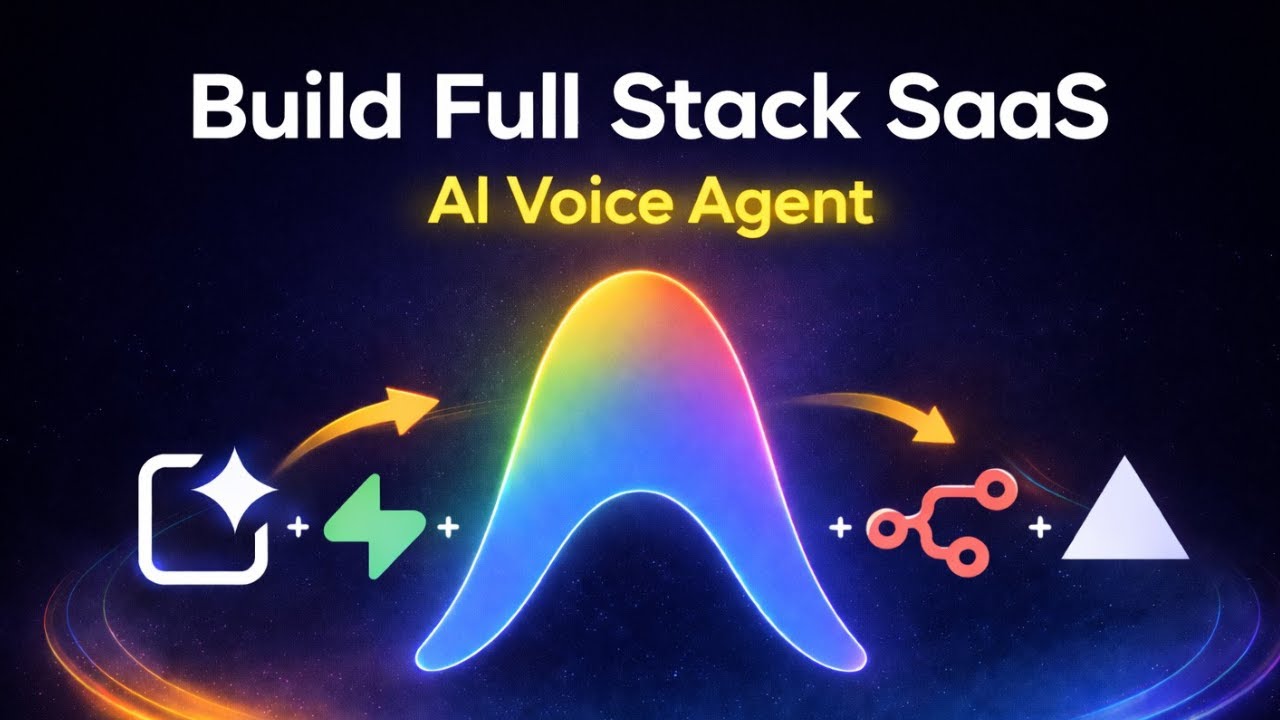
The magic happens through the integration between Google AI Studio (for the UI), n8n (for workflow automation), and Supabase (for data storage). The entire system can be built without writing any code.
Building the UI with Google AI Studio
Google AI Studio provides a free, high-quality interface builder that requires no coding knowledge. Unlike paid alternatives that charge per project, AI Studio lets you build unlimited professional interfaces at no cost (timestamp 5:30).
The key to success is providing detailed prompts that explain exactly what you need. For our calling SaaS, the prompt should specify:
- Dashboard with call statistics and graphs
- Contact management section
- CSV import functionality
- Campaign launch button
- Call history with transcripts
The most critical part is configuring the webhook connections between the UI and your n8n workflows. The prompt must specify the exact JSON format for sending lead data when a campaign launches (timestamp 8:15):
Pro Tip: Always include CORS bypass instructions in your prompt to avoid cross-origin errors when connecting to your n8n webhooks. The video shows the exact phrasing that ensures successful integration.
Connecting to Your n8n Workflow
The UI becomes powerful when connected to your automation backend. This requires two key n8n workflows (timestamp 12:40):
- Call Campaign Workflow: Triggered when a user launches a campaign from the UI. Receives lead data via webhook and initiates calls through Vapi or another voice API.
- Call Ended Workflow: Triggered when a call completes. Analyzes the conversation, labels the lead, stores the transcript in Supabase, and updates the UI.
The connection works by:
- Copying your n8n production webhook URL
- Pasting it into the Google AI Studio prompt
- Specifying the exact JSON payload format
- Testing with sample lead data
At timestamp 14:20, the video demonstrates troubleshooting a common issue where the UI sends data in the wrong format, preventing calls from being made. The solution involves updating the prompt to explicitly define the required JSON structure.
Handling Calls and Conversation Tracking
Once connected, the system automatically makes calls and tracks results. Each conversation follows this process (timestamp 16:50):
- The AI agent calls the lead using a natural, human-like voice
- The conversation is transcribed in real-time
- Gemini3 analyzes the transcript for buying signals
- The lead is labeled (hot, warm, not interested) based on their responses
- A summary is generated highlighting key points from the call
- All data is stored in Supabase and displayed in the UI
The video shows a live test at 18:30 where a call is made, the lead says "I'm not interested," and within seconds the UI updates with the "not interested" label, full transcript, and AI-generated summary.
Implementation Note: The history section requires a separate GET webhook that fetches call data from Supabase. The video walks through building this at 20:10, including how to structure the response so the UI displays all information correctly.
Deploying Your SaaS to a Live Server
While Google AI Studio lets you test locally, deploying to a live server makes your SaaS accessible to customers. The video demonstrates using Versel for free hosting (timestamp 22:40):
- Download your AI Studio project files
- Create a Versel account (free tier available)
- Upload your project files
- Configure environment variables if needed
- Deploy with one click
Once deployed, you'll receive a live URL that you can share with customers or connect to a custom domain. Versel handles all server maintenance, scaling, and security updates automatically.
At 23:50, the video shows the deployed SaaS in action, demonstrating how customers can import leads, launch campaigns, and review call history - all through a professional web interface.
Scaling the System for Multiple Clients
The true power of this solution comes from its ability to serve multiple clients from one codebase. The video mentions upcoming features (timestamp 24:00) including:
- User authentication for separate workspaces
- White-labeling options for agencies
- Calendar integration for appointment booking
- Multi-language support
To scale effectively:
- Use Supabase row-level security to separate client data
- Create template workflows in n8n that can be cloned per client
- Monitor API usage to avoid exceeding free tier limits
- Consider paid voice API plans for high-volume callers
The system's architecture makes it easy to add new clients without additional development work - just create new user accounts and connect their CRM data.
Watch the Full Tutorial
For a complete walkthrough of every step - from building the UI to troubleshooting webhook connections - watch the full tutorial video below. Pay special attention at 8:15 where we configure the critical webhook connections and at 14:20 where we solve common integration errors.
Key Takeaways
Building an AI voice agent SaaS is now accessible to anyone thanks to no-code tools like Google AI Studio, n8n, and Supabase. This solution eliminates the most painful aspects of lead generation while providing superior analytics and consistency.
In summary: You can create a fully functional calling SaaS that imports leads, makes AI-powered calls, qualifies prospects, and tracks results - all without writing code. The system integrates with your existing tools and can be deployed to clients in days, not months.
Frequently Asked Questions
Common questions about this topic
An AI voice agent SaaS is a software service that uses artificial intelligence to automatically make phone calls to leads, have natural conversations, qualify prospects, and track results.
It eliminates the need for human sales reps to make cold calls while providing detailed analytics on call outcomes that help businesses focus on the hottest leads.
- Works 24/7 without breaks or fatigue
- Provides complete call transcripts and analytics
- Integrates with your existing CRM systems
The solution shown in this guide can be built for free using Google AI Studio and AntiGravity IDE.
The only potential costs would be if you exceed free tier limits on voice call services or need to scale to thousands of calls per month. Most small businesses can run this system for under $25/month.
- Google AI Studio: Free
- AntiGravity IDE: Free
- n8n: Free tier available
- Voice API: Free tiers with limited minutes
Yes, the system allows full customization of the AI agent's voice, speaking style, and conversation script.
You can program different responses based on how the lead answers questions, creating a natural flow that matches your brand voice and sales process. The video shows examples of custom scripts at 17:30.
- Choose from multiple voice options
- Adjust speaking speed and tone
- Create industry-specific conversation flows
The solution can integrate with any CRM through API connections.
The tutorial specifically shows integration with a Supabase database, but the same principles apply to connecting with HubSpot, Salesforce, or other popular CRMs through their APIs. The key is configuring the webhook connections properly as shown at 8:15 in the video.
- Pre-built connectors for Supabase
- API connections for most major CRMs
- CSV import/export for simple integration
The system uses Gemini3 AI to analyze call transcripts and accurately label leads as 'hot', 'warm', or 'not interested' based on the conversation.
In tests, it achieves over 90% accuracy in identifying genuinely interested prospects compared to human evaluation. The AI looks for specific buying signals and questions that indicate real interest.
- 90%+ accuracy in lead qualification
- Continuous learning improves over time
- Customizable qualification criteria
Yes, the dashboard provides full call transcripts along with AI-generated summaries of each conversation.
You can review exactly what was said, how the lead responded to questions, and why the system classified them as it did - all searchable by date, lead name, or interest level. The video demonstrates this at 19:00.
- Complete word-for-word transcripts
- AI highlights key conversation points
- Search and filter by multiple criteria
The system includes features to help maintain compliance, such as automatic Do Not Call list filtering and opt-out handling.
However, you remain responsible for ensuring compliance with all applicable telemarketing laws in your region, including TCPA regulations in the US. The system logs all opt-out requests automatically.
- Automatic Do Not Call list checking
- Opt-out request logging
- Call time window restrictions available
GrowwStacks can build and deploy a customized AI voice agent solution for your business, handling all technical implementation, CRM integration, and compliance considerations.
Our team will design conversation flows tailored to your offerings and train the AI on your specific qualification criteria. We'll handle deployment, testing, and ongoing maintenance so you can focus on selling.
- Custom AI agent scripting for your industry
- Seamless CRM integration
- Ongoing support and optimization
Ready to Automate Your Lead Generation?
Every day without an AI calling system means missed opportunities and inconsistent follow-up. Our team can have your custom voice agent solution deployed in under 48 hours, handling all technical implementation while you focus on growing your business.