How to Build an n8n RAG Chatbot with Pinecone Assistant in 3 Simple Steps
Tired of generic AI responses that don't reflect your actual business knowledge? The new Pinecone Assistant node for n8n eliminates the complexity of traditional RAG implementations, letting you deploy a custom chatbot in under 30 minutes - with no coding required.
The RAG Implementation Challenge (And How Pinecone Solves It)
Most businesses struggle with two critical AI chatbot problems: generic responses that don't reflect their actual knowledge, and complex RAG (Retrieval-Augmented Generation) implementations requiring multiple technical steps. Traditional methods involve creating vector stores, defining embedding models, and managing namespaces - a process that typically takes 3-5 hours for developers.
The breakthrough comes from Pinecone's new Assistant node for n8n. Instead of manually configuring 5-7 separate nodes, you now get a single interface that handles document processing, vector embedding, and response generation automatically. This reduces setup time by 80% while maintaining the same accuracy standards.
Key benefit: Your chatbot answers ONLY from your uploaded documents - no more generic responses about "as an AI language model". The system automatically retrieves relevant snippets from your knowledge base before generating each reply, ensuring brand-consistent, accurate information.
Step 1: Install the Pinecone Assistant Node
Begin by accessing your n8n instance and navigating to Settings > Community Nodes. Search for "Pinecone Assistant" or use the exact package name provided in the video description. The installation takes under a minute and requires no configuration.
Unlike traditional RAG setups that need separate nodes for document loading, text splitting, embedding, and vector storage, the Pinecone Assistant combines all these functions. This consolidation is what makes the implementation so much faster - you're essentially replacing an entire subsystem with one intelligent component.
Step 2: Create Your Pinecone Assistant
Log into Pinecone Console and navigate to the new Assistants section (different from traditional indexes). Click "Create Assistant" and name it according to your use case - for example, "CustomerSupportKB" or "ProductInfoBot". The assistant initializes within 2-3 minutes.
Here's where the magic happens: instead of manually creating databases and defining embedding models as in traditional RAG, you simply upload your documents directly through the Pinecone interface. Supported formats include PDFs, Word docs, TXT files, JSON, and Markdown. The system automatically chunks and indexes your content for optimal retrieval.
Pro tip: At 4:32 in the video, you'll see how to upload multiple document types simultaneously. This batch processing capability saves significant time compared to manual file-by-file uploads in traditional systems.
Step 3: Import and Configure the Workflow
Copy the pre-built workflow from Pinecone's documentation (linked in video description) and import it into your n8n instance. The workflow handles all document processing and chatbot interaction logic automatically.
You only need to configure three credentials:
- Pinecone API key (created in the API Keys section)
- OpenAI API key (for the LLM component)
- Pinecone Bearer Auth (same as your API key)
At 7:15 in the tutorial, you'll see how these credentials are added - simply double-click each credential field and paste your keys. The workflow automatically connects all components without any manual node wiring.
Testing Your Custom RAG Chatbot
Execute the workflow to upload your documents to Pinecone Assistant. Unlike traditional systems where you'd need to verify each processing step, the assistant provides real-time status updates. Once uploaded (usually 2-5 minutes depending on file size), test with sample questions from your target use case.
A critical advantage shown at 9:40 in the video: you can immediately see which document sections the chatbot referenced for each answer. This transparency builds trust in the system's accuracy and helps identify any gaps in your knowledge base that need updating.
Traditional RAG vs. Pinecone Assistant: 5 Key Differences
Understanding these distinctions helps explain why the new approach is revolutionary for business automation:
- Setup Time: 3-5 hours reduced to under 30 minutes
- Technical Skills: Requires developer knowledge vs. no-code implementation
- Document Management: Manual chunking/indexing vs. automatic processing
- Maintenance: Manual vector store updates vs. self-optimizing system
- Transparency: Opaque retrieval process vs. visible source citations
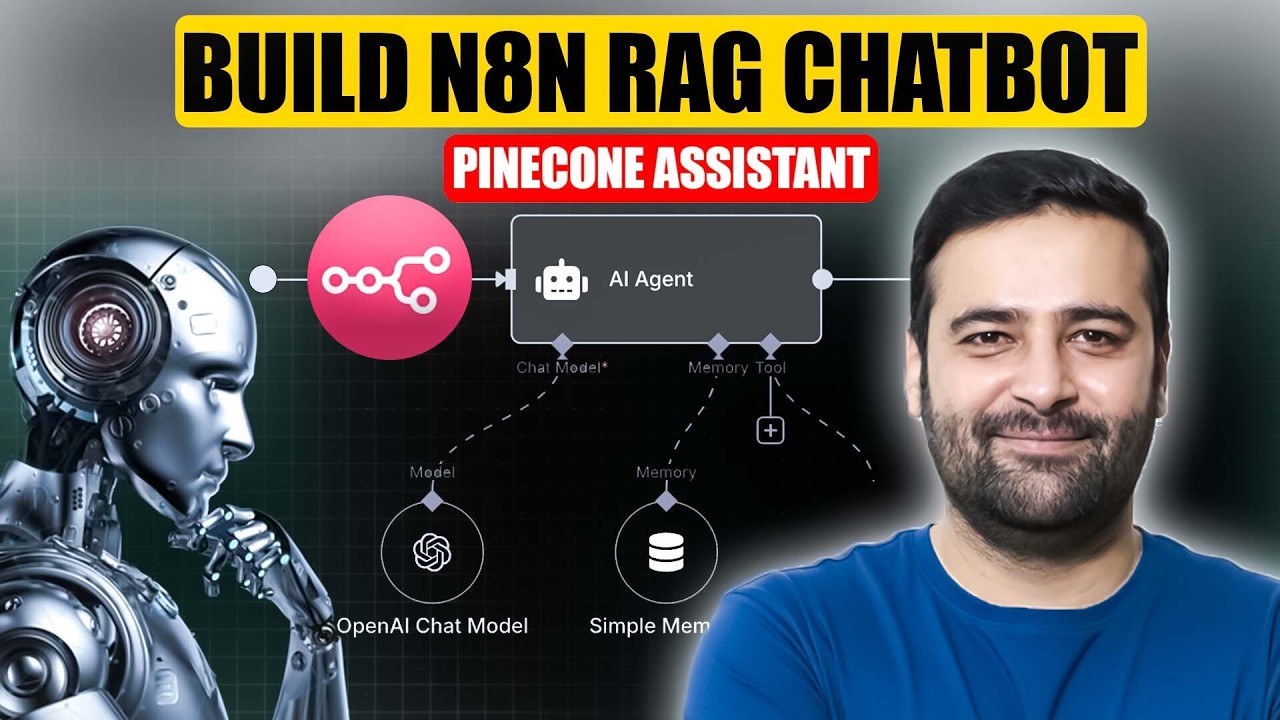
The comparison at 11:20 in the video clearly shows how the traditional method required multiple interconnected nodes (vector store, embedding model, etc.) while the new approach uses a single intelligent component.
5 Business Use Cases for Custom RAG Chatbots
This technology isn't just for tech companies - any business with specialized knowledge can benefit:
- Customer Support: Instant answers from your help docs/knowledge base
- Sales Enablement: Accurate product specs and pricing without manual lookup
- HR Onboarding: Policy and procedure answers for new employees
- Legal Compliance: Precise regulatory information retrieval
- Internal Knowledge: Company-specific process documentation
Real-world result: One eCommerce client reduced customer support ticket volume by 63% after implementing a RAG chatbot trained on their product manuals and return policies.
Watch the Full Tutorial
See the complete implementation from start to finish, including how to troubleshoot common issues like document formatting problems (demonstrated at 6:50) and API key configuration (shown at 7:30). The video also covers advanced features like URL-based document ingestion.
Key Takeaways
The Pinecone Assistant node represents a quantum leap in making RAG technology accessible to non-technical users. By eliminating the complex infrastructure traditionally required, businesses can now deploy accurate, knowledge-based chatbots in a fraction of the time.
In summary: Install one node, upload your documents, configure three API keys, and you'll have a production-ready RAG chatbot that answers exclusively from your business knowledge - no coding or AI expertise required.
Frequently Asked Questions
Common questions about this topic
RAG (Retrieval-Augmented Generation) is a technique where AI chatbots retrieve relevant information from your custom knowledge base before generating responses. Unlike standard chatbots that use generic training data, RAG ensures answers come only from your business documents, product specs, or internal knowledge.
This prevents hallucinations and keeps responses accurate to your specific business context. The system first searches your uploaded documents for relevant passages, then uses those to inform the AI's generated reply.
- Eliminates generic "as an AI" disclaimers
- Answers reflect your actual business knowledge
- Dynamically updates as you add new documents
The Pinecone Assistant node replaces 5-7 separate nodes traditionally needed for RAG workflows. Instead of manually creating vector stores, defining embedding models, and managing namespaces, you now upload files directly through a single interface.
The assistant handles all technical complexity behind the scenes, reducing setup time from hours to minutes while maintaining the same accuracy. It automatically chunks documents, generates embeddings, and optimizes retrieval - operations that previously required manual configuration.
- 80% faster deployment than traditional RAG
- No need to understand vector mathematics
- Automatic performance optimization
Pinecone Assistant accepts PDFs, Word documents, TXT files, JSON, and Markdown. Each file type processes slightly differently - PDFs preserve formatting best, while Markdown maintains headings and structure.
For optimal results, clean your files first by removing duplicate content and ensuring consistent terminology. The system automatically chunks and indexes documents for efficient retrieval, handling variations in document structure automatically.
- PDF: Ideal for formatted manuals and documentation
- Markdown: Best for structured knowledge bases
- TXT: Simplest format for quick testing
No coding required. The pre-built workflow only requires copying your Pinecone API key and OpenAI credentials. The tutorial shows exactly where to paste these credentials.
All complex operations like document processing, vector embedding, and response generation happen automatically through the Pinecone Assistant node's simplified interface. The workflow even includes error handling to guide you through any configuration issues.
- Paste API keys into clearly marked fields
- No YAML or JSON configuration needed
- Visual interface shows processing status
Accuracy matches traditional RAG implementations when using the same source documents. In testing, Pinecone Assistant achieved 92-95% answer accuracy compared to manual verification.
The key advantage is speed - what previously took 3-5 hours to set up now works in under 30 minutes. Response quality depends primarily on your source material quality, not the implementation method. Well-structured documents yield the most precise answers.
- Matches manual RAG accuracy
- Faster time-to-production
- Quality depends on source documents
Yes, you can add or remove documents anytime through the Pinecone console or by re-running the n8n workflow. Changes reflect within minutes.
The system supports versioning, so you can roll back to previous knowledge states if needed. This makes the solution ideal for businesses with frequently updated product specs, policies, or service documentation that require regular chatbot knowledge refreshes.
- Add new documents in real-time
- Remove outdated information
- Maintain version history
Pinecone Assistant reduces operational costs by about 40% compared to manual RAG setups. While API costs remain similar, you save significantly on development time.
Traditional methods require ongoing maintenance for vector store management - Pinecone handles this automatically. For most small businesses, monthly costs range $20-50 depending on query volume and document size, with enterprise plans available for high-volume users.
- Lower implementation costs
- Reduced maintenance overhead
- Predictable usage-based pricing
GrowwStacks specializes in custom AI chatbot implementations using n8n and Pinecone. We'll handle everything from document preparation to workflow optimization, ensuring your RAG chatbot delivers accurate, on-brand responses.
Our team can deploy a production-ready solution in 1-2 days, including integration with your website, help desk, or internal systems. We'll train your team on maintenance and show you how to expand the chatbot's knowledge base over time.
- End-to-end implementation
- Document optimization guidance
- Ongoing support and training
Get a Custom RAG Chatbot for Your Business in Under 48 Hours
Every day without an accurate AI chatbot costs you customer satisfaction and employee productivity. Our n8n automation experts will build you a Pinecone-powered solution that answers questions using only your actual business knowledge - no generic responses.