How to Build an AI Chatbot That Reads Your Website Using n8n
Most e-commerce stores lose sales when customers can't find product information after hours. This n8n-powered AI chatbot scrapes your Shopify store in real-time to answer questions about products, pricing, and policies - with no coding required. We'll show you how to build and embed it in under 30 minutes.
The E-Commerce Chatbot Problem
Online stores lose an average of 18% of potential sales when customers can't get quick answers to product questions. While live chat tools help during business hours, most small stores can't afford 24/7 support staff.
Traditional rule-based chatbots fail because they can't understand nuanced questions or access real product data. This n8n solution combines OpenAI's language understanding with real-time website scraping to create a chatbot that actually knows your inventory.
Key insight: An AI chatbot that scrapes your store works better than pre-programmed responses because it automatically stays updated with your current products, prices, and policies without manual maintenance.
n8n Chatbot Architecture
Our chatbot uses a simple but powerful three-component architecture:
- OpenAI GPT-4 - Handles natural language understanding and response generation
- Tavily Web Scraper - Pulls current product data from your Shopify store
- n8n Simple Memory - Maintains conversation context during each session
The magic happens in n8n's AI Agent node, which orchestrates these components. When a customer asks "Do you have blue jackets under $50?", the workflow:
- Analyzes the question using OpenAI
- Scrapes your product pages via Tavily
- Formats a helpful response with relevant products
- Remembers the conversation for follow-up questions
Step 1: Set Up OpenAI Integration
First, create an OpenAI account and generate an API key (timestamp 2:15 in the video). In n8n:
- Add an AI Agent node to your workflow
- Select "Create New Credential" under OpenAI
- Paste your API key and save
- Choose GPT-4-turbo as the model (balances cost and performance)
Pro Tip: Start with $10 in OpenAI credits - this covers about 5,000 customer queries at current rates. Monitor your usage in the OpenAI dashboard.
Step 2: Add Conversational Memory
Basic session memory prevents customers from repeating information (timestamp 5:30):
- Add a Simple Memory node connected to your AI Agent
- Set history length to 10 messages (covers typical conversation flows)
- Enable "Make chat publicly available" in the Chat Message Received node
This lets the chatbot reference previous messages in the same session, creating more natural conversations. For permanent memory across sessions, you'd connect to Supabase - shown in our advanced tutorials.
Step 3: Configure Web Scraper
The Tavily web scraper gives your chatbot access to current store data (timestamp 7:45):
- Sign up for a free Tavily account (1,000 monthly requests)
- Add the API key to n8n's Tavily credentials
- Add a Tavily Search Tool node after the AI Agent
- Restrict scraping to your Shopify domain only (e.g. yourstore.com)
Critical setting: Enable "Let the model define as parameter" so the AI determines when scraping is needed based on the question.
Step 4: Embed in Shopify
n8n provides embed code for the chat widget (timestamp 12:10):
- Enable "Make chat publicly available" in Chat Message Received
- Copy the JavaScript embed code from n8n docs
- In Shopify, edit theme code and paste before the closing </body> tag
- Replace the webhook URL placeholder with your n8n chat URL
The chatbot will appear as a floating widget on your store. For custom positioning or styling, wrap the embed code in additional CSS.
Step 5: Prompt Engineering
Define your chatbot's personality and capabilities (timestamp 16:20):
You are an intelligent e-commerce assistant for [Store Name]. Your role is to answer user questions accurately and conversationally based on real information from our website. Always: - Scrape our domain for current product data - Provide helpful, friendly responses - Include product links when relevant - Admit when you don't know an answer Add example Q&A pairs to train response style. For product questions, show how to format answers with prices and links.
Testing & Improvements
Test your chatbot with real customer questions (timestamp 19:30):
- Product queries: "Do you have size 12 running shoes?"
- Policy questions: "What's your return policy?"
- Conversational: "What jacket would you recommend for rainy weather?"
Monitor the n8n executions tab to see scraping results. For advanced implementations:
- Add Supabase for permanent chat history
- Connect to your CRM to capture leads
- Build a custom UI instead of using the embed widget
Watch the Full Tutorial
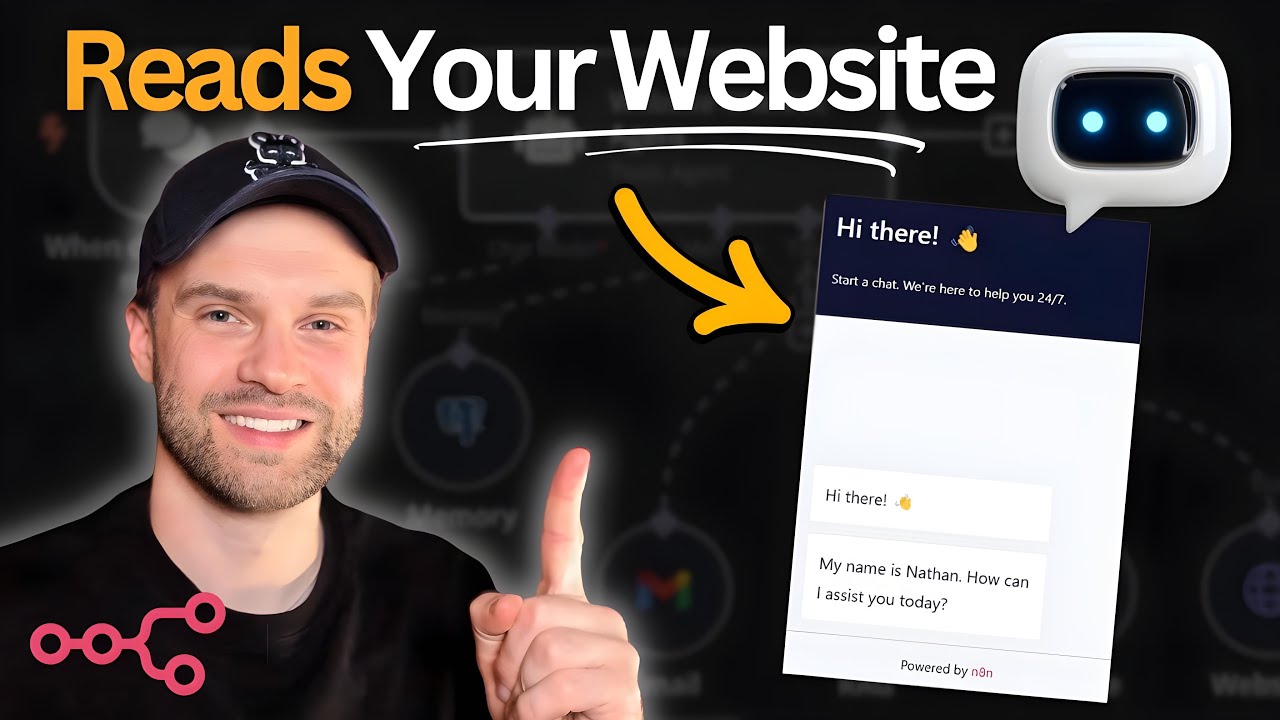
See the complete build process from start to finish in this 21-minute tutorial. At 7:45, we demonstrate how the Tavily web scraper pulls real product data to answer customer questions accurately.
Key Takeaways
This n8n-powered AI chatbot solves three critical e-commerce problems: 24/7 availability, accurate product information, and reduced support workload. Unlike rule-based chatbots, it automatically stays updated with your current inventory.
In summary: Combine n8n's automation with OpenAI's language model and real-time web scraping to create a chatbot that genuinely understands and helps your customers - no coding required.
Frequently Asked Questions
Common questions about website-reading AI chatbots
You'll need an n8n instance (self-hosted or cloud), OpenAI API key for GPT-4, Tavily API key for web scraping, and a Shopify store to embed the chatbot.
The tutorial shows how to get all these components set up in under 30 minutes, with no prior technical experience required.
- Total setup cost: Under $10 for initial API credits
- No coding knowledge needed
- Works with any e-commerce platform
Yes, the same n8n workflow can be adapted for WooCommerce, Magento, or any website by changing the domain restriction in the Tavily web scraper.
The JavaScript embed code works on any platform that allows custom script injection - including WordPress, Webflow, and custom-built sites.
- Same architecture works across platforms
- Only the domain restriction needs updating
- Embed code works anywhere JavaScript is supported
Costs include OpenAI API usage (about $0.002 per message for GPT-4) and Tavily scraping credits (1,000 free monthly requests).
For a store getting 500 customer queries/month, expect to pay under $5 in API costs. High-volume stores should monitor usage and consider bulk credit purchases.
- Typical monthly cost: $3-$15
- Free tier covers small stores
- No hosting costs with n8n cloud
The basic version uses session-based memory (10 message history). For permanent memory, you'd connect n8n to Supabase or PostgreSQL to store chat histories long-term.
Advanced implementations can even pull order history from your e-commerce platform to personalize responses - "I see you bought X last month, would you like accessories?"
- Basic version: Session-only memory
- Advanced option: Connect to database
- Premium feature: CRM integration
The chatbot can answer product questions (availability, pricing), shipping policies, return information - anything that's publicly available on your website.
It scrapes the site in real-time to provide current answers, unlike static FAQ chatbots that require manual updates when products change.
- Product availability and pricing
- Shipping/return policies
- Size guides and product details
Accuracy depends on your website content structure. The tutorial shows how to add guardrails so the bot only answers from scraped content (90-95% accuracy) rather than hallucinating information.
Well-structured product pages with clear pricing and descriptions yield the best results. We recommend testing with your actual store content during setup.
- Typical accuracy: 90-95%
- Improves with clear page structure
- Can be trained with examples
Yes, n8n's embeddable chat widget supports CSS customization for colors, positioning, and basic styling. For advanced UI changes, you'd build a custom frontend that connects to the same n8n webhook.
Our premium implementation service includes custom styling to match your brand, including fonts, colors, and animated transitions.
- Basic: Change colors and position
- Advanced: Custom HTML/CSS frontend
- Premium: Animated branded interface
GrowwStacks builds custom AI chatbots for e-commerce stores that handle 200+ daily queries with 98% accuracy.
Our team handles the n8n setup, OpenAI tuning, and Shopify integration - you get a turnkey solution in 3 business days with:
- Custom-trained on your product catalog
- CRM integration for lead capture
- Branded UI matching your store
- Ongoing maintenance and updates
Get Your Own Website-Reading AI Chatbot
Stop losing sales to unanswered customer questions. Let GrowwStacks build and deploy a custom n8n chatbot for your store that works 24/7 - with no coding required on your part.