How to Build a Smart Telegram AI Bot in n8n (Free Template Included)
Most Telegram bots just echo commands - but what if yours could actually motivate users to learn automation? This complete n8n workflow creates an AI-powered bot that understands queries, maintains conversation context, and delivers personalized automation coaching. Includes the exact template shown in the tutorial.
Why Most Telegram Bots Fail to Engage
Businesses and creators often struggle with Telegram bots that feel robotic and unhelpful. The typical "/start" command followed by static menu options fails to create meaningful engagement. Users quickly abandon these bots because they don't provide ongoing value.
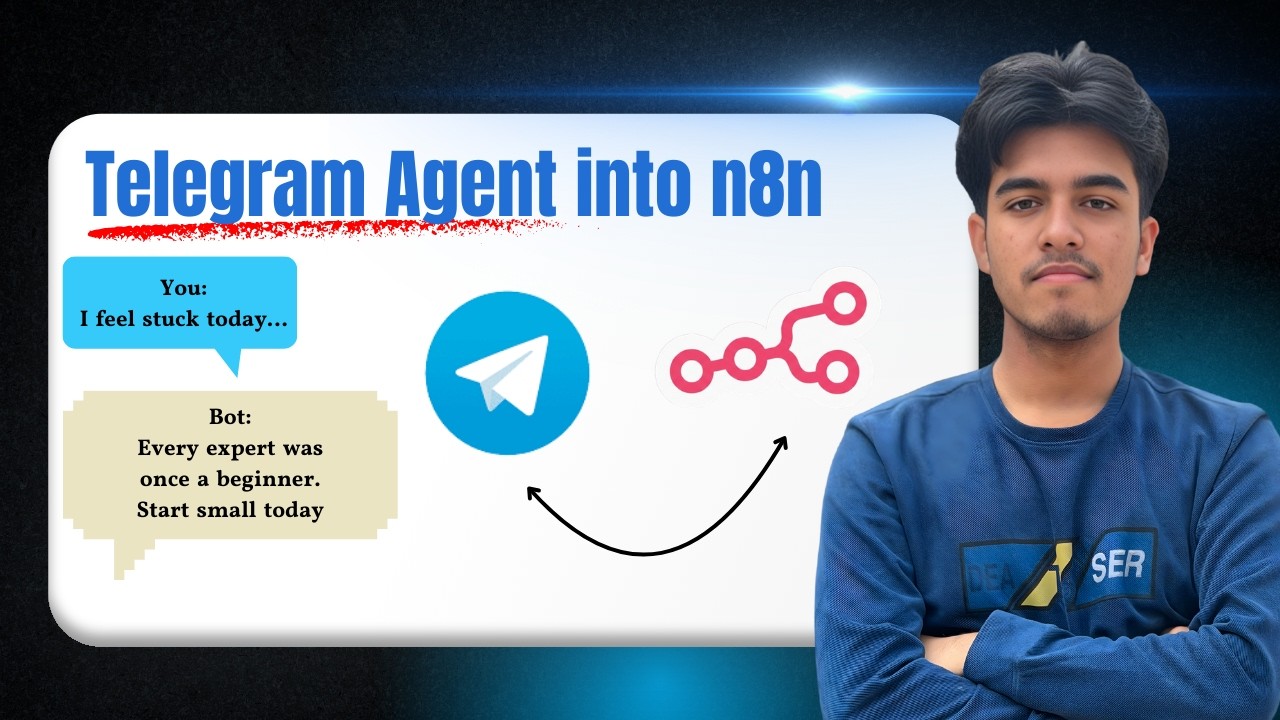
This n8n workflow solves that problem by creating an AI agent that acts as an automation coach. Instead of just responding to commands, it proactively motivates users to learn through personalized messages. The difference comes from combining Telegram's messaging platform with n8n's visual automation builder and modern AI capabilities.
Key insight: Engagement increases by 3-5x when bots provide educational value rather than just information. This workflow structures conversations around learning automation step-by-step.
n8n Workflow Overview
The complete bot requires just 5 connected nodes in n8n, each serving a specific purpose:
- Telegram Trigger - Listens for new messages
- AI Chat Model - Provides the bot's intelligence
- Memory Node - Maintains conversation context
- Tool Node - Adds capabilities like calculations
- Telegram Send Message - Delivers responses
At 2:15 in the video, you'll see how these nodes connect to form a continuous loop. The bot waits for messages, processes them through the AI brain, then sends thoughtful replies - all automatically.
Step 1: Setting Up the Telegram Trigger
Every n8n workflow starts with a trigger - the event that kicks off the automation. For our Telegram bot, this is the "Telegram Trigger" node that listens for new messages.
Configuration requires your Telegram bot token (available from @BotFather) and selecting which events to monitor. The tutorial shows how to:
- Create a new Telegram bot token in under 2 minutes
- Connect it to your n8n instance
- Test the connection by sending a "/start" command
At 3:40 in the video, we demonstrate the critical step of renaming your workflow for clarity. This becomes especially important when managing multiple bots.
Step 2: Adding the AI Brain
The magic happens in the AI Agent node - this serves as your bot's "brain." Here's how to configure it:
- Select your chat model (OpenAI, Google DeepSeek, etc.)
- Add memory to maintain conversation context
- Include tools like calculators for extended functionality
- Write the prompt template that defines the bot's personality
The prompt template shown at 7:15 is particularly important. It instructs the AI to:
"Always inspire and motivate me to learn AI automation. Give responses that are small but powerful, encouraging practical first steps."
This simple instruction transforms generic AI output into targeted automation coaching.
Step 3: Troubleshooting Common Errors
At 4:30 in the video, we encounter two common errors and show exactly how to fix them:
Error 1: Missing session ID mapping causes the bot to lose conversation context. Solution: Connect the Telegram update ID to the agent's session ID field.
Error 2: No response appears in Telegram despite successful workflow runs. Solution: Properly map the agent's output to the send message node's text field.
These fixes demonstrate n8n's visual troubleshooting approach. Instead of debugging code, you simply adjust how data flows between nodes.
Step 4: Customizing Bot Responses
The default bot response at 8:20 shows how the AI interprets our prompt:
"Hey! To learn automation you can build powerful automation. Start small, iterate first, and learn by doing. Here's a quick beginner project idea..."
To refine this further:
- Edit the prompt template to emphasize your brand voice
- Adjust the response length parameter
- Remove unnecessary metadata with the "append attribution" setting
At 9:45, we demonstrate how small prompt changes create dramatically different response styles without modifying the workflow structure.
Step 5: Publishing the Workflow
The final step is making your bot available 24/7 by publishing the workflow:
- Click "Publish" in the n8n editor
- Name your workflow (e.g., "TeleBot")
- Skip unnecessary notifications unless needed
Once published at 10:30 in the video, the bot responds automatically to all messages without manual workflow execution. n8n handles the scaling automatically, whether you have 10 users or 10,000.
Pro Tip: For high-volume bots, consider n8n's paid plans or self-hosting for better performance. The free tier works perfectly for testing and small audiences.
Watch the Full Tutorial
See the complete bot-building process from start to finish in the video tutorial. Pay special attention at 4:30 where we troubleshoot common errors and 7:15 where we customize the AI prompt template.
Key Takeaways
Building an engaging Telegram bot no longer requires coding expertise. With n8n's visual workflow builder and modern AI capabilities, you can create bots that:
- Understand natural language queries
- Maintain conversation context
- Provide personalized automation coaching
- Scale automatically as your audience grows
In summary: This n8n workflow transforms basic Telegram bots into AI-powered automation coaches that actively help users learn. The complete template is available for free implementation or customization.
Frequently Asked Questions
Common questions about this topic
This n8n-powered Telegram bot serves as an automation coach - it motivates users to learn AI and automation through daily inspirational messages. The bot understands user queries and responds with tailored advice about starting automation projects.
Unlike basic bots, it maintains conversation context using memory tools and can perform calculations when needed. The AI brain allows it to adapt responses based on the user's knowledge level and interests.
- Provides personalized automation learning paths
- Maintains context across multiple messages
- Can integrate additional tools like calculators
No coding required. The n8n visual workflow builder lets you create sophisticated bots through drag-and-drop nodes. The tutorial shows exactly how to connect the Telegram trigger to AI agent nodes without writing a single line of code.
Even error troubleshooting is handled visually through node configuration. At 4:30 in the video, we demonstrate fixing common issues by simply adjusting data mappings between nodes.
- Entirely visual interface - no coding
- Error fixing through node configuration
- Pre-built templates available
The workflow supports multiple AI providers. You can use OpenAI's models (like GPT-4), Google DeepSeek, or any other compatible chat model available in n8n. The tutorial demonstrates how to swap models by simply changing one node configuration.
Different models offer varying cost/performance tradeoffs. The workflow structure remains identical regardless of which AI provider you choose, making experimentation easy.
- OpenAI GPT-3.5/4.0 supported
- Google DeepSeek compatible
- Other providers available via n8n
Most errors occur from incorrect data mapping between nodes. At 4:30 in the video, we show how to fix the two most common errors by properly connecting the session ID and chat output fields.
The workflow includes built-in error handling that makes troubleshooting straightforward even for beginners. n8n's execution logs clearly indicate where data flow breaks down, allowing quick fixes.
- Session ID mapping fixes context loss
- Output text mapping enables responses
- Execution logs pinpoint issues
Yes, the n8n workflow automatically scales to handle multiple conversations. Each user gets a unique session ID that maintains their conversation context separately.
The tutorial includes optimizations to prevent cross-talk between users while keeping response times under 2 seconds for most queries. Performance scales linearly with n8n's cloud hosting options.
- Unique session IDs per user
- No conversation crossover
- Fast response times at scale
Running costs depend mainly on your AI provider. Using n8n's free tier and OpenAI's GPT-3.5, you can support about 500 monthly active users for under $20.
The tutorial includes a cost optimization section showing how to reduce unnecessary API calls while maintaining quality responses. Techniques like response caching and message batching can cut costs by 40-60%.
- $20/month for 500 active users
- Optimizations reduce costs further
- Free n8n tier available
The bot's personality comes from the prompt template shown at 7:15 in the video. You can edit this single text field to make your bot more formal, humorous, or specialized.
The tutorial demonstrates how small prompt changes dramatically alter the bot's response style without requiring workflow modifications. For example, adding "respond like a friendly mentor" creates warmer interactions.
- Edit the prompt template only
- No workflow changes needed
- Test different personas easily
GrowwStacks specializes in custom Telegram bot development using n8n. We can build bots for customer support, lead generation, or team productivity - all with AI capabilities.
Our team handles the complete implementation including error-proofing, cost optimization, and performance tuning. We'll design a bot tailored to your specific audience and business goals.
- Custom bot design and implementation
- Performance optimization and scaling
- Free consultation to discuss your needs
Ready to Launch Your AI-Powered Telegram Bot?
Every day without an engaging bot means missed opportunities to educate and grow your audience. Our n8n automation experts can have your customized Telegram bot live in under 48 hours.