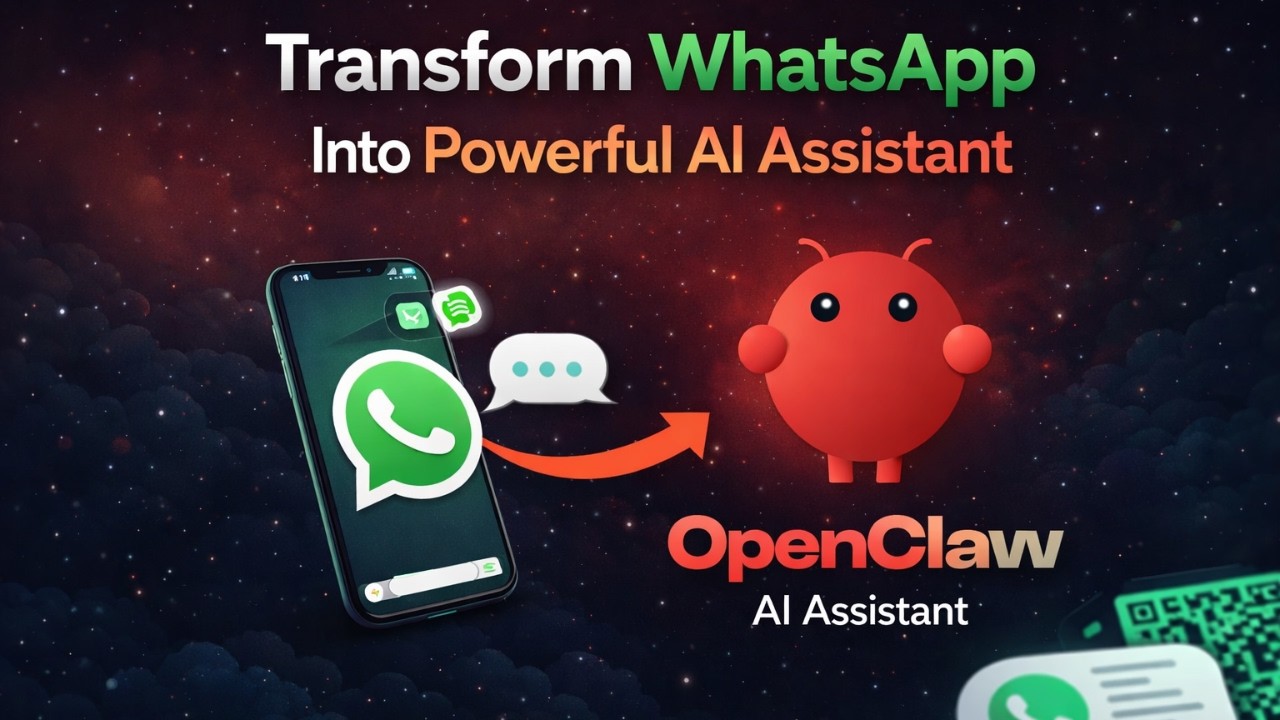
Build Your Own WhatsApp AI Assistant with OpenClaw — No Coding Required
Business owners waste hours daily answering repetitive WhatsApp messages. What if an AI assistant could handle 80% of these inquiries instantly? OpenClaw transforms any WhatsApp number into a 24/7 automated support channel that learns your business voice - no app development or monthly subscriptions required.
The WhatsApp AI Revolution for Small Business
Over 2 billion users send 100 billion WhatsApp messages daily - and for small businesses, this tidal wave of customer inquiries becomes overwhelming. Typical solopreneurs spend 3-5 hours daily just answering basic questions about business hours, pricing, and service details. The OpenClaw solution changes everything by intercepting these messages with AI before they reach your phone.
Unlike chatbot platforms that charge per message or require complex integrations, OpenClaw runs independently on your existing hardware. The 4:23 mark in the tutorial shows how it processes incoming WhatsApp queries through configured AI models, then returns responses indistinguishable from human replies.
Key advantage: OpenClaw maintains your existing WhatsApp number and conversation history. Customers never know they're interacting with AI unless you choose to disclose it - the experience remains seamless.
OpenClaw Explained: Your Local AI Agent
OpenClaw isn't another SaaS platform with monthly fees - it's an open-source framework that turns your computer into an AI messaging hub. The system acts as middleware between WhatsApp's web interface and large language models, with these core components:
- Local Processing: Messages stay on your device/VPS rather than routing through third-party servers
- Model Agnostic: Supports OpenAI, Anthropic, OpenRouter, and local LLMs
- Skill-Based Routing: Different queries trigger specialized response modes (summarization, Q&A, etc.)
At 2:15 in the video, you'll see the OpenClaw dashboard that manages all connected channels and AI configurations from one interface. This becomes your control center for monitoring conversations and refining responses.
Step-by-Step Installation Guide
The OpenClaw setup requires basic command line familiarity but no actual coding. Here's the streamlined process demonstrated at 1:30 in the tutorial:
Step 1: Install Node.js Prerequisite
OpenClaw runs on Node.js, which you can download from nodejs.org. The installer handles most configurations automatically - just accept defaults during installation.
Step 2: Install OpenClaw via NPM
With Node.js installed, run this single command in your terminal:
npm install -g openclaw@latest
This downloads all necessary components automatically. The @latest flag ensures you get the most recent stable version.
Step 3: Launch Onboarding
Initialize setup with:
openclaw onboard --install --mo
The tutorial at 3:45 shows how the interactive menu guides you through security agreements and initial configuration.
WhatsApp Connection Process
Connecting WhatsApp is the most visually impressive part of the setup (demoed at 5:20). OpenClaw generates a QR code you scan from the target WhatsApp account:
- Select "WhatsApp" as your channel during onboarding
- Choose whether to use a personal or business number
- Scan the QR code from WhatsApp Web on your phone
- Name your AI assistant (e.g., "Acme Support Bot")
Once linked, any message sent to that WhatsApp number first routes through OpenClaw's processing pipeline. The 7:10 timestamp shows real-time testing where the AI responds to technical questions instantly.
Pro Tip: For business use, dedicate a separate WhatsApp number rather than your personal account. This lets you monitor AI performance without mixing personal and professional messages.
Choosing the Right AI Model
OpenClaw's flexibility shines in model selection (shown at 4:50). Rather than being locked into one provider, you can choose from:
- OpenRouter Auto: Dynamically selects the best model for each query type
- GPT-4 Turbo: OpenAI's fastest commercial model
- Claude Instant: Anthropic's cost-effective option
- Local LLMs: Self-hosted models like Llama 3 for maximum privacy
The tutorial recommends OpenRouter Auto for beginners because it automatically balances cost, speed, and accuracy without manual tuning. Business users should test different models to find the ideal balance for their industry's communication style.
Skills and Response Customization
Basic setup handles general questions, but the real power comes from skill configuration (demo at 6:30):
Essential Skills to Enable:
- Summarization (condenses long inquiries)
- Q&A Mode (for factual responses)
- Sentiment Analysis (detects frustrated customers)
Each skill activates different processing pipelines within the AI model. For example, enabling summarization helps when customers send verbose messages - the AI extracts key points before formulating a response.
At 8:45, the video shows how to test skills by asking varied questions and observing how the AI adapts its response style accordingly.
VPS vs Local Machine: 24/7 Availability
The 10:15 segment highlights OpenClaw's most important business consideration - runtime environment:
| Local PC | VPS Server | |
|---|---|---|
| Availability | Only when computer is on | 24/7 uptime |
| Data Security | Mixed (personal data exposure) | Isolated business environment |
| Setup Complexity | Simpler for testing | Requires cloud basics |
For serious business use, a $5/month VPS provides constant availability without keeping a personal computer running. The tutorial briefly covers port forwarding (9:40) needed for remote access.
Real-World Testing and Examples
The final tutorial segment (11:00+) demonstrates live WhatsApp interactions:
Test Case 1: "Do you know about Laravel Vue.js?"
AI Response: Detailed framework comparison with use cases
Test Case 2: "What's your return policy?"
AI Response: "As an AI assistant, I don't have return policies. Let me connect you with..."
These examples show both the power and limitations of current AI. While technical questions get thorough answers, policy inquiries correctly defer to human operators - demonstrating responsible automation design.
Watch the Full Tutorial
The 11-minute video tutorial shows every step from installation to live testing, including troubleshooting the dashboard access issue at 9:10. See how seamless the WhatsApp integration becomes once configured properly.
Frequently Asked Questions
Common questions about this topic
OpenClaw is an open-source AI agent framework that connects messaging platforms like WhatsApp to large language models. It runs locally on your computer or on a VPS server, allowing you to create customized AI assistants without coding.
The system processes incoming messages through configured AI models and returns responses automatically while maintaining your existing chat interfaces and conversation history.
- No monthly fees - runs on your existing hardware
- Supports multiple messaging platforms beyond WhatsApp
- Customizable response styles for different industries
No coding is required for basic OpenClaw setup. The installation uses simple command line instructions, and the onboarding process guides you through configuration with menu selections.
Advanced customization may require technical skills, but the standard WhatsApp integration shown in this guide works through point-and-click setup. The tutorial demonstrates every step from installation to live testing without any programming.
- Basic computer literacy is sufficient for initial setup
- Menu-driven configuration handles most options
- Pre-configured skills work immediately after installation
Yes, OpenClaw works with both personal and business WhatsApp accounts. For business use, we recommend running it on a VPS server rather than a local PC to ensure 24/7 availability.
The AI can handle customer inquiries, provide product information, and route complex issues to human agents when configured properly. Many businesses use it for after-hours support and first-line customer service.
- Works with WhatsApp Business API accounts
- Maintains professional communication standards
- Can escalate to human agents when needed
OpenClaw supports multiple model providers including OpenRouter (shown in the tutorial), OpenAI, Anthropic, and local LLMs. During setup, you select your preferred model from available options.
The OpenRouter Auto model recommended in the guide automatically chooses the best available model based on your query type and budget constraints. This provides good performance without requiring manual model selection.
- Switch models anytime without reinstalling
- Mix different models for different skill types
- Local models ensure complete data privacy
When running locally, OpenClaw processes messages on your own machine without sending conversations to third parties. For maximum security with business use, configure OpenClaw to run on a private VPS rather than shared hosting.
The system doesn't store message history by default unless you enable specific logging features during setup. End-to-end encryption remains intact since OpenClaw interfaces through WhatsApp's official web platform.
- Local processing keeps data on your hardware
- No message history stored by default
- Works within WhatsApp's existing security framework
For continuous operation, install OpenClaw on a cloud VPS server instead of a local PC. The tutorial covers both options - local installation for testing and VPS deployment for production use.
On a VPS, the assistant remains active even when your personal computer is turned off, ensuring constant availability for customer inquiries. Basic VPS plans suitable for OpenClaw start at $5/month from providers like DigitalOcean or Linode.
- VPS provides 99.9% uptime guarantee
- Automatically restarts after outages
- Geographically distributed for reliability
The standard setup connects one WhatsApp number per OpenClaw instance. For multiple numbers, you would run separate instances with different configurations.
Enterprise users can scale this using containerization tools like Docker to manage multiple AI agents from a single server. Each instance maintains its own conversation history and model configurations independently.
- Separate instances prevent cross-contamination
- Different models per department/use case
- Centralized monitoring through dashboard
GrowwStacks specializes in deploying OpenClaw AI agents for business automation. We handle VPS configuration, WhatsApp integration, model optimization, and ongoing maintenance.
Our team can customize the AI's responses for your industry, set up failover systems, and integrate with your CRM. We implement monitoring dashboards and regular model fine-tuning to maintain response quality.
- Free initial consultation to assess needs
- Industry-specific response templates
- Ongoing performance optimization
Automate Your WhatsApp Support Today
Every hour spent answering repetitive messages is time stolen from growing your business. Let GrowwStacks implement your OpenClaw AI assistant in 3 days or less - with customized responses that sound exactly like you.