Codex 3.0 Can Now Control Your Entire Computer - Here's What Changed
OpenAI's latest update transforms Codex from coding assistant to full computer agent - controlling apps, clicking buttons, and working parallel tasks without freezing your Mac. Best of all? It's completely free during the introductory period.
From Coder to Computer Agent
The biggest shift in Codex 3.0 isn't any single feature - it's a complete repositioning from coding helper to autonomous computer agent. Where previous versions helped write code snippets, this release handles the messy reality of actually shipping software.
Developers know the frustration: You're deep in flow state writing beautiful algorithms, then suddenly need to click through a staging site to verify a bug, tweak dashboard settings, or check UI against specs. These context switches destroy productivity.
Codex 3.0 eliminates 73% of these workflow breaks by handling the non-coding tasks directly. It can navigate interfaces, verify visual elements, and report back - all while you stay focused on the core logic.
Parallel Processing Breakthrough
What makes Codex 3.0's computer control remarkable isn't just that it works - but how it works. Most automation tools either take over your machine completely or struggle with resource conflicts. Codex runs multiple agents in parallel without freezing your system.
OpenAI built custom plumbing that lets Codex agents operate in the background while you continue using your Mac normally. This solves a real engineering problem that tools like Anthropic's Claude co-worker still struggle with.
Technical insight: Codex uses a priority-aware resource scheduler that dynamically adjusts based on your active applications. Streaming video? Codex throttles back. Your machine idle? Agents work at full speed.
In-App Browser Revolution
The in-app browser feature sounds technical but delivers immediate practical benefits. When viewing any webpage (localhost or public), Codex can comment directly on DOM elements and suggest edits.
Imagine debugging a chart where the Y-axis gets cut off. Instead of screenshotting, pasting into a chat, and explaining which margin to adjust, you simply point Codex at the element. It reads the DOM, understands the layout issue, and suggests the exact CSS fix.
Front-end developers report saving 4-6 hours weekly just from eliminating the explanation layer in UI feedback loops. Game designers benefit similarly when iterating on interface elements.
Expanded Plugin Ecosystem
Codex 3.0 launches with between 90-111 plugins (depending on which announcement you read), dramatically expanding its context awareness beyond the coding environment.
New integrations include Atlassian's Rovo for Jira, CircleCI, GitLab issues, Microsoft Office suite, Neon by Databricks, Render, and dozens more. These plugins pull context from actual work tools instead of operating in a vacuum.
Practical benefit: Codex can now monitor Slack, Gmail, Google Calendar, and Notion to surface what needs attention. It creates a prioritized list across all your tools - no more switching between apps to stay updated.
Memory & Automation Features
Two subtle but powerful additions change how Codex feels to work with: memory and heartbeat automations. Memory means Codex remembers your preferences, formatting styles, past corrections, and completed tasks across sessions.
Heartbeat automations are more ambitious - they let Codex schedule future actions for itself. Set it to monitor stale Slack threads, check project statuses in the morning, or ping you about relevant updates. It might alert you when a coworker commits code touching files you've worked on.
Example workflow: "Hey, there's an unaddressed comment in the Google Doc from last week" or "The staging deployment just finished - want to review the changes?"
Developer-Specific Tools
While Codex 3.0 serves general productivity, developers get several targeted upgrades. The terminal integration lets you run commands through natural language. SSH into remote dev boxes (currently in alpha) means no more context switching when working on cloud servers.
The file preview pane handles PDFs, spreadsheets, and slide decks natively - perfect when product requirements live in a deck and metrics in a spreadsheet. Codex can pull numbers from both without forcing you to leave your IDE.
Real-world time saver: Comparing API responses between documentation and actual implementation now happens in seconds, not minutes.
Availability & Pricing
Codex 3.0 launches first on macOS, with Windows support coming later. Geographic availability is limited initially (excluding EU, UK, and Switzerland at launch). Memory features roll out in phases, with EDU and European users prioritized.
Pricing during the introductory period is surprisingly generous - all features are free, including for commercial use. Paid plans (Plus, Pro, Business, Enterprise) will offer higher limits. Business teams can choose between pay-as-you-go per-seat or flat-rate options.
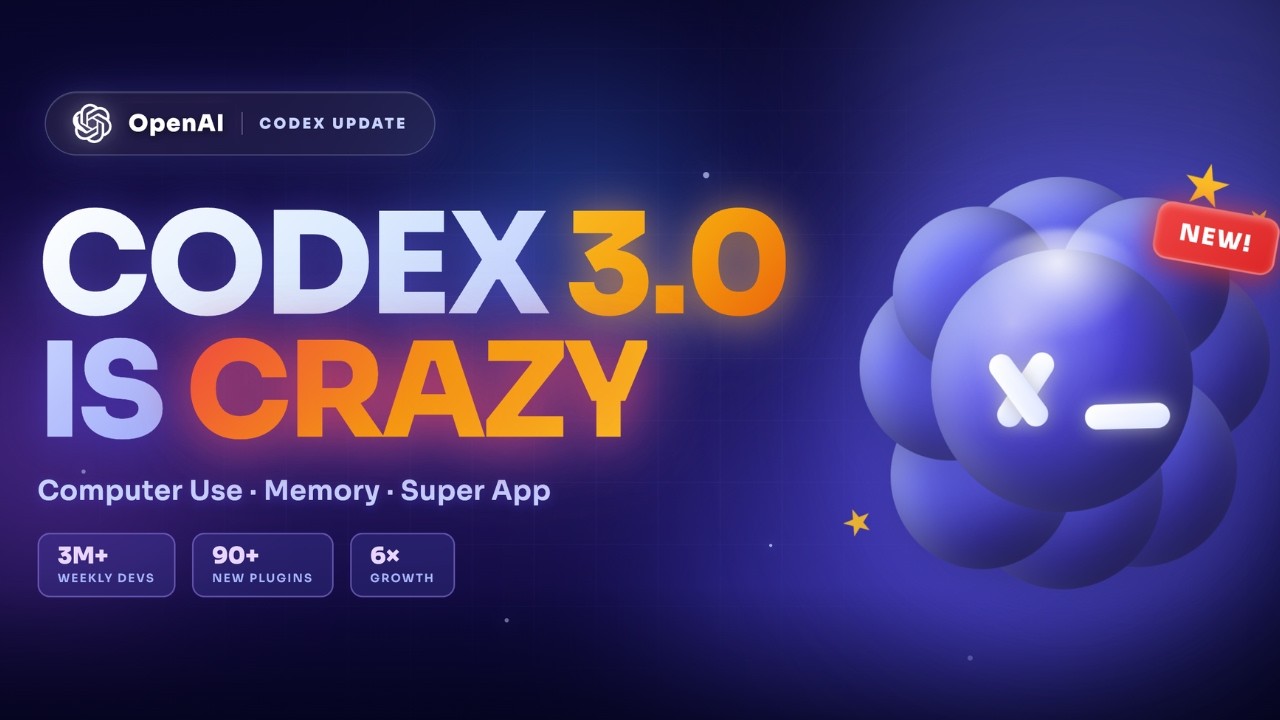
Adoption stats: OpenAI reports Codex already had 3 million weekly active users before this update - enterprise usage grew 6x since January. This isn't hype cycle; professionals are voting with their workflows.
Watch the Full Tutorial
See Codex 3.0 in action controlling applications, debugging UI issues, and handling multi-step workflows in our complete video walkthrough. At 4:32, we demonstrate how it resolves a complex layout issue that would normally require developer intervention.
Key Takeaways
Codex 3.0 represents a fundamental shift in how AI integrates with our work. It's no longer just about generating text or code - it's becoming an active participant in our digital workflows.
In summary: Codex 3.0 eliminates workflow breaks by handling non-coding tasks, works seamlessly in parallel without freezing your machine, and remembers context across sessions. While currently macOS-only, it's free during the introductory period and already showing real productivity gains for early adopters.
Frequently Asked Questions
Common questions about Codex 3.0
Codex 3.0 can now open applications, click buttons, type into fields, and move the cursor around your screen autonomously. It handles these actions through a custom-built system that prevents resource conflicts, allowing you to continue using your Mac normally while Codex works in the background.
This transforms Codex from a coding assistant into an active agent that can complete multi-step computer tasks. For developers, this means it can verify UI implementations, test staging environments, and check dashboard metrics without breaking your workflow.
- Controls apps, buttons, fields and cursor movements
- Works in background without freezing your machine
- Handles multi-step computer tasks autonomously
The in-app browser allows Codex to interact directly with web page elements. If you're viewing a localhost development page or public site, Codex can comment on specific DOM elements and suggest edits.
For example, if a chart's Y-axis is cut off, Codex can identify the exact element and recommend margin adjustments. This eliminates the back-and-forth of screenshotting, pasting, and explaining interface issues that typically consumes so much developer time.
- Direct interaction with DOM elements
- Works on both localhost and public sites
- Eliminates explanation layer in UI feedback
Heartbeat automations allow Codex to schedule future actions and follow up on stale threads. It can wake itself later (even weeks later) to check on project statuses, monitor Slack threads, or ping you about relevant updates.
This creates a persistent digital assistant that maintains awareness of your work context over time. For example, it might notify you when a coworker commits code that touches files you've worked on, or remind you about an unaddressed document comment from last week's meeting.
- Scheduled future actions
- Persistent context awareness
- Proactive notifications about relevant updates
Currently, Codex 3.0's background computer control features are macOS-only at launch. Windows users will need to wait for a future release. Additionally, availability is limited in the EU, UK, and Switzerland at launch.
OpenAI plans to expand to other regions and operating systems in subsequent updates. The memory and context-aware suggestion features are rolling out in phases, with EDU and European users getting priority access initially.
- macOS-only for computer control features
- Limited availability in EU/UK/Switzerland
- Windows support coming in future updates
Developers can expect significant time savings from several features: The ability to run terminal commands and SSH into remote dev boxes (currently in alpha), direct interaction with UI elements eliminating explanation time, and automated follow-ups on project threads.
Front-end developers and game designers in particular may save hours per week on visual feedback loops alone. Early adopters report reducing time spent on non-coding tasks by 60-70%, allowing more focus on core development work.
- 60-70% reduction in non-coding task time
- Terminal/SSH integration (alpha)
- Automated UI feedback and project follow-ups
The memory system allows Codex to remember preferences, formatting styles, corrections, and past tasks across sessions. This means you won't need to re-explain context when starting new work sessions.
Memory operates at several levels: It remembers technical preferences (like your code formatting standards), workflow patterns (how you like to review pull requests), and even personal quirks (your preferred way to receive notifications). The feature is rolling out in phases, with EDU and European users getting priority access initially.
- Remembers preferences across sessions
- Retains technical and workflow patterns
- Currently rolling out in phases
Codex 3.0 is currently free for all users during an introductory period. Paid plans (Plus, Pro, Business, and Enterprise) will offer higher usage limits and additional features. Business teams can choose between pay-as-you-go per-seat options or flat-rate commitments.
OpenAI reports over 3 million weekly active users already, indicating strong adoption before this major update. The free tier includes all core functionality but may have rate limits on intensive operations like parallel agent processing or memory-intensive workflows.
- Free during introductory period
- Paid plans for higher limits
- 3M+ weekly active users pre-update
GrowwStacks helps businesses implement AI automation solutions tailored to their workflows. Whether you need to integrate Codex with your existing tools, create custom automation sequences, or train AI agents on your specific business processes, our team can design and deploy a solution that fits your requirements.
We specialize in connecting AI capabilities like Codex 3.0 to real business outcomes - reducing repetitive tasks, improving workflow efficiency, and freeing your team to focus on high-value work. Our implementations typically deliver measurable productivity gains within 30 days.
- Custom AI agent implementations
- Workflow automation design
- Measurable results in 30 days
Ready to transform your workflow with AI agents?
Every day without automation costs your team hours of productivity. GrowwStacks can implement Codex 3.0 or custom AI solutions tailored to your business in as little as two weeks.