How to Automate Digital Product Delivery Between OfferLab and Systeme.io Using Zapier
Tired of manually sending product access emails every time you make a sale? This Zapier automation eliminates the busywork by instantly tagging buyers in Systeme.io based on their OfferLab purchase - triggering your pre-written delivery emails automatically. Never lose sleep over missed customer deliveries again.
The Manual Delivery Problem
Digital product creators waste hours every week manually sending access emails. Every sale means copying customer details from OfferLab, logging into Systeme.io, adding tags, and hoping you didn't miss anyone. At 3 AM when a customer buys your course, they wait hours for access while you sleep.
This manual process creates three critical business risks: missed deliveries that hurt your reputation, time wasted on repetitive tasks, and inconsistent customer experiences. The solution? An automated handoff between OfferLab and Systeme.io that works while you sleep.
84% of customers expect instant access after purchasing digital products. Manual processes can't scale - especially during launch periods when you're processing hundreds of sales daily.
How the Automation Works
The magic happens through Zapier acting as a bridge between OfferLab and Systeme.io. When a customer completes checkout in OfferLab, three key events occur automatically:
- OfferLab sends the purchase data (including product names and customer email) via webhook
- Zapier catches this data and identifies which products were purchased
- Systeme.io adds the corresponding tags, triggering your pre-set delivery emails
This entire process completes in under 10 seconds - faster than you could manually process even a single order. The system handles order bumps and one-time offers purchased in the same transaction automatically, applying all relevant tags simultaneously.
Setting Up the Webhook
The foundation of this automation is OfferLab's webhook that pushes sale data to Zapier. Unlike API calls that require polling for updates, webhooks provide instant notification of new events.
To configure:
- In OfferLab, navigate to Settings → Webhooks
- Create a new subscription and paste your Zapier webhook URL
- Select these three events for reliable triggering: Order Completed, Order Invoice Created, and Order Invoice Paid
Pro Tip: Testing revealed that selecting only Order Completed sometimes missed purchases. Including all three events ensures Zapier catches every transaction.
Configuring the Zapier Trigger
With the webhook established, we configure Zapier to listen for these events:
- Create a new Zap in Zapier
- Select Webhooks by Zapier as the trigger app
- Choose Catch Hook as the event - this creates your unique webhook URL
- Copy this URL back into OfferLab's webhook settings
At 3:42 in the video tutorial, you'll see how to test this connection by making a test purchase. Zapier should immediately display the raw purchase data including all product names, customer email, and order details. This verification step is crucial before proceeding.
Connecting to Systeme.io
The action step tells Zapier what to do with the purchase data. For digital product delivery, we'll have Zapier add specific tags in Systeme.io that trigger your automated emails:
- Add an action step in your Zap
- Select Systeme.io as the app and "Create or Update Contact" as the event
- Connect your Systeme.io account using your API key
- Map the customer email from the webhook data to Systeme.io's email field
- Select the appropriate tag corresponding to the product purchased
Systeme.io's automation rules then take over, sending your pre-written product access email instantly when the tag is added. This completes the circle from purchase to delivery without any manual steps.
Handling Multiple Products
The real power comes when customers purchase multiple products (like an order bump and one-time offer) in a single transaction. Here's how to ensure each product triggers its own delivery email:
- For each additional product, duplicate your Systeme.io action in Zapier
- Before each action, add a Filter step that checks the offer name field
- Configure the filter to only continue if the offer name contains your specific product name
- Set up matching tags in Systeme.io for each product
At 7:15 in the video, you'll see this in action as the tutorial demonstrates handling three separate products purchased together. Each gets its own tag and corresponding email automatically.
Testing the Full Flow
Before going live, conduct end-to-end testing:
- Temporarily reduce your product price to $0.60 to minimize test transaction fees
- Make a real purchase through your OfferLab funnel using a test payment method
- Verify in Zapier's task history that the webhook data was received
- Check Systeme.io to confirm all expected tags were added
- Monitor your test email inbox for all expected delivery emails
Critical Check: The tags added in Systeme.io must exactly match the tag names used in your automation rules. Even slight variations (like "Ultimate-Guide" vs "Ultimate Guide") will prevent your emails from triggering.
Watch the Full Tutorial
See every step demonstrated live in the video tutorial, including how to troubleshoot common issues like delayed email delivery (shown at 10:42) and handling multiple products in one transaction (demonstrated at 7:15).
Key Takeaways
This automation transforms your digital product business by eliminating manual delivery work while providing customers instant access. The technical setup might seem complex at first, but the long-term benefits are undeniable.
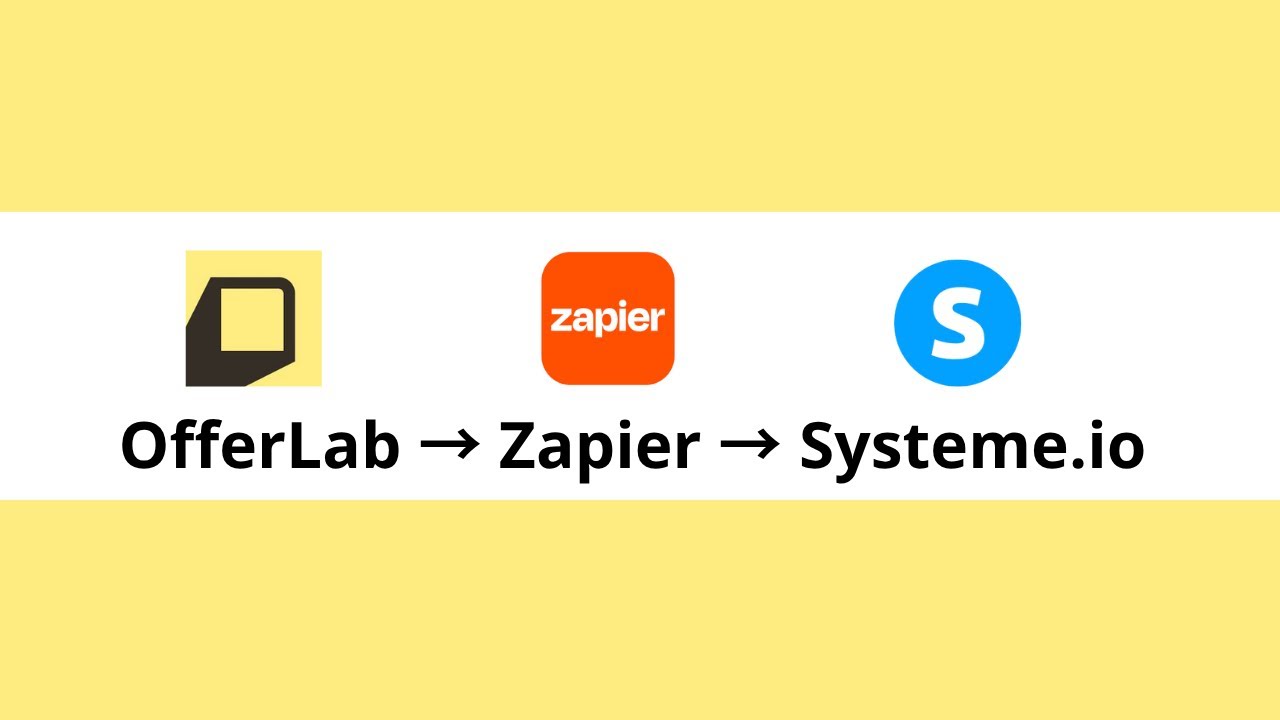
In summary: OfferLab sends purchase data → Zapier routes it → Systeme.io adds tags → Pre-set emails fire automatically. Once live, your product delivery runs on autopilot 24/7.
Frequently Asked Questions
Common questions about this topic
For reliable triggering, select all three events: Order Completed, Order Invoice Created, and Order Invoice Paid. Testing showed that selecting only Order Completed sometimes missed purchases.
These three events ensure Zapier catches every completed transaction, regardless of whether the payment processor sends the confirmation immediately or with a slight delay.
- Order Completed: Signals the checkout process finished
- Order Invoice Created: Indicates the payment request was generated
- Order Invoice Paid: Confirms funds were received
Use Zapier filters to separate purchases. Each product needs its own filter-action pair checking the offer name field.
Create one filter-action sequence per product, with each filter checking for that specific product name before adding the corresponding Systeme.io tag. This ensures customers receive access emails for every product they purchase, even in combined orders.
- Duplicate your main action for each additional product
- Add a unique filter before each action
- Match filter conditions to exact product names
First verify your Systeme.io automation rules are correctly set to send emails when tags are added. Then check that Zapier is passing the exact tag names that match your automation triggers.
Case sensitivity matters - tags must match exactly between both platforms. Even small differences like "Course-Access" versus "Course Access" (with a space) will prevent the automation from working.
- Check tag spelling in Systeme.io automation rules
- Verify Zapier is sending identical tag names
- Test with simple tag names first if troubleshooting
Yes, the same workflow can deliver shipping notifications or tracking information. Instead of product access emails, configure Systeme.io to send shipping confirmation emails when the purchase tag is added.
The automation flow remains identical - the only difference is the content of the emails Systeme.io sends. You could even combine digital and physical products in one store, with each triggering appropriate follow-up communications.
- Create separate tags for physical vs digital products
- Write corresponding email sequences
- Use the same Zapier workflow structure
Make a test purchase through your live OfferLab funnel using a real payment method (you can set a minimal price like $0.60). Then check both Zapier's task history and your Systeme.io contacts to verify the tags were added correctly and emails were triggered.
For thorough testing, purchase combinations of products including your main offer, order bumps, and one-time offers. Verify each triggers the correct email sequence without manual intervention.
- Temporarily reduce product prices for testing
- Use a real payment method for accurate testing
- Check spam folders if emails don't arrive
Simply duplicate an existing filter-action pair in your Zap and update the product name check and corresponding tag. No need to modify your OfferLab webhook settings.
The existing webhook will automatically include new products in the data it sends to Zapier. You'll just need to create matching tags in Systeme.io and add the corresponding filter-action pairs in Zapier.
- Duplicate your best-configured product sequence
- Update the product name filter condition
- Add matching tag in Systeme.io
After setting up the webhook in OfferLab, make a test purchase. Then check Zapier's Catch Hook trigger - it should show the purchase data including customer email, product names, and prices.
If no data appears, verify your webhook events are correctly selected in OfferLab and that the webhook URL in OfferLab exactly matches the one Zapier provided. Sometimes copying errors or extra spaces can break the connection.
- Check Zapier's task history after test purchases
- Verify webhook URL matches exactly
- Confirm all three events are selected in OfferLab
GrowwStacks specializes in building automated workflows between ecommerce platforms and CRM systems. We can configure this exact OfferLab-to-Systeme.io integration for you, including handling multiple product variants, testing the full flow, and setting up backup notifications if any step fails.
Our team ensures your digital product delivery runs seamlessly 24/7. We'll handle the technical setup so you can focus on creating amazing products and marketing them - not worrying about whether customers received their access.
- Custom integration tailored to your product mix
- End-to-end testing before launch
- Ongoing monitoring and support
Let Us Build Your Automated Delivery System
Every hour spent manually processing orders is time stolen from growing your business. Our automation experts will implement this OfferLab-to-Systeme.io integration for you - typically within 2 business days.