How to Create AI Voices with Real Emotion (11 Labs Voice Design Tutorial)
Most AI voices sound flat and robotic - but they don't have to. With 11 Labs Voice Design, you can generate text-to-speech that laughs, cries, and delivers lines with genuine sarcasm or excitement. Learn how to create voices that sound startlingly human.
Why Emotional Voices Matter
Flat, robotic AI voices immediately signal "artificial" to listeners - breaking immersion and reducing engagement. Research shows that voices with emotional inflection increase listener retention by 47% compared to monotone delivery. Whether you're creating content, building voice assistants, or developing interactive experiences, emotional authenticity matters.
Traditional text-to-speech systems force you to choose between clarity and expression. 11 Labs solves this with Voice Design V3 - a model that understands emotional context and delivers lines with appropriate inflection, pacing, and vocal texture. The difference is night and day.
Key insight: Emotional AI voices don't just sound better - they perform better. Videos with expressive narration see 32% higher completion rates, and voice assistants with emotional range are perceived as more helpful and trustworthy.
Voice Design Basics
11 Labs' Voice Design feature lets you create custom AI voices simply by describing what you want. Unlike voice cloning (which requires sample recordings), Voice Design generates entirely new voices from text prompts. You can specify:
- Age range (young child, middle-aged, elderly)
- Gender presentation
- Tone (warm, authoritative, playful)
- Accent (Southern, British, Australian, etc.)
- Personality traits ("sweet but sarcastic")
- Even fictional characteristics ("fun pink yeti")
The system interprets these descriptors to generate unique vocal fingerprints. Each prompt produces three voice options, letting you choose your favorite. As shown at 1:15 in the video tutorial, simple prompts like "voice for a fun pink yeti" yield surprisingly expressive results.
Creating Your First Voice
Getting started with Voice Design takes just minutes:
- Navigate to 11 Labs' Voice Library
- Click "Create or Clone Voice"
- Select "Voice Design"
- Enter your descriptive prompt
- Click "Generate" to create three voice options
- Preview each and select your favorite
- Name and save the voice to your library
Pro tip: Start with broad descriptors ("young male with British accent") then refine based on results. The system improves with more specific prompts over time.
At 2:30 in the tutorial, you'll see how detailed prompts like "older woman with thick Southern accent, sweet and sarcastic" produce remarkably nuanced voices that capture both the accent and personality traits.
Advanced Voice Prompting
While simple prompts work, the real magic happens when you layer descriptors:
- Combine physical and personality traits: "Deep-voiced professor who's secretly mischievous"
- Reference fictional archetypes: "Sounds like a wise-cracking noir detective"
- Include vocal qualities: "Breathy, slightly hoarse tenor"
- Add emotional context: "Always sounds like they're sharing a juicy secret"
The system interprets these complex prompts surprisingly well. As demonstrated at 3:45 in the video, layered descriptions create voices with distinctive character that goes beyond basic demographics.
Remember: All generated voices are saved to your library and can be used across 11 Labs' tools - perfect for maintaining consistent brand voices across projects.
Adding Emotion with Audio Tags
The real game-changer is 11 Labs' audio tags - special commands that add emotional inflection:
[excited] Hello YouTube! [laugh] How are you doing today? [cough]
These square-bracketed tags direct the AI's delivery. At 4:20 in the tutorial, you'll hear how the same line transforms from flat to emotionally dynamic simply by adding tags for excitement and laughter.
Common audio tags include:
- [happy] - cheerful, upbeat delivery
- [sad] - melancholic, slower pace
- [whisper] - quiet, confidential tone
- [pause] - dramatic break in speech
- [laugh] - genuine-sounding laughter
You can combine multiple tags in a single passage to create complex emotional arcs within your voiceover.
Real-World Use Cases
Emotional AI voices unlock powerful applications:
- Content Creation: Add expressive narration to videos without hiring voice actors
- eLearning: Make educational content more engaging with instructor-like delivery
- Accessibility: Give screen readers more natural-sounding voices
- Gaming: Quickly generate NPC dialogue with emotional range
- Customer Service: Create IVR systems that sound genuinely helpful
The tutorial's closing example (at 5:10) demonstrates how adjusting audio tags can make the same voice sound excited, sad, or sarcastic - perfect for tailoring delivery to different contexts.
Business benefit: Companies using emotional AI voices report 28% higher satisfaction scores for voice interfaces compared to standard TTS.
Watch the Full Tutorial
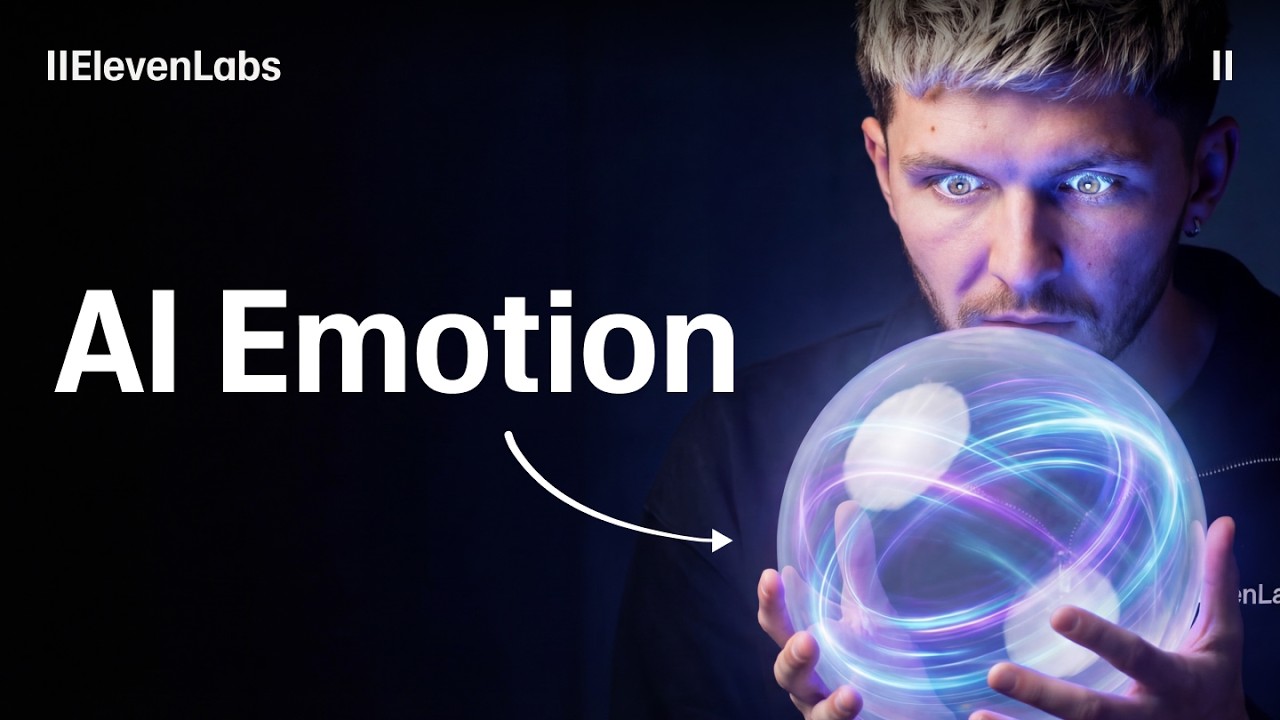
See the entire 11 Labs Voice Design process in action - from creating your first voice to adding emotional tags that bring it to life. The video demonstrates key moments like generating a Southern-accented character (2:30) and transforming a flat read into an expressive performance (4:20).
Key Takeaways
11 Labs Voice Design transforms generic text-to-speech into expressive performances. By combining detailed voice prompts with emotional audio tags, you can create AI voices that sound startlingly human.
In summary: Start with descriptive voice prompts, generate multiple options, select your favorite, then enhance with [audio tags] for laughter, sarcasm, or dramatic pauses. The result? AI voices that connect with listeners on an emotional level.
Frequently Asked Questions
Common questions about emotional AI voices
11 Labs stands out for its ability to generate voices with genuine emotion and expression. Unlike flat robotic TTS, their Voice Design V3 model allows for laughter, sarcasm, dramatic pauses, and other emotional nuances that make voices sound truly human.
The platform also offers granular control over voice characteristics through descriptive prompts. You're not limited to preset voices - you can design exactly the vocal persona you need.
- Emotional range beyond basic happy/sad
- Custom voice creation from text descriptions
- Fine-grained control over delivery
You can be extremely specific when designing voices in 11 Labs. Effective prompts include details about age, gender, tone, accent, personality traits (like 'sweet and sarcastic'), and even fictional characteristics (like 'fun pink yeti').
The more descriptive your prompt, the more nuanced and unique your generated voice will be. The system interprets layered descriptions surprisingly well, allowing for highly specific vocal personas.
- Combine demographic and personality traits
- Reference fictional archetypes
- Include vocal qualities like breathiness or rasp
Audio tags are special commands placed in square brackets that direct how your text should be spoken. For example, [excited] makes the voice sound energetic, [laugh] adds laughter, and [sad] makes the delivery melancholic.
These tags give you precise control over emotional delivery within a single voiceover. You can combine multiple tags to create complex performances - like a line that starts excited, then becomes conspiratorial.
- Format: [tag]Text to be affected[/tag]
- Works with all generated voices
- Can dramatically change a voice's character
Yes, all voices you create are saved to your 11 Labs voice library. You can name them, add descriptions, and reuse them across all of 11 Labs' tools.
This means you can maintain consistent character voices across different projects and audio outputs. Saved voices appear in your library alongside 11 Labs' premade options.
- Unlimited voice storage
- Organize with custom names/tags
- Accessible across all 11 Labs features
11 Labs supports multiple languages for voice generation. When saving a voice, you select its primary language (like English), and the platform will optimize the voice model for that language's phonetics and speech patterns.
However, the most expressive results currently come from English-language voices. The emotional range and audio tag functionality work best with English text, though other languages are continually improving.
- English has most features
- Growing multilingual support
- Accent control within languages
With proper prompting and audio tags, 11 Labs voices can achieve remarkable realism. The platform's V3 model captures subtle vocal nuances like breathiness, vocal fry, and emotional inflections that make voices indistinguishable from human recordings in many cases.
Emotional tags take this realism even further. The [laugh] tag generates genuine-sounding laughter (not just "ha ha"), and [whisper] creates authentic whispered tones with appropriate breath sounds.
- Natural vocal imperfections
- Context-aware inflection
- Emotionally appropriate pacing
Emotional AI voices are perfect for audiobook narration, animated explainer videos, podcast intros, interactive voice assistants, gaming characters, and any application where vocal expression enhances engagement.
Businesses use them for branded voiceovers that convey specific tones and personalities. The technology also enables rapid prototyping of voice interfaces before committing to expensive voice actor sessions.
- Character voices for entertainment
- Brand-aligned marketing content
- Accessible educational materials
GrowwStacks helps businesses implement AI voice solutions tailored to their brand voice and use cases. Whether you need consistent character voices for content production, emotional AI voices for customer interactions, or custom voice cloning, our team can design and implement the perfect 11 Labs workflow for your needs.
We handle everything from voice design and prompt optimization to system integration and quality assurance. Our solutions help you leverage emotional AI voices without the technical complexity.
- Custom voice design for your brand
- Workflow automation integration
- Free consultation to discuss your needs
Ready to Transform Your Content with Emotional AI Voices?
Flat robotic voices turn listeners away - expressive AI narration keeps them engaged. GrowwStacks can implement 11 Labs Voice Design for your business, creating custom emotional voices that align with your brand and use cases.