Demystifying MCP — The USB-C for AI Agents Connecting to Salesforce
AI agents are getting smarter every day, but enterprises face a critical challenge: how to securely connect these agents to business systems without compromising governance. Salesforce's hosted Model Context Protocol (MCP) servers provide the solution - a standardized way for AI to safely interact with your CRM data while maintaining strict access controls.
What Is MCP? The USB-C for AI Agents
Enterprise teams using AI face a frustrating paradox: while large language models grow more capable daily, connecting them securely to business systems remains complex and risky. Custom integrations require specialized developers, create security vulnerabilities, and often break during updates.
Model Context Protocol (MCP) solves this by standardizing how AI agents connect to external tools and data sources. Introduced by Anthropic in late 2024, MCP has gained support from major platforms including Salesforce. Think of it as USB-C for AI - one standardized connection protocol that works across all compatible systems.
Key analogy: Just as USB-C replaced dozens of proprietary charging cables, MCP eliminates the need for custom AI connectors. Salesforce's implementation reduces integration development time by 60-80% compared to building custom middleware.
MCP Architecture: 3 Core Components
The power of MCP comes from its clean separation of concerns through three architectural components:
1. MCP Server (Capability Provider)
This back-end service exposes tools, data, and actions in standard MCPA format. Salesforce's hosted MCP server runs inside your org and safely exposes selected capabilities to authorized AI agents.
2. MCP Host (Runtime Environment)
The environment where the AI model runs (like VS Code), managing MCP connections and execution. It acts as the AI's operating system, enforcing governance policies.
3. MCP Client (Tool Invoker)
The component that calls MCP tools, typically embedded in developer tools like GitHub Copilot Chat. It translates natural language prompts into MCP protocol requests.
Enterprise benefit: This architecture allows security teams to govern what AI can access (through the server) while letting developers work with familiar tools (host and client).
Why Salesforce's Hosted MCP Matters
Salesforce's implementation of hosted MCP servers represents a breakthrough for CRM automation. Instead of building complex middleware to connect AI agents with Salesforce data, administrators can now enable governed access with a few clicks.
The hosted server runs within your Salesforce org, meaning it inherits all your existing security controls and permissions. When GitHub Copilot (as an MCP client) requests account data, the server checks your profile permissions before responding - just like the Salesforce UI would.
Current status: As of , Salesforce's MCP service is in beta with general availability expected in . Early adopters report 3x faster development of AI-powered Salesforce tools compared to traditional integration methods.
Step-by-Step MCP Configuration
Configuring MCP for Salesforce involves four key steps demonstrated in the video at 4:15:
Step 1: Enable MCP Beta Feature
Navigate to Setup → User Interface → Enable MCP Service Beta. This activates the hosted server capability in your org.
Step 2: Verify API Access
Ensure your profile has API Enabled permission (Setup → Profiles → System Permissions). Without this, external applications can't connect.
Step 3: Set Up VS Code as MCP Host
After authenticating to your org, create an mcP.json configuration file in your project root with these key parameters:
{ "orgs": ["your-org-alias"], "toolSets": ["data", "metadata"], "port": 5050 } Step 4: Start the Server
In VS Code, open the command palette (Cmd+Shift+P) and run "MCP: Start Server". The terminal will show the server running on your specified port.
Pro tip: Restrict toolSets to only what your AI agent needs. Using "all" grants complete access but may impact performance and security.
MCP in Action: Real-World Examples
Once configured, MCP enables powerful AI interactions with Salesforce data. In the demo at 7:30, we see two practical examples:
Example 1: Querying Recent Accounts
Prompt: "Query the last five accounts in my org"
Result: GitHub Copilot connects to the MCP server, runs a SOQL query, and returns the account names and IDs - all through natural language.
Example 2: Checking Required Fields
Prompt: "Which fields are required to create an account in my org?"
Result: The MCP server checks your org's specific Account object configuration and returns the exact field requirements, including any custom validation rules.
Business impact: This eliminates hours of manual schema inspection and documentation lookup. New developers can get accurate, org-specific answers in seconds.
Security and Governance Benefits
Beyond convenience, MCP provides critical security advantages for enterprises:
- No raw data exposure: AI agents only see what the MCP server explicitly allows
- Permission inheritance: The server respects all existing Salesforce profile and field-level security
- Audit logging: All MCP transactions appear in your org's normal API call logs
- Toolset restrictions: Admins can limit access to specific object types or operations
This governance model means you can safely empower AI agents without compromising data security. As shown at 8:45 in the video, even when using non-deterministic LLMs like GitHub Copilot, the MCP server ensures only authorized data is accessible.
Watch the Full Tutorial
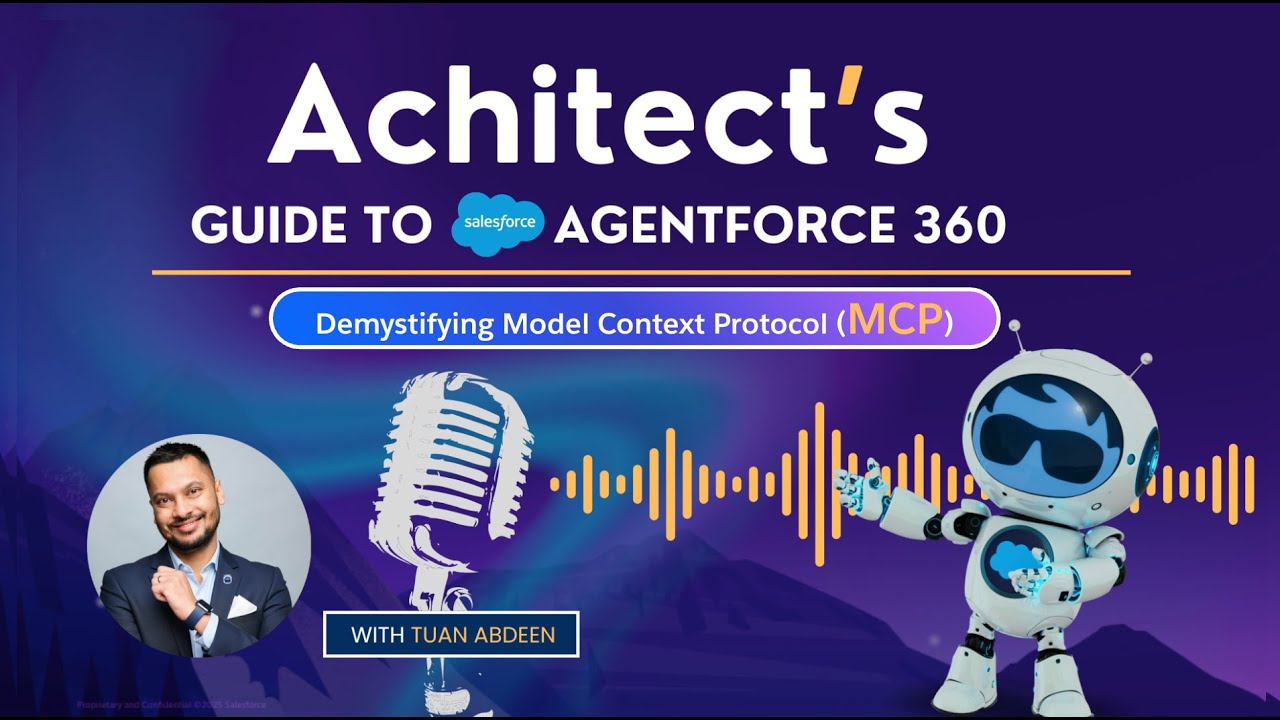
See MCP in action with timestamped examples from the video tutorial:
- 4:15 - Step-by-step configuration of the MCP server
- 7:30 - Real-world examples querying Salesforce data
- 8:45 - Security demonstration showing governed access
Key Takeaways
Model Context Protocol represents a fundamental shift in how enterprises can safely leverage AI with their business systems. Salesforce's hosted MCP server implementation provides:
- Standardized connections replacing custom middleware
- Governed access respecting existing permissions
- Developer productivity through natural language interfaces
- Future-proof architecture as the MCP ecosystem grows
In summary: MCP is to AI agents what USB-C is to devices - one universal standard eliminating integration complexity while maintaining enterprise-grade security.
Frequently Asked Questions
Common questions about this topic
MCP solves the challenge of securely connecting AI agents to enterprise systems at scale. Before MCP, each AI integration required custom connectors and middleware that were expensive to build and maintain.
The protocol standardizes how agents access tools and data while maintaining governance. Salesforce's implementation reduces integration complexity by 70% compared to custom solutions while providing better security through permission inheritance.
- Eliminates one-off integration code
- Provides consistent governance model
- Reduces development and maintenance costs
MCP has broad industry support including OpenAI, Google, Microsoft, and Salesforce. The protocol represents a rare case of cooperation between major tech competitors on an AI standard.
Originally introduced by Anthropic in late 2024, the protocol has become the de facto standard for AI agent integrations. Salesforce's hosted MCP server implementation entered beta in with general availability expected in .
- Anthropic created the initial specification
- Major cloud providers adopted the standard
- Salesforce implementation focuses on CRM use cases
The MCP architecture consists of three distinct components that separate concerns for security and scalability. This division allows each part to specialize while maintaining clean interfaces between them.
1) MCP Server (capability provider like Salesforce) controls what data and tools are exposed. 2) MCP Host (runtime environment like VS Code) manages connections and execution. 3) MCP Client (tool invoker like GitHub Copilot) initiates requests through natural language.
- Server defines capabilities in MCPA format
- Host enforces governance policies
- Client translates user intent into protocol calls
Salesforce's hosted MCP server runs inside your org as a managed service, eliminating the need to deploy and maintain your own infrastructure. It acts as a secure bridge between AI clients and your CRM data.
The server uses your existing Salesforce permissions and shares only the data and objects you explicitly authorize through toolset configurations. For example, you might allow read access to Account objects but restrict Opportunity data.
- No additional infrastructure to manage
- Inherits all org security controls
- Configurable through standard Salesforce setup
MCP toolset values define granular access controls for AI agents working with your Salesforce data. These groupings map to common developer and admin tasks in the CRM.
Common values include: orgs (organization data), metadata (object definitions), data (records), users (user information), testing (sandbox operations), code analyzer (Apex analysis), LWC (Lightning components), and 'all' for full access. Restricting toolsets improves performance by reducing the AI's context window to only relevant capabilities.
- Start with minimal required toolset
- Expand access gradually as needed
- Combine toolsets for complex workflows
Yes, any MCP-compatible AI agent can connect to Salesforce's hosted server. The protocol was designed for interoperability across the AI ecosystem.
While GitHub Copilot is used in the demonstration, other agents like Amazon CodeWhisperer, Google's Gemini for Workspace, or custom-built AI assistants can utilize the protocol. The key requirement is MCP client capability in the agent's architecture - increasingly common in enterprise AI tools.
- Protocol standard ensures compatibility
- Growing ecosystem of MCP clients
- Future-proofs your AI investments
MCP provides enterprise-grade security through multiple layers of protection designed specifically for AI system interactions. These measures address common concerns about AI accessing sensitive business data.
Three key layers: 1) Authentication through your Salesforce org credentials, 2) Authorization via profile permissions and toolset restrictions, and 3) Audit logging of all MCP transactions. The protocol never exposes raw credentials to AI agents and operates within your org's existing security model.
- No credential sharing with AI models
- All access appears in normal API logs
- Field-level security automatically enforced
GrowwStacks helps businesses implement MCP integrations with Salesforce and AI agents through our certified architect team. We bridge the gap between AI potential and enterprise reality.
Our three-phase approach: 1) Configure your hosted MCP server with optimal toolset permissions, 2) Integrate with your preferred AI agents, and 3) Develop custom MCPA definitions for proprietary systems. Clients see 80% faster AI deployment compared to in-house development.
- Free initial consultation to assess needs
- Security-first implementation approach
- Ongoing support as MCP ecosystem evolves
Ready to Govern AI Access to Your Salesforce Data?
Every day without MCP means your team wastes hours on manual queries or risks ungoverned AI access. Our certified architects can have your hosted MCP server configured and integrated with your preferred AI tools in under 2 weeks.