100+ Free n8n Automation Templates You Can Steal and Customize Today
Most businesses waste countless hours on repetitive tasks that could be automated. Now you can access a goldmine of 100+ production-ready n8n workflows - from social media posting to AI assistants - that you can import and customize in minutes. These free templates eliminate the hardest part of automation: starting from scratch.
What's in the Template Goldmine?
After years of building custom automations for clients, I discovered a GitHub repository containing over 100 ready-to-use n8n templates that solve common business problems. These aren't just simple examples - they're complete workflows used in production environments, now shared for free.
The collection includes templates for social media automation, AI agents, calendar management, email workflows, database integrations, and notification systems. Each template comes with documentation explaining how it works and how to customize it for your needs.
Key benefit: These templates eliminate 80% of the setup work for common automations. Instead of building from scratch, you start with a working solution and only need to configure your specific credentials and minor customizations.
Social Media Automation Example
One standout template automates Instagram content creation and posting. It solves the universal problem of maintaining a consistent social media presence without daily manual work.
The workflow (shown at 0:45 in the video) generates posts from trending topics, creates images using AI, schedules them, and even includes a database check to prevent duplicate posts. Here's how it works:
- Trigger: Scheduled to run daily or weekly
- Content Generation: Pulls trending topics in your niche
- Image Creation: Uses AI to generate relevant visuals
- Database Check: Verifies the content hasn't been posted before
- Publishing: Posts to Instagram and optionally cross-posts to Facebook
- Notification: Sends a Telegram message confirming the post
This template alone could save 5-10 hours per week for social media managers while producing higher-quality content than manual creation.
AI-Powered Calendar Assistant
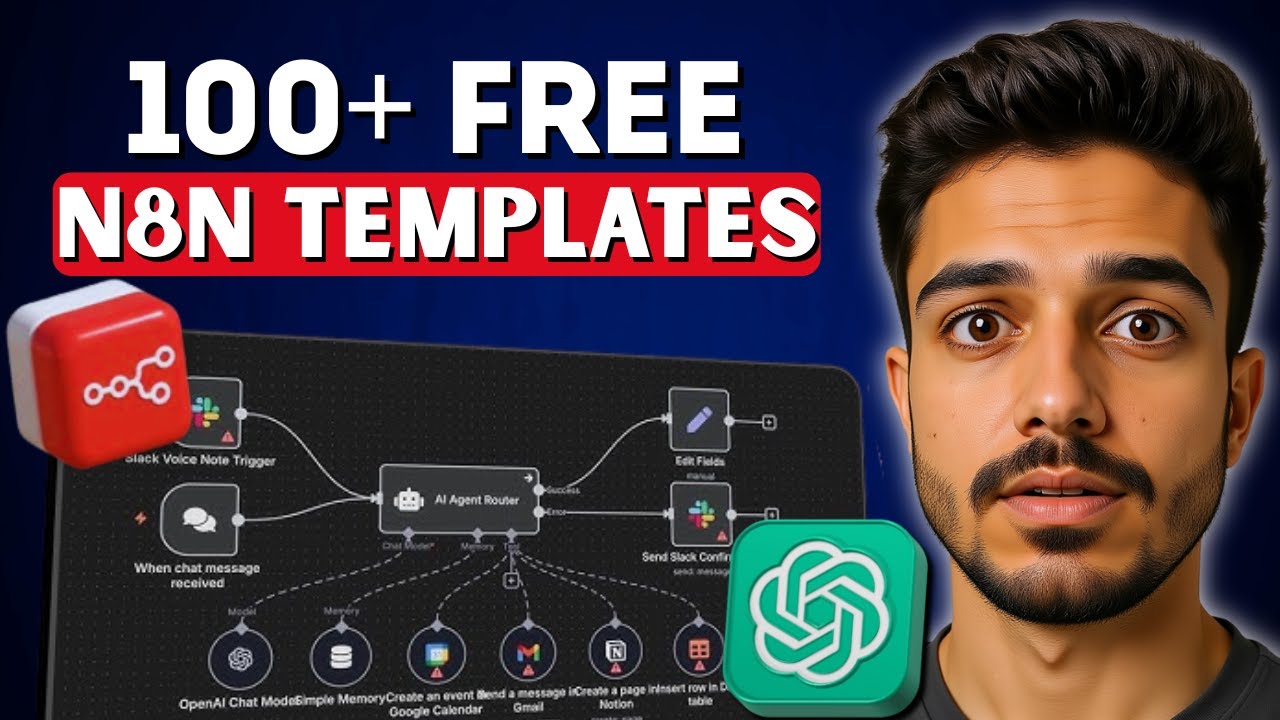
Another impressive template creates a Google Assistant-style AI for managing your calendar (demonstrated at 2:15 in the video). This workflow combines natural language processing with calendar management:
How it works: Users message the assistant (via Telegram, Slack, etc.) with requests like "Schedule a meeting tomorrow at 9am about the project status." The AI understands the request, asks clarifying questions if needed, then creates the calendar event automatically.
The template includes a carefully crafted system prompt that defines the assistant's capabilities and personality. It handles both event creation and retrieval, always aware of the current date and time. The workflow demonstrates how to:
- Connect OpenAI's API for natural language understanding
- Integrate with Google Calendar for event management
- Maintain conversation context with session memory
- Handle ambiguous requests with intelligent follow-up questions
How to Import and Customize Templates
Using these templates is remarkably simple. At 1:30 in the video, you'll see the exact steps to get started:
- Download the template: Get the JSON file from GitHub
- Import into n8n: Go to Workflows > Import from File
- Configure credentials: Set up API keys for services like OpenAI, Instagram, etc.
- Test the workflow: Run it manually to verify connections
- Customize: Adjust scheduling, content parameters, or notifications
The templates are designed to be modular - you can easily remove components you don't need or add new nodes for additional functionality. Most require only 10-15 minutes of setup before they're ready for production use.
Beginner-Friendly Starting Points
If you're new to n8n, these templates provide the perfect onboarding path. The video highlights several beginner-friendly options that require minimal configuration:
- Email marketing workflows: Simple sequences for sending follow-ups
- Database syncs: Basic integrations between platforms
- Notification systems: Alerts for new form submissions or orders
These simpler templates help you learn n8n's interface while immediately getting value from automation. As you become more comfortable, you can graduate to more complex workflows.
Advanced Possibilities
For power users, the repository includes sophisticated templates that demonstrate n8n's full capabilities:
Enterprise-grade automations: Multi-step workflows with error handling, retry logic, and detailed logging that could replace expensive SaaS tools.
Some notable advanced templates include:
- AI customer support agents with knowledge base integration
- Automated lead scoring and CRM updates
- Complex ETL (Extract, Transform, Load) pipelines
- Voice assistant integrations using VAPI and other telephony services
These templates showcase how n8n can serve as the central nervous system for your business operations, connecting all your tools and services.
Common Customizations
While the templates work out of the box, you'll likely want to personalize them. The most frequent customizations include:
- Brand voice: Adjusting AI prompts to match your company's tone
- Scheduling: Changing trigger times to match your workflow
- Platform connections: Adding or removing integrated services
- Notifications: Modifying alert destinations (Slack, email, SMS)
- Content parameters: Refining what types of content get generated
The modular nature of n8n makes these changes simple - you can often complete them by editing just a few nodes in the workflow.
Watch the Full Tutorial
At 3:50 in the video, you'll see a detailed walkthrough of setting up the AI calendar assistant template, including how to configure OpenAI credentials and test the workflow. This demonstration shows exactly how accessible these templates are, even if you're new to automation.
Key Takeaways
This collection of n8n templates represents an incredible resource for businesses looking to automate processes without starting from zero. Whether you need social media automation, AI assistants, or complex business workflows, there's likely a template that gets you 80% of the way there.
In summary: These free templates can save hundreds of hours of development time, provide production-ready solutions for common problems, and serve as learning tools to help you master n8n automation.
Frequently Asked Questions
Common questions about n8n automation templates
All 100+ n8n automation templates are available for free on GitHub. The repository includes templates for social media automation, AI agents, calendar management, and business workflows.
You can download the JSON files and import them directly into your n8n instance. The video description contains the direct link to the repository.
- No registration or payment required
- Templates are regularly updated
- Includes documentation for each workflow
No coding skills are required to use these templates. They are designed with visual workflows that can be customized through n8n's interface.
Each template includes documentation and sticky notes explaining how it works. You only need to configure your API credentials for the services you want to connect.
- Visual drag-and-drop interface
- Step-by-step instructions included
- Beginner-friendly templates available
The templates cover a wide range of automations including social media content generation and posting, AI-powered calendar assistants, email marketing workflows, database integrations, and notification systems.
There are templates for Instagram, Facebook, Telegram, Google Calendar, Gmail, and many other platforms. The collection includes both simple and complex workflows suitable for different business needs.
- Social media automation
- AI assistants and chatbots
- CRM and sales automation
To import a template, download the JSON file from GitHub, then in n8n go to Workflows > Import from File. Select the downloaded JSON file.
The workflow will appear in your n8n instance where you can customize it. Remember to set up any required credentials for the services used in the workflow before testing.
- Import takes less than 1 minute
- Works with both cloud and self-hosted n8n
- Can import multiple templates at once
Yes, many templates include integration with AI models like OpenAI. The video demonstrates a Google Assistant-style AI agent template that uses OpenAI for natural language processing.
You'll need your own OpenAI API key to use these AI-powered templates. The templates include pre-configured prompts that you can customize to match your specific needs.
- Works with GPT-3.5 and GPT-4
- Includes optimized system prompts
- Easy to swap AI providers if needed
The collection includes templates for all skill levels. Beginners can start with simpler workflows like social media posting, while more advanced users can explore complex AI agent systems.
Each template includes documentation to help users understand and customize it. The video tutorial specifically highlights several beginner-friendly templates that require minimal configuration.
- Clear documentation for each step
- Visual workflow makes it easy to understand
- Community support available
The GitHub repository is actively maintained with new templates added regularly. The collection has grown from 50 to over 100 templates in the past year.
Users can star or watch the repository to get notifications about new template additions. The maintainers also accept community contributions of high-quality templates.
- New templates added monthly
- Existing templates receive updates
- Community can submit templates
GrowwStacks helps businesses implement automation workflows, AI integrations, and scalable systems tailored to their operations.
Whether you need a custom workflow, AI automation, or a full multi-platform automation system, the GrowwStacks team can design, build, and deploy a solution that fits your exact requirements.
- Custom automation workflows built for your business
- Integration with your existing tools and platforms
- Free consultation to discuss your automation goals
Get These Templates Working For Your Business Today
Don't let another week go by with your team wasting time on manual tasks. Our automation experts can have these templates customized and running for your business in days, not weeks.