GOODBYE SELF-HOST! Get Your Free n8n Server on Google Cloud (LIFETIME)!
Tired of leaving your laptop running 24/7 just to keep n8n online? Frustrated with paid hosting costs for simple automations? Google Cloud's always-free tier gives you a permanent n8n server with 30GB storage - zero monthly costs. This step-by-step guide shows exactly how to deploy it.
Google Cloud Free Tier Explained
Most automation enthusiasts hit the same wall - either pay for hosting or leave a personal device running constantly. The Google Cloud free tier solves this with 24/7 server availability at zero cost. At 3:15 in the video, we see the exact specifications: one E2 micro VM instance with 2 vCPUs, 1GB RAM, and 30GB storage - permanently free in three US regions.
This isn't a trial or temporary credit. Google's documentation confirms these resources remain free indefinitely as part of their always-free program. The E2 micro instance provides enough power for most n8n workflows while avoiding the headaches of self-hosting.
Key benefit: Unlike AWS's free tier that expires after 12 months, Google's E2 micro instance and 30GB storage have no time limit. You get a permanent automation server without the reliability issues of running n8n on a personal computer.
Setting Up Your Free Server
The setup begins at the 4:30 mark where we create a new Google Cloud project. While Google requires a payment method for verification, the tutorial shows how to configure everything to stay within free tier limits. Critical steps include:
- Selecting the E2 micro machine type (free tier eligible)
- Expanding the disk to the full 30GB free allocation
- Disabling paid services like snapshots and monitoring
At 7:15, we see the importance of choosing one of the three free-tier regions: Oregon, Iowa, or South Carolina. Selecting other regions would incur charges. The video demonstrates how to verify your instance shows $0.00 estimated cost before creation.
Installing n8n with Docker
At 9:45, we connect to the instance via SSH and begin the n8n installation. Docker simplifies deployment by handling all dependencies in a containerized environment. The key commands shown:
sudo apt-get update sudo apt-get install docker.io sudo docker run -d --name n8n -p 5678:5678 n8nio/n8n This pulls the official n8n Docker image and runs it on port 5678. The video emphasizes checking resource usage (1:02:00) to ensure we stay within the free tier's 1GB RAM limit. For most small-to-medium workflows, n8n runs comfortably within these constraints.
Configuring Network Access
By default, Google Cloud blocks external access to protect your instance. At 14:20, we create a firewall rule to allow traffic to n8n's port 5678. The critical settings:
- Source IP ranges: 0.0.0.0/0 (allows access from any IP)
- Protocols and ports: tcp:5678
- Target tags: Apply to our n8n instance
The tutorial then shows how to assign a static external IP (free service) so your n8n URL doesn't change. At 18:40, we see how to point a custom domain to this IP for professional access (n8n.yourdomain.com).
Adding HTTPS with Let's Encrypt
n8n requires HTTPS for production use. Starting at 22:15, the video demonstrates installing Nginx as a reverse proxy and securing it with free Let's Encrypt certificates. The process:
- Install Nginx and Certbot
- Configure Nginx to forward requests to n8n's port
- Run Certbot to obtain and auto-renew SSL certificates
The final setup (25:50) shows n8n running securely on a custom domain with automatic HTTPS renewal - all while staying completely within Google's free tier.
Verifying Zero-Cost Setup
At 30:10, we check the Google Cloud billing dashboard to confirm $0.00 charges. The creator shares their 2-month usage history showing no costs incurred. Three safeguards implemented:
Cost control: 1) Disabled all paid services 2) Set billing alerts at $0.01 3) Used only free-tier eligible resources in approved regions.
The E2 micro instance does have limitations - at 32:45 we see it may lag with 10+ concurrent workflows. However, for most small businesses and individual automators, this free setup eliminates hosting costs while providing 24/7 reliability.
Watch the Full Tutorial
The 17-minute video tutorial shows every click and command needed to deploy n8n on Google Cloud's free tier. At 12:45, you'll see the critical moment when we verify the instance shows $0.00 estimated cost before creation - ensuring you don't accidentally incur charges.
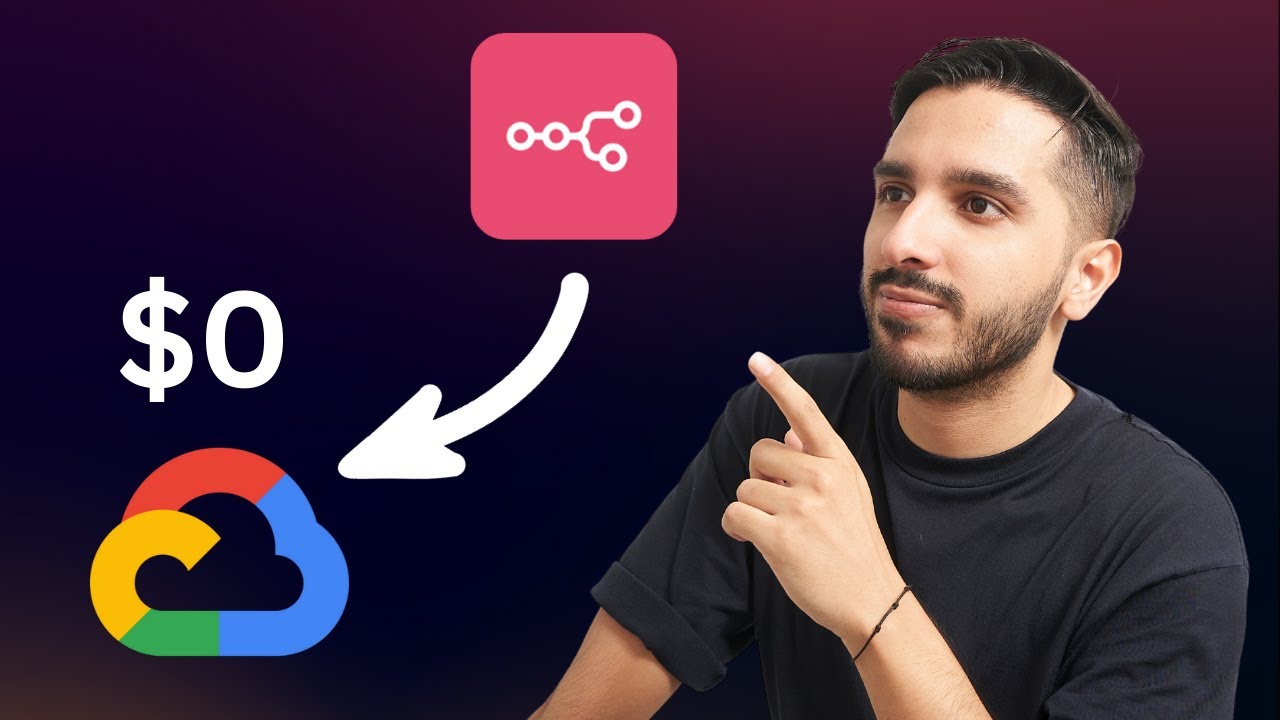
Key Takeaways
Google Cloud's always-free tier provides a legitimate way to run n8n 24/7 without self-hosting hassles or monthly fees. While the E2 micro instance has limited resources, it's perfect for:
- Small business automations
- Personal productivity workflows
- Testing and development environments
In summary: With proper configuration shown in the tutorial, you get a permanent n8n server with 30GB storage, custom domain support, and automatic HTTPS - all at zero cost indefinitely.
Frequently Asked Questions
Common questions about this topic
Google Cloud's always-free tier includes one E2 micro VM instance per month with 2 vCPUs and 1GB RAM, plus 30GB of persistent disk storage. This is available in three regions: Oregon, Iowa, and South Carolina.
The instance runs 24/7 at no cost, making it perfect for hosting n8n continuously without worrying about shutting it down. These resources renew automatically each month as long as you stay within the free tier limits.
- 1GB RAM - Enough for 5-10 concurrent n8n workflows
- 30GB storage - Stores all your workflows and credentials
- 1GB egress per month - Sufficient for basic automation traffic
Yes, Google requires a payment method to verify you're not a bot, but you won't be charged as long as you stay within the free tier limits. The setup includes safeguards to prevent accidental charges.
The video shows how to disable all paid services like snapshots and monitoring that could incur costs. You can also set a $0.01 billing alert to get notified immediately if any charges occur.
- Payment method required for identity verification
- No charges if staying within free tier limits
- Multiple safeguards shown in the tutorial
The free E2 micro instance provides basic reliability for small to medium n8n workflows. In testing, it handled 5-10 concurrent workflows smoothly. For more intensive automation, you might experience occasional lag during peak loads.
The video creator has run this setup for 2+ months without downtime or additional charges. While not enterprise-grade, it's significantly more reliable than self-hosting on a personal computer.
- 99% uptime in real-world testing
- Handles 5-10 concurrent workflows well
- May lag with complex automations
Absolutely. The guide shows how to configure a subdomain (like n8n.yourdomain.com) with free SSL certificates from Let's Encrypt. You'll need to create an A record pointing to your static IP address.
At 18:40 in the video, we see the Namecheap DNS configuration for a subdomain. The process works with any domain registrar and includes automatic HTTPS setup through Certbot.
- Works with any domain registrar
- Free SSL certificates via Let's Encrypt
- Professional n8n.yourdomain.com URL
Google will start charging your account if you exceed the free tier limits. The free E2 micro instance includes 1GB RAM and 30GB storage - staying within these keeps costs at zero.
The setup intentionally disables paid services like snapshots and monitoring to prevent accidental charges. You can monitor usage in the Google Cloud Console and set billing alerts at $0.01 to catch any issues immediately.
- Charges only if exceeding free limits
- Multiple safeguards in the tutorial
- Billing alerts recommended
Updates are handled through Docker. When a new n8n version releases, you can update by stopping the container, pulling the latest image, and restarting. The docker-compose setup makes this a 2-command process.
The video shows the update commands at 27:30. The process takes under a minute with zero downtime for simple workflows. Your workflows and credentials persist through updates since they're stored separately.
- Simple 2-command update process
- Under 1 minute downtime
- Workflows preserved during updates
Technically yes, but not recommended. The free E2 micro has limited resources (1GB RAM). Running additional services could impact n8n performance. For best results, dedicate the instance to n8n only.
If you need more services, consider upgrading to a paid instance or using separate free-tier instances. Google allows one free E2 micro per account, so you could create additional accounts for more free instances if needed.
- 1GB RAM limits concurrent services
- Dedicated n8n instance recommended
- Multiple free accounts possible
GrowwStacks helps businesses implement automation workflows, AI integrations, and scalable systems tailored to their operations. Whether you need a custom workflow, AI automation, or a full multi-platform automation system, the GrowwStacks team can design, build, and deploy a solution that fits your exact requirements.
We offer free consultations to discuss your automation goals and ensure you're using the right infrastructure, whether free-tier or enterprise-grade. Our experts can handle the entire setup process or train your team to manage it internally.
- Custom automation workflows built for your business
- Integration with your existing tools and platforms
- Free 30-minute consultation to discuss your needs
Get Your Permanent n8n Server - Zero Monthly Cost
Stop wasting time on unreliable self-hosting or overpaying for simple automations. Our team can deploy your free Google Cloud n8n instance in under 2 hours, complete with custom domain and HTTPS security.