GoHighLevel AI Chatbot Builders Explained - Which One Should You Use?
Most businesses struggle with choosing the right AI chatbot builder in GoHighLevel - wasting hours on setups that don't match their needs. Discover the key differences between guided, prompt-based and flow-based builders, and learn which one will help you automate conversations effectively.
The 3 Types of GoHighLevel AI Chatbot Builders
If you've ever logged into GoHighLevel and felt overwhelmed by the AI chatbot builder options, you're not alone. Many businesses waste hours trying to navigate between the three different builders without understanding their distinct purposes.
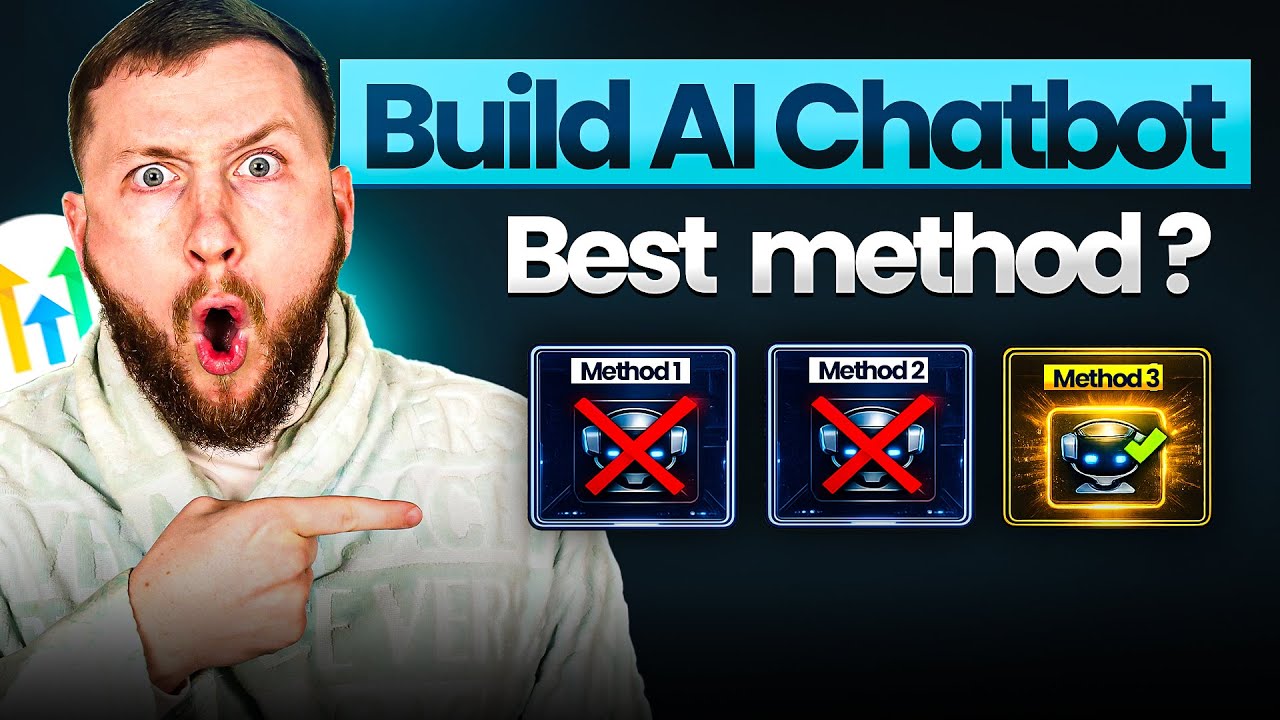
GoHighLevel offers three distinct approaches to building AI chatbots:
- Guided Form Setup - Beginner-friendly with pre-built templates
- Prompt-Based Setup - Intermediate level with more customization
- Flow-Based Builder - Advanced visual workflow creator
Key Insight: Choosing the wrong builder can cost you hours of setup time. The guided form is easiest but least flexible, while the flow builder is powerful but complex. For most businesses, the prompt-based builder offers the best balance.
At 4:20 in the video tutorial, you'll see a side-by-side comparison of all three builders in action. This visual demonstration helps clarify when each builder shines.
Guided Form Setup - The Simplest Option
The guided form setup is designed for complete beginners who need a chatbot running quickly without technical complexity. It walks you through a series of simple forms to configure basic chatbot functionality.
Key features of the guided builder:
- Pre-built templates for common use cases (Q&A, appointment booking)
- Simple brand voice configuration
- Basic channel selection (Facebook, Instagram, SMS, etc.)
- Minimal training requirements
- Quick deployment in under 15 minutes
As shown at 6:15 in the video, the guided form excels at simple appointment booking bots. You select a calendar, define available times, and the bot handles the rest. However, it lacks the sophistication for complex conversations or industry-specific knowledge.
Limitation: The guided builder doesn't allow custom knowledge base training, meaning your bot won't have deep expertise about your specific industry or services.
Prompt-Based Builder - The Best Balance
The prompt-based chatbot builder offers significantly more power while remaining accessible to non-technical users. This middle-ground option is what we recommend for most businesses implementing their first serious AI chatbot.
At 10:30 in the tutorial, you'll see how the prompt-based builder allows for:
- Custom knowledge base training using AI prompts
- Sophisticated response controls
- Image and voice note recognition
- Advanced appointment booking features
- Automated follow-up sequences
The real game-changer is the ability to train your chatbot using AI-generated knowledge bases. As demonstrated at 12:45, you can feed the bot industry-specific information that makes it sound like an expert in your field.
Time Saver: Using the AI prompts included in the video description, you can create a fully-trained industry expert chatbot in under 30 minutes - a process that would normally take hours of manual work.
The prompt-based builder also introduces powerful follow-up automation. Unlike basic chatbots that end after one interaction, this builder can continue conversations across days, nurturing leads automatically.
Flow-Based Builder - Advanced Option
The flow-based builder is GoHighLevel's most powerful chatbot creation tool, designed for complex conversation workflows that require precise control. As labeled in the interface, this option is strictly for advanced users.
Key differences of the flow builder:
- Visual workflow interface similar to automation builders
- Conditional branching based on user responses
- Deep integration with other GoHighLevel features
- Multi-step conversation sequences
- Lead scoring and qualification paths
At 18:20 in the video, you'll see how the flow builder allows creating sophisticated sales conversations that guide users through a structured process. This is ideal for:
- High-ticket sales processes
- Complex service consultations
- Medical or legal intake flows
- Technical support troubleshooting
Implementation Tip: Start with the prompt-based builder even if you eventually need the flow builder. The skills transfer between them, and you'll better understand what requires the advanced functionality.
Side-by-Side Comparison
To help you choose the right builder for your needs, here's a direct comparison of all three options:
| Feature | Guided Form | Prompt-Based | Flow-Based |
|---|---|---|---|
| Setup Time | 10-15 minutes | 30-60 minutes | 2+ hours |
| Custom Knowledge | ❌ No | ✅ Yes | ✅ Yes |
| Complex Conversations | ❌ Limited | ✅ Moderate | ✅ Advanced |
| Follow-Up Sequences | ❌ Basic | ✅ Yes | ✅ Advanced |
| Visual Workflow | ❌ No | ❌ No | ✅ Yes |
| Best For | Simple Q&A Basic bookings | Most businesses Industry experts | Complex sales Technical support |
As shown in the comparison, the prompt-based builder delivers 80% of the flow builder's functionality with 50% of the complexity. This makes it our recommended starting point for most implementations.
How AI Prompts Accelerate Setup
One of the biggest time-savers in chatbot implementation is using AI prompts to automatically generate knowledge bases and conversation flows. The video includes three powerful prompts that can cut setup time from hours to minutes.
At 12:10, you'll see how these prompts work:
- Knowledge Base Generator - Creates complete industry-specific training content
- Personality Profiler - Defines brand voice and conversation style
- Goal Architect - Structures conversation objectives and flows
Example: The knowledge base prompt shown at 12:45 generates hundreds of words of industry-specific training in seconds. For a real estate bot, it creates content about property valuation, buying processes, and market trends - all without manual research.
These prompts are particularly valuable for the prompt-based builder, transforming it from a basic tool into a powerful AI assistant. They're included free in the video description and work with ChatGPT or similar AI tools.
Implementation Recommendations
Based on implementing hundreds of GoHighLevel chatbots for clients, here are our proven recommendations for choosing and deploying your AI chatbot:
Step 1: Start with the Prompt-Based Builder
Unless you have an extremely simple use case, begin with the prompt-based builder. The additional capabilities are worth the slight learning curve, especially with the provided AI prompts.
Step 2: Use AI Prompts for Initial Setup
Generate your knowledge base, personality profile, and conversation goals using the provided prompts before manual configuration. This creates a strong foundation.
Step 3: Focus on Core Use Cases First
Implement your chatbot for 2-3 primary functions (e.g., booking appointments and answering FAQs) before adding advanced features.
Step 4: Test Extensively Before Going Live
Use the built-in testing tool to have mock conversations and identify gaps in your bot's knowledge or responses.
Step 5: Upgrade to Flow Builder Only When Needed
Only move to the flow-based builder if you hit limitations with conditional conversations or complex workflows.
Pro Tip: At 20:15 in the video, you'll see how to implement automated follow-ups - one of the most valuable but underused features that can generate thousands in additional revenue.
Watch the Full Tutorial
The video tutorial demonstrates all three builders in action, showing exactly how to configure each type and highlighting key differences. At 15:30, you'll see a particularly helpful comparison of how the same conversation flows differently across builders.
Key Takeaways
Implementing the right GoHighLevel AI chatbot builder can transform how your business handles conversations - from lead generation to customer support. The key is matching the builder to your specific needs and skill level.
In summary: Most businesses should start with the prompt-based builder using AI prompts for rapid setup. Upgrade to the flow builder only for complex sales processes or technical support scenarios. The guided form works for simple needs but lacks customization.
Remember that all builders can be modified later as your needs evolve. Starting simple and adding complexity is often better than over-engineering your first chatbot implementation.
Frequently Asked Questions
Common questions about GoHighLevel AI chatbot builders
GoHighLevel offers three distinct AI chatbot builders designed for different skill levels and use cases.
The guided form setup is the simplest option with pre-built templates for common tasks like Q&A or appointment booking. The prompt-based builder offers more customization while remaining relatively easy to use. The flow-based builder provides advanced visual workflow creation for complex conversation sequences.
- Guided Form: Beginner-friendly with minimal setup
- Prompt-Based: Balanced customization and ease-of-use
- Flow-Based: Advanced visual workflow builder
The guided form setup is specifically designed for beginners who need a simple chatbot solution.
It provides step-by-step templates for common use cases like general Q&A or appointment booking. While simpler than the other options, it lacks the customization capabilities of the prompt and flow builders. Most businesses can start with the guided form and upgrade as their needs become more sophisticated.
- Fastest setup time (under 15 minutes)
- Pre-built templates reduce configuration
- Limited customization options
The prompt-based builder offers significantly more customization while maintaining reasonable ease of use.
Key differences include the ability to train the bot with custom knowledge bases, more sophisticated response controls, and integration with AI prompts that can dramatically speed up setup. It provides the best balance between simplicity and functionality for most business use cases.
- Custom knowledge base training
- Image and voice note recognition
- Automated follow-up sequences
The flow-based builder is designed for advanced users who need complex conversation workflows.
Consider using it when you require multi-step sequences, conditional branching based on user responses, integration with other GoHighLevel automations, or specialized sales funnels. It's overkill for simple Q&A bots but provides unmatched flexibility for sophisticated implementations.
- Complex sales processes
- Technical support troubleshooting
- Medical or legal intake flows
Yes, all three chatbot builders support appointment booking functionality.
The guided form has simple booking templates, while the prompt and flow builders offer more advanced options like multiple calendar support, conditional booking triggers, and integration with follow-up sequences. The chatbot can automatically sync with your GoHighLevel calendar system.
- All builders support basic booking
- Advanced builders offer more customization
- Seamless calendar integration
AI prompts dramatically accelerate chatbot training by automatically generating knowledge bases and conversation flows.
Instead of manually entering responses, you can use prompts to create complete industry-specific knowledge bases, brand personality profiles, conversation goals, and follow-up sequences. This approach cuts setup time from hours to minutes while improving response quality.
- Generates industry-specific knowledge
- Creates brand personality profiles
- Builds conversation structures automatically
Yes, the prompt and flow-based builders support seamless human handover when needed.
You can configure triggers like when a user requests a manager or completes a booking. The bot will then notify specified team members within GoHighLevel to take over the conversation. This creates a smooth transition from AI to human support when the situation requires it.
- Configurable handover triggers
- Notifies specific team members
- Maintains conversation context
GrowwStacks specializes in implementing GoHighLevel AI chatbots tailored to your specific business needs.
Our team can assess which builder type best fits your use case, train chatbots with industry-specific knowledge, integrate with your existing systems, and create advanced conversation flows. We handle the technical implementation so you can focus on conversations and conversions.
- Builder selection consultation
- Custom knowledge base training
- Complete implementation service
Ready to Implement Your GoHighLevel AI Chatbot?
Every day without an optimized chatbot means missed conversations and lost opportunities. Our team can have your custom AI chatbot live in just 3 business days, handling inquiries 24/7 in your brand voice.