Automate Lead Follow-Ups in Minutes with GoHighLevel's AI Workflow Builder
Most businesses lose leads not because their offer is bad, but because follow-up is inconsistent. The blank inbox stares back at you while hot leads go cold. GoHighLevel's AI workflow builder removes the technical barriers, letting you create automated follow-up sequences in minutes - not hours - so no lead slips through the cracks.
The Lead Follow-Up Crisis Every Business Faces
Business owners know they should follow up with leads consistently, but in practice, it rarely happens. You mean to respond, but client work piles up, meetings run long, and by the time you circle back, the lead has already moved on to a competitor who responded faster.
The data is clear: 50% of sales go to the first responder, yet most businesses take 24-48 hours to make first contact. Even worse, 44% of salespeople give up after just one follow-up attempt, despite statistics showing it takes an average of 5-8 touches to convert a lead.
The hidden cost: For a business generating 100 leads/month, poor follow-up could mean leaving $250,000+ in potential revenue on the table annually. Automation solves this by ensuring every lead receives timely, professional follow-up regardless of how busy you are.
How GoHighLevel's AI Workflow Builder Actually Works
Traditional automation builders require you to think in technical terms - triggers, actions, conditions, and delays. The AI workflow builder flips this model by letting you describe what you want to happen in plain English.
For a lead follow-up sequence, you might say: "When a new lead comes in, send a welcome message immediately. If they don't reply within 24 hours, send a follow-up. Stop all messages if they respond." The AI translates this into a complete workflow with proper timing, conditions, and stop points.
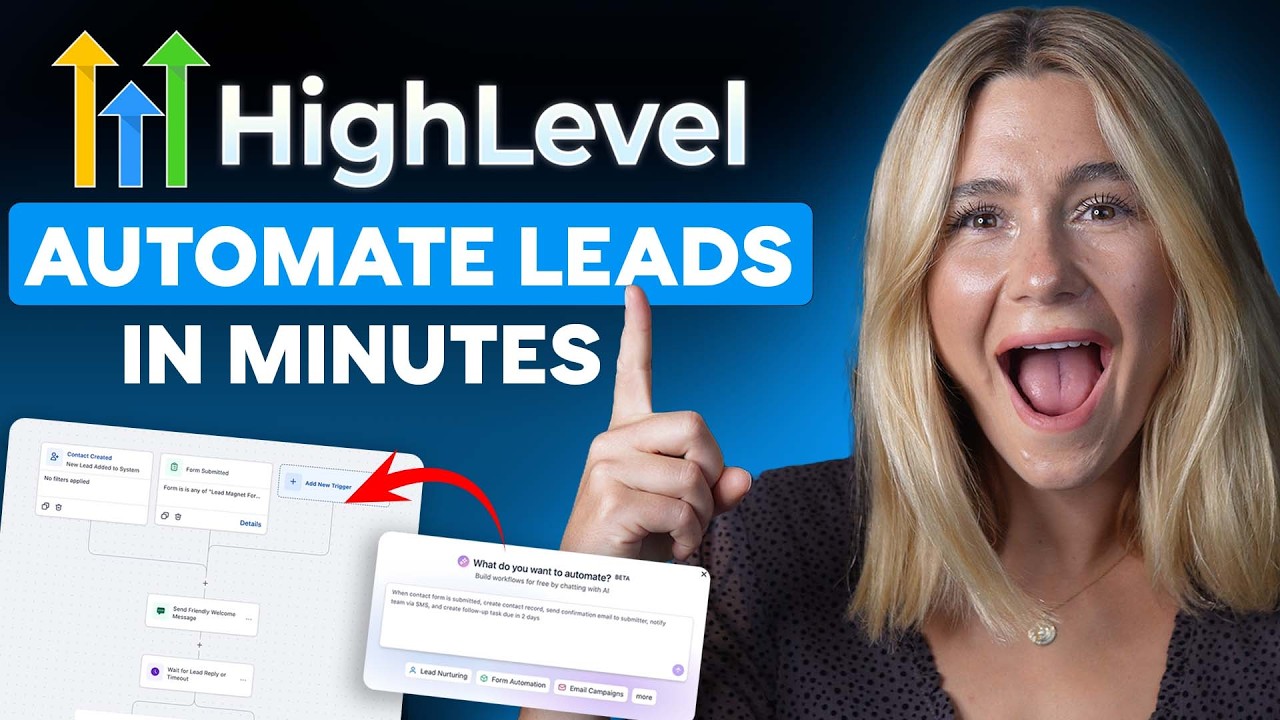
Visual workflow mapping: Once generated, you see the entire sequence laid out visually - the trigger point, initial message, waiting period, follow-up logic, and stop conditions. This transparency helps non-technical users understand and trust the automation.
Step-by-Step: Building Your First Automated Follow-Up
Creating an effective follow-up workflow takes just minutes with GoHighLevel's AI builder. Here's the exact process shown in the video tutorial:
Step 1: Access the AI Workflow Builder
Navigate to Automation > Create Workflow > Build Using AI. Skip the templates for now - we'll build from a blank canvas.
Step 2: Describe Your Follow-Up Sequence
Enter your instructions in natural language. Example: "Create an automated lead follow-up workflow that starts when a new lead is added from any source. Send a friendly acknowledgment immediately, then follow up in 24 hours if no reply. Stop if they respond."
Step 3: Review the Generated Workflow
The AI creates the complete structure: trigger (new lead), first action (welcome message), delay (24 hours), condition (no reply), second action (follow-up), and stop point (lead replies).
Step 4: Customize Messages and Timing
Edit the default messages to match your brand voice. Adjust timing between follow-ups (24-48 hours works best for most industries).
Step 5: Test and Activate
Run test scenarios to verify the workflow behaves as expected. Once confirmed, click Publish to make it live.
Pro tip: Start simple with just 2-3 follow-up steps, then expand as you see results. The AI makes it easy to add complexity later without rebuilding from scratch.
AI vs Manual Workflow Creation: Key Differences
The AI workflow builder fundamentally changes how businesses approach automation by removing technical barriers. Here's how it compares to traditional manual setup:
Speed: What took 1-2 hours to build manually can be created in 5 minutes with AI. The time savings compound when building multiple workflows.
Accuracy: The AI automatically includes critical elements like stop conditions that manual builders often forget. This prevents awkward over-messaging that can damage relationships.
Approachability: Non-technical team members can create effective workflows without learning automation concepts first. The natural language interface matches how people already think about follow-up sequences.
Pros and Cons of Using the AI Workflow Builder
While the AI workflow builder dramatically simplifies automation setup, it's important to understand both its strengths and limitations:
Advantages
- 200-300% faster setup compared to manual workflow creation
- Eliminates common mistakes like missing stop conditions
- Makes automation accessible to non-technical users
- Provides complete starting point that's fully editable
Considerations
- Still requires review to ensure messages match brand voice
- Basic understanding of follow-up best practices helps guide the AI
- Workflow organization becomes important as you scale
The bottom line: The AI workflow builder removes technical barriers but doesn't replace the need for strategic thinking about your follow-up sequence. It's a powerful starting point that saves hours of setup time.
GoHighLevel Pricing and Plan Options
GoHighLevel offers three main pricing tiers, all including access to the AI workflow builder and unlimited workflows:
Starter Plan ($97/month)
Ideal for solopreneurs and small teams. Includes unlimited users, 3 business accounts, and all core features including websites, funnels, and automation.
Unlimited Plan ($297/month)
Best for agencies and growing businesses. Adds unlimited sub-accounts, phone/email rebilling, and advanced features.
Agency Pro ($497/month)
For established agencies needing white-label options, SAS mode, and premium support.
Special offer: Viewers can access an extended 30-day free trial (vs standard 14 days) using the link in the video description. This provides ample time to test the AI workflow builder with real leads.
Watch the Full Tutorial
See the AI workflow builder in action from 3:45 in the video, where we demonstrate how to customize message content and adjust timing between follow-ups after the AI generates the initial structure.
Key Takeaways
Automated lead follow-up isn't about replacing human connection - it's about ensuring the connection happens in the first place. GoHighLevel's AI workflow builder makes this accessible to every business, regardless of technical skill.
In summary: 1) Describe your ideal follow-up sequence in plain language, 2) Let the AI build the technical workflow, 3) Customize messaging and timing, 4) Test and publish. What used to take hours now takes minutes, with better results.
Frequently Asked Questions
Common questions about this topic
The AI workflow builder lets you describe your desired outcome in plain language instead of manually configuring triggers and actions. It automatically generates the complete workflow structure including timing, conditions, and stop points.
This approach reduces setup time from hours to minutes and eliminates common mistakes like missing stop conditions that can occur with manual setup. The visual workflow map makes it easy to understand exactly how your automation will run.
- No need to understand technical automation concepts upfront
- Includes best practice defaults for timing and conditions
- Visual representation builds confidence in the automation
You can create a functional lead follow-up workflow in under 5 minutes using the AI builder. The key is starting with a clear description of what you want to accomplish.
For example, saying "Send a welcome message when leads come in, then follow up after 24 hours if they don't reply" gives the AI enough information to build a complete workflow. You can then refine the messaging and timing as needed.
- Basic 2-step follow-up: 3-5 minutes
- More complex sequences: 10-15 minutes
- Testing and refinement: Additional 5-10 minutes
The most effective automated sequences combine immediate acknowledgment with strategic follow-ups. This approach maintains engagement without overwhelming leads.
A proven structure includes three key touchpoints: immediate acknowledgment (within 15 minutes), first follow-up (24-48 hours later), and final check-in (3-5 days after initial contact). The workflow should automatically pause if the lead responds at any point.
- High-value leads may warrant more frequent follow-up
- Complex sales cycles benefit from longer intervals
- Always include personalization tokens for relevance
Yes, every aspect of AI-generated workflows is fully editable. The AI provides a complete starting point that you can modify to match your exact business requirements.
You can change message content, adjust timing between steps, add or remove actions, and modify conditions. The workflow remains fully visual during editing, making it easy to see how changes affect the overall sequence.
- Edit text, timing, and conditions with simple clicks
- Add new actions like task creation or notifications
- Test changes before making them live
Automated follow-ups can increase lead response rates by 200-300% compared to manual outreach. The system ensures every lead receives timely, consistent communication regardless of how busy you are.
Statistics show that 50% of sales go to the first responder, making speed critical. Automation allows you to respond within minutes rather than hours or days. It also ensures no lead falls through the cracks due to human forgetfulness or overload.
- Faster response times increase conversion likelihood
- Consistent follow-up builds trust and credibility
- Systematic approach prevents leads from going cold
Three key mistakes can undermine automated follow-up effectiveness: missing stop conditions, overly aggressive timing, and generic messaging.
The AI workflow builder helps prevent these issues by including sensible defaults. However, it's still important to review the generated workflow to ensure it aligns with your brand voice and customer expectations before activating.
- Always include reply detection to stop unnecessary messages
- Space follow-ups appropriately for your industry
- Personalize messages with merge tags when possible
Absolutely. The AI workflow builder works for any automation scenario in GoHighLevel. The same natural language approach applies whether you're building appointment reminders, onboarding sequences, or payment collection flows.
Simply describe what you want to happen in plain terms, and the AI will generate the appropriate workflow structure. This makes it easy to automate various business processes without needing to learn different technical approaches for each one.
- Customer onboarding sequences
- Appointment reminders and confirmations
- Service delivery updates and check-ins
GrowwStacks helps businesses implement CRM automation workflows tailored to their specific sales processes and customer journey. Our team can configure GoHighLevel workflows that match your brand voice and business requirements.
We offer free consultations to analyze your current lead follow-up process and recommend automation improvements. Our experts can build custom workflows, integrate them with your existing tools, and train your team on best practices for maximum conversion.
- Custom workflow design and implementation
- Integration with your existing tech stack
- Ongoing optimization and performance tracking
Stop Losing Leads to Poor Follow-Up
Every day without automated follow-up means missed opportunities and lost revenue. Let GrowwStacks implement a proven GoHighLevel workflow that responds to leads instantly and follows up consistently - so you can focus on closing deals instead of chasing responses.