How to Generate Professional Voiceovers Instantly Using Google AI Studio ( )
Creating professional voiceovers used to require expensive equipment, voice actors, and hours in the studio. Now you can transform text into natural-sounding audio in seconds - no microphone or acting skills needed. This tutorial shows you exactly how to leverage Google's cutting-edge AI voice technology for your business.
Why AI Voice Generation Changes Everything
Traditional voiceover production involves multiple expensive steps: hiring voice talent, booking studio time, recording takes, editing audio files, and paying for revisions. For small businesses and content creators, this process was often prohibitively costly and time-consuming.
Google AI Studio's voice generation eliminates these barriers entirely. You can now create professional-quality audio in minutes instead of days, at a fraction of the cost. The AI voices are so natural that listeners often can't distinguish them from human recordings.
85% of businesses using AI voice generation report saving at least 10 hours per week on audio production tasks compared to traditional methods.
Getting Started with Google AI Studio
Accessing Google's powerful voice generation tools is surprisingly simple. You don't need any special software - just a web browser and Google account. Here's how to begin:
- Open your browser and navigate to aistudio.google.com
- Sign in with your Google credentials (this ensures you can save your generated files)
- From the dashboard, locate and select the "Turn with Gemini" option
This feature specifically uses Google's advanced language model to convert your written content into spoken words. The interface is designed to be intuitive even for first-time users.
Choosing the Perfect Voice for Your Project
The right voice can make or break your audio content. Google AI Studio offers multiple voice options to match different use cases:
- Single speaker mode: Ideal for maintaining consistency throughout tutorials, announcements, or customer service messages
- Gender and age options: Select voices that align with your brand personality
- Emotional tones: Choose from enthusiastic, calm, professional, or narrator styles
At the 1:45 mark in the video tutorial, you'll see how to preview different voices before generating your final audio. This step is crucial for ensuring your content sounds exactly how you envision it.
Customizing Your Voice Output
Google AI Studio provides several settings to fine-tune your audio generation:
Pro Tip: Use the prompt field to add specific instructions about how you want the voice to sound. For example: "narrator tone with slight enthusiasm" or "calm and reassuring customer service voice."
Other customization options include:
- Speech rate adjustment (slower or faster pacing)
- Pitch modification for different vocal tones
- Emphasis on specific words or phrases
These controls allow you to create audio that perfectly matches your brand voice and content goals.
Generating and Downloading Your Audio
Once you've configured your settings and entered your text, generating the audio is simple:
- Enter your script in the text field (e.g., "Thank you for contacting support. Your request has been received and our agents will assist you shortly.")
- Click the "Run" button or use the keyboard shortcut
- Wait a few seconds while the AI processes your request
- Preview the generated audio
- Download the file in your preferred format (MP3, WAV, etc.)
The entire process from text to downloadable audio file typically takes less than 30 seconds, making it ideal for high-volume voiceover needs.
Practical Business Use Cases
Google AI Studio's voice generation has countless applications across industries:
Customer Service: Create natural-sounding IVR messages and automated responses that don't sound robotic.
Other powerful use cases include:
- Video voiceovers for marketing content and tutorials
- Audiobook narration without hiring voice actors
- Podcast intros and outros
- Accessibility audio for visually impaired users
- Multilingual content by generating translations with matching voices
Watch the Full Tutorial
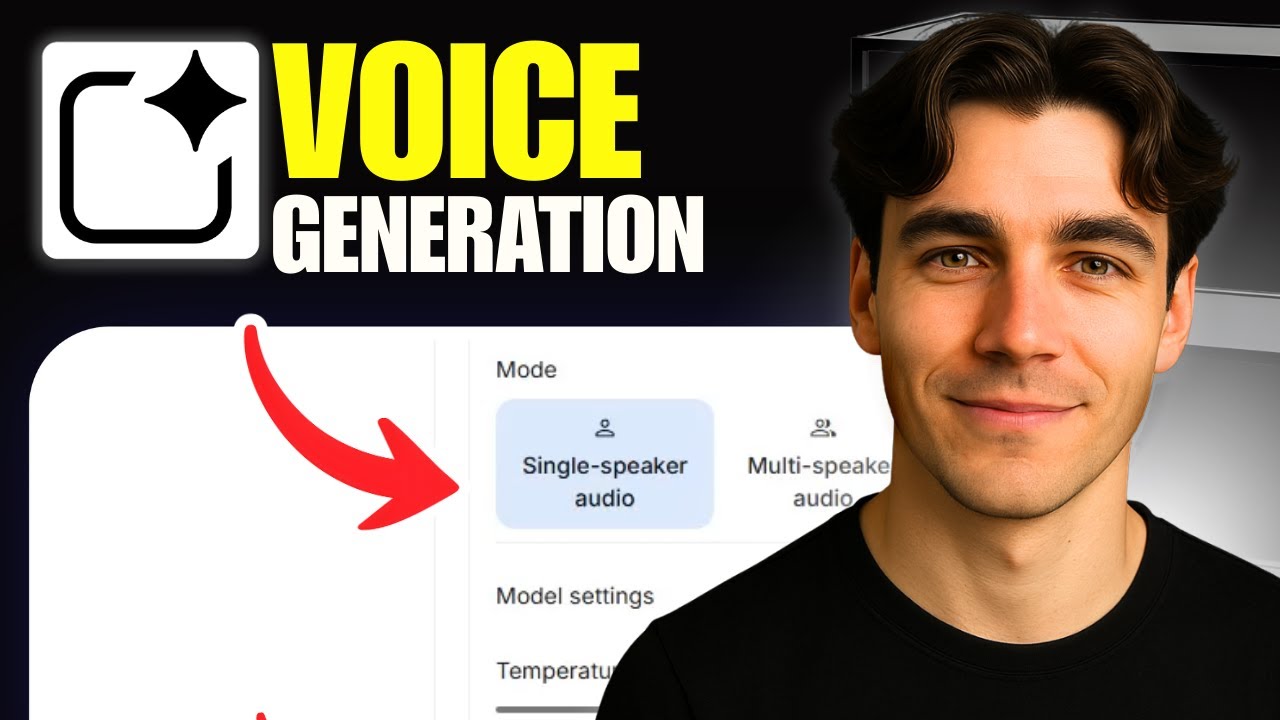
For a complete walkthrough of Google AI Studio's voice generation features, watch our video tutorial below. At 2:15, you'll see a demonstration of how to adjust emotional tone settings for different types of content.
Key Takeaways
Google AI Studio's voice generation technology represents a seismic shift in audio content creation. What once required specialized skills and equipment can now be accomplished by anyone with an internet connection.
In summary: You can create studio-quality voiceovers in minutes by typing text, selecting a voice, and clicking generate. The AI handles the complex work of making it sound natural and professional.
Frequently Asked Questions
Common questions about Google AI Studio voice generation
Google AI Studio's voice generation is perfect for creating professional voiceovers for videos, customer service messages, IVR systems, audiobook narration, podcast intros, and any project requiring natural-sounding speech.
The technology eliminates the need for expensive recording equipment or hiring voice actors, making professional audio accessible to businesses of all sizes.
- Video voiceovers and explainers
- Automated customer service messages
- Accessibility audio content
No technical skills are required. Google AI Studio provides a simple interface where you just enter your text, select a voice, and click generate.
The platform handles all the complex AI processing behind the scenes, making professional voice generation accessible to marketers, content creators, and business owners without audio engineering experience.
- No audio editing software needed
- Simple text-to-speech interface
- Instant results with one click
Google's AI voices are among the most natural-sounding available today, with proper intonation, pacing, and emotional expression.
In blind tests, many listeners cannot distinguish between these AI voices and human recordings, especially for shorter segments of speech. The voices can be customized with different tones (enthusiastic, calm, professional) to match your brand personality.
- Human-like intonation and rhythm
- Emotional expressiveness options
- Consistent quality across different texts
Yes, audio files generated through Google AI Studio can be used for commercial purposes in most cases.
However, you should review Google's current terms of service for any restrictions or attribution requirements that may apply. Commercial use policies can change, so it's wise to check the latest guidelines before distributing content widely.
- Generally allowed for business use
- Check current terms for limitations
- No royalty payments required
Generation is nearly instantaneous for most projects. A typical voiceover takes just seconds to process after you click the generate button.
The speed makes it ideal for creating multiple versions or quick iterations. Even lengthy audio files (several minutes of speech) usually generate in under 30 seconds, significantly faster than traditional recording and editing processes.
- Seconds for short messages
- Under 30 seconds for longer content
- Faster than human recording sessions
Google AI Studio supports multiple languages and dialects for voice generation. The exact languages available may change over time as Google adds more options.
Currently, it includes major languages like English, Spanish, French, German, and more with various regional accents. The platform continues to expand its language offerings regularly.
- Multiple major languages supported
- Various regional accents available
- Regular additions of new languages
Yes, you can customize the speaking style by adding tone instructions in the prompt field. For example, you might specify 'narrator tone', 'enthusiastic', 'calm', or 'professional'.
These instructions guide how the AI delivers your content. You can also adjust technical parameters like speech rate and pitch for finer control over the final output.
- Emotional tone customization
- Speech rate adjustment
- Pitch modification options
GrowwStacks helps businesses implement AI voice generation at scale, integrating it with your existing systems and workflows.
We can create custom solutions for IVR systems, automated customer service messages, video voiceovers, and more. Our team handles the technical implementation so you can focus on content creation.
- Custom AI voice integration
- Workflow automation with voice
- Free consultation to discuss your needs
Ready to Transform Your Text into Professional Voiceovers?
Stop wasting time and money on traditional voice recording. Let GrowwStacks help you implement Google AI Studio voice generation across your business operations. We'll have you creating studio-quality audio in days, not weeks.