Google's Antigravity 2.0 Update: New Agentic AI Coding Agent + Gemini Desktop App Explained
Developers worldwide were confused when Google split its popular Antigravity platform into separate applications. This major 2.0 release introduces powerful new capabilities like dynamic sub-agents and CLI tools that could revolutionize how we approach AI-assisted development. Discover what these changes mean for your workflow and how to leverage them effectively.
The Great Antigravity Split: IDE vs Agent App
Google's decision to separate Antigravity into two distinct applications left many developers scratching their heads. The once unified platform is now divided between a VS Code-style IDE and a standalone agent chat interface focused on managing autonomous workflows.
This architectural change reflects Google's vision for more specialized tools - the IDE maintains traditional coding features while the new agent app resembles platforms like Co-work and Codeex, designed specifically for orchestrating AI agents. The split allows each component to evolve independently but comes at the cost of increased complexity for users.
Key Insight: Early adopters report that while the separation creates initial friction, the specialized interfaces ultimately provide better experiences for their respective use cases - coding versus agent orchestration.
Dynamic Sub-Agents: Parallel Processing Power
One of Antigravity 2.0's most significant innovations is the introduction of dynamic sub-agents. This feature addresses a fundamental limitation of single-agent systems - context window overload.
When facing complex tasks, your main AI agent can now automatically spin up specialized helper agents to handle different aspects of the work simultaneously. This parallel processing capability mirrors how human teams delegate tasks to specialists, dramatically improving efficiency for multi-faceted projects.
Async Tasks and Scheduled Workflows
Antigravity 2.0 introduces asynchronous task handling inspired by Claude's goal system and Codeex workflows. Agents can now continue working in the background without blocking your main workflow, and can be scheduled to run at specific times using cron-like syntax.
This feature is particularly valuable for:
- Long-running data processing tasks
- Regular maintenance operations
- Batch processing during off-peak hours
- Periodic monitoring and alerts
The New Project System
Gone are the days of conversations tied to single repositories. Antigravity 2.0 introduces a comprehensive project system that spans multiple folders with custom permissions and workflows.
This change reflects how modern development actually works - across multiple repositories, services, and environments. The new system allows you to:
- Define project-wide rules and constraints
- Manage access controls for team members
- Establish standardized workflows across components
- Maintain context across related codebases
Essential New Slash Commands
Antigravity 2.0 expands its command repertoire with several powerful new slash commands designed to give developers more control over agent behavior:
/goal - Directs the AI to work continuously until the specified task is complete
/drillme - Forces the agent to ask clarifying questions before starting work
/browser - Enforces web browsing during workflows for up-to-date information
/schedule - Sets up timed agent tasks similar to cron jobs
These commands help bridge the gap between human intent and AI execution, reducing the need for constant supervision and iteration.
Antigravity CLI and SDK
Google has rebranded the Gemini CLI as the Antigravity CLI, aligning it with the platform's new direction. This lightweight terminal interface provides access to the same agent models and workflows available in the desktop app.
More significantly, the new Antigravity SDK gives developers programmatic access to Google's agent harness technology. This enables:
- Custom autonomous agent systems
- Deep integration with existing tools
- Specialized deployment scenarios
- Tailored workflow automation
Voice Transcription and Other Features
Antigravity 2.0 introduces live voice transcription, allowing developers to speak prompts directly into agent workflows. This hands-free interaction complements traditional text input and can be particularly useful during debugging sessions or when documenting thought processes.
Additional notable features include:
- Customizable skills for specialized tasks
- JSON hooks for system integration
- Improved artifact review workflows
- Enhanced multi-project support
Getting Started with Antigravity 2.0
To begin using Antigravity 2.0, you'll need to download both the standalone agent app and the separate IDE from Google's website. The installation process will prompt you to install recommended plugins including:
Modern Web Guidance: Keeps coding agents updated with latest web best practices
Chrome DevTools: Provides reliable automation for web browsing tasks
Antigravity SDK: Essential for developers building custom agent systems
Google AI Ultra subscribers can claim additional AI credits during setup, which we highly recommend to maximize your initial experience with the platform.
Watch the Full Tutorial
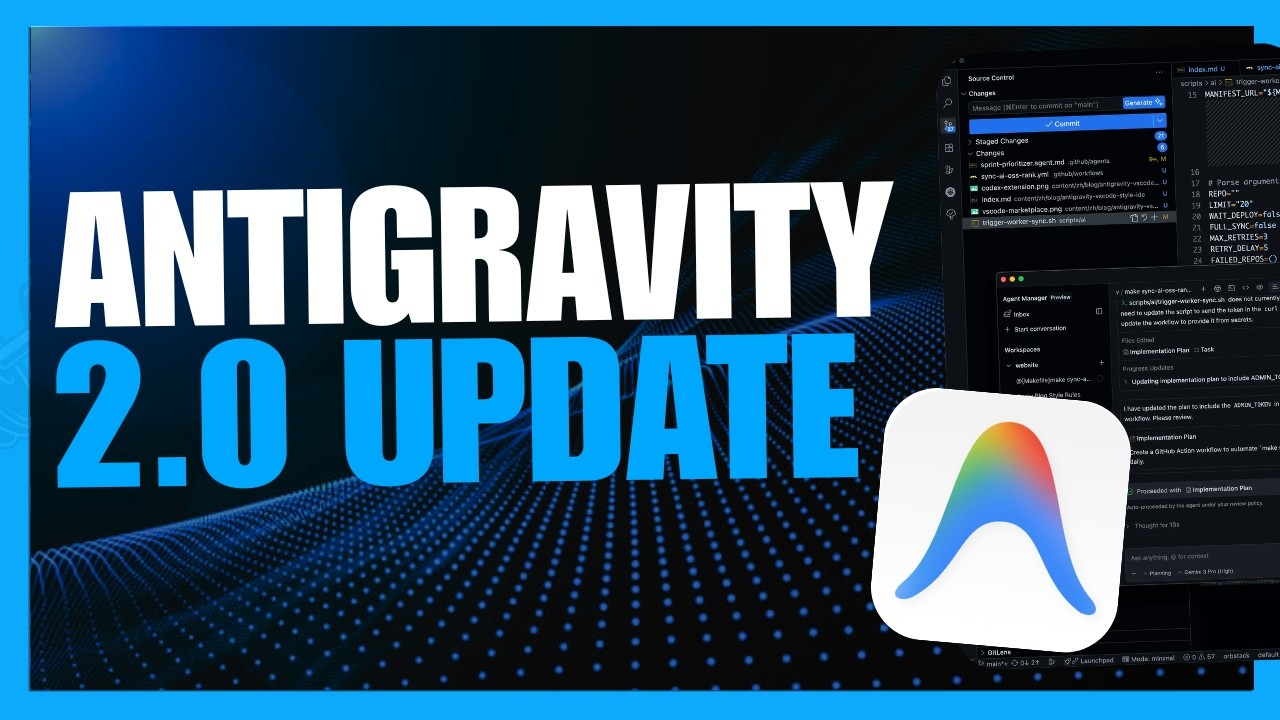
For a visual walkthrough of Antigravity 2.0's new features, including demonstrations of dynamic sub-agents and the project system in action, check out the full video tutorial below (timestamp 3:45 shows the parallel agent workflow in action).
Key Takeaways
Google's Antigravity 2.0 represents a significant evolution in AI-assisted development tools, though the platform split has created some initial confusion. The new features - particularly dynamic sub-agents and the project system - offer powerful capabilities for complex development workflows.
In summary: Antigravity 2.0 transforms from a unified coding assistant into an ecosystem of specialized tools for different aspects of AI-assisted development, offering both challenges and opportunities for developers adapting to this new paradigm.
Frequently Asked Questions
Common questions about this topic
Google has split Antigravity into two separate applications: a standalone VS Code-style IDE and a new agent chat interface app focused on managing sub-agents and autonomous workflows.
This represents a significant architectural change from the previous unified interface, allowing each component to specialize but requiring users to manage multiple applications.
- The IDE maintains traditional coding features
- The agent app focuses on orchestrating AI workflows
- Both applications share underlying technology but have distinct interfaces
Dynamic sub-agents allow your main AI agent to automatically create helper agents for parallel work. This addresses the limitation of single-agent systems where complex tasks could overload the context window.
Instead of one agent handling everything, the system can distribute work across specialized agents, similar to how human teams delegate tasks to subject matter experts.
- Improves efficiency for multi-faceted projects
- Reduces context window overload
- Enables true parallel processing of related tasks
The rebranded Gemini CLI now called Antigravity CLI provides terminal access to the same agent models and workflows available in the desktop applications.
Key features include customizable key bindings, themes, and terminal setups that allow developers to integrate AI agents directly into their command-line workflows without switching contexts.
- Full access to agent models from terminal
- Customizable interface to match developer preferences
- Lightweight alternative to GUI applications
Antigravity 2.0 introduces a comprehensive project system that groups work across multiple folders and repositories, replacing the previous single-repo conversations.
This new approach better reflects real-world development scenarios where work spans multiple components and services, allowing for custom permissions and workflows at the project level rather than individual file level.
- Supports complex, multi-repo projects
- Enables project-wide rules and constraints
- Maintains context across related codebases
Antigravity 2.0 introduces several powerful new slash commands that give developers more precise control over agent behavior and workflow execution.
These commands help bridge the gap between human intent and AI execution, reducing the need for constant supervision and iteration during development tasks.
- /goal - Directs continuous work until task completion
- /drillme - Forces clarifying questions before starting
- /browser - Enforces web browsing during workflows
- /schedule - Sets up timed agent tasks
The Antigravity SDK provides programmatic access to Google's agent harness technology, the same system that powers their commercial Antigravity products.
This enables developers to build custom autonomous agent systems that integrate with existing workflows, products, or internal tooling while leveraging Google's core orchestrator technology.
- Create specialized agent implementations
- Integrate with proprietary systems
- Develop custom deployment scenarios
Antigravity 2.0 introduces live voice transcription capabilities that allow developers to speak prompts directly into agent workflows.
This hands-free interaction method complements traditional text input and can be particularly valuable during debugging sessions, documentation, or when developers need to maintain focus on their code while issuing commands.
- Reduces context switching
- Useful for documentation and thought capture
- Enables multimodal interaction with agents
GrowwStacks specializes in implementing AI agent workflows and automation systems for businesses of all sizes. Our team has deep expertise with Antigravity and other leading AI development platforms.
We offer end-to-end services including custom solution design using the Antigravity SDK, integration with your existing development environments, and comprehensive training for your teams. Our implementations typically deliver 40-60% efficiency gains in development workflows.
- Free consultation to assess your needs
- Custom agent workflow design
- Ongoing support and optimization
Ready to Transform Your Development Workflow with AI Agents?
Manual coding and debugging wastes precious developer hours that could be spent on innovation. Our AI automation experts can implement Antigravity workflows tailored to your stack in as little as 2 weeks.