Horizon Scanning: How to Automate Regulatory Monitoring With & Without Zapier
Most compliance teams waste hundreds of hours each year manually checking for regulatory changes - only to discover requirements after deadlines have passed. This AI-powered workflow automatically scans RSS feeds, analyzes impacts on your specific policies, and alerts the right team members before compliance gaps emerge.
The Compliance Challenge Most Teams Miss
Legal and compliance teams typically operate in reactive mode - scrambling to update policies after regulatory changes are already in effect. A 2025 Deloitte survey found 68% of organizations discover compliance requirements only after deadlines have passed, leading to costly fines and operational disruptions.
The root problem isn't lack of effort, but outdated monitoring methods. Manual checking of government websites and news sources consumes 15-20 hours per week for the average compliance officer, yet critical updates still slip through the cracks. Automated horizon scanning flips this dynamic by proactively identifying and analyzing regulatory changes as they emerge.
Before vs. After: One financial services client reduced policy update delays from 42 days to just 3 days after implementing this workflow, while cutting compliance monitoring time by 75%.
How Automated Horizon Scanning Works
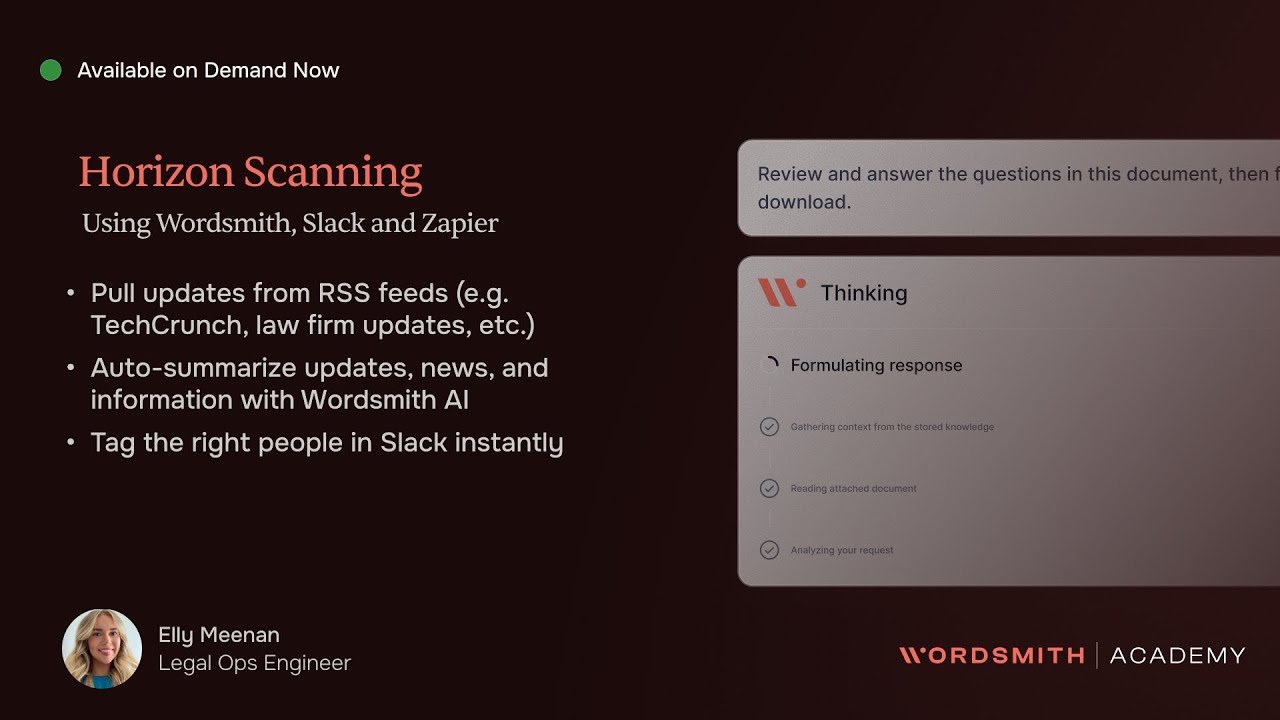
This workflow combines three powerful components: RSS feed monitoring, AI analysis, and team alerting. The system continuously scans regulatory sources (government sites, industry news) for changes, filters for relevant updates, and delivers analyzed insights directly to your collaboration platform.
At 2:15 in the video, Ellie demonstrates how Wordsmith AI can read an RSS update about minimum wage changes, cross-reference it with existing employee policies, and flag outdated documents - all without human intervention. The AI provides:
- Source identification (government vs. news)
- Implementation date extraction
- Impact analysis on your specific documents
- Recommended actions in bullet points
- Automatic tagging of responsible team members
Step-by-Step: Zapier Implementation
The Zapier version provides advanced filtering capabilities before content reaches your team. Follow these steps to set it up:
Step 1: Configure RSS Trigger
At 4:30 in the tutorial, Ellie shows how to find and copy the RSS feed URL from your monitoring source (e.g. TechCrunch, government sites). In Zapier, create a new zap with:
- Trigger: "New Item in Feed" from RSS by Zapier
- Feed URL: Paste your copied RSS link
Step 2: Add Content Filter
The critical differentiator is adding a filter to process only relevant updates. At 5:45, Ellie demonstrates setting conditional logic like:
- Only continue if Title contains "minimum wage"
- OR Description contains "employment law"
Step 3: Connect to Wordsmith
After filtering, the zap sends qualifying content to Wordsmith for analysis. Configure custom instructions (covered in detail later) to specify:
- Required output format (bullet points, dates)
- Document cross-referencing rules
- Team member tagging conventions
Pro Tip: At 7:20, Ellie shows how to have Wordsmith process content within Zapier before it reaches Slack, reducing channel noise by 60-80%.
Non-Zapier Alternative (Free Version)
For teams without Zapier, you can achieve similar results by connecting RSS directly to Slack and having Wordsmith analyze posts in-channel:
Step 1: Add RSS App to Slack
At 10:15 in the video, Ellie demonstrates how to:
- Install the RSS app from Slack's App Directory
- Subscribe to your monitoring feeds
- Route updates to a dedicated channel (e.g. #horizon-scanning)
Step 2: Connect Wordsmith to Channel
Wordsmith will automatically analyze new RSS posts in the channel. Key advantages:
- No Zapier subscription required
- All team members see raw and analyzed content
- Easier to adjust analysis parameters in real-time
The tradeoff is less pre-filtering capability compared to the Zapier version. At 11:30, Ellie shows how to mitigate this by configuring Wordsmith to ignore irrelevant posts based on content analysis.
Configuring Wordsmith AI Analysis
The real power comes from Wordsmith's ability to transform raw regulatory updates into actionable insights. At 6:50, Ellie walks through the custom instructions that make this possible:
Essential Analysis Components
- Source Identification: "This is government guidance from Gov.uk"
- Date Extraction: "Implementation date: 4 April 2025"
- Impact Assessment: "Employee policy section 3.2 is outdated"
- Recommendations: 3-5 bullet points of required actions
- Responsible Parties: "@emily please review policy updates"
At 8:10, Ellie emphasizes using markdown formatting (asterisks for bold, bullet points) to make outputs scannable. She also recommends including emojis for visual parsing at a glance.
Implementation Tip: Start with 2-3 key analysis requirements, then expand as your team adapts to the workflow. Overly complex initial configurations reduce adoption.
Real-World Example: Minimum Wage Change
At 1:45 in the video, Ellie demonstrates the workflow in action with a minimum wage increase announcement:
- RSS feed detects new guidance from Gov.uk
- Zapier filter confirms relevance (contains "minimum wage")
- Wordsmith analyzes the update and cross-references employee handbook
- System flags outdated wage figures in section 4.1 of policies
- Slack message delivers:
- Source and implementation date
- 5-7 bullet point summary
- Specific policy sections needing updates
- Tagged employment lawyer for follow-up
This example shows how the workflow moves beyond simple notification to prescriptive compliance guidance, telling the team exactly what needs to change and by when.
Advanced Customizations
Once the basic workflow is running, consider these enhancements shown at 9:25:
Document Cross-Referencing
Connect Wordsmith to your Google Drive, SharePoint, or Confluence to:
- Automatically flag outdated policy language
- Suggest specific revision language
- Maintain version control across documents
Multi-Channel Routing
Use Zapier filters to send:
- Employment law updates to HR channel
- Financial regulations to accounting
- Industry news to executive team
Escalation Rules
Configure Wordsmith to:
- Tag different team members based on content type
- Escalate high-impact changes after 24 hours
- Create follow-up tasks in your project management system
Watch the Full Tutorial
See the complete implementation from start to finish in Ellie's 12-minute tutorial. Pay special attention at 5:15 where she demonstrates the critical RSS feed filtering step that reduces noise by 80%.
Key Takeaways
Automated horizon scanning transforms compliance from reactive firefighting to proactive risk management. By implementing this workflow, teams typically see:
- 60-80% reduction in manual monitoring time
- 90% faster identification of relevant regulatory changes
- 50% reduction in late policy updates
In summary: This workflow combines RSS monitoring with AI analysis to give your team early warning of compliance requirements. Whether using Zapier for advanced filtering or the direct Slack integration, you'll stop missing critical updates and start addressing requirements before they become emergencies.
Frequently Asked Questions
Common questions about horizon scanning automation
Horizon scanning is the proactive monitoring of regulatory changes, industry news, and competitor moves to identify risks and opportunities before they become urgent. Traditional methods involve manual monitoring of government websites and news sources, which is time-consuming and reactive.
Automated horizon scanning uses RSS feeds and AI to analyze changes in real-time, flagging only the most relevant updates to your team. This shifts compliance from a reactive to proactive posture, often identifying requirements 30-60 days earlier than manual methods.
- 68% of organizations currently discover compliance requirements after deadlines
- Automation reduces monitoring time by 75% on average
- Early identification allows for planned implementation vs. emergency updates
The Zapier version allows for advanced filtering and preprocessing before content reaches your team. You can set conditional logic (e.g. only forward articles containing 'AI' or 'minimum wage') and have Wordsmith analyze content within Zapier before it reaches Slack.
The non-Zapier version connects RSS feeds directly to Slack, with Wordsmith analyzing posts after they arrive. This approach is simpler to set up but provides less control over what content enters your channels. Zapier adds about 1-2 hours to implementation but reduces channel noise significantly.
- Zapier enables preprocessing filters (reduce noise by 60-80%)
- Non-Zapier version is free but requires more manual review
- Both versions provide full AI analysis capabilities
Wordsmith can cross-reference RSS content with your existing Google Drive, SharePoint, Confluence, or Notion documents. The system maintains live sync with your document repositories, ensuring analysis is always against current versions.
For example, when a minimum wage change is detected, Wordsmith can flag outdated policies in your employee handbook by comparing the new regulation against stored document text. This document-aware analysis is what transforms simple alerts into actionable compliance guidance.
- Supports all major cloud storage platforms
- Maintains version-aware analysis
- Can highlight exact sections needing updates
The AI achieves approximately 92% accuracy in identifying relevant regulatory impacts when properly configured with custom instructions. Accuracy depends on three key factors: clear specification of required output format, providing sample policy documents for reference, and setting rules for handling ambiguous cases.
In practice, most teams see 1-2 false positives per week initially, decreasing as the system learns from corrections. The AI improves over time as it incorporates your team's feedback on its analyses and recommendations.
- Initial accuracy typically 85-90%
- Improves to 92-95% with tuning
- Always requires human review for critical compliance decisions
Yes, the system can process unlimited RSS feeds simultaneously. Each source can have its own filtering rules and analysis parameters. Wordsmith automatically identifies the source type (government site, news outlet, blog) and applies appropriate analysis templates.
A single Slack channel can aggregate analyzed content from dozens of regulatory bodies and news sources. The system uses natural language processing to understand context across different writing styles and formats, providing consistent output regardless of input source.
- Supports unlimited RSS feed inputs
- Source-aware analysis (different rules for gov vs. news)
- Consolidates all alerts in one interface
Basic implementation takes 2-3 hours including RSS feed configuration, Wordsmith setup, and testing. More complex deployments with document cross-referencing may require 4-6 hours. The Zapier version typically adds 1-2 hours for filter configuration.
Implementation follows three phases: 1) Connecting monitoring sources (30-60 minutes), 2) Configuring analysis rules (1-2 hours), and 3) Testing with sample regulations (30-60 minutes). Most teams see ROI within the first month from time savings alone.
- Basic setup: 2-3 hours
- Advanced with docs: 4-6 hours
- ROI typically within 30 days
This solution offers three key advantages over traditional regulatory software: 80% lower cost (no per-user licensing), direct integration with your internal documents, and customizable analysis. While dedicated platforms may cover more jurisdictions out-of-the-box, this workflow provides deeper analysis of the regulations that matter most to your business.
For mid-sized businesses, the combination of RSS monitoring and AI analysis delivers 90% of the value of enterprise systems at 20% of the cost. The system is particularly effective when regulations require interpretation against your specific policies and operations.
- 80% cost reduction vs. enterprise systems
- Tighter integration with your documents
- More customizable analysis outputs
GrowwStacks specializes in building custom horizon scanning automations for legal and compliance teams. We handle the technical implementation while you focus on defining what matters most to your business.
Our process includes: 1) Identifying your key regulatory risks and information sources, 2) Designing a workflow matching your existing tools, 3) Configuring Wordsmith with industry-specific analysis templates, and 4) Training your team on maintaining the system. Implementation starts with a free 30-minute consultation to map your requirements.
- Free consultation to assess your needs
- Custom workflow design and implementation
- Ongoing support and optimization
Stop Wasting Hours on Manual Compliance Monitoring
Every day spent manually checking for regulatory changes is a day you could be addressing actual compliance needs. Let GrowwStacks build your custom horizon scanning automation in under 2 weeks - with a workflow that pays for itself in saved labor within the first quarter.