How Claude AI Can Build Your Make.com Automations For You
Struggling to set up complex Make.com workflows? What if you could simply describe what you need in plain English and have an AI build the entire automation for you? Discover how Claude AI can create complete Make.com scenarios through conversation - no coding required.
The AI Automation Revolution
Business automation has traditionally required technical expertise - understanding APIs, data structures, and workflow logic. This created a barrier for many business owners and operators who knew what they wanted to automate but lacked the coding skills to make it happen.
Now, with AI like Claude integrated directly into platforms like Make.com, you can describe your automation needs in plain English and have the AI build the entire workflow for you. At the 4:30 mark in the video, you'll see how a simple prompt like "create a Make scenario that takes all our Fathom meeting recordings and pushes them to Airtable" generates a complete, functional automation.
80% reduction in setup time: What would normally take an hour or more to configure manually can now be created by AI in minutes, with human review focused only on final adjustments rather than building from scratch.
Connecting Claude to Make.com
The integration between Claude and Make.com is surprisingly straightforward. In Make.com's connectors section, you'll find Claude available as an option. After connecting your account, you'll need to grant specific permissions:
- Read access to view your existing connections and scenarios
- Create/update permissions for building new automations
- Option to require manual approval for changes (recommended)
This setup allows Claude to act as an intelligent assistant within your Make.com environment. It can explore your connected apps, understand their capabilities, and construct workflows that achieve your stated goals - all while maintaining appropriate security controls.
Real-World Example: Fathom to Airtable
The video demonstrates a practical use case: automatically transferring meeting notes from Fathom (an AI meeting assistant) to Airtable. This is a common need for teams wanting to centralize meeting insights while adding custom metadata and organization.
Claude handles the entire process:
- Setting up a daily schedule trigger
- Fetching new Fathom recordings
- Extracting both summaries and full transcripts
- Formatting the data appropriately
- Pushing everything to the correct Airtable base
Key insight: Claude doesn't just copy the automation you might build manually - it actually improves upon it by adding data formatting steps (like processing the transcript array) that you might overlook.
How Claude Builds Automations
When you give Claude an automation task, it follows a logical engineering process:
- Understands the goal from your natural language description
- Checks available connections to confirm app accessibility
- Reviews API documentation for each involved service
- Designs the workflow structure with appropriate triggers and actions
- Handles data transformations between different formats
- Creates the scenario in your Make.com account
This mirrors how a human developer would approach the problem, but completes each step in seconds rather than hours. At the 6:15 timestamp, you can see Claude methodically working through each of these stages.
Testing and Adjusting AI-Created Automations
While Claude creates remarkably complete first drafts, some manual testing and adjustment is still needed:
- Authentication verification: You'll need to confirm OAuth connections
- Field mappings: Check that data is going to the right places
- Error handling: Add appropriate responses for edge cases
- Performance optimization: Adjust for large data volumes if needed
The video shows an example where the initial automation failed due to an invalid access token - a common issue that's easily fixed. Claude can often help troubleshoot these problems if you share the error messages.
Best Practices for AI-Assisted Automation
To get the best results from Claude and Make.com:
- Be specific in your prompts: Include details about triggers, data fields, and desired outcomes
- Start simple: Build basic workflows first, then add complexity
- Use the approval setting: Review changes before they go live
- Provide feedback: Tell Claude what worked and what needs adjustment
- Combine AI with human review: Leverage both strengths for optimal results
Remember that while Claude can handle about 80% of common automation use cases, some particularly complex scenarios may still require human expertise - which is where services like GrowwStacks can help bridge the gap.
Watch the Full Tutorial
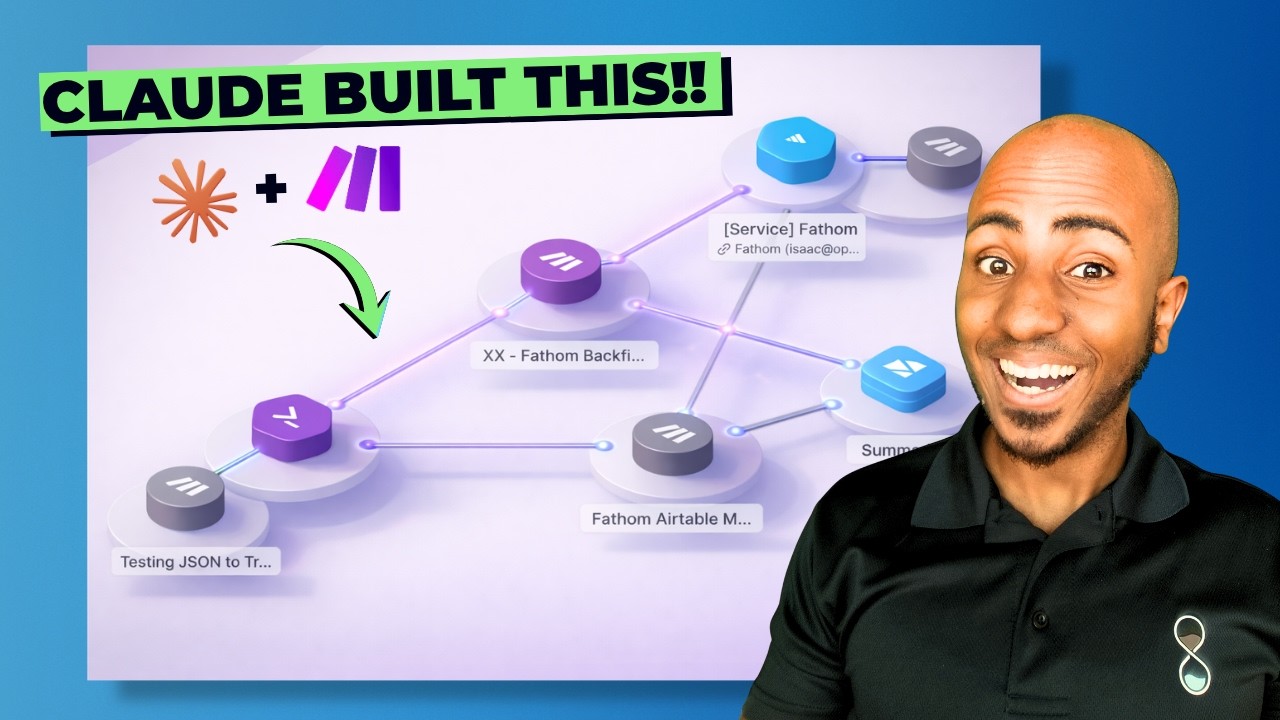
See Claude in action building a real Make.com automation from scratch. The video demonstrates the entire process from initial prompt to working workflow, including troubleshooting an authentication issue at the 7:50 mark.
Key Takeaways
The integration of AI like Claude with automation platforms like Make.com represents a major shift in how businesses can implement technology solutions. No longer do you need deep technical expertise to create powerful workflows - you can now describe what you need in plain language and have the AI handle the implementation.
In summary: Claude can create about 80% of common Make.com automations through simple conversation, with human review focused on the final 20% of adjustments and optimizations. This dramatically reduces the time and expertise needed to implement business automation.
Frequently Asked Questions
Common questions about this topic
Claude AI can create most common Make.com automation scenarios including data transfers between apps, scheduled workflows, and multi-step processes. It's particularly good at building integrations between popular business tools like Airtable, Google Sheets, CRMs, and communication platforms.
The AI understands API documentation and can structure complex workflows with conditional logic. However, extremely niche apps or custom-coded solutions may still require human intervention.
- Data synchronization between platforms
- Scheduled reporting and notifications
- Multi-step business processes
Claude's first draft automations are about 70-80% accurate based on testing. They typically require some manual adjustments for authentication, field mappings, or error handling.
The AI provides a complete working framework that significantly reduces development time, but human review is still recommended before deploying to production. Simple automations often work perfectly on first try, while complex ones may need more tweaking.
- Field mappings may need adjustment
- Error handling often requires enhancement
- Authentication flows need human completion
Claude requires basic read access to view your connections and scenarios. For building automations, it needs create/update permissions which can be set to require manual approval for each change.
This provides security while allowing the AI to work. You maintain full control and can revoke access at any time. The AI never has access to your actual credentials - only to the API connections you explicitly authorize.
- Read access to connections and scenarios
- Create/update permissions (with approval option)
- No credential access - only authorized API connections
Yes, Claude can analyze and update existing Make.com scenarios. You simply share the scenario link and explain what changes you need.
The AI can add new steps, modify logic, or troubleshoot errors. This is particularly useful for maintaining and improving automations over time as your business needs evolve. Claude can even document existing automations by explaining how they work.
- Add new steps to existing workflows
- Modify logic and conditions
- Troubleshoot and fix errors
Provide Claude with clear details about: 1) The trigger event (e.g., new Fathom recording), 2) The source app and data fields needed, 3) The destination app and how data should be transformed, 4) Any special conditions or logic.
The more specific you are about inputs and desired outputs, the better the initial automation will be. Including example data structures or screenshots can further improve results.
- Clearly define trigger events
- Specify source and destination apps
- Describe any data transformations needed
Claude can set up the authentication framework between apps but requires you to complete the OAuth flow for security. It will prompt you to authorize connections when needed.
For services using API keys, you'll need to provide those separately. The AI never stores or sees your actual credentials during this process - it only sets up the connection framework in Make.com.
- Sets up OAuth connection framework
- Prompts you to complete authorization
- Never sees or stores your actual credentials
Current limitations include: complex multi-app workflows may need manual adjustments, custom JavaScript functions require human review, and very niche apps without clear documentation may be challenging.
The AI also can't physically test hardware integrations. However, it handles about 80% of common business automation use cases effectively, with human expertise needed mainly for edge cases and final optimization.
- Complex multi-app workflows may need tweaking
- Custom code requires human review
- Niche apps with poor documentation are challenging
GrowwStacks helps businesses implement AI-powered automations using Make.com and Claude. We combine AI efficiency with human expertise for reliable solutions.
Our team can set up your Claude-Make integration, review and optimize AI-created automations, handle complex scenarios beyond Claude's current capabilities, and provide ongoing maintenance. We ensure your automations work perfectly while saving you development time.
- AI-assisted automation setup and configuration
- Human review and optimization of all workflows
- Ongoing maintenance and updates
Ready to Automate Your Business with AI Assistance?
Don't waste hours struggling with complex automation setups when AI can do 80% of the work for you. Our team at GrowwStacks can help you implement Claude-powered Make.com automations tailored to your specific business needs.