How Programmers Are Harnessing AI Ghosts in Their Machines
Programming is undergoing what experts call a "magnitude 9 earthquake" as AI tools evolve from cloud services to local collaborators. Developers worldwide are struggling to adapt as these new "ghosts in the machine" like Claude Code 2.0 fundamentally change how we write software.
The Programming Earthquake
Developers across all experience levels are reporting an unsettling feeling - that they're suddenly behind in their own profession. As AI researcher Andre Carpathy famously tweeted, "I've never felt this much behind as a programmer." This sentiment has resonated throughout the tech community.
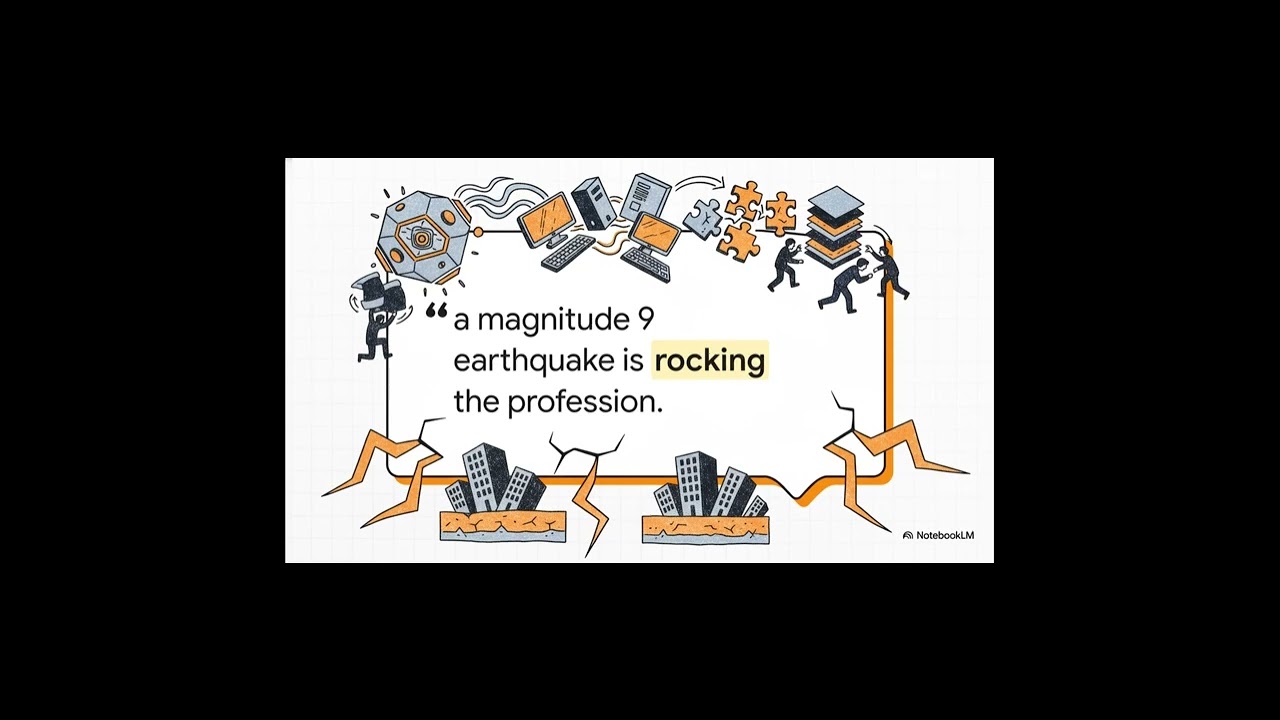
The anxiety stems from recognizing that AI isn't just changing how we code - it's rewriting the fundamental rules of software development overnight. Where previous technological shifts gave developers time to adapt, this transition feels more like what Carpathy called a "magnitude 9 earthquake" for the entire field.
The shift is so profound because these new AI tools don't just assist with coding - they fundamentally change the developer's role from writing code to guiding and collaborating with AI systems that can generate, analyze, and optimize code autonomously.
Ghosts in the Machine
The most significant evolution isn't just in AI capabilities, but in how we interact with them. The old paradigm treated AI tools as websites or services you occasionally visited. The new model embeds AI directly into developers' environments as persistent collaborators.
These "ghosts in the machine" - AI assistants like Claude Code 2.0 that run locally on your computer - maintain context across sessions, learn your coding style, and become true partners in the development process. They're no longer tools you use, but colleagues you collaborate with.
A Developer's Journey With Claude Code
One developer's experience perfectly illustrates the evolving relationship between programmers and AI tools. He started enthusiastically with Claude, switched to OpenAI's Codex during some Claude outages, then returned when Claude Code received its massive Opus 4.5 upgrade.
This back-and-forth wasn't just about technical capabilities - it reflected how different AI tools suit different working styles. Some developers prefer Claude's conversational approach, while others favor Codex's more structured output. The key insight? There's no one "best" AI tool - just different approaches to collaboration.
The Opus 4.5 Upgrade Difference
Late November's Opus 4.5 upgrade marked a turning point for Claude Code. The new model demonstrated significantly improved contextual understanding and code generation quality that pulled many developers back to the platform.
Where previous versions might struggle with complex programming tasks, Opus 4.5 handles them with surprising accuracy while maintaining Claude's signature conversational style. This combination of technical capability and natural interaction has made Claude Code particularly appealing for exploratory programming and system design work.
Claude vs. Codex: Personality Matters
The differences between Claude Code and OpenAI's Codex extend far beyond technical capabilities. As one developer noted, for the exact same prompt, Claude provides chatty, collaborative responses while Codex delivers more direct, structured output.
This isn't just about style - it affects how developers use each tool. Many find themselves using Claude for brainstorming and design discussions, while turning to Codex when they need precise implementations or boilerplate generation. The tools' different "personalities" lend themselves to different phases of the development process.
New Skills for AI Collaboration
As AI takes on more coding responsibilities, developers are finding that traditional programming skills matter less than new abilities to work effectively with AI collaborators. The most valuable skills now include:
- Clearly articulating problems and requirements
- Critically evaluating AI-generated code
- Understanding when to guide versus when to let the AI work
- Maintaining architectural coherence across AI-assisted components
These skills represent a fundamental shift from writing code to managing and directing AI systems that write code.
Implementation Strategies
Forward-thinking teams are developing structured approaches to integrate AI collaborators into their workflows:
- Pair programming with AI: Treat the AI as a pairing partner, with clear roles and review processes
- Phased adoption: Start with non-critical code generation before moving to more complex tasks
- Style guides: Develop specific guidelines for how AI should generate code to match team standards
- Quality gates: Implement additional review steps for AI-generated code
The most successful teams view AI as junior developers that need mentoring and oversight, not magic code generators. This mindset leads to more effective collaboration and higher-quality results.
Watch the Full Tutorial
See how developers are implementing these AI collaborators in real workflows. The full video tutorial demonstrates Claude Code 2.0 in action, showing how its conversational interface differs from more mechanical AI coding assistants.
Key Takeaways
The programming world is undergoing its most significant transformation in decades as AI collaborators become integral to the development process. Success in this new era requires adapting not just tools, but mindsets and workflows.
In summary: The most effective developers are treating AI tools like Claude Code 2.0 as team members rather than utilities - mentoring them, establishing clear collaboration patterns, and focusing their own efforts on higher-level design and quality assurance.
Frequently Asked Questions
Common questions about AI programming collaborators
The 'ghost in the machine' metaphor describes how modern AI tools like Claude Code 2.0 now run locally on developers' computers rather than being cloud-based services. These AI assistants become constant collaborators that understand your coding context and style.
Unlike traditional tools you use intermittently, these AI ghosts maintain persistent context across your work sessions. They learn your preferences, remember past conversations, and adapt to your working style - much like a human colleague would.
- Run locally on your development machine
- Maintain context across work sessions
- Adapt to your individual coding style
Andre Carpathy's viral tweet captured how rapidly AI is transforming programming fundamentals. The magnitude 9 earthquake analogy reflects how foundational skills are shifting overnight, leaving even experienced developers feeling like beginners again as they learn to work with AI collaborators.
Traditional programming skills that took years to master are being augmented or replaced by new abilities to effectively guide and collaborate with AI systems. This seismic shift is changing what it means to be a developer at the most fundamental level.
- Fundamental skills changing overnight
- Even experts feel like beginners again
- New collaboration skills becoming essential
Claude Code 2.0 stands out for its conversational, collaborative approach to coding assistance. Unlike more mechanical AI tools, Claude maintains context across sessions and adapts to your coding style, making it feel more like pairing with an intelligent colleague than using a tool.
Developers report that Claude's ability to engage in back-and-forth discussions about design decisions and implementation approaches leads to more creative solutions than simply generating code from specifications.
- Conversational, collaborative interface
- Maintains context across sessions
- Adapts to your individual coding style
The Opus 4.5 upgrade brought significant improvements to Claude Code's contextual understanding and code generation quality. Developers report it handles complex programming tasks with better accuracy while maintaining Claude's signature conversational style that many find more natural to work with.
Specific improvements include better handling of large codebases, more accurate type inference, and improved ability to reason about system architecture. These enhancements have made Claude Code particularly valuable for system design and refactoring tasks.
- Better contextual understanding
- Higher quality code generation
- Improved system architecture reasoning
Claude Code takes a chatty, collaborative approach while Codex is more direct and structured. Many developers alternate between them - using Claude for exploratory work and design discussions, while turning to Codex for precise implementations and boilerplate generation.
The tools' different "personalities" lend themselves to different phases of development. Claude excels at open-ended problem solving and system design conversations, while Codex shines when you need specific, production-ready code snippets.
- Claude: Collaborative design partner
- Codex: Precise implementation tool
- Many developers use both strategically
Forward-thinking developers are treating AI tools like team members rather than just utilities. This means clearly articulating problems, reviewing AI-generated code critically, and developing new workflows that combine human oversight with AI productivity gains.
Successful teams implement structured collaboration patterns with their AI tools, similar to how they'd onboard human team members. This includes establishing style guidelines, review processes, and clear division of responsibilities between human and AI contributors.
- Treat AI as team members, not tools
- Implement structured collaboration patterns
- Combine human oversight with AI productivity
As AI handles more routine coding, human developers are focusing more on problem articulation, system design, and code review. The ability to clearly communicate requirements to AI collaborators and critically evaluate their output is becoming as important as raw coding skill.
Other increasingly valuable skills include architectural thinking, debugging complex systems, and mentoring AI tools to produce higher-quality output. Developers who excel at these higher-level skills will thrive in the AI-assisted programming era.
- Problem articulation and requirements clarity
- System design and architecture
- Critical code review and quality assurance
GrowwStacks helps development teams integrate AI collaborators into their workflows through custom automation solutions. We assess your current processes, recommend optimal AI tool combinations, and implement tailored systems that amplify your team's productivity while maintaining code quality standards.
Our AI workflow implementations typically deliver 30-50% productivity gains while actually improving code quality through structured collaboration patterns between your developers and their AI counterparts.
- Custom AI workflow integration
- 30-50% typical productivity gains
- Maintained or improved code quality
Ready to Integrate AI Collaborators Into Your Development Workflow?
Every week your team struggles without AI assistance, competitors gain ground. GrowwStacks can implement custom AI automation solutions for your development team in as little as 2 weeks.