How to Automate Daily Reels & TikTok Posts (Step-by-Step n8n Workflow)
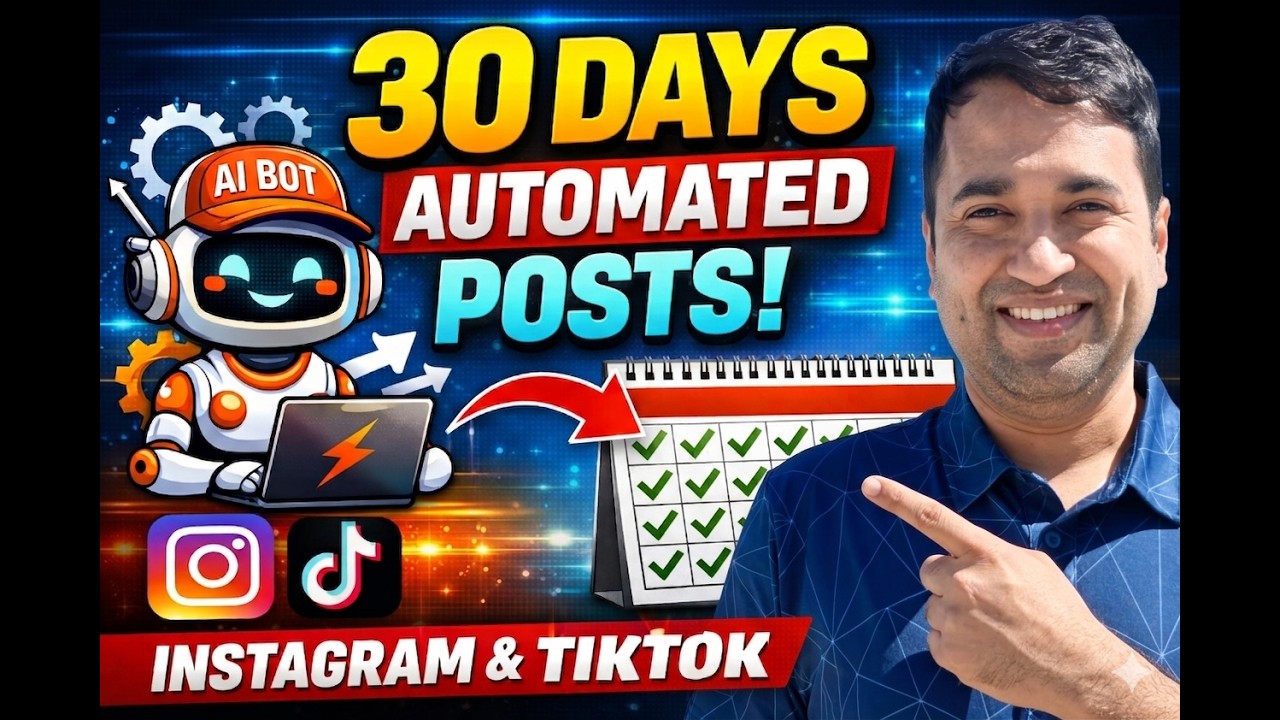
Most businesses know they should post daily on Instagram and TikTok - but actually doing it consistently is another story. This n8n workflow solves that by automatically publishing your videos at optimal times, pulling captions from Google Sheets and content from Drive. Set it up once and get back hours each week.
The Social Media Posting Problem
Every social media manager knows the struggle: you plan to post daily, but between filming, editing, writing captions, and actually posting - it often falls by the wayside. At 2:37 PM in the video, the creator shows his calendar with missed posting days before implementing this system.
The manual process eats up valuable time:
- Uploading videos individually to each platform
- Crafting unique captions for every post
- Remembering to post at optimal times
- Tracking what's been posted and what's queued
Social media managers spend 5+ hours weekly just on manual posting tasks - time that could be spent creating better content or engaging with your audience.
How the Automation Works
This n8n workflow solves the posting problem by automating the entire process from content storage to publication. At 1:15 in the video, you can see the system in action posting two videos simultaneously to different platforms.
The automation follows this sequence:
- Daily schedule trigger checks Google Sheet for content
- Filters for videos marked "ready to post" with today's date
- Pulls video from Google Drive using the stored URL
- Uploads to Blototo media management platform
- Publishes to connected social accounts with captions
- Updates sheet status to "scheduled"
The entire process runs unattended at 7 PM Eastern time daily, ensuring consistent posting even when you're focused on other tasks.
Tools You'll Need
At 4:50 in the video, the creator outlines the three essential components for this automation:
1. n8n Server: Can be run locally via Docker (free) or on a VPS like Hostinger ($5-10/month). The video shows the Hostinger VPS interface where this workflow is hosted.
2. Blototo Account: The $29/month starter plan provides API access needed for automated posting. At 5:30, you can see the API key section in the Blototo dashboard.
3. Google Drive + Sheets: Free with any Google account. Videos must be stored in Drive with public sharing enabled for Blototo access.
Optional but recommended:
- Google Workspace for business (better sharing controls)
- Cloud storage backup for your video library
- Calendar integration to visualize posting schedule
Step-by-Step Workflow Breakdown
At 7:20 in the video, the creator walks through each node in the n8n workflow. Here's what each component does:
Step 1: Schedule Trigger
Configured to run daily at 7 PM Eastern time. This ensures your content posts during peak engagement hours without manual intervention.
Step 2: Google Sheets Node
Connects to your content calendar sheet and retrieves all rows. The example sheet at 8:45 shows columns for date, title, caption, video URL, and status.
Step 3: Filter Nodes
Two filters work together:
- First checks for "ready to post" status
- Second verifies the date matches today
Step 4: Blototo Upload
Takes the Google Drive video URL and uploads it to Blototo's media management system. Requires your API key from the Blototo dashboard.
Step 5: Social Platform Nodes
Separate nodes for each platform (Instagram, TikTok etc.) publish the uploaded media with captions. At 10:15, you see how to configure the Instagram node with account selection.
Pro Tip: Duplicate the social platform nodes to post the same content to multiple accounts or networks simultaneously.
Content Preparation
At 12:30 in the video, the creator shows his organized Google Drive folder with videos named by date (e.g. "401" for April 1st). Here's how to set up your content:
- Google Drive: Create a folder for your social videos. Ensure sharing is set to "Anyone with the link can view"
- Google Sheet: Create columns for date (MMDD format), title, caption, video URL, and status
- Video Naming: Use date-based names for easy identification (e.g. "413" for April 13th)
- Status Tracking: Use "ready to post" for queued content, "scheduled" after automation runs
The system handles landscape, portrait, and square videos automatically - no need for separate uploads for different platforms.
Scheduling an Entire Month's Content
One of the biggest time savers is batch scheduling. At 14:20, the creator mentions having all of April's content scheduled in advance. Here's how:
Monthly Preparation Process:
- Film/edit all videos for the month in one session
- Upload to Drive with date-based names
- Populate Google Sheet with dates, titles, captions
- Mark as "ready to post"
- Let automation handle daily publishing
This approach reduces context switching and lets you focus on content creation in dedicated blocks rather than daily posting tasks.
Costs and Time Savings
At 5:10 in the video, the creator breaks down the expenses:
Blototo Starter Plan: $29/month (required for API access)
Optional Costs:
- VPS hosting: $5-20/month (not needed if running n8n locally)
- Google Workspace: $6/user/month (better for business accounts)
Time Savings:
- 5+ hours weekly saved on manual posting
- Eliminates missed posting days
- Reduces context switching between tasks
For businesses posting daily across multiple platforms, this automation typically pays for itself within the first week.
Watch the Full Tutorial
See the complete workflow in action starting at 7:20 in the video, where the creator walks through each n8n node configuration. Pay special attention to the Blototo API setup at 10:45.
Key Takeaways
This n8n workflow transforms social media posting from a daily chore to an automated system that runs reliably in the background. At 15:30, the creator shows his Instagram feed with all automated posts appearing consistently.
In summary: For under $50/month, you can eliminate hours of manual posting while ensuring consistent daily content across all your social platforms. The system scales from a few posts per week to hundreds per month with the same reliable automation.
Next steps:
- Set up your n8n instance (Docker or VPS)
- Create Blototo account and connect social profiles
- Organize your content in Google Drive/Sheets
- Implement the workflow from the video
Frequently Asked Questions
Common questions about this topic
You'll need three main components for this automation system. First is an n8n server, which can be run locally via Docker (free) or on a VPS (paid hosting). Second is a Blototo account with their starter plan at $29/month for API access. Third is Google Drive for video storage and Google Sheets for content scheduling.
The workflow pulls video URLs from your Google Drive and posts them automatically to connected social platforms through Blototo's API. All caption data is managed through the Google Sheet interface.
- n8n server (Docker or VPS)
- Blototo starter plan ($29/month)
- Google Drive + Sheets (free)
The workflow uses n8n's built-in schedule trigger set to run daily at 7 PM Eastern time. When triggered, it checks your Google Sheet for any videos marked "ready to post" where the date column matches the current day's date.
The system formats dates consistently (MMDD format) to ensure accurate matching. Videos that meet both the status and date criteria are automatically uploaded to Blototo and published to your connected social accounts.
- Daily trigger at 7 PM Eastern
- Checks Google Sheet for matching dates
- Formats dates as MMDD for consistency
Yes, one of Blototo's key advantages is supporting posting to nine different social platforms from one system. The same workflow can publish to Instagram, TikTok, and other platforms simultaneously by adding additional Blototo nodes configured for each platform.
In the video demonstration at 10:15, you can see separate nodes for Instagram and TikTok publishing. Each platform node can be customized with platform-specific options while using the same core video content and caption data.
- Supports 9 platforms simultaneously
- Separate nodes for each platform
- Uses same core content across platforms
Content preparation involves organizing your videos in Google Drive and maintaining a Google Sheet with posting details. At 12:30 in the video, you can see the creator's organized system with videos named by date (e.g. "413" for April 13th).
Your Google Sheet should include columns for: date (MMDD format), post title, caption text, Google Drive video URL, and status (ready to post/scheduled). Ensure your Drive videos have sharing set to "Anyone with the link can view" so Blototo can access them.
- Date-based video naming (e.g. "413")
- Google Sheet with date, title, caption, URL
- Drive sharing set to public view
The primary required cost is Blototo's starter plan at $29/month, which provides the API access needed for automated posting. n8n can be run for free locally via Docker, or you can opt for VPS hosting ($5-20/month) for better reliability.
Compared to the 5+ hours per week it saves on manual posting, the system typically pays for itself within the first week for businesses posting daily content. There are no per-post fees - the $29/month covers unlimited posts across all connected platforms.
- Blototo: $29/month (required)
- n8n: Free (Docker) or $5-20/month (VPS)
- No additional per-post costs
Absolutely. At 14:20 in the video, the creator mentions having all of April's content scheduled in advance. The system is designed specifically for batch scheduling - you can upload a month's worth of videos to Drive, populate your Google Sheet with all dates/titles/captions, and mark them "ready to post."
The automation will then process each day's content automatically when the schedule trigger fires. This batch approach lets you focus on content creation in dedicated blocks rather than daily posting tasks.
- Upload all month's videos at once
- Fill Google Sheet with future dates
- Mark as "ready to post" when scheduled
The creator has successfully used this system for consistent daily posting over an extended period. At 15:30 in the video, you can see his Instagram feed filled with automatically posted content. Reliability depends on three key factors:
First, stable n8n hosting - running on a VPS provides better uptime than a local Docker instance. Second, proper Google Drive permissions - videos must remain publicly accessible. Third, maintaining your Blototo subscription to ensure API access continues working.
- Proven track record of daily posting
- VPS hosting recommended for stability
- Requires maintained Drive permissions
GrowwStacks specializes in building custom social media automation workflows like this one. We can handle the complete setup including n8n configuration, Blototo integration, Google Sheet templates, and content scheduling systems tailored to your specific needs.
Our team will:
- Configure your n8n server (Docker or VPS)
- Set up Blototo API connections
- Create customized Google Sheet templates
- Test and deploy your complete workflow
- Provide training on content scheduling
Book a free consultation to discuss how we can save you 5-10 hours per week on social media management.
Ready to Automate Your Social Media Posting?
Stop wasting hours each week on manual posting tasks. Let GrowwStacks build your custom n8n automation workflow so you can focus on creating great content instead of publishing it.