The Instagram DM Problem Every Business Faces
Instagram has become the first point of contact for 63% of potential customers, yet most businesses respond too slowly or miss messages entirely. The average response time for Instagram DMs is over 7 hours - long after the customer has moved on to a competitor.
Manual responses create bottlenecks in your business. You either waste hours glued to your phone answering repetitive questions, or risk losing leads by responding too slowly. Neither option scales as your business grows.
The solution: An AI assistant that instantly replies to common inquiries with your brand's voice, while intelligently escalating complex questions to your team.
How ManyChat + n8n Solves This Automatically
This automation combines ManyChat's Instagram integration with n8n's powerful workflow automation and AI capabilities. When someone messages your Instagram account:
- ManyChat detects the new message instantly
- The message content gets sent to n8n via webhook
- Your AI agent generates a friendly, on-brand response
- n8n sends the reply back through ManyChat
- The customer gets an instant answer
The entire process happens in seconds, with no manual intervention required. You maintain complete control over the AI's responses while freeing yourself from constant DM monitoring.
Step 1: Connect Instagram to ManyChat
First, you'll need to connect your Instagram business account to ManyChat. This requires:
- An Instagram business account (not personal)
- The Instagram account connected to a Facebook page
- Admin access to both accounts
At the 1:15 mark in the video, you'll see exactly how to:
- Log in to ManyChat at manychat.com
- Navigate to Settings → Instagram
- Connect your Instagram business account
- Verify the Facebook page connection
Pro Tip: If you don't see Instagram as an option, ensure your Facebook page is published (not unpublished) and that you're using a business Instagram account.
Step 2: Create Your ManyChat Flow
With Instagram connected, create a new automation flow in ManyChat:
- Go to Automation → Flows
- Click "Create Flow"
- Set the trigger to "When user sends a message"
- Add an "External Request" action
- Set method to POST and content type to JSON
In the body field, include this JSON structure to pass the message content:
{ "message": "{{last_user_message_text}}", "username": "{{user_first_name}}" } Leave the URL blank for now - we'll add it after setting up the n8n webhook in the next step.
Step 3: Set Up the n8n Webhook
The n8n webhook acts as the bridge between ManyChat and your AI agent:
- In your n8n workspace, create a new workflow
- Select "On Webhook Call" as the trigger
- Configure the webhook node:
- HTTP Method: POST
- Path: /instagram-dm-ai
- Save the workflow and copy the production URL
- Paste this URL into ManyChat's External Request URL field
Now when someone messages your Instagram, ManyChat will forward it to this n8n webhook for processing.
Step 4: Add Your AI Agent
The magic happens when you connect the AI agent to generate responses:
- Add an "AI Agent" node in n8n
- Connect it to the webhook node
- Select your preferred AI model (like OpenAI)
- Configure the system prompt to define your brand voice
Example system prompt (customize for your business):
"You are a friendly Instagram assistant for [Your Business Name]. Reply conversationally in 1-3 sentences. Be helpful but concise. For pricing questions, direct them to our website. For complex issues, say 'Let me connect you with our team!'"
For the user message, use the expression {{$node["Webhook"].json["message"]}} to pass through the Instagram DM content.
Step 5: Test Your Automated Workflow
Before going live, thoroughly test your automation:
- Activate the workflow in n8n
- Enable the flow in ManyChat
- Send test messages from another Instagram account
- Verify response time and quality
- Tweak your AI prompt as needed
At 3:42 in the video, you'll see how to configure the final step where n8n sends the AI's response back to ManyChat to deliver to your customer.
Success Metric: Aim for responses under 5 seconds with at least 80% of inquiries handled completely by AI. The remaining 20% should be gracefully escalated to your team.
Watch the Full Tutorial
See every step demonstrated live in this 4-minute tutorial. Pay special attention at 2:30 where we configure the AI agent's personality to match your brand voice.
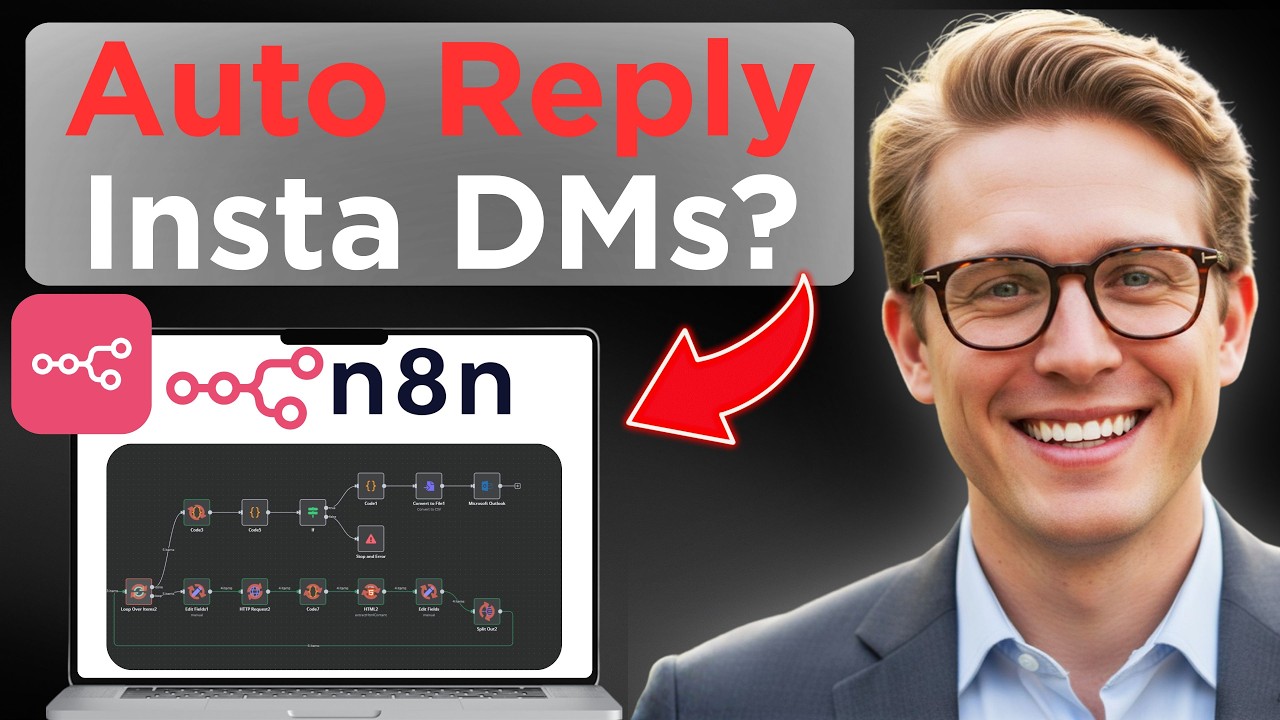
Key Takeaways
Automating Instagram DM responses transforms how you engage with potential customers:
- Never miss a lead - respond instantly 24/7
- Save hours each week - let AI handle repetitive questions
- Improve conversion rates - fast responses build trust
- Scale your business - handle more inquiries without more staff
In summary: This ManyChat + n8n automation gives you an always-on Instagram assistant that replies instantly with your brand's voice, while intelligently escalating complex questions to your human team.
Frequently Asked Questions
Common questions about this topic
Automating Instagram DM replies ensures you never miss potential customers, even outside business hours. Businesses that respond within 5 minutes convert 8x more leads than those who take longer.
With AI automation, you maintain 24/7 responsiveness without being glued to your phone. It's particularly valuable for:
- Businesses receiving high message volumes
- Teams with limited customer support staff
- Companies targeting international customers across timezones
No coding is required. The solution uses ManyChat and n8n's visual workflow builder to connect Instagram to AI.
You simply:
- Connect accounts using the interfaces shown
- Configure steps through dropdown menus
- Paste in your preferred AI instructions
The entire process uses point-and-click configuration - no programming knowledge needed.
The AI can handle common inquiries about:
- Pricing and availability
- Product details and features
- Basic support questions
- Booking inquiries
For complex issues, you can configure the system to escalate to a human agent by including specific keywords in the response like "Let me connect you with our team."
The system responds within 2-3 seconds of receiving a message. This immediate response dramatically improves customer experience compared to waiting hours or days for a reply.
Speed matters because:
- 53% of customers expect responses within 1 hour
- Response time strongly impacts conversion rates
- Fast replies signal reliability and professionalism
Yes, you fully control the AI's personality through the system prompt. You can make it:
- Friendly and conversational
- Professional and formal
- Humorous and playful
- Technical and detailed
The key is crafting clear instructions in the system prompt that define your preferred tone, length, and response style.
No, this method uses Instagram's official API through ManyChat, which is fully compliant with their terms of service.
Unlike risky scraping tools that violate Instagram's rules, this approach:
- Uses approved integration methods
- Maintains natural conversation pacing
- Doesn't spam or send bulk messages
Thousands of businesses safely use this type of automation daily.
Yes, you can connect multiple Instagram business accounts to the same ManyChat and n8n setup.
Each account maintains separate conversation threads while using the same AI response system. You can even:
- Customize responses per brand
- Set different escalation rules
- Track performance separately
This makes it ideal for agencies or businesses with multiple brands.
GrowwStacks can customize this Instagram AI responder for your specific business needs. We'll:
- Configure your unique brand voice and tone
- Train the AI on your products/services
- Integrate with your existing CRM or support tools
- Set up intelligent escalation paths
Most implementations take just 2-3 days from consultation to live deployment. Book a free consultation to discuss implementing this automation for your Instagram account.
Stop Losing Instagram Leads to Slow Responses
Every hour your Instagram DMs go unanswered costs you potential customers. Let GrowwStacks implement this AI automation for you - we'll have it live within 48 hours.