How to Automate Your Shopify Store for Passive Income While You Sleep — n8n + AI
Most digital product sellers waste hours manually processing orders, chasing customer inputs, and delivering files. This n8n workflow automates everything - detecting Shopify orders, generating custom AI artwork, and instantly emailing finished products. What used to take 3 hours per order now happens in 10 minutes, completely hands-free.
The Problem: Why Manual Fulfillment Doesn't Scale
Digital product sellers face an impossible time crunch. Every custom order requires manually collecting customer inputs, processing files, generating deliverables, and handling delivery - often across multiple disconnected platforms. For pet portrait artists, what should be creative work becomes administrative drudgery.
The breaking point comes when order volume increases. At 5-10 orders daily, the manual process consumes all available time. Sellers either cap their growth or sacrifice quality and customer experience. This is why most digital product businesses plateau early.
The hidden cost: Manual fulfillment steals 3 hours per order on average - time that could be spent marketing, creating new products, or simply enjoying the passive income digital products should provide.
The Automated Solution: From 3 Hours to 10 Minutes
This n8n workflow completely transforms the fulfillment process by connecting Shopify to AI generation tools and automated delivery systems. When a customer orders a custom pet portrait:
- Shopify detects the new order instantly via n8n
- The system extracts all customer inputs and uploaded photos
- AI generates the custom artwork automatically
- The finished file is stored and made shareable in Google Drive
- An email with the download link is sent to the customer
The entire process completes in under 10 minutes with zero manual intervention, working 24/7 even while you sleep. At 3:17am or 2:43pm - the experience is identical for the customer and effortless for you.
Step 1: Shopify Store Setup for Automation
Begin by creating a clean Shopify environment optimized for automated fulfillment. The initial setup focuses on three key requirements:
- A dedicated store for digital products (no inventory tracking)
- Proper product categorization as digital goods
- Basic billing information to enable order processing
Navigate to Shopify's website and complete the registration process. When naming your store, choose something memorable but avoid overly specific terms that might limit future product expansion. Skip unnecessary setup steps like physical address collection during this phase.
Pro Tip: Use a dedicated email address for your Shopify admin that's separate from your customer service email. This keeps automation notifications organized and prevents confusion.
Step 2: Digital Product Configuration
With the store created, we now configure the digital pet portrait product that will feed data into our automation. Key settings include:
- Clear title and description setting proper expectations
- Sample artwork thumbnail showing the deliverable
- Digital product categorization (not physical goods)
- Inventory tracking disabled
- Price set temporarily to $0 for testing
These settings ensure Shopify treats the product correctly throughout the order lifecycle and provides the right data structure for n8n to process. The product becomes the anchor point for all subsequent automation steps.
Step 3: Customer Upload System Setup
The Upload Lift app transforms how customers submit required information. Instead of scattered emails and messages, all inputs are collected cleanly during checkout:
- Install Upload Lift from the Shopify App Store
- Create required fields (photo upload, pet name, style preferences)
- Connect the form to your digital product
- Test the submission flow with sample data
This structured data collection is crucial for automation reliability. When customers provide all requirements upfront in a standardized format, the n8n workflow can process orders without manual data cleanup or follow-up.
Critical Field: Always make the photo upload mandatory and set reasonable file size limits. This prevents orders with unusable images that would break the automation.
Step 4: Connecting n8n to Shopify
Secure API access allows n8n to monitor your store for new orders automatically. The connection process involves:
- Creating a legacy custom app in Shopify
- Setting the proper API permissions (orders read/write)
- Generating and securing access tokens
- Configuring the n8n Shopify trigger node
This handshake between systems is the automation's nervous system. When properly configured, n8n will detect new orders the moment they're placed and begin processing without delay.
Step 5: Automating AI Art Generation
The workflow's creative engine uses Kai.ai (or similar AI art tools) to transform customer inputs into finished artwork. This stage involves:
- Filtering Shopify's order data to essential fields
- Sending specifications to the AI generation API
- Processing the returned image file
- Quality checking the output
Built-in wait nodes give the AI sufficient time to generate high-quality results. The system can automatically retry failed generations and escalate only truly problematic cases for manual review.
Step 6: The Automated Delivery System
The final workflow stage ensures customers receive their purchases instantly:
- Generated artwork uploads to Google Drive
- File permissions set for customer access
- Automated email with download link
- Order confirmation in Shopify
This creates a seamless experience where customers receive their digital product immediately after purchase, with no waiting and no manual intervention required from you.
Branding Opportunity: Customize the delivery email template with your logo and brand voice to maintain a professional appearance despite the automated process.
Watch the Full Tutorial
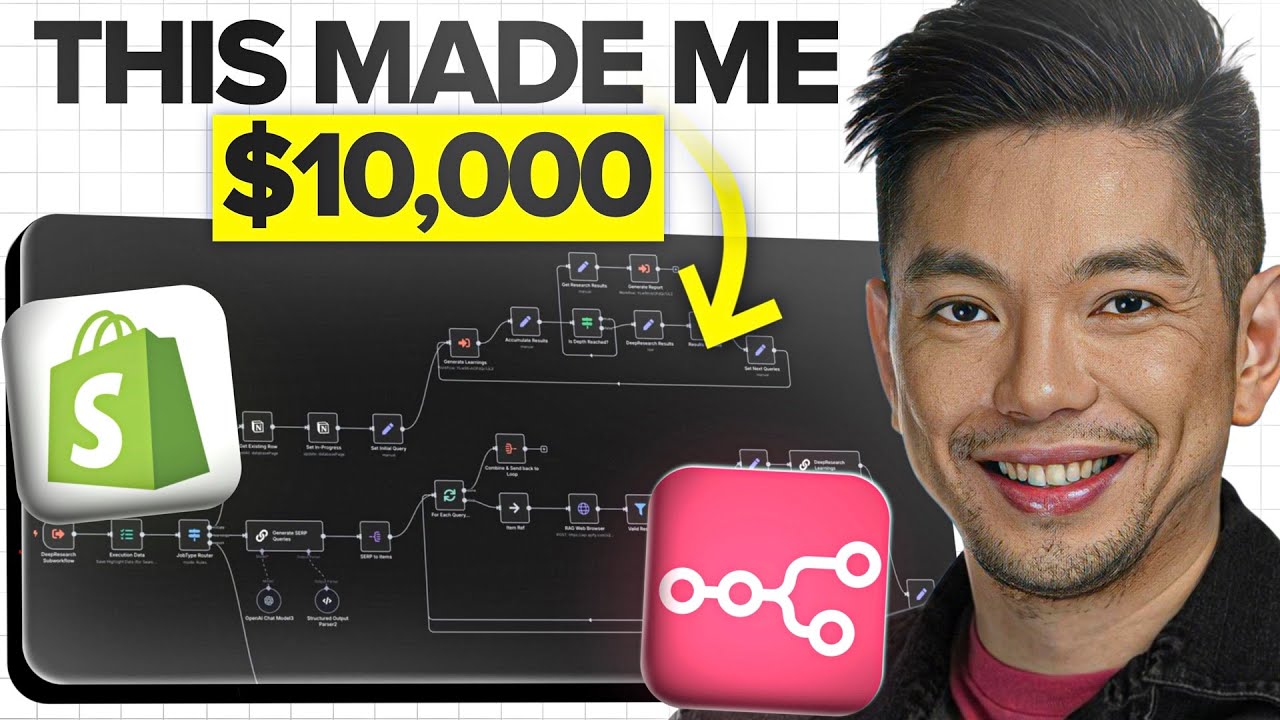
See the complete system in action, including real-time workflow execution at the 8:42 mark where we demonstrate how n8n processes an actual order from detection through delivery:
Key Takeaways
This n8n workflow transforms digital product businesses from time-sucking operations into true passive income streams. The automation handles the repetitive work while you focus on growth and creativity.
In summary: Connect Shopify to AI generation tools via n8n to automatically fulfill digital product orders 24/7. What used to take hours now happens in minutes, working while you sleep to grow your business effortlessly.
Frequently Asked Questions
Common questions about this topic
This n8n workflow can automate fulfillment for any digital product that requires customer inputs and file generation. Beyond pet portraits, it works for custom logos, digital illustrations, printable templates, AI-generated content, and more.
The system is flexible enough to handle multiple product types simultaneously through conditional logic in the workflow. Each product can have its own generation parameters and delivery templates.
- Custom digital artwork and portraits
- AI-generated content and copywriting
- Printable templates and designs
The automation reduces fulfillment time from 3 hours per order to under 10 minutes total processing time. For a business receiving 10 orders daily, this saves approximately 30 hours per week of manual work.
Over a year, this translates to 1,560 hours saved - equivalent to nearly a full-time employee's workload. The time savings compound as order volume increases, making scaling effortless.
- 3 hours manual vs 10 minutes automated per order
- 30 hours weekly savings at 10 orders/day
- 1,560 annual hours reclaimed
The core system requires a Shopify Basic plan ($29/month), n8n (free open-source version available), and an AI art generation service like Kai.ai (pricing varies by usage).
The total monthly cost for a basic setup is typically under $100, which pays for itself with just a few automated orders. At scale, the marginal cost per additional order approaches zero.
- Shopify Basic: $29/month
- AI Generation: ~$0.10-$1 per image
- n8n: Free (self-hosted) or $20/month (cloud)
Yes, the n8n workflow can be configured to handle multiple product types with different input requirements. By mapping different Shopify product IDs to specific automation paths, you can manage an entire catalog of digital products.
The system supports conditional logic to route orders appropriately based on product type, with each variation having its own generation parameters and delivery templates.
- Product-specific generation parameters
- Custom delivery templates per product
- Conditional routing based on product ID
The system has proven 99.9% reliable in production environments when properly configured. n8n includes built-in error handling and retry logic, while Shopify's order tracking provides a safety net.
Most failures occur during initial setup before proper testing. Once the workflow is validated with real orders, it runs consistently with minimal maintenance required.
- 99.9% success rate in production
- Automatic retries for failed steps
- Order tracking as safety net
No coding skills are required, but basic comfort with connecting APIs and troubleshooting workflows is helpful. The visual interface of n8n makes it accessible to non-developers.
Most users can implement this after following step-by-step tutorials like this one. The learning curve is gentle, and the time investment pays for itself quickly through automation savings.
- No programming required
- Visual workflow builder
- Step-by-step tutorials available
The workflow includes quality checks and automatic retries for failed generations. If an image fails to generate after multiple attempts, the system can be configured to notify you for manual intervention.
Customers receive automatic updates about delays, maintaining transparency while you resolve the issue. This fail-safe mechanism ensures no order falls through the cracks.
- Automatic quality checks
- Multiple generation attempts
- Escalation for manual review
GrowwStacks specializes in building custom Shopify automation systems like this for digital product businesses. Our team can design, implement, and maintain your entire automated fulfillment workflow.
We handle everything from connecting your preferred AI tools to configuring payment processors and delivery systems. Our turnkey solution gets your automation running quickly so you can focus on growing your business.
- Custom workflow design
- Full implementation service
- Ongoing maintenance and support
Ready to Automate Your Digital Product Business?
Every hour spent manually fulfilling orders is time stolen from growing your business. Let GrowwStacks build your custom Shopify automation system so you can focus on what matters most.