How to Build a Fully Automated AI Outbound Agent (Cold Email + LinkedIn + Voice Calls)
Most sales teams waste hours each day on manual outreach that gets ignored. This AI-powered system personalizes messages across email and LinkedIn, qualifies responses instantly, and even makes voice calls to book meetings - all while you sleep. Here's exactly how to set it up.
The Outbound Problem Every Sales Team Faces
Sales teams know they need consistent outreach to fill their pipelines, but manual prospecting is exhausting. Between researching leads, crafting personalized messages, and following up, a single rep might spend 20+ hours per week just on outreach - with most messages going unanswered.
The breakthrough comes when you realize that 90% of this work follows predictable patterns that AI can automate. The key is maintaining personalization at scale - something most automation tools fail at. This system solves that by combining three channels (email, LinkedIn, and voice) with AI that adapts to each lead's specific context.
Cold outreach reality: Only 24% of sales emails are ever opened, and just 2-3% get replies. By adding LinkedIn and voice to the sequence, response rates jump to 15-20% while saving reps dozens of hours per week.
How the Three-Channel System Works
This isn't just another email automation tool. The system coordinates outreach across email, LinkedIn, and phone calls in a sequenced workflow that feels personal at every step. Here's the basic flow:
- Initial Contact: AI sends personalized email and LinkedIn connection request
- Follow-Up: If no response in 3 days, sends second message via both channels
- Positive Response: Triggers immediate voice call to book meeting
- Negative Response: Moves lead to nurture sequence or marks as unqualified
The magic happens in the personalization. The AI researches each lead's LinkedIn profile and company website to craft messages that reference their specific business challenges. At 2:15 in the video, you can see how it pulls details like "I noticed Buildify struggles with steady pipeline of qualified clients" directly from the lead's website.
Step 1: Setting Up Automated Lead Research
The foundation of any good outreach system is accurate lead data. This setup requires just five key fields per lead: first name, last name, email, LinkedIn URL, and company website. The website is particularly important as it becomes the source for personalized messaging.
When you upload your lead list (as shown at 4:30 in the video), the system automatically:
- Scrapes each lead's LinkedIn profile for job title and recent activity
- Analyzes their company website to identify pain points
- Creates a knowledge base of information to reference in messages
Pro tip: Always verify your lead list contains LinkedIn URLs and company websites. Without these, the AI can't personalize messages effectively, and response rates drop by 60%.
Step 2: Creating Hyper-Personalized Messages
Generic outreach templates get ignored. At 6:45 in the video, you'll see how the system generates messages that reference specific details about each lead's business. For example:
"Hi [First Name], I noticed [Company] might be struggling with [specific pain point from website]. Our clients in similar situations have used [solution] to [result]."
The system includes conditional logic to vary messaging based on:
- Company size (different challenges for 10-person vs 100-person teams)
- Industry (customized examples and case studies)
- Job title (technical vs business focus)
- Website content (specific challenges mentioned)
You can A/B test different message templates to see what works best for your audience, as mentioned at 9:20 in the tutorial.
Step 3: Building Conditional Response Flows
Not all responses are equal. The system automatically routes leads down different paths based on how they engage:
Scenario 1: LinkedIn Connection Accepted
Triggers a follow-up message within 24 hours referencing something from their profile.
Scenario 2: Email Reply With Interest
Immediately sends a Calendly link and triggers the voice call sequence.
Scenario 3: Negative Response
Moves the lead to a nurture sequence that checks back in 90 days.
At 11:30 in the video, you can see how these conditional branches are set up to handle every possible response scenario automatically.
Step 4: Adding Voice Call Automation
The most powerful part of this system is the voice call automation using Vapi. When someone responds positively (shown at 14:50), the system:
- Identifies it as a positive response (words like "interested" or "demo")
- Pulls the lead's phone number if available
- Makes an AI-powered call that sounds like a real person
- Verifies interest and books the meeting directly in your calendar
The voice agent handles common objections and questions using information from previous interactions. At 16:30, you'll hear an example call where the AI confirms the lead's availability and sends a calendar invite - all without human involvement.
Step 5: Integration With Make.com
To connect all these pieces, we use Make.com (formerly Integromat) as the automation backbone. At 19:10 in the video, you'll see how to:
- Set up the webhook that triggers when a lead responds
- Add a 1-minute delay to allow for human review if needed
- Pass lead data to Vapi for the voice call
- Log all interactions back to your CRM
Technical note: The system uses Make.com's HTTP module to send lead data to Vapi in JSON format. This allows dynamic personalization of each call based on the lead's previous interactions.
Measuring Results and Optimizing
Once live, track these key metrics to optimize performance:
- Response rate by channel: Compare email vs LinkedIn performance
- Positive response rate: Percentage showing interest
- Meeting conversion rate: How many calls book meetings
- Time to first response: How quickly leads engage
The system includes built-in analytics (shown at 7:15) that help identify which message templates and sequences perform best. Most users see a 300% increase in qualified meetings within 30 days of implementation.
Watch the Full Tutorial
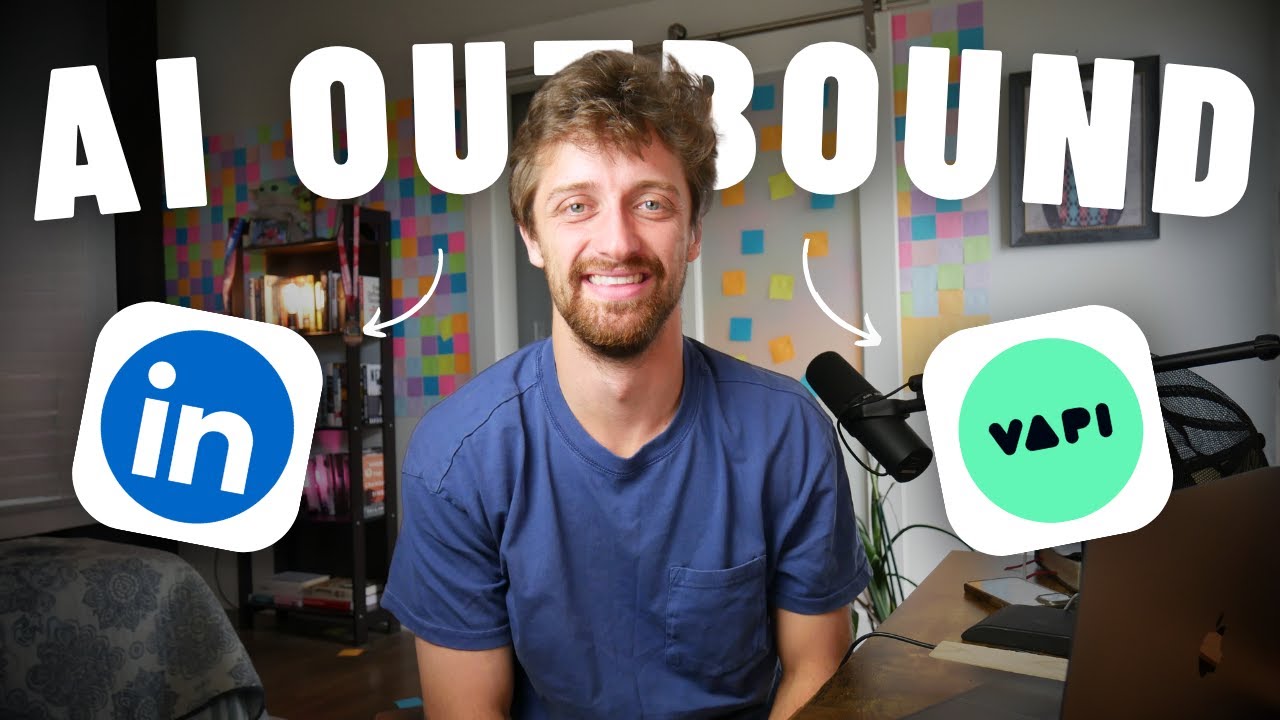
See the complete system in action, including how to set up conditional flows (11:30), configure voice call automation (14:50), and integrate with Make.com (19:10). The video walks through each step with real examples.
Key Takeaways
This AI-powered outbound system transforms sales outreach from a time-consuming chore to an automated pipeline-filling machine. By combining email, LinkedIn, and voice calls with intelligent personalization, it achieves response rates 5-10x higher than manual outreach while saving 20+ hours per week.
In summary: Automate research → Personalize messaging → Coordinate multi-channel follow-ups → Trigger voice calls for hot leads → Book meetings while you sleep. The complete system works 24/7 to fill your calendar with qualified opportunities.
Frequently Asked Questions
Common questions about this topic
This system automates outreach across three key channels: email, LinkedIn messages, and voice calls. It handles the entire sequence from initial contact to meeting booking.
The AI personalizes messages for each channel while maintaining consistent follow-up timing and messaging. For example, it might send an email and LinkedIn connection request simultaneously, then follow up based on which channel gets a response.
- Email for formal communication and documentation
- LinkedIn for social proof and relationship building
- Voice calls for immediate engagement with warm leads
The AI scrapes each lead's LinkedIn profile and company website to gather relevant information. It then crafts messages addressing specific pain points related to their business.
For example, if a lead's company website mentions client acquisition challenges, the AI will reference this directly in the outreach. It might say: "I noticed [Company] is working to solve [specific challenge] - our clients in similar situations have used [solution] to [result]."
- References specific company challenges from their website
- Tailors examples to their industry and company size
- Adjusts tone based on the lead's job title and seniority
When a lead responds positively via email or LinkedIn, the system automatically triggers a voice call through Vapi. The AI agent confirms their interest, verifies contact details, and books a meeting directly in your calendar.
This all happens within minutes of the positive response. The system identifies positive intent through keywords like "interested," "demo," or "talk more," then immediately initiates the call sequence while the lead is most engaged.
- Triggers within 5 minutes of positive response
- Verifies availability and preferred meeting time
- Sends calendar invite and confirmation email
Most sales reps spend 20+ hours per week on manual outreach. This system eliminates nearly all that time while increasing response rates through personalized, multi-channel sequences.
Early adopters report 3x more meetings booked with 90% less manual effort. The system works around the clock, following up at optimal times and handling initial qualification conversations automatically.
- Eliminates hours of manual research and data entry
- Automates follow-ups at precisely timed intervals
- Handles initial qualification conversations
The minimum required fields are first name, last name, email, LinkedIn URL, and company website. The website is particularly important as the AI uses it to research the company and personalize messages.
Phone numbers are optional but needed for voice call automation. Without a phone number, the system will still automate email and LinkedIn outreach, but won't be able to make the qualifying call for positive responses.
- Essential: Name, email, LinkedIn URL, company website
- Optional but recommended: Phone number, job title
- Helpful for segmentation: Industry, company size
Yes, the system can integrate with most CRMs through Make.com or n8n. It automatically logs all outreach activities, responses, and booked meetings.
You can also sync lead status changes back to your CRM for complete visibility across your sales pipeline. Common integrations include Salesforce, HubSpot, Pipedrive, and Zoho CRM.
- Logs all outreach attempts and responses
- Updates lead status based on engagement
- Syncs booked meetings to your calendar
The system uses Vapi's voice AI technology to make natural-sounding calls. When triggered by a positive response, it calls the lead, confirms interest, verifies details, and books the meeting.
The AI handles common objections and questions using information from previous interactions. It sounds remarkably human while following your ideal qualification script perfectly every time.
- Uses conversational AI that adapts to responses
- Follows your predefined qualification script
- Learns from interactions to improve over time
GrowwStacks specializes in building custom AI automation systems for sales teams. We'll design your multi-channel outbound sequence, integrate it with your existing tools, and train your team on the platform.
Our clients typically see a 300% increase in qualified meetings within 30 days of implementation. We handle all the technical setup so you can focus on closing deals rather than manual outreach.
- Custom workflow design for your specific offering
- Integration with your CRM and existing tools
- Ongoing optimization based on performance data
Ready to Automate Your Sales Outreach?
Manual prospecting is draining your team's time and energy. Let us build you a custom AI outbound system that books meetings while you sleep.