How to Build Your Own AI Web Research Agent with Tavily and n8n
Most businesses waste hours manually searching the web for competitive intelligence, market trends, and industry news. This n8n workflow automates the entire research process - from finding relevant sources to extracting key insights - delivering curated reports automatically.
What Is Tavily and Why It Changes Web Research
Traditional web research is broken. Teams waste hours bouncing between browser tabs, copying data manually, and struggling to organize findings. Tavily solves this by providing API access to AI-powered web search that returns structured results ready for automation.
Unlike standard search APIs, Tavily scores each result by relevance (0-1 scale) and provides clean metadata. This lets n8n workflows automatically filter low-quality sources and process only the most valuable content. At 2:15 in the video, you'll see how Wikipedia articles consistently score 0.87+ while less authoritative sites rank lower.
Key advantage: Tavily's search understands context like a human researcher. A query for "Tesla CEO" returns Elon Musk's current statements (with 0.83 relevance from CNN) rather than just his Wikipedia bio.
Setting Up Tavily with n8n in 3 Steps
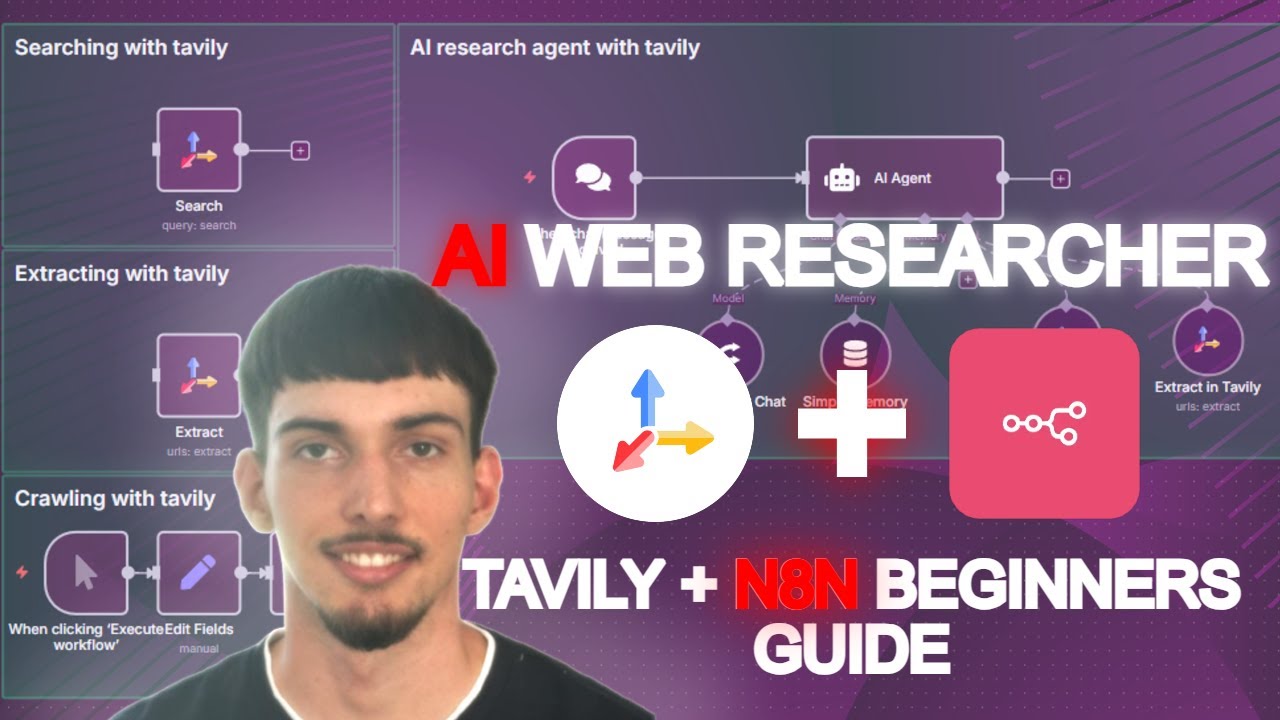
Connecting Tavily to n8n takes under 5 minutes. The integration unlocks three powerful functions: search, extract, and crawl - each serving different research needs.
Step 1: Create a free Tavily account and get your API key from the dashboard. The free tier includes 1,000 monthly credits - enough for 500-1,000 searches depending on complexity.
Step 2: In n8n, add a new credential for Tavily and paste your API key. This establishes the secure connection between platforms.
Step 3: Configure your first Tavily node. Choose between search (find pages by query), extract (get content from specific URLs), or crawl (discover all subpages on a domain).
Pro tip: Enable "pay-as-you-go" in your Tavily account settings to avoid interruptions if you exceed the free tier. Each credit costs just $0.01.
Search vs. Crawl: When to Use Each Function
Understanding when to search versus crawl separates basic automation from strategic research systems. Each approach serves distinct business needs.
Search works like Google - it returns the most relevant pages for a query. Perfect for tracking specific topics (e.g., "latest Shopify API changes") or answering questions (e.g., "Who's the CEO of Tesla?"). Results come with relevance scores so you can filter out noise automatically.
Crawl discovers every page within a domain (like n8n.io/products and all subpages). Ideal for competitive analysis, content audits, or monitoring entire websites for changes. At 4:30 in the video, you'll see how crawling n8n.io/products reveals pages you might miss through search alone.
How to Filter and Process Results Automatically
Raw search results aren't useful - the power comes from automated filtering and processing. Here's how to implement quality controls in your n8n workflow.
First, set a relevance threshold (we recommend 0.8+) to exclude marginal results. Then add domain filters to prioritize or exclude certain sources. For example, you might weight .edu domains higher for academic research or exclude aggregator sites for news monitoring.
Automation bonus: Add a delay node between searches to avoid hitting rate limits while maintaining near-real-time monitoring. Schedule workflows to run daily or weekly depending on your needs.
Extracting and Summarizing Web Content
Finding relevant pages is just step one. Tavily's extract function pulls clean text from any URL - perfect for feeding into AI summarization tools.
In your n8n workflow, chain Tavily's extract node to an LLM (like GPT) for automatic summarization. This transforms dozens of articles into executive-ready briefs. At 7:45 in the video, watch how extracted Bitcoin forecasts from Benzinga become a concise market analysis automatically.
Implementation note: For large domains, first crawl to discover pages, then extract content from the most relevant URLs. This two-step approach conserves API credits while ensuring comprehensive coverage.
Building Your Custom Research Agent
Combine Tavily's functions to create specialized research agents. These autonomous workflows can monitor industries, track competitors, or compile reports without human intervention.
A product research agent might crawl competitor sites weekly, extract new feature announcements, and summarize changes. A financial analyst could build an agent that searches for "[Company] earnings report", extracts key figures, and populates a spreadsheet.
Scalability tip: Store extracted data in Airtable or Google Sheets for historical tracking. Add alert nodes to notify your team when significant changes are detected.
Real-World Example: Bitcoin Market Analysis
At 9:20 in the video, you'll see the system in action analyzing Bitcoin market predictions. The workflow:
- Searches for "Bitcoin price forecast "
- Filters to results with 0.8+ relevance
- Extracts content from top 3 articles
- Generates a consolidated report with key predictions
The final output included Benzinga's analysis predicting 116% growth by , plus risk factors like regulatory uncertainty - all compiled automatically in minutes. This demonstrates how AI research agents can process complex topics faster than any human team.
Watch the Full Tutorial
See the complete implementation from API setup to final research outputs in the 12-minute video tutorial. Pay special attention at 6:15 where we demonstrate crawling an entire domain to discover hidden subpages.
Key Takeaways
Automated web research transforms how businesses gather competitive intelligence. No more manual searches, copied data, or missed updates - just curated insights delivered automatically.
In summary: Tavily + n8n creates research agents that work 24/7 to monitor your industry, track competitors, and surface strategic insights - all without human intervention. The system scales from simple alerts to comprehensive market reports.
Frequently Asked Questions
Common questions about this topic
Tavily is an AI-powered web search API that returns structured results from web queries. When connected to n8n, it enables automated web research workflows that can search, crawl, and extract content from websites.
The integration allows you to build custom research agents that process web data automatically. These workflows can run on schedules, trigger alerts based on new findings, and feed data into other business systems.
- Search: Find relevant pages for any query
- Extract: Pull clean text from specific URLs
- Crawl: Discover all pages within a domain
Tavily provides relevance scores for each result (typically between 0.7-0.9 for quality sources). You can filter results by setting a minimum relevance threshold (like 0.8) in your n8n workflow.
The API prioritizes authoritative sources like Wikipedia and major news sites. In testing, Wikipedia articles consistently scored 0.87+ while less authoritative sites ranked lower.
- Score results by relevance (0-1 scale)
- Filter out low-quality sources automatically
- Prioritize authoritative domains in workflow
Search returns the most relevant pages for a query (like Google results). Crawl discovers all subpages within a domain (like sitemap scraping).
Search is best for finding specific information, while crawl is better for comprehensive domain research. Use search to track topics over time and crawl to monitor entire competitor sites.
- Search: Targeted queries with relevance scores
- Crawl: Exhaustive domain mapping
- Combine both for complete monitoring
Combine Tavily's extract function with n8n's AI nodes. First extract page content, then feed it to an LLM (like GPT) to generate summaries.
This workflow automatically processes dozens of pages into concise reports. You can customize summary length, focus on specific sections, or highlight key figures from financial reports.
- Extract clean text from any webpage
- Feed to AI model for summarization
- Output formatted reports automatically
Competitor monitoring (track product updates), market research (analyze trends), content curation (find relevant articles), lead generation (identify prospects), and investment research (track company news).
The workflow scales research tasks that would take hours manually. For example, automatically compiling weekly competitor updates or monitoring news for brand mentions.
- Daily competitive intelligence reports
- Automatic market trend analysis
- 24/7 brand monitoring alerts
Tavily offers 1,000 free credits monthly. Pay-as-you-go pricing starts at $0.01 per credit (1 credit = 1 search or extract operation).
Crawls consume more credits based on page count. Most small businesses stay within the free tier for basic monitoring. Enterprise plans with higher limits are available for heavy users.
- 1,000 free credits/month
- $0.01 per additional credit
- Crawls cost more than searches
Yes. Tavily's API accepts parameters for date ranges, domains to include/exclude, and content types (news, academic, etc.). These filters are configured in the n8n node before executing searches.
You can also add custom filters in your workflow. For example, only process articles published in the last 7 days or prioritize .gov domains for policy research.
- Filter by publication date
- Include/exclude specific domains
- Prioritize content types (news, academic)
GrowwStacks builds custom AI research agents that automate web monitoring and data collection. Our n8n experts design workflows tailored to your industry needs.
Whether you need competitor tracking, market reports, or news monitoring, we'll build a solution that delivers curated insights automatically. Implementation includes setup, training, and ongoing support.
- Custom research workflows
- Industry-specific monitoring
- Ongoing optimization and support
Ready to Automate Your Web Research?
Manual research wastes valuable time and misses critical insights. Our custom AI research agents work 24/7 to monitor your industry, track competitors, and deliver strategic intelligence automatically.