How to Create a Perfect AI Voice Clone with ElevenLabs (And Why You Should)
Video creators waste hours re-recording voiceovers and editing audio. ElevenLabs' voice cloning technology can cut production time by 75% while maintaining authentic vocal quality. Discover how professional creators are using this tool to streamline workflows without sacrificing authenticity.
The Voice Cloning Revolution
Content creators face a universal frustration: the endless cycle of recording, re-recording, and editing voiceovers. Traditional methods consume valuable time that could be spent on creative development. ElevenLabs' voice cloning technology offers a solution that maintains authenticity while dramatically reducing production time.
The technology has evolved rapidly since its early days in 2023 when processing took days. Today, ElevenLabs can create a convincing voice clone in hours using just 1-3 hours of sample recordings. The results are so accurate that even trained ears struggle to distinguish clones from original recordings.
75% reduction in editing time: Professional creators report editing time dropping from 2 hours to just 15 minutes per video when using voice clones for initial edits and timing reference.
Legal and Ethical Considerations
Before diving into voice cloning, it's crucial to understand the legal landscape. The technology exists in what's known as the "Uncanny Valley" of AI - where human-like replication can create discomfort or ethical concerns.
Professional presenters and voice actors often include specific clauses in contracts prohibiting unauthorized voice cloning. Their vocal identity represents intellectual property with commercial value. ElevenLabs addresses this through mandatory voice verification, requiring users to confirm they have rights to clone a particular voice.
For personal use, you can clone your own voice without restriction. However, commercial applications require careful consideration of consent and compensation, especially when working with talent. These protections ensure voice cloning enhances rather than exploits creative work.
Production Benefits You Can't Ignore
Voice cloning solves two major production challenges: post-recording fixes and pre-visualization. After initial recording sessions, creators often discover missing explanations or errors that require costly reshoots. With voice cloning, these fixes become simple text edits processed through the AI system.
The real game-changer is workflow efficiency. As demonstrated at 4:32 in the video, creators can use voice clones to block out entire video timelines before recording a single word. This "visualization first" approach allows precise planning of visuals to match narration, reducing both recording and editing time.
Time savings add up fast: One creator saved 2.5 hours per video (50 minutes recording + 2 hours editing reduced to 15 minutes each). Over a year of weekly videos, that's 130 hours - more than 3 full work weeks reclaimed.
Preparing Your Voice Samples
Quality voice clones begin with quality samples. ElevenLabs recommends 1-3 hours of clean audio recorded in consistent conditions. The ideal samples use the same microphone in the same environment, free from background noise and other speakers.
Professional creators often curate samples from existing projects. As shown at 7:15 in the tutorial, this involves exporting isolated voice tracks from previous work. The key is consistency - if you've upgraded equipment, focus on recent recordings that represent your current sound.
For those without existing material, reading prepared texts for 60-90 minutes with proper microphone technique can create excellent samples. The investment pays off in clone quality and subsequent time savings throughout your projects.
Step-by-Step: The ElevenLabs Process
Step 1: Access Professional Voice Cloning
Voice cloning requires ElevenLabs' Creator plan or higher. At approximately $20/month, the investment quickly pays for itself in time savings for regular creators.
Step 2: Upload Your Samples
Upload your curated audio files (MP3 or WAV format). ElevenLabs analyzes duration and quality, providing feedback on whether you've met the recommended thresholds.
Step 3: Voice Verification
The system requires you to read a verification script using the same recording setup as your samples. This crucial step prevents unauthorized cloning.
Step 4: Processing
Unlike early versions that took days, modern processing completes in hours. You'll receive notification when your voice clone is ready for use.
Step 5: Testing and Refinement
Generate test clips to evaluate your clone's accuracy. The system allows fine-tuning to better match your vocal characteristics if needed.
Pro tip: At 10:42 in the video, see how adjusting punctuation and phrasing in your input text can produce more natural-sounding results from your clone.
Integrating Clones Into Your Workflow
The most effective implementations use voice clones as planning tools rather than complete replacements. At 12:30 in the tutorial, the creator demonstrates using the clone to block out a documentary-style video before recording any final audio.
This workflow involves:
- Generating a clone version of your full script
- Editing visuals to match the clone narration
- Identifying sections needing live performance
- Recording only those key sections with human expression
The hybrid approach maintains authenticity where it matters most while leveraging AI efficiency for routine content. As shown in the final demo at 15:10, the result is indistinguishable from fully human-produced audio but achieved in a fraction of the time.
Watch the Full Tutorial
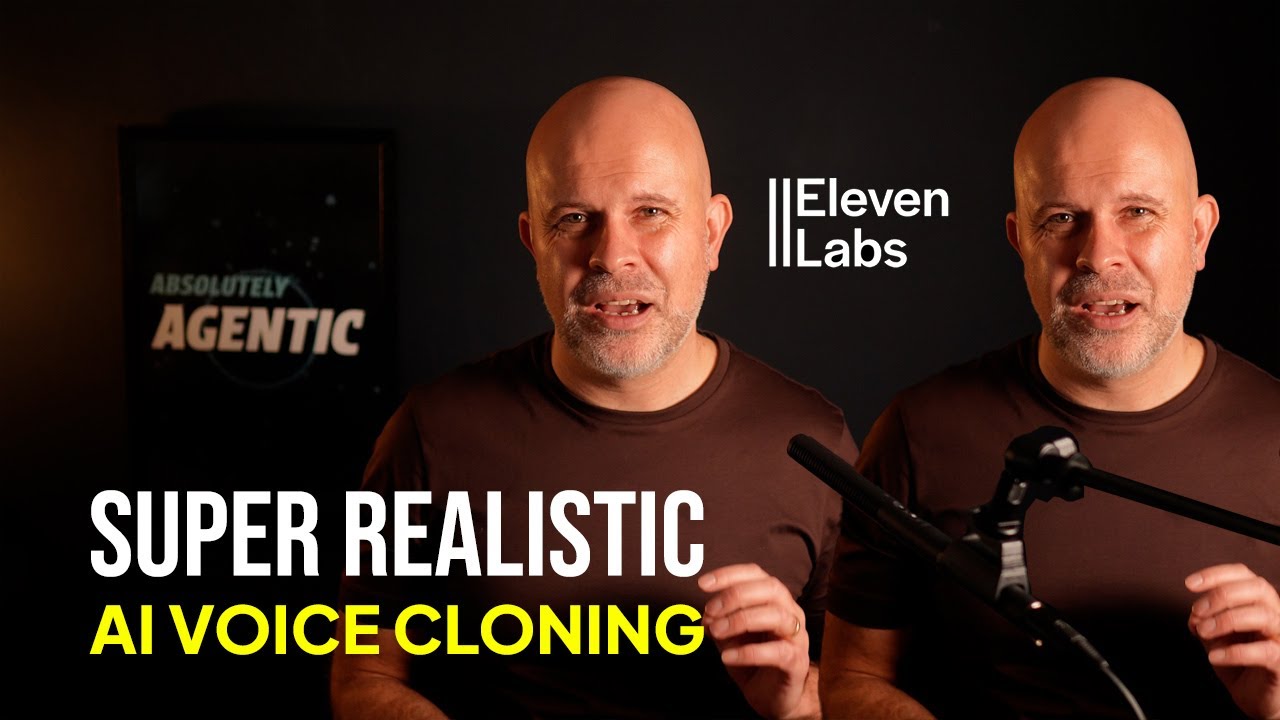
See the complete voice cloning process in action, including a side-by-side comparison of original and cloned audio (starting at 2:15) and a real-world example of clone integration in a documentary-style production (starting at 14:40).
Key Takeaways
Voice cloning represents a paradigm shift in audio production, offering unprecedented efficiency without sacrificing quality. When implemented thoughtfully, it can transform creative workflows while respecting ethical boundaries.
In summary: ElevenLabs' voice cloning can save 2.5 hours per video production when used strategically. The technology works best when combined with human performance, creating a hybrid workflow that maximizes both efficiency and authenticity.
Frequently Asked Questions
Common questions about AI voice cloning
ElevenLabs offers both a library of pre-made AI voices and the ability to create custom voice clones. The voice library contains hundreds of generic AI-generated voices in different accents and languages, useful for narration but not personalized.
Voice cloning creates a digital replica of your specific voice by analyzing 1-3 hours of your recordings. While library voices work for general narration, cloned voices maintain your unique vocal characteristics for more authentic results.
- Library voices: Generic, ready-to-use, multiple options
- Cloned voices: Personalized, require samples, maintain your vocal identity
- Clones better for maintaining brand consistency and personal connection
ElevenLabs recommends at least one hour of high-quality voice recordings for basic cloning, with 3 hours being ideal for the most accurate results. The recordings should be clean, consistent audio from the same microphone setup.
While usable clones can be made from just 30 minutes of audio, longer samples capture more vocal nuances. For professional use cases like video production, investing in 2-3 hours of high-quality samples yields the most natural-sounding clones.
- Minimum: 1 hour for basic functionality
- Recommended: 3 hours for professional quality
- Quality matters more than quantity - 1 hour of clean audio beats 3 hours of noisy samples
Voice cloning raises important legal considerations regarding consent and intellectual property. In professional contexts, you must have explicit permission from the person whose voice is being cloned. Many talent contracts now include clauses prohibiting unauthorized voice cloning.
ElevenLabs requires voice verification to prevent impersonation. For personal use, you can clone your own voice, but commercial use of cloned voices requires proper licensing agreements to avoid legal issues.
- Always get written permission before cloning someone's voice
- Review talent contracts for voice cloning clauses
- Commercial use requires proper licensing and compensation
While AI voice clones are remarkably realistic, they work best as supplements rather than complete replacements for human voiceovers. Professional creators use clones primarily for editing efficiency - fixing mistakes, adding content, or pre-visualizing projects.
The technology currently excels at consistent narration but may lack the emotional range and spontaneity of live performances. Most productions blend cloned audio for routine content with live recordings for key moments requiring human expression.
- Best for: Fixes, additions, and pre-visualization
- Limited in: Emotional range and spontaneous delivery
- Hybrid approach maintains authenticity while improving efficiency
For optimal cloning results, audio samples should be recorded in a consistent environment using the same microphone setup. Professional-grade microphones (like shotgun or condenser mics) produce the best clones, but decent results can be achieved with $100 USB mics if used properly.
The recordings should be free from background noise, echo, and distortion. ElevenLabs provides tools to clean up imperfect audio, but starting with high-quality samples yields more natural-sounding clones with fewer artifacts.
- Use the same microphone for all samples
- Record in a consistent acoustic environment
- Minimize background noise and room echo
Voice cloning can dramatically reduce production time. One case study showed editing time dropping from 2 hours to 15 minutes per video, and recording time decreasing from 50 minutes to 15 minutes. This totals about 2.5 hours saved per video.
Over a year of weekly productions, this adds up to approximately 3 weeks of saved time. The biggest time savings come from eliminating retakes and allowing pre-visualization before final recordings.
- Per video: 2.5 hours saved (75% reduction)
- Annual savings: ~130 hours (3 work weeks)
- Biggest savings in editing and retake elimination
The most efficient workflow uses voice clones early in production. First, generate a clone version of your script to use as a timing reference for editing visuals. This 'blocking' stage helps plan shot sequences without needing final recordings.
Then record only the sections requiring live performance or specific emphasis. This hybrid approach maintains authenticity while maximizing efficiency. Many creators report this method cuts their post-production time by 75% while maintaining quality.
- Step 1: Generate clone audio for entire script
- Step 2: Edit visuals to clone timing
- Step 3: Record only key live segments
GrowwStacks helps businesses implement AI voice cloning solutions tailored to their specific production needs. Our team can design workflows that integrate ElevenLabs with your existing video editing and content creation tools.
We handle the technical setup, optimize your recording process for cloning, and train your team on best practices. Whether you need voice cloning for video production, podcasting, or other media, we can create a customized solution that saves time while maintaining quality.
- Custom voice cloning workflow design
- Integration with your existing production tools
- Team training and ongoing support
Ready to Save 2.5 Hours Per Video With AI Voice Cloning?
Every minute spent re-recording voiceovers is time stolen from your creative vision. GrowwStacks can implement a custom voice cloning solution that fits your workflow perfectly - often in less than a week.