How to Install Your Own 24/7 AI Employee on Mac mini
Imagine having a personal assistant that never sleeps, never takes breaks, and can control your entire computer. Clawdbot is an open-source AI agent that can write code, manage tasks, respond to emails, and even build apps for you - all from a simple text command. This complete guide shows you how to set it up on your Mac mini in minutes.
What Makes Clawdbot Revolutionary
Most AI tools today are limited to chat interfaces or simple API calls. Clawdbot changes everything by giving your AI agent full control over your computer. It's not just another chatbot - it's a 24/7 digital employee that can perform any task you can do on your computer.
The three most revolutionary aspects of Clawdbot are its complete computer control, infinite memory system, and messaging interface. Unlike constrained AI assistants, Clawdbot has no guardrails - it can open browsers, edit documents, send emails, and even write and deploy code just like a human would.
Real-world example: One user had their Clawdbot (named Henry) build a complete Kanban project management board overnight after a simple text request. By morning, the AI had written all the code, created a GitHub repository, and submitted a pull request - all without human intervention.
What truly sets Clawdbot apart is its memory system. Every interaction is saved and analyzed, allowing your AI assistant to learn about you and proactively suggest tasks. One user mentioned their newsletter in an early conversation, and two days later the AI had drafted newsletter content without being asked.
Hardware Options: Mac mini vs VPS
While a Mac mini provides an excellent dedicated environment for Clawdbot, it's not your only option. The $600 base model Mac mini is popular because:
- MacOS provides a stable, user-friendly environment
- Easy integration with other Apple devices via AirDrop
- Fun to have a physical "AI employee" on your desk
However, you can run Clawdbot significantly cheaper using a Virtual Private Server (VPS). AWS, DigitalOcean, and other providers offer affordable plans. The key advantage of a separate environment (whether Mac mini or VPS) is safety - since Clawdbot has no guardrails, you don't want it accidentally accessing personal files on your main computer.
Pro tip: Create separate accounts for all services your Clawdbot will use - email, GitHub, etc. This prevents accidental access to your personal accounts.
One-Line Installation Process
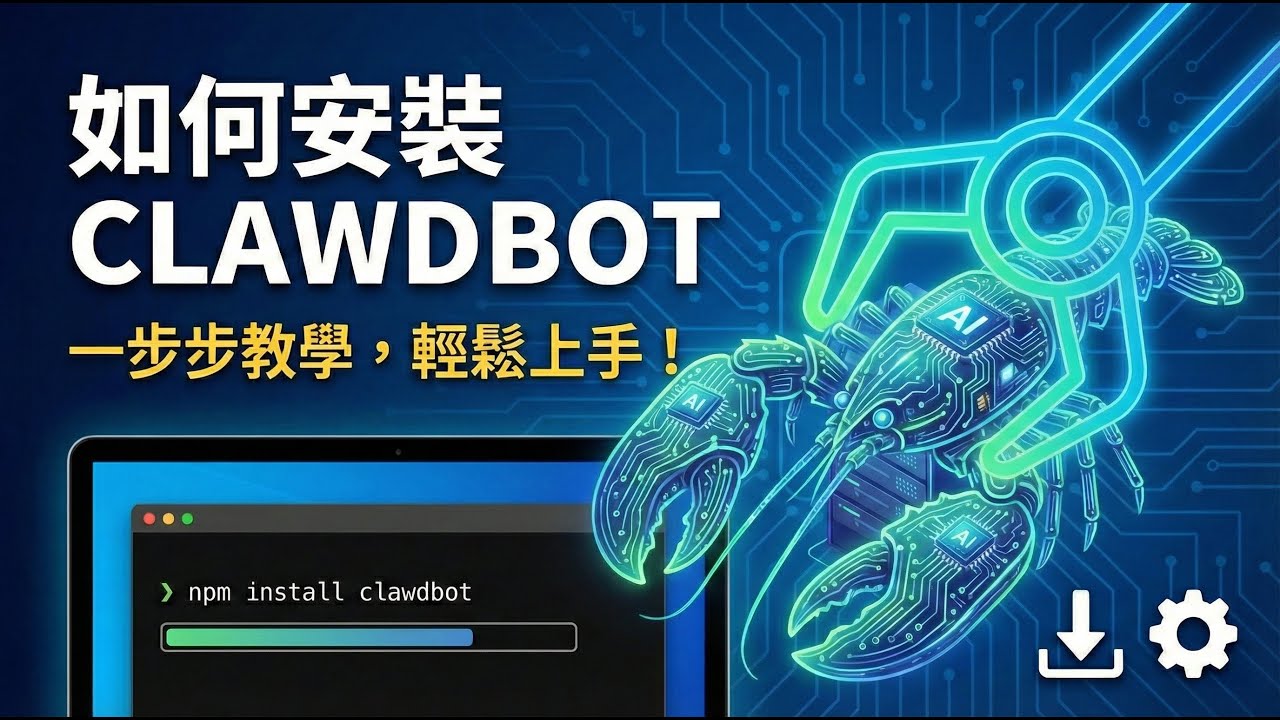
Despite its incredible capabilities, installing Clawdbot couldn't be simpler. The entire process is handled by a single terminal command:
curl -s https://clawd.bot/install | bash This command downloads and runs the installation script, which will guide you through:
- Acknowledging the powerful (and potentially risky) nature of the software
- Choosing your AI model provider (Claude, ChatGPT, MiniMax, etc.)
- Selecting which skills to enable (email, coding, document editing, etc.)
- Configuring your preferred messaging interface (Telegram, WhatsApp, iMessage)
The entire setup takes about 5 minutes for basic configuration. At 3:45 in the video tutorial, you can see the exact installation process with all the setup screens.
Choosing the Right AI Model
Clawdbot itself is free, but you need to provide an AI service to power it. Your main options are:
| Model | Cost | Intelligence | Personality |
|---|---|---|---|
| Claude Opus | $200/month (Max plan) | ★★★★★ | ★★★★★ |
| ChatGPT 5.2 | $20-100/month | ★★★★☆ | ★★☆☆☆ |
| MiniMax | $10-50/month | ★★★☆☆ | ★★★☆☆ |
Claude Opus provides the best combination of intelligence and personality - crucial for making your AI assistant feel like a real employee. The personality aspect is often overlooked but makes a huge difference in daily interaction quality.
Budget option: If $200/month is too steep, MiniMax at $10/month provides decent capabilities. You can always upgrade later as you see the value.
Initial Setup and Personalization
After installation, spend time personalizing your Clawdbot. Treat this like onboarding a new employee:
- Introduce yourself: Share details about your work, interests, and goals
- Set up a morning brief: Have it send daily updates with tasks completed and new ideas
- Enable coding skills: Connect GitHub and coding platforms if you want it to build apps
- Create project management: Have it build a Kanban board to track tasks (shown at 12:30 in video)
One powerful example from the video: The creator texts "build something cool tonight" before bed, and wakes up to a fully functional new app. This level of productivity was unimaginable before Clawdbot.
Advanced Workflows and Examples
Once set up, Clawdbot can handle incredibly sophisticated workflows:
Content creation: From researching trends to writing complete articles and scripts
App development: At 18:20 in the video, you'll see how Clawdbot built a complete article-writing feature overnight after a simple text request while the creator was driving.
Email management: Set up a dedicated Gmail account for your Clawdbot, then forward emails with instructions like "respond to this" or "schedule a meeting about this."
Second brain system: Have Clawdbot organize all your ideas, tweets, and research into categories automatically when you text them.
Security and Privacy Considerations
While powerful, Clawdbot's lack of guardrails requires caution:
- Always run it on a separate computer or VPS, not your main machine
- Create dedicated accounts for all services it will access
- Be specific in your instructions to avoid unintended actions
- Regularly review what it's doing, especially early on
The open-source nature means no big tech company is mining your data, but you're responsible for what access you grant it. At 22:10 in the video, the creator discusses these risks in more detail.
Watch the Full Tutorial
See Clawdbot in action with all the setup steps demonstrated live. At 7:15 in the video, you'll see exactly how the one-line installation works, and at 15:30 you can watch the AI build a complete project management board from scratch.
Key Takeaways
Clawdbot represents a massive leap in AI capabilities - it's not just another chatbot but a true digital employee that can work for you 24/7. The implications for productivity and business automation are staggering.
In summary: With a simple setup process, Clawdbot can control your entire computer, learn your preferences, and complete complex tasks autonomously. While powerful, it requires careful setup and management to use safely and effectively.
As the creator mentions at 24:50 in the video, this technology is arriving faster than most people realize. Those who learn to harness it effectively will have a significant advantage in the coming years.
Frequently Asked Questions
Common questions about Clawdbot
No, you don't need a Mac mini specifically. While a Mac mini provides a convenient dedicated environment, you can run Clawdbot on any computer or even a virtual private server (VPS).
The key requirement is having a separate environment from your main computer since Clawdbot has no guardrails and could potentially interact with your personal files unexpectedly.
- Mac mini recommended for ease of use and Apple ecosystem integration
- VPS options available for as little as $5/month
- Critical to keep separate from your primary work machine
Clawdbot itself is completely free and open-source. However, you need to pay for the AI service that powers it.
Costs range from $10/month for MiniMax to $200/month for Claude Max (which provides access to Claude Opus, the most capable model). You can also use your existing ChatGPT subscription if you have one.
- Base model (MiniMax): $10-20/month
- Mid-tier (ChatGPT): $20-100/month
- Premium (Claude Opus): $200/month
Clawdbot can perform any task you can do on your computer. This includes controlling browsers, working in Google Docs, managing Apple Notes, writing Notion documents, sending and responding to emails, coding applications, managing project boards, and even editing images.
It has infinite memory and learns about you over time to proactively suggest and complete tasks. Many users report it feeling like having a full-time personal assistant.
- Complete computer control capabilities
- 24/7 operation with no breaks
- Proactive task suggestion based on your habits
Clawdbot is powerful but comes with risks since it has no guardrails. It's recommended to run it on a separate computer or VPS, not your main machine.
Create separate accounts for email and services it will access. The open-source nature means no big company is spying on your data, but you need to be cautious about what access you grant it.
- Always use separate environment
- Create dedicated service accounts
- Monitor activity especially early on
Clawdbot integrates with messaging platforms like Telegram, WhatsApp, iMessage, and Discord. You simply text it commands as you would a human assistant.
Many users create a dedicated Telegram account just for their Clawdbot communication. This allows you to give it tasks from anywhere in the world via your phone.
- Telegram is most popular option
- Works with most major messaging apps
- Simple text interface from anywhere
While Clawdbot can perform many tasks traditionally done by human employees, especially repetitive digital work, it's not a complete replacement for all roles.
However, it can significantly augment your productivity and handle many tasks 24/7 without breaks. Many users report feeling like they have a full-time assistant working for them at a fraction of the cost.
- Excellent for digital and repetitive tasks
- Not suitable for all roles yet
- Best used to augment human workers
Getting started is simple with just one command. Visit clawd.bot and copy the installation command. Paste this into your terminal on your Mac mini or other computer.
The setup wizard will guide you through choosing an AI model, setting up messaging integration, and configuring skills. The entire process takes about 5 minutes for basic setup.
- Single command installation
- Guided setup process
- Ready in minutes
GrowwStacks helps businesses implement AI automation solutions like Clawdbot tailored to their specific needs. We can set up your Clawdbot environment, configure optimal AI models, integrate with your existing tools, and train your team on getting maximum value.
Our automation experts will ensure your AI assistant is productive from day one with a free 30-minute consultation to discuss your needs.
- Custom Clawdbot setup for your workflow
- Integration with your existing tools
- Free consultation to discuss implementation
Ready to Deploy Your 24/7 AI Employee?
Every day without automation is a day of lost productivity and missed opportunities. Our automation experts can have your Clawdbot assistant up and running in under an hour, customized to your exact business needs.