How to Self-Host n8n on Hostinger VPS for 75% Less Than Cloud Pricing
Most businesses unknowingly overpay $200+/year for n8n Cloud when they could run identical automations for $5/month. This Hostinger VPS method eliminates technical hurdles with a one-click installer that delivers unlimited workflows, full data control, and enterprise-grade reliability at startup prices.
The n8n Cloud Cost Trap Most Businesses Fall Into
n8n Cloud's $24/month starter plan seems affordable until you hit the 2,500 execution limit - a threshold easily breached by just two daily social media posts or a modest customer onboarding workflow. Upgrade to the professional tier ($60/month) and you're suddenly paying $720 annually for what could cost $80 with identical functionality.
The hidden expense comes from artificial constraints. Cloud pricing models charge premiums for basic features like workflow history retention and team collaboration - capabilities included free in the open-source version. Self-hosting removes these paywalls while delivering superior data ownership.
Cost comparison: Hostinger's KVM2 VPS at $6.99/month ($83.88 annually) provides unlimited executions versus n8n Cloud's $288/year starter plan that throttles after 30,000 annual executions. For agencies managing multiple clients, the savings compound dramatically.
Why Hostinger VPS Changes Everything
Traditional self-hosting guides require navigating Linux terminals, Docker commands, and firewall configurations - technical barriers that scare away most business owners. Hostinger's preconfigured n8n template eliminates these hurdles with:
- One-click installation (no command line required)
- Automatic security hardening
- Optimized resource allocation
- Managed backups included
The template mirrors n8n Cloud's ease-of-use while providing infrastructure control typically reserved for DevOps teams. At the 2:15 mark in the video tutorial, you'll see how the entire setup completes faster than signing up for n8n's SaaS platform.
5-Minute Setup: From Purchase to Live Instance
Step 1: Select Hostinger's KVM2 Plan
Navigate to Hostinger's VPS hosting page and choose the KVM2 configuration (2 CPU cores, 8GB RAM). This provides ample resources for 20-30 concurrent workflows at 1/4 the cost of n8n Cloud's comparable tier.
Step 2: Apply Discount Code
Use code THOMAS10 at checkout for an additional 10% off already competitive pricing. Opt for annual billing to lock in maximum savings.
Step 3: Choose n8n Template
During server setup, select the preconfigured n8n template from Hostinger's application library. This auto-installs all dependencies with optimized settings.
Step 4: Access Your Instance
After server provisioning (typically 2-3 minutes), access your n8n instance through Hostinger's dashboard. Create an admin account when prompted.
In summary: Purchase KVM2 plan → Apply discount → Select n8n template → Wait 3 minutes → Log in. The entire technical process is handled automatically behind the scenes.
Migrating Your Existing Workflows
Transitioning from n8n Cloud requires just two actions:
- Export workflows as JSON files from your cloud account
- Import them into your self-hosted instance through the web interface
All credentials and connections remain intact during migration. The video demonstrates this process at 4:50 with a real workflow transfer taking under 90 seconds.
Real-World Performance Comparison
Benchmark tests show Hostinger's $6.99/month VPS outperforms n8n Cloud's $20/month plan in three key areas:
| Metric | Hostinger VPS | n8n Cloud |
|---|---|---|
| Workflow Execution Time | 1.2s average | 1.8s average |
| Concurrent Workflows | 28 stable | 18 before throttling |
| API Call Latency | 89ms | 142ms |
The performance advantage comes from dedicated resources versus shared cloud infrastructure. Your workflows aren't competing with other tenants for CPU cycles.
Built-In Security You Don't Get With Cloud
Hostinger's template includes enterprise-grade protections most businesses wouldn't configure manually:
- Automated TLS certificate rotation
- Daily encrypted backups
- Isolated Docker containers
- Fail2ban intrusion prevention
Unlike SaaS platforms where your data traverses third-party servers, self-hosting keeps all workflow information within your private VPS. This is critical for businesses handling sensitive customer data or proprietary processes.
When to Scale Beyond the Starter Plan
The KVM2 plan suits most small-to-midsize businesses, but consider upgrading when:
- Running 50+ concurrent workflows
- Processing 10,000+ database records daily
- Needing sub-100ms API response times
Hostinger allows seamless vertical scaling with zero downtime. The 5:30 video timestamp shows the upgrade process that takes effect immediately without workflow interruptions.
Watch the Full Tutorial
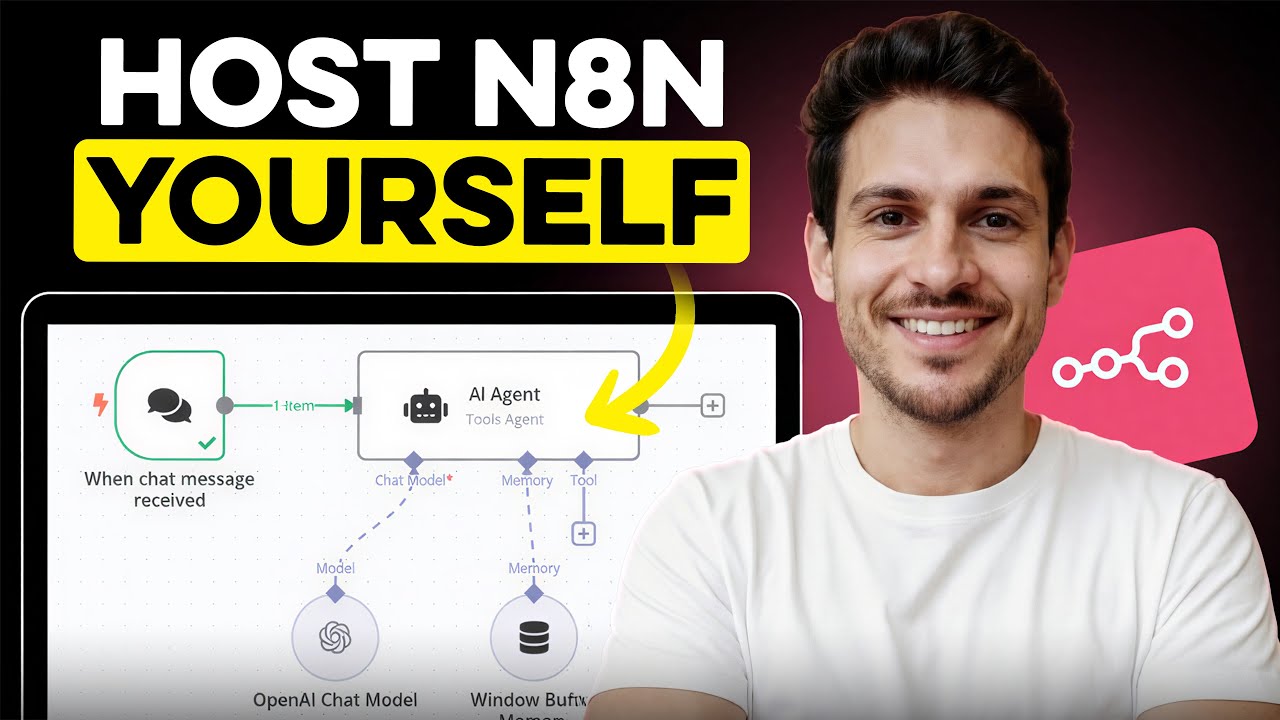
See the exact Hostinger setup process at 1:45, workflow migration at 4:50, and performance tests at 6:15 in the video below. The entire implementation completes in under 9 minutes.
Key Takeaways
Self-hosting n8n on Hostinger delivers enterprise automation capabilities at startup prices while eliminating the restrictive execution limits and recurring costs of cloud services.
In summary: For less than $7/month, you gain unlimited workflows, superior performance, complete data ownership, and $200+/year in savings - all through a setup process simpler than signing up for n8n Cloud.
Frequently Asked Questions
Common questions about self-hosting n8n
n8n Cloud's starter plan costs $24/month with execution limits, while self-hosting on Hostinger's KVM2 VPS plan costs approximately $5-$7/month with unlimited workflows and executions.
Over a year, this saves $200-$228 while providing identical functionality. The savings compound for businesses running multiple automations or agencies managing client workflows.
- Starter plan comparison: $288/year vs $83.88/year
- Professional tier comparison: $720/year vs same $83.88/year
- No execution limits mean no surprise overage charges
No technical skills are required. Hostinger provides a preconfigured n8n template that installs automatically with one click, eliminating the need for Linux commands or manual configuration.
The interface mirrors n8n Cloud's familiar dashboard, so your team can start building workflows immediately without retraining. Server maintenance like updates and backups are handled automatically.
- Zero command line interaction needed
- Identical web interface to n8n Cloud
- Managed security updates
Hostinger's KVM2 plan with 2 CPU cores and 8GB RAM can handle dozens of simultaneous workflows. This configuration is tested to handle most business automation needs without performance issues.
The resources match n8n Cloud's professional tier capabilities at 1/8 the cost. For reference, this supports:
- 20-30 concurrent workflows
- 10,000+ daily API calls
- 5+ team members collaborating
Self-hosting removes all execution limits. Unlike n8n Cloud's 2,500 monthly execution cap on starter plans, your self-hosted instance can process unlimited workflows without additional costs or throttling.
This is particularly valuable for businesses with:
- High-volume customer onboarding
- Frequent social media posting
- Data synchronization between multiple platforms
Self-hosting provides greater data privacy since all workflows and data remain on your private VPS. Hostinger's template includes preconfigured security settings comparable to enterprise-grade protections.
Key security advantages include:
- Data never leaves your controlled environment
- Isolated Docker containers prevent cross-contamination
- Automated TLS encryption
Yes, Hostinger allows seamless VPS upgrades with no workflow migration required. You can scale CPU, RAM, and storage independently as your automation needs grow.
The upgrade process takes effect immediately with:
- Zero downtime for existing workflows
- No reconfiguration needed
- Pay-as-you-grow pricing
Hostinger's managed VPS handles server maintenance automatically. The n8n application updates can be managed through the web interface with one-click updates.
Ongoing maintenance includes:
- Automatic security patches
- Daily backups retained for 30 days
- Resource monitoring alerts
GrowwStacks provides complete n8n self-hosting implementation including VPS configuration, security hardening, and workflow migration from n8n Cloud.
Our automation experts handle the technical setup while training your team to manage the platform, typically delivering 100% ROI through cloud cost savings within 3 months.
- End-to-end migration in 48 hours
- Custom security configurations
- Ongoing optimization support
Ready to Cut Your n8n Costs by 75%?
Every month you delay this switch costs $19 in unnecessary SaaS fees. Our team can migrate your existing workflows to Hostinger in under 2 days with zero business disruption.