How to Implement an AI Chatbot in Document360 That Answers Customer Questions Instantly
Every hour your customers spend searching for answers is an hour they might give up and go to a competitor. The Eddy AI chatbot in Document360 solves this by delivering accurate, instant responses pulled directly from your knowledge base, website, and past support tickets - no more guesswork or inconsistent answers.
The Support Problem AI Solves
Customers today expect instant answers - 90% rate an "immediate" response as important when they have a customer service question. Yet most knowledge bases sit unused because searching them takes too long or yields irrelevant results. This creates a paradox: you've invested in documentation, but customers still submit tickets for basic questions.
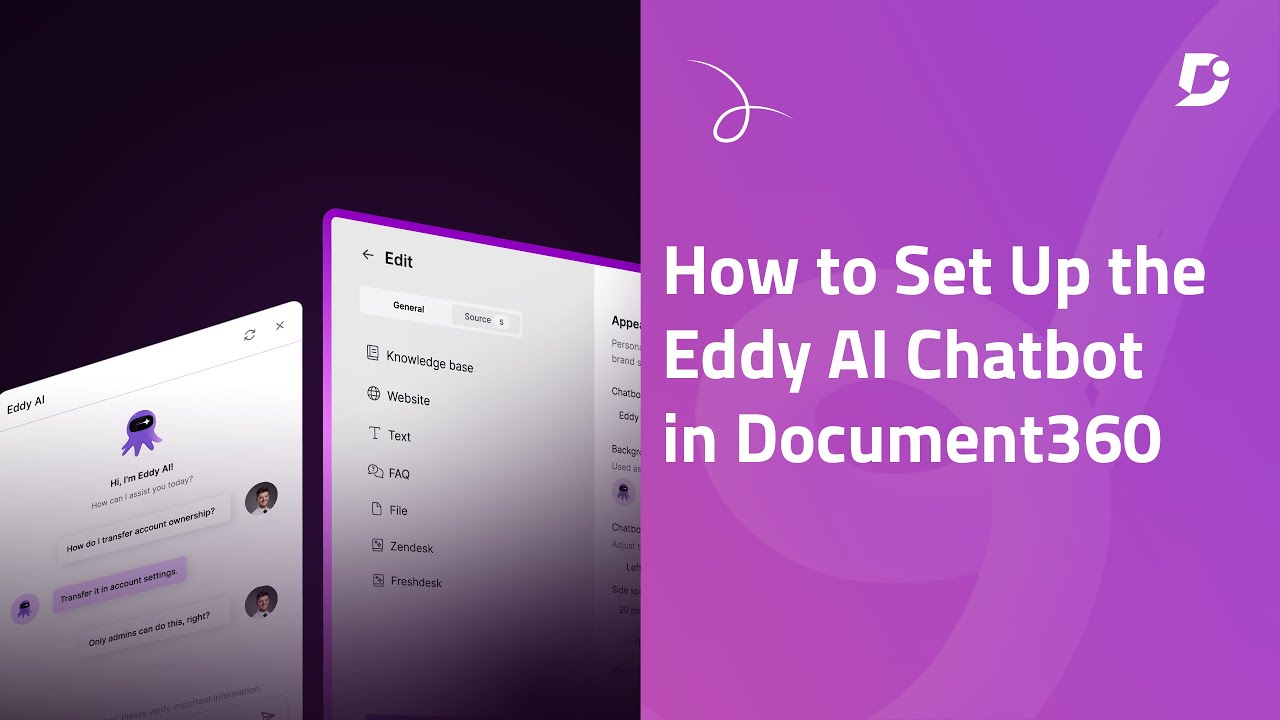
The Eddy AI chatbot bridges this gap by understanding natural language questions and retrieving precise answers from your existing content. At 0:45 in the tutorial video, you'll see how it transforms scattered knowledge into conversational responses that feel personalized.
Key benefit: Companies using AI chatbots see a 30-50% reduction in basic support tickets, allowing human agents to focus on complex issues that truly require their expertise.
Connecting Knowledge Sources
The chatbot's effectiveness depends entirely on the quality of its knowledge sources. Document360 lets you connect multiple content repositories to create a comprehensive answer engine:
Step 1: Knowledge Base Access
Choose whether to grant access to your entire Document360 knowledge base or limit to specific workspaces, languages, or categories. This is particularly useful for large organizations with segmented content.
Step 2: Website Content
Add crawl links, sitemaps, or specific web pages. The AI will extract relevant information while maintaining source attribution - shown at 1:20 in the video tutorial.
Step 3: Manual Content
For information not in your KB or website, enter text directly or upload documents (Word, PDF, text files). This works well for internal processes or proprietary information.
Step 4: Historical Tickets
Connect your help desk (Zendesk, Freshdesk, etc.) to leverage past ticket resolutions as a knowledge source - turning your support history into instant answers.
Pro tip: Start with your most frequently asked questions and expand over time. The video at 1:45 shows how to prioritize sources for maximum impact.
Customizing Chatbot Appearance
Your chatbot should feel like a natural extension of your brand, not a generic widget. Document360 offers extensive customization options:
- Name & Icon: Choose a friendly name and upload a custom avatar
- Colors & Position: Match your brand palette and choose where it appears on screen
- Welcome Message: Set the tone for interactions with a personalized greeting
- Advanced Styling: Add custom CSS for pixel-perfect brand alignment
At 2:50 in the video, you'll see how these changes transform the chatbot from generic to on-brand in minutes.
Testing Responses Before Launch
The playground environment (shown at 3:15 in the video) lets you test the chatbot thoroughly before customers see it:
- Ask questions customers typically have
- Verify answer accuracy and completeness
- Check source citations to ensure proper attribution
- Test edge cases and unusual phrasing
This testing phase is critical for identifying knowledge gaps and refining responses. Document360 maintains conversation history so you can review and improve over time.
Ticket Escalation Setup
Even the best chatbot can't answer every question. Configure seamless ticket escalation to:
- Automatically create tickets when the chatbot can't answer
- Pre-fill ticket details with the conversation history
- Route to the appropriate support team based on topic
This creates a safety net that ensures customers always get help while giving your team full context. The video at 3:45 demonstrates the escalation flow.
Security Configurations
Protect your knowledge while making it accessible:
- Trusted Domains: Restrict where the chatbot can be embedded
- JWT Authentication: Secure chatbot communications
- Domain Management: View and control connected sites
These options (shown at 4:10 in the video) ensure your information stays secure while remaining available to legitimate users.
Publishing Your Chatbot
When you're ready to go live:
- Click "Publish" in Document360
- Choose whether to enable on your Document360 site or external website
- Copy the embed code for external sites
- Toggle "Launch" to activate on Document360
The video at 4:30 shows the simple one-click publishing process that makes your chatbot immediately available to customers.
Measuring Chatbot Success
Track key metrics to optimize performance:
- Resolution Rate: Percentage of questions answered without escalation
- Conversation Length: Average number of messages per session
- Customer Satisfaction: Post-chat feedback ratings
- Ticket Reduction: Decrease in simple support requests
Document360 provides analytics to measure these KPIs and identify improvement opportunities - demonstrated at 4:50 in the tutorial.
Watch the Full Tutorial
See the complete Eddy AI chatbot setup process in action, including a live demo of the chatbot answering real customer questions (starting at 5:15 in the video).
Key Takeaways
The Eddy AI chatbot transforms your Document360 knowledge base from a static repository into an interactive support agent that works 24/7. By connecting multiple knowledge sources and fine-tuning responses, you ensure customers get accurate answers instantly while reducing repetitive support tickets.
In summary: Document360's AI chatbot delivers consistent, context-aware responses by bringing together your knowledge base, website content, documents, and support history into a single conversational interface that improves with every interaction.
Frequently Asked Questions
Common questions about this topic
The Eddy AI chatbot can pull information from multiple sources including your Document360 knowledge base (with optional workspace/language restrictions), external websites via crawl links or sitemaps, manually entered text content, existing FAQ databases, uploaded documents (Word, PDF, text files), and historical support tickets from platforms like Zendesk or Freshdesk.
This comprehensive approach ensures the chatbot has access to all potentially relevant information rather than being limited to a single source.
- Knowledge base content with granular access controls
- External website content via crawling
- Direct text input and document uploads
The basic setup can be completed in under 30 minutes. At 2:15 in the video tutorial, you'll see how quickly you can connect knowledge sources.
The most time-consuming part is typically gathering and organizing your content sources, but the actual technical configuration is straightforward. Many customers launch with basic sources and expand over time as they identify additional valuable content.
- Technical setup: 30 minutes or less
- Content preparation varies by organization size
- Iterative improvements after initial launch
Yes, you have full control over the chatbot's appearance. You can change its name, icon, colors, position on screen, and welcome message.
For advanced customization, you can even add custom CSS and JavaScript to match your brand perfectly. This level of branding helps the chatbot feel like a natural part of your customer experience rather than a third-party add-on.
- Complete visual customization options
- Advanced CSS/JavaScript for pixel-perfect matching
- Positioning control for optimal user experience
You can configure ticket escalation to automatically create a support ticket in your help desk system when the chatbot doesn't have an answer.
This ensures customers always get help while giving you valuable data to improve your knowledge base. The system captures the full conversation history to provide context to your support team, eliminating frustrating "start over" experiences for customers.
- Seamless handoff to human support
- Full conversation history included
- Identifies knowledge gaps for improvement
Yes, once published, the Eddy AI chatbot operates continuously without downtime.
It provides instant responses to customer questions at any time of day, significantly reducing response times compared to human-only support. This around-the-clock availability is particularly valuable for global businesses serving customers in multiple time zones.
- Always available with no downtime
- Instant responses at any hour
- Particularly valuable for global businesses
Accuracy depends on your configured knowledge sources. By connecting your actual documentation, FAQs, and past ticket resolutions (as shown at 1:45 in the video), the chatbot delivers highly accurate, context-aware responses rather than generic answers.
The more comprehensive and well-organized your knowledge sources, the more precise the chatbot's responses will be. Document360's AI focuses on retrieving specific information rather than generating speculative answers.
- Accuracy tied to quality of knowledge sources
- Context-aware responses, not generic answers
- Improves as you expand and refine content
Document360 provides a playground environment where you can test different questions and review responses before publishing.
This lets you refine the chatbot's knowledge and ensure it aligns with your business before customers interact with it. You can involve multiple team members in testing to identify any gaps or areas for improvement.
- Full testing environment provided
- Review and refine responses pre-launch
- Collaborative testing with team members
GrowwStacks specializes in AI chatbot implementation and optimization. We can help you configure the Eddy AI chatbot to maximize its effectiveness, including setting up all knowledge sources, designing conversation flows, integrating with your support systems, and training your team.
Our clients typically see a 40-60% reduction in support ticket volume within the first 30 days after implementation. We handle the technical setup while you focus on delivering better customer experiences.
- End-to-end implementation support
- Proven ticket reduction results
- Ongoing optimization and training
Ready to Reduce Support Tickets With AI?
Every unanswered customer question costs you trust and revenue. Let GrowwStacks implement your Document360 AI chatbot in days, not weeks, with guaranteed ticket reduction.