How to Add MCP Triggers to Your GoHighLevel Voice AI Agents
Most businesses using GoHighLevel's voice AI agents miss out on powerful MCP integrations that could automate complex tasks. Learn how to find public MCP servers and configure custom triggers that extend your agents' capabilities beyond basic scripting.
Why MCP Triggers Matter for Voice AI
Voice AI agents in GoHighLevel are powerful, but their capabilities are limited to basic scripting without MCP triggers. Businesses often struggle to integrate complex functions like time zone conversion or data processing directly into their voice workflows.
MCP triggers solve this by connecting your agents to external MCP servers that specialize in specific functionalities. These servers act like microservices that your agents can call upon when needed, dramatically expanding what your automation can accomplish.
Real-world example: A real estate team uses an MCP trigger to automatically convert property viewing times to each client's local time zone, eliminating manual calculations and missed appointments.
Accessing Advanced Mode in GoHighLevel
The MCP trigger option is hidden from most users because it's only available in GoHighLevel's advanced mode. Many businesses don't realize they're missing out on this powerful feature simply because they haven't switched modes.
To access advanced mode:
- Navigate to your AI agent in GoHighLevel
- Look for the mode toggle (typically near the top of the agent configuration)
- Switch from "Basic" to "Advanced" mode
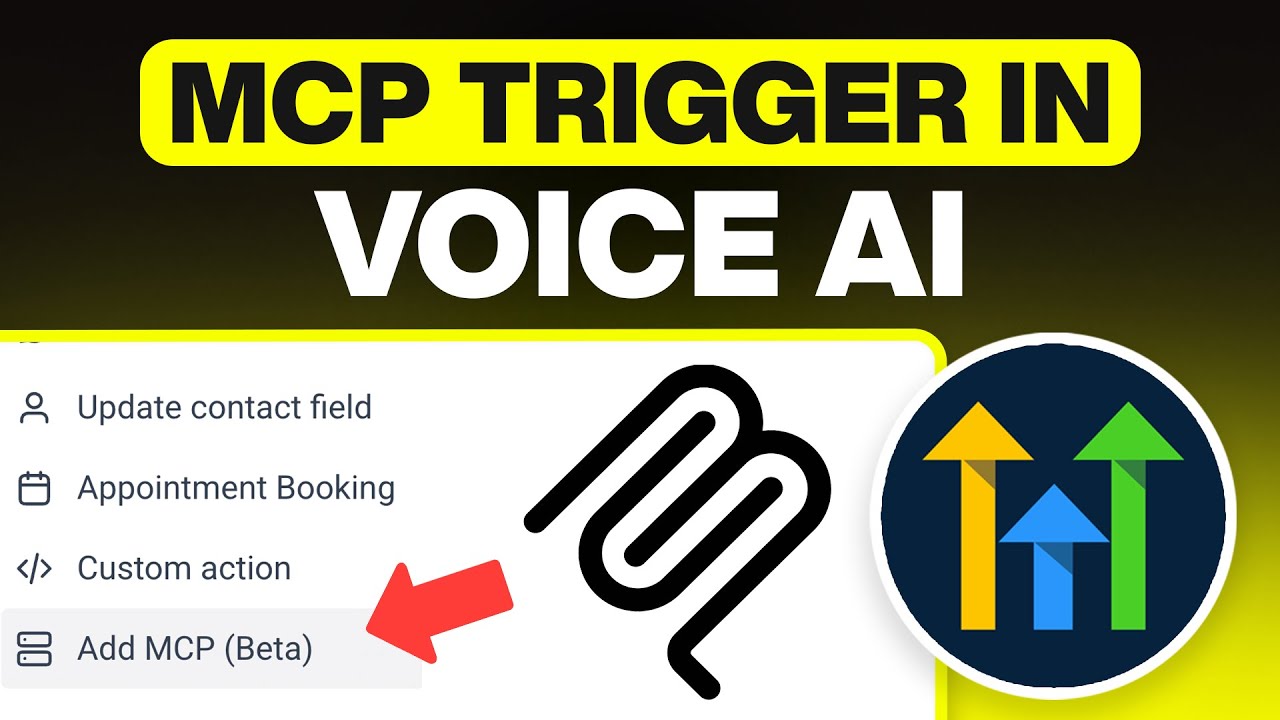
Once in advanced mode, scroll down to the "Actions" section where you'll find the option to add custom MCP triggers. This is where the real power of voice AI automation begins.
Finding Public MCP Servers
The biggest challenge with MCP triggers is finding reliable public servers with accessible endpoints. Many MCP servers are designed for local installation or require special authentication that won't work with GoHighLevel.
Platforms like MCP.So provide marketplaces with over 100,000 public MCP servers. When browsing:
- Look for servers marked as "public" or "open"
- Check documentation for endpoint URLs (not local installation instructions)
- Verify the server provides functionality you actually need
Pro tip: GitHub repositories often list public MCP servers with their endpoints. Search for "public MCP servers list" to find curated collections.
Configuring the MCP Trigger
Once you've identified a suitable MCP server, configuring the trigger in GoHighLevel is straightforward but requires attention to detail:
- Click "Add an MCP" in your AI agent's Actions section
- Paste the endpoint URL from your chosen MCP server
- Add a descriptive name for the trigger (e.g., "Time Zone Converter")
- Configure any required query parameters or key-value pairs
- Save the configuration
At the 2:45 mark in the tutorial video, you'll see an example using an echo MCP server that returns request data - useful for testing but not production. For real workflows, choose MCP servers that provide concrete business value.
Testing and Troubleshooting
After setting up your MCP trigger, thorough testing is crucial. GoHighLevel provides a web call feature where you can simulate calls to your MCP server and verify the responses.
Common issues and solutions:
- Timeout errors: Increase the timeout value in your trigger configuration
- 404 errors: Verify the endpoint URL is correct and publicly accessible
- Authentication failures: Some servers require API keys in the query parameters
Remember that not all MCP servers will work with GoHighLevel. If you're consistently having issues with a particular server, try finding an alternative that provides similar functionality.
Watch the Full Tutorial
For a complete walkthrough of the MCP trigger setup process, including real-time configuration of an echo MCP server, watch the full video tutorial below. At 4:20, you'll see how to test your configured trigger using GoHighLevel's web call feature.
Key Takeaways
MCP triggers unlock advanced functionality for your GoHighLevel voice AI agents, but require careful setup and testing. The process involves switching to advanced mode, finding compatible public MCP servers, and correctly configuring the endpoint URLs.
In summary: With properly configured MCP triggers, your voice agents can handle complex tasks like time zone conversion, data processing, and API integrations - transforming them from simple answering machines into powerful business automation tools.
Frequently Asked Questions
Common questions about MCP triggers in GoHighLevel
An MCP trigger allows your GoHighLevel AI voice agents to connect with external MCP servers, enabling enhanced functionality like time zone conversion or data processing.
These triggers require specific endpoint URLs from public or private MCP servers that provide the specialized services you need to integrate with your voice workflows.
- Extends basic voice agent capabilities
- Requires advanced mode in GoHighLevel
- Needs publicly accessible endpoint URLs
The MCP trigger option is only available in GoHighLevel's advanced mode. If you're in basic mode, you won't see this powerful feature.
To access it, navigate to your AI agent configuration and look for the mode toggle near the top of the page. Switching to advanced mode reveals additional options including custom actions and MCP triggers.
- Basic mode hides advanced features
- Toggle is in agent configuration
- No extra cost for advanced mode
Public MCP servers can be found on specialized platforms like MCP.So, which hosts over 100,000 servers, or through GitHub repositories that maintain lists of public endpoints.
When searching, focus on servers that explicitly provide public endpoint URLs rather than those requiring local installation. Many technical communities share curated lists of reliable MCP servers.
- MCP.So marketplace
- GitHub repositories
- Community forums
First verify your endpoint URL is correct and publicly accessible. Test the URL directly in a browser or API tool like Postman to confirm it responds properly.
Check the MCP server's documentation for any required query parameters or authentication keys. Some servers need specific configuration that must be included in your GoHighLevel trigger setup.
- Test endpoint URL independently
- Check for required parameters
- Increase timeout if needed
No, only MCP servers with publicly accessible endpoint URLs will work with GoHighLevel. Servers requiring local installation or special authentication typically won't be compatible.
The server must provide an HTTP/HTTPS endpoint that GoHighLevel can call remotely. Localhost URLs or servers behind firewalls won't be accessible to your voice agents.
- Must be public-facing
- No localhost endpoints
- HTTPS preferred
MCP triggers can add capabilities like time zone conversion, language translation, data processing, or API integrations to your AI voice agents.
For example, a real estate agency might use an MCP trigger to automatically convert property viewing times to each client's local time zone, while a support team could integrate language translation for multilingual callers.
- Time zone conversion
- Language translation
- Data processing
GoHighLevel doesn't impose a strict limit, but performance may degrade with excessive triggers. Each active trigger adds overhead to your voice agent's processing.
Best practice is to use only the MCP triggers you need and combine functionality where possible. For example, one MCP server might handle both time zone conversion and language detection.
- No hard limit
- Performance considerations
- Combine functionality when possible
GrowwStacks specializes in configuring advanced GoHighLevel automations including MCP trigger setups. We identify the right MCP servers for your specific business needs and integrate them seamlessly with your voice AI workflows.
Our team handles everything from server selection to trigger configuration and testing, ensuring your MCP integrations work reliably in production. We also provide ongoing support as your automation needs evolve.
- Custom MCP server selection
- End-to-end trigger configuration
- Ongoing support and optimization
Ready to Supercharge Your GoHighLevel Voice Agents?
MCP triggers can transform your basic voice workflows into powerful business automation tools. Let GrowwStacks handle the technical setup while you focus on delivering exceptional customer experiences.