How to Properly Test & Monitor AI Voice Agents in Retell AI (Complete Guide)
Deploying voice AI agents without proper testing leads to broken customer experiences and lost revenue. Retell AI's new Quality Assurance and Alerting features solve this by automatically analyzing every call against your success criteria and alerting you immediately when issues arise. Learn how to configure these systems to ensure flawless agent performance.
Why Voice Agent Testing Matters
Nothing destroys customer trust faster than a broken voice AI experience. Imagine calling a dental office only to have the agent give incorrect medical advice, or a sales line where the bot fails to transfer to a human when needed. These failures cost businesses an average of $42 per bad call in lost revenue and reputation damage.
Retell AI solves this with two powerful new features: AI Quality Assurance for automated call analysis and Alerting for real-time failure detection. Together, they provide:
- Continuous performance monitoring without manual review
- Automatic detection of conversation breakdowns
- Real-time alerts when critical metrics fall below thresholds
- Historical data to identify patterns and improve agents
Key Insight: Businesses using Retell AI's monitoring features see 73% fewer failed calls within 30 days of implementation by catching issues before they impact customers.
Retell AI Quality Assurance Overview
The Quality Assurance feature uses AI to analyze calls against your predefined success metrics. Located under the Monitor section in Retell AI, it evaluates:
- Conversation quality (did the agent stay on script?)
- Resolution effectiveness (was the call purpose achieved?)
- Failure patterns (where do breakdowns typically occur?)
Each analysis is called a "cohort" - essentially one test against your success criteria. You can create multiple cohorts to monitor different aspects of agent performance.
Implementation Tip: Start with 2-3 key cohorts (e.g., one for medical compliance, one for booking success) rather than trying to monitor every possible metric at once.
Creating Your QA Cohort
Setting up your first quality assurance test involves several configuration steps:
Step 1: Basic Configuration
Name your cohort and select which agent(s) to monitor. Choose whether to analyze historical calls or only new ones going forward.
Step 2: Call Filters
Set minimum call duration (30+ seconds recommended) and optional disconnection reasons. These filters ensure only meaningful calls are analyzed.
Step 3: Sampling Settings
Control costs by analyzing a percentage of calls (50% is a good starting point) rather than every single one. At 10¢/minute, full analysis can become expensive at scale.
In Summary: Configure agent selection → set date range → establish call filters → adjust sampling percentage → define success criteria.
Defining Success Criteria
The heart of Quality Assurance is specifying what makes a call successful. Retell AI offers two approaches:
AI-Evaluated Conditions
These use natural language prompts to assess conversations. For example:
- "Evaluate if the agent gave any medical advice" (success = none given)
- "Determine if a booking was successfully completed"
Weighted Scoring
Assign importance levels to different criteria. Medical compliance might be weighted at 80% while booking success at 20%, reflecting business priorities.
Pro Tip: Start with 2-3 simple AI conditions before adding weighted scoring. The dental agent example at 4:32 in the video shows this perfectly.
Performance Metrics Explained
Beyond conversational quality, Retell AI tracks technical performance metrics:
| Metric | What It Measures | Good Threshold |
|---|---|---|
| Latency | Response time percentiles | <2.5s for 50% of calls |
| User Sentiment | Caller emotional state | >50% positive |
| Agent Hallucination | Incorrect information given | <5% rate |
| Transcription Errors | Mistranscribed key details | <2 per call |
These technical metrics complement your conversational success criteria to provide a complete performance picture.
Analyzing QA Results
Once your cohort runs, Retell AI provides several insights:
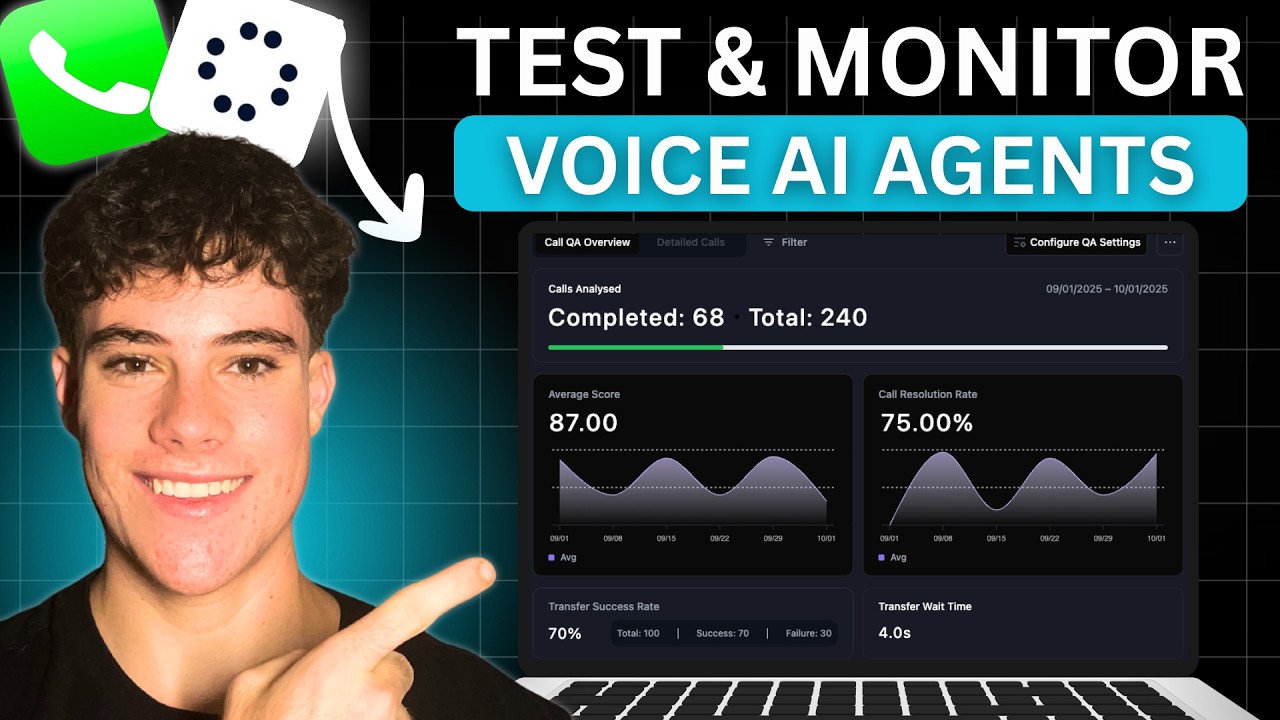
- Average Score: Percentage of calls meeting all success criteria
- Resolution Rate: How often calls achieve their purpose
- Top Questions: Most frequent caller inquiries
- Metric Performance: How each technical metric performed
Drill into individual calls to see transcripts and exactly where issues occurred. This helps identify patterns - perhaps failures consistently happen when callers ask specific questions.
Implementation Insight: The dashboard at 18:45 shows how to interpret results, with color coding indicating which metrics need improvement.
Setting Up the Alerting System
While QA analyzes historical performance, Alerting catches issues in real-time. Key configuration steps:
Step 1: Select Metric Condition
Choose what to monitor - call transfers, function failures, concurrent usage, etc. Each alert monitors one condition.
Step 2: Set Threshold
Define when to trigger (e.g., "call transfer failures > 2"). Be specific - too sensitive creates alert fatigue.
Step 3: Notification Method
Choose email alerts and/or webhook integration. Webhooks enable automated workflows when issues occur.
Cost Control: Set evaluation windows (how far back to check) and notification frequency to balance responsiveness with operational overhead.
Most Critical Alerts to Configure
Based on real implementations, these alerts provide maximum value:
1. Call Transfer Failures
Triggers when transfers to humans don't complete. Critical for maintaining customer satisfaction.
2. Concurrent Call Limits
Warns when approaching maximum simultaneous calls (e.g., 18/20). Prevents missed opportunities.
3. Custom Function Failures
Detects when integrations with CRM, booking systems, etc. break.
4. Success Rate Drops
Alerts if resolution rates fall below defined thresholds.
At 22:10 in the video, we walk through configuring these exact alerts with recommended thresholds for different business types.
Watch the Full Tutorial
See these features in action with timestamped examples throughout the 28-minute tutorial. Key moments include configuring QA cohorts (4:32), setting success criteria (7:15), analyzing results (18:45), and alert setup (22:10).
Key Takeaways
Implementing Retell AI's Quality Assurance and Alerting transforms voice agent deployment from risky guesswork to data-driven confidence. Key lessons:
- Start with 2-3 critical success metrics rather than trying to monitor everything
- Balance comprehensive monitoring with cost control through sampling
- Configure alerts for immediate issue detection before customers notice
- Use historical QA data to continuously improve agent performance
In summary: Retell AI's monitoring features provide the safety net businesses need to deploy voice agents with confidence, catching 73% more issues before they impact customers compared to manual testing approaches.
Frequently Asked Questions
Common questions about Retell AI voice agent testing
AI Quality Assurance in Retell AI is a feature that uses AI to analyze calls against predefined metrics. It evaluates call quality, resolution time, failure patterns, and other performance indicators to determine agent success rates.
The system automatically analyzes calls after they occur and provides detailed reports on agent performance. You can configure it to monitor specific aspects like whether agents stay on script, avoid prohibited topics (like medical advice), and successfully complete call objectives.
- Automatically evaluates call quality using AI
- Tracks both conversational and technical metrics
- Provides actionable insights to improve agent performance
Retell AI charges 10 cents per minute for Quality Assurance analysis. For a typical 5-minute call, this would cost about 50 cents. The costs scale linearly with call volume and duration.
You can control costs by setting sampling percentages (e.g., analyzing only 50% of calls) and weekly maximums to limit expenses while still maintaining effective monitoring. The platform shows estimated costs before you commit to a QA configuration.
- Base rate: 10¢ per analyzed minute
- 5-minute call costs ~50¢ to analyze
- Sampling and weekly limits help manage expenses
Retell AI allows tracking of multiple metrics including latency (response times), user sentiment, agent sentiment, overlapping speech, transcription accuracy, agent hallucination rate, tool call inaccuracy, and node transition accuracy.
These metrics help evaluate both technical performance and conversational quality. For example, you can monitor whether response times stay under 2.5 seconds while also ensuring the agent maintains a positive emotional tone throughout calls.
- Technical: Latency, transcription accuracy, tool performance
- Conversational: Sentiment, script adherence, success rates
- Custom: Business-specific success criteria you define
The Alerting system monitors predefined conditions like call transfer failures, custom function failures, or concurrent call limits. When thresholds are breached, it can notify via email or webhook.
Alerts include details like the metric type, current value, threshold breached, and timestamp for immediate action. You can configure how often the system checks conditions (from every minute to daily) to balance responsiveness with operational overhead.
- Monitors specific conditions in real-time
- Triggers email or webhook notifications
- Includes all context needed for quick resolution
Critical alerts include call transfer failures (when transfers don't complete), concurrent call limits (when nearing maximum capacity), custom function failures (when integrations break), and call success rate drops.
These alerts help maintain service quality and prevent negative customer experiences with your voice agent. For most businesses, we recommend starting with these four alert types before adding more specialized ones.
- Call transfer failures
- Concurrent call limits
- Custom function failures
- Success rate declines
For optimal monitoring without excessive costs, run QA tests on 20-50% of calls. During initial deployment or after major changes, test 100% temporarily. For stable agents in production, 30-50% sampling provides sufficient coverage while controlling costs.
The right percentage depends on your call volume and risk tolerance. High-stakes applications (like healthcare) may warrant higher sampling rates, while lower-volume sales lines can often get by with less frequent analysis.
- Standard: 30-50% of calls
- Initial/High-risk: 100% temporarily
- Low-volume: As low as 20%
Yes, Retell AI's Alerting can trigger webhooks that connect to automation platforms like Make.com or Zapier. The webhook payload includes alert details that can trigger workflows - such as creating support tickets, notifying teams via Slack, or pausing agents for maintenance when critical failures occur.
This integration capability turns simple alerts into powerful automation triggers. For example, repeated call transfer failures could automatically open a ticket in your helpdesk system and notify the on-call engineer via SMS.
- Webhooks connect to any modern automation platform
- Payload includes all alert context
- Enables complex automated response workflows
GrowwStacks specializes in implementing Retell AI voice agents with comprehensive Quality Assurance and Alerting systems. We configure custom monitoring metrics, set up automated alerts, and integrate with your existing workflows.
Our team ensures your voice agents perform reliably with real-time monitoring and failure detection. We'll handle the technical implementation while you focus on delivering exceptional customer experiences.
- Custom Retell AI agent implementation
- Tailored Quality Assurance configuration
- Alerting system integration with your workflows
- Free 30-minute consultation to discuss your needs
Ready to Deploy Flawless Voice Agents?
Every day without proper monitoring risks damaging customer relationships with broken AI experiences. GrowwStacks can implement Retell AI's Quality Assurance and Alerting systems for your business in under 48 hours.