How to Turn One Video Into Multiple Social Media Posts Automatically
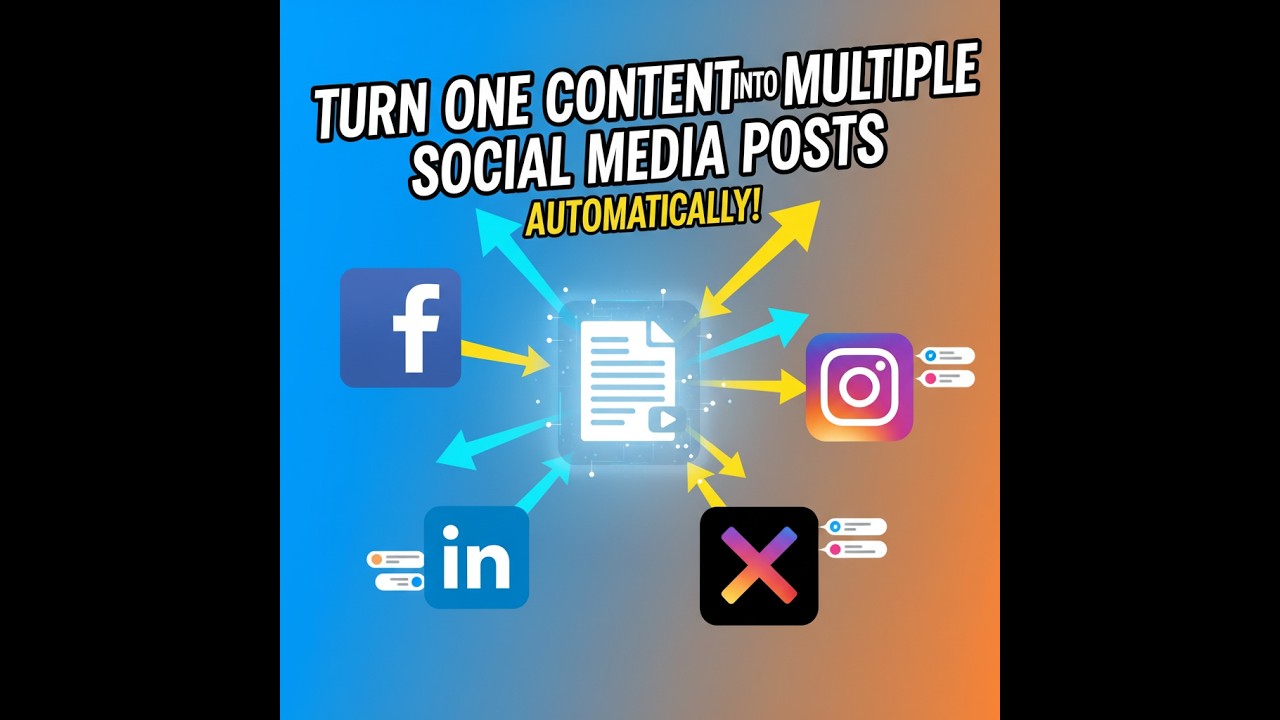
Most businesses waste hours rewriting the same content for different platforms. This automation turns a single video into polished blog posts for Facebook, LinkedIn, and more - expanding your reach while reclaiming 3-5 hours per video. The system handles everything from transcription to platform-specific formatting automatically.
The Content Repurposing Problem
Creating fresh content for multiple platforms is one of the biggest time drains in digital marketing. As shown in the video, a single interview video contains enough material for multiple blog posts - but manually transcribing, rewriting, and reformatting for each platform often doesn't happen.
The automation solves this by treating your video as the single source of truth. At 1:15 in the tutorial, you can see how the system takes a Google Drive video file and automatically generates two distinct blog posts - "The Art of Engaging Interviews" for Facebook and "The Joy of Interviewing" for LinkedIn - without any manual rewriting.
Content repurposing increases reach by 3-5x according to marketing studies, yet less than 20% of businesses systematically repurpose their content due to the time investment required.
How the Video-to-Posts Automation Works
The workflow follows a clear sequence: video input → transcription → content analysis → platform-specific output. The system doesn't just copy-paste the same text everywhere - it creates unique variations suited to each platform's audience and format requirements.
As demonstrated at 2:30 in the video, the automation first transcribes the video content. It then identifies key themes and discussion points, which become the foundation for multiple blog post variations. The same interview produced two completely different posts with distinct angles and titles.
Platform-Specific Adaptations
Each social platform has unique requirements for optimal engagement. Facebook favors conversational, emotional hooks while LinkedIn rewards professional insights and structured arguments.
The automation automatically adapts content for each platform. At 3:45 in the tutorial, you can see how the Facebook post uses a more casual tone ("The Joy of Interviewing") while the LinkedIn version maintains professional credibility ("Lessons from the Pros"). Both came from the same source video but were tailored for their audiences.
Measurable Time Savings
Manual content repurposing typically takes 3-5 hours per video when you factor in transcription, editing for different platforms, formatting, and publishing. This automation reduces that to about 5 minutes of setup time plus processing time.
The video shows the entire process completing in under 4 minutes. For businesses producing weekly video content, this represents 12-20 hours saved each month - time that can be reinvested in creating more content or other high-value activities.
5 hours saved per video means recovering 60+ hours quarterly that would otherwise be spent on manual repurposing tasks.
Implementation Steps
Step 1: Connect Your Video Source
The workflow starts by connecting to your video storage platform (Google Drive in the tutorial example). Any cloud storage solution with API access can work.
Step 2: Set Up Transcription
The system automatically sends new videos for transcription using AI services that convert speech to text with high accuracy.
Step 3: Configure Platform Outputs
Define templates and rules for each destination platform. The system will generate variations that match each platform's best practices.
Step 4: Automate Publishing
Connect your social media accounts to enable automatic posting, or set up an approval step if you prefer to review first.
In summary: Connect video source → transcribe → configure platform rules → automate publishing. The entire setup can be completed in under 30 minutes.
Watch the Full Tutorial
See the complete automation in action at 2:10 where the system processes a test video and generates two distinct blog posts automatically. The tutorial shows the actual Facebook and LinkedIn posts created by the workflow.
Key Takeaways
This automation solves one of the most persistent problems in content marketing - creating platform-specific variations from a single source. Instead of letting valuable video content go underutilized, the system maximizes its reach across all your channels.
In summary: One video automatically becomes multiple platform-optimized posts, saving 3-5 hours per video while tripling your content output from the same source material.
Frequently Asked Questions
Common questions about this topic
The automation starts by transcribing your video content into text. It then processes that text to create multiple blog post variations optimized for different platforms like Facebook and LinkedIn.
The system handles everything from transcription to formatting and publishing automatically. As shown in the tutorial, the same video produced two completely different posts tailored for each platform's audience.
- Automatically transcribes video content
- Identifies key themes and discussion points
- Generates platform-specific variations
The system works best with informational content like interviews, tutorials, or thought leadership pieces. Videos with clear audio and structured content yield the best results.
The automation can extract key points and reformat them into engaging blog posts. In the demo, an interview video successfully generated two high-quality posts with different angles.
- Interviews and panel discussions
- Tutorials and how-to videos
- Thought leadership content
This workflow typically saves 3-5 hours per video by eliminating manual transcription, rewriting, and cross-posting. The tutorial shows the entire process completing in just a few minutes.
For businesses posting weekly videos, that's 12-20 hours saved each month that can be reinvested in content creation or other high-value activities.
- 3-5 hours saved per video
- 12-20 hours monthly for weekly content
- 60+ hours quarterly recovery
Yes, the system automatically adapts content for each platform's best practices. You can define different templates and rules for each destination platform.
In the demo, Facebook received a more conversational post ("The Joy of Interviewing") while LinkedIn got a professional version ("Lessons from the Pros") - both from the same source video.
- Platform-specific tone and formatting
- Customizable templates per platform
- Variable length and CTAs
The automation can pull videos from Google Drive, Dropbox, or other cloud storage platforms. The system demonstrated in the tutorial uses Google Drive as the source.
Any storage solution with API access can be connected. The workflow triggers automatically when new videos are added to your designated folder.
- Google Drive integration shown in demo
- Dropbox and other cloud storage supported
- Local network storage options available
Processing time depends on video length, but typically takes just a few minutes. The tutorial shows a complete cycle from video to published posts in under 4 minutes.
The system runs automatically whenever new videos are added to your designated folder, ensuring your content gets repurposed and distributed quickly.
- 3-5 minutes for average videos
- Faster than manual processing
- Continuous automatic operation
Yes, the workflow can be configured to either publish automatically or send drafts for review. You maintain complete control over the publishing process.
Approval steps can be added where needed while still automating the initial content creation process. This balances automation with quality control.
- Optional manual approval steps
- Draft review before publishing
- Edit capability before posting
GrowwStacks can customize this automation for your specific content needs and platforms. We'll configure the workflow to match your brand voice and content strategy.
Our team will connect your storage and social accounts, set up platform-specific templates, and ensure smooth operation. We handle all the technical implementation so you can focus on creating great video content.
- Custom workflow configuration
- Brand voice alignment
- Free 30-minute consultation
Reclaim 3-5 Hours Per Video With Automated Repurposing
Every hour spent manually rewriting content is an hour not spent creating new videos or growing your business. Let GrowwStacks implement this time-saving automation for you - we'll have it up and running in your business within days.