How to Automate Anything Without Coding Using Make.com
Most businesses waste hours each week on repetitive tasks between apps. Make.com (formerly Integromat) solves this by letting you connect apps and automate workflows without writing code. In this guide, you'll learn exactly how to build your first automation scenario from scratch.
What Is Make.com?
Make.com (formerly known as Integromat) is a powerful no-code automation platform that connects different applications and services. It solves the common business problem of data being trapped in silos across multiple tools, requiring manual transfers that waste time and introduce errors.
The platform uses a visual builder where you create "scenarios" - automated workflows that move and transform data between apps. Unlike coding solutions that require technical skills, Make.com makes automation accessible to anyone through its intuitive interface.
Key benefit: Businesses using Make.com report saving an average of 10-15 hours per week by automating repetitive tasks between apps like email, spreadsheets, and CRMs.
Getting Started With Make.com
The first step is creating your Make.com account. As shown at the 0:45 mark in the video tutorial, you can sign up with just an email address and password. The free plan provides enough operations to test basic automations before committing to a paid plan.
Once logged in, you'll see the dashboard where all your scenarios will live. The interface might feel overwhelming at first, but focus on these core areas:
- Scenarios: Your automation workflows
- Connections: Authorized app integrations
- Data Stores: Temporary storage for workflow data
- Settings: Account and billing configuration
Building Your First Scenario
Creating your first automation in Make.com follows a simple process that anyone can master:
Step 1: Create a New Scenario
Click the "Create a new scenario" button on your dashboard. This opens a blank canvas where you'll build your workflow.
Step 2: Add Your First Module
Click the plus button to add your first app module. You'll see hundreds of available apps - start with something simple like Gmail or Google Sheets.
Step 3: Choose a Trigger
Select what event should start your automation, like "New Email" in Gmail or "New Row" in Google Sheets.
Step 4: Connect Your App
Authorize Make.com to access your chosen app by signing in and granting permissions.
Pro tip: At the 2:15 timestamp in the video, you can see exactly how to connect Gmail as a trigger for a scenario.
Connecting Apps and Services
The real power of Make.com comes from connecting multiple apps in a single workflow. After setting up your trigger, you can add additional modules to process and route your data.
For example, you could:
- Add new Gmail emails to a Google Sheet
- Send Slack notifications when a CRM record updates
- Create Trello cards from form submissions
Each connection is secured through OAuth, meaning Make.com never stores your app passwords. You can revoke access at any time from your account settings.
Testing and Activating Workflows
Before running your automation live, Make.com lets you test scenarios with the "Run once" feature. This executes your workflow one time so you can verify everything works as expected.
The platform provides detailed logs showing exactly how data moved through each step of your scenario. If something doesn't work, you'll see where the process failed and can make adjustments.
Once testing is complete, simply click "Turn on" to activate your automation. Make.com will now run your scenario automatically based on the triggers you configured.
Real-World Automation Examples
Here are three practical ways businesses use Make.com to save time:
1. Lead Management
Automatically add new form submissions to your CRM, notify your sales team via Slack, and schedule a follow-up email - all without manual data entry.
2. Content Distribution
When you publish a new blog post, have Make.com share it across all your social media platforms simultaneously with customized messaging for each network.
3. Data Synchronization
Keep customer information consistent across multiple platforms by automatically updating records in your CRM, email service, and accounting software when changes occur.
Advanced Features to Explore
Once you're comfortable with basic scenarios, Make.com offers powerful advanced features:
- Filters: Only process data that meets specific conditions
- Routers: Create branching logic in your workflows
- Aggregators: Combine data from multiple sources
- Iterators: Process arrays of data item by item
- Functions: Transform data with text manipulation, math operations, etc.
These tools allow you to build sophisticated automations that can handle nearly any business process.
Watch the Full Tutorial
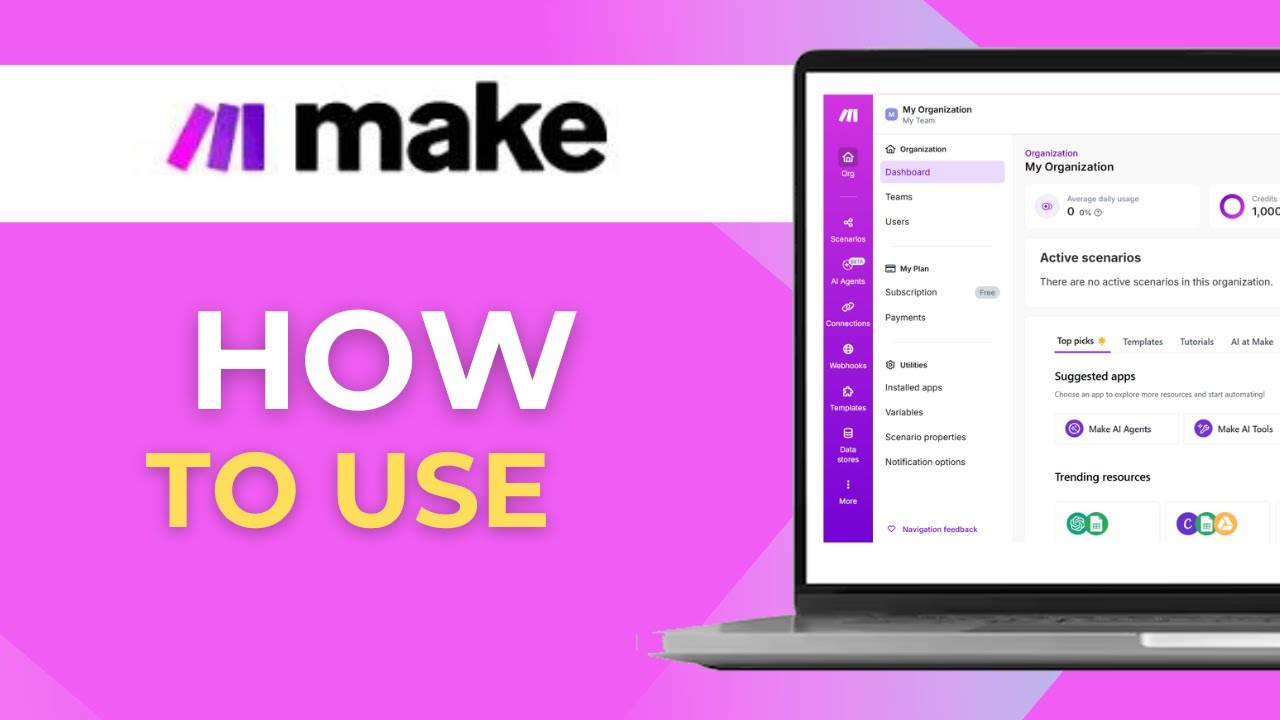
For a complete walkthrough of building your first Make.com scenario, watch the full video tutorial below. Pay special attention to the 3:10 mark where we demonstrate how to test your automation before activating it.
Key Takeaways
Make.com transforms how businesses handle repetitive tasks by automating workflows between apps without coding. With its visual builder and extensive app integrations, you can create powerful automations in minutes.
In summary: Start with simple scenarios between 2-3 apps, test thoroughly before activating, and gradually explore more advanced features as you become comfortable with the platform.
Frequently Asked Questions
Common questions about Make.com automation
Make.com (formerly Integromat) is a no-code automation platform that connects different apps and services. It allows you to create workflows called scenarios where data automatically flows between applications without any coding required.
You simply connect apps, define triggers and actions, and let Make.com handle the automation. The platform provides a visual builder where you can see exactly how data moves through your workflow.
- No coding skills required
- Visual workflow builder
- Thousands of app integrations
Make.com offers a free plan that includes a certain number of operations each month. This is perfect for getting started with basic automations and testing the platform.
Paid plans with higher operation limits and additional features are available for businesses with more complex automation needs. The free plan gives you enough to determine if Make.com fits your requirements before upgrading.
- Free plan available
- Operations limited on free tier
- Affordable paid plans for businesses
Make.com supports thousands of apps including Gmail, Google Sheets, Slack, Notion, Salesforce, and many more. You can connect to databases, APIs, email services, social media platforms, and business tools.
New integrations are constantly being added to the platform. If an app isn't natively supported, you can often connect to it using Make.com's HTTP module to work with its API directly.
- Business apps (CRM, email, etc.)
- Productivity tools
- Social media platforms
Make.com is designed to be user-friendly for non-technical users. The visual interface lets you drag and drop modules to create workflows without writing any code.
While complex automations may require some learning, basic scenarios can be set up in minutes following the step-by-step process. The platform includes templates to help you get started with common use cases.
- No technical skills needed
- Visual drag-and-drop builder
- Helpful templates available
Yes, Make.com includes a Run Once feature that lets you test your scenario before activating it. This shows you exactly how data will flow through your automation and helps identify any issues that need adjustment.
The platform provides detailed execution logs that show what happened at each step of your workflow during the test run. This makes troubleshooting much easier than with some other automation tools.
- Test with Run Once feature
- Detailed execution logs
- Easy troubleshooting
While both are automation tools, Make.com offers more advanced workflow customization with its visual builder. Make.com typically provides more operations per dollar than Zapier and allows for more complex branching logic in automations.
Zapier may be simpler for very basic integrations between two apps, while Make.com shines when you need to connect multiple services or add conditional logic to your workflows. Make.com also tends to be more cost-effective for businesses with higher automation volumes.
- More advanced customization
- Better value for operations
- Stronger for complex workflows
Make.com uses enterprise-grade security including encryption in transit and at rest. The platform is GDPR compliant and only accesses the data you explicitly authorize through app connections.
You maintain ownership of all your data processed through Make.com. The platform doesn't store your data longer than necessary to complete your automations, and you can revoke access to any connected app at any time.
- Enterprise-grade security
- GDPR compliant
- You retain data ownership
GrowwStacks helps businesses implement Make.com automations tailored to their specific workflows. Our team can design, build, and deploy complex automation scenarios that save hours of manual work each week.
We offer free consultations to discuss your automation needs and show how Make.com can transform your operations. Whether you need simple task automation or complex multi-app workflows, we can create a solution that fits your exact requirements.
- Custom automation solutions
- Free initial consultation
- Ongoing support available
Ready to Automate Your Business Processes?
Every hour spent on manual data transfers between apps is an hour lost from growing your business. Our Make.com experts can build custom automations that save you 10+ hours weekly.