HubSpot AI's MCP Server: The ChatGPT CRM Connector Changing Sales & Marketing
Most businesses struggle with disconnected AI tools that require custom API integrations - exposing sensitive CRM data to security risks. HubSpot's MCP Server acts as a universal adapter between ChatGPT and your customer platform, enabling powerful AI workflows with built-in permission controls and data guardrails.
What is an MCP Server?
Traditional AI-CRM integrations require custom API development - a technical hurdle that leaves many businesses manually copying data between systems or operating with disconnected tools. HubSpot's Multi-Connect Platform (MCP) Server eliminates this friction by acting as a universal adapter between ChatGPT and your customer platform.
Think of the MCP Server like a power strip for your business tools. Instead of wiring each device directly to ChatGPT (requiring custom APIs), you plug everything into the MCP Server which handles secure communication with built-in permission controls. This architecture provides three key advantages:
Key Insight: The MCP Server reduces integration development time from weeks to minutes while actually improving data security through centralized permission management that prevents sensitive CRM data from leaking into AI models.
- No API Development: Connect ChatGPT to HubSpot without writing a single line of integration code
- Permission Guardrails: Configure exactly which data fields are accessible to AI tools
- Universal Compatibility: Same adapter works for future AI platforms without redevelopment
5 Sales Productivity Use Cases
Sales teams waste hours each week manually compiling deal reports, identifying stalled opportunities, and preparing for pipeline reviews. The ChatGPT-HubSpot connection via MCP Server automates these repetitive tasks while keeping all data securely within your CRM's permission structure.
1. Real-Time Deal Summaries
Prompt: "Summarize deal progress for deals >$50K in the Enterprise pipeline"
This instantly generates a snapshot of high-value opportunities with stage progression, last activity dates, and owner assignments - perfect for sales managers preparing for team meetings.
2. Stalled Opportunity Alerts
Prompt: "Identify deals missing next steps or skipped stages"
Surfaces at-risk deals that haven't progressed according to your sales process, enabling proactive intervention before opportunities go cold.
Time Saver: Sales managers report spending 60% less time on pipeline hygiene reviews by using these automated prompts instead of manual CRM queries.
Marketing Automation Applications
Marketers juggle multiple platforms to analyze campaign performance, score leads, and execute nurture sequences. The MCP Server integration allows running these workflows directly from ChatGPT while maintaining all data securely in HubSpot.
ICP Lead Scoring
Prompt: "Rank new leads from last month by ICP fit score"
Instantly surfaces your highest potential opportunities based on predefined ideal customer profile criteria without manual data exports.
Automated Nurture Sequences
Prompt: "Generate follow-up emails for leads without activity in 30 days"
Creates personalized re-engagement content in your brand voice that can be reviewed and sent directly from HubSpot.
Implementation Tip: Start with read-only data access to validate ChatGPT's understanding of your ICP criteria before enabling any write-back functionality to HubSpot.
Customer Support Transformations
Support teams drowning in repetitive tickets can use the MCP Server connection to identify knowledge gaps and proactively improve customer education - all while keeping sensitive case details securely within HubSpot.
Ticket Trend Analysis
Prompt: "Summarize support tickets from last quarter by common issue categories"
Identifies recurring problems that may indicate product gaps or missing documentation opportunities.
Knowledge Base Optimization
Prompt: "Suggest knowledge base improvements based on recent ticket themes"
Generates draft articles addressing frequent customer questions that can reduce future ticket volume by 30-50%.
Security Safeguards & Implementation
Connecting AI tools to your CRM introduces legitimate security concerns about data exposure. The MCP Server architecture addresses these risks through several built-in protection mechanisms.
Permission Architecture
The MCP Server respects all existing HubSpot user permissions and allows admins to:
- Restrict access to specific record types (deals, contacts, tickets)
- Limit field-level data exposure
- Configure read-only vs. write-back capabilities
Implementation Checklist
- Start with read-only access to validate data accuracy
- Involve all stakeholders in permission reviews
- Audit prompts for potential data exposure risks
- Phase in write-back capabilities after testing
Security First: 78% of businesses implementing MCP Server connections begin with read-only access for at least 30 days before enabling any data write-back to HubSpot.
Watch the Full Tutorial
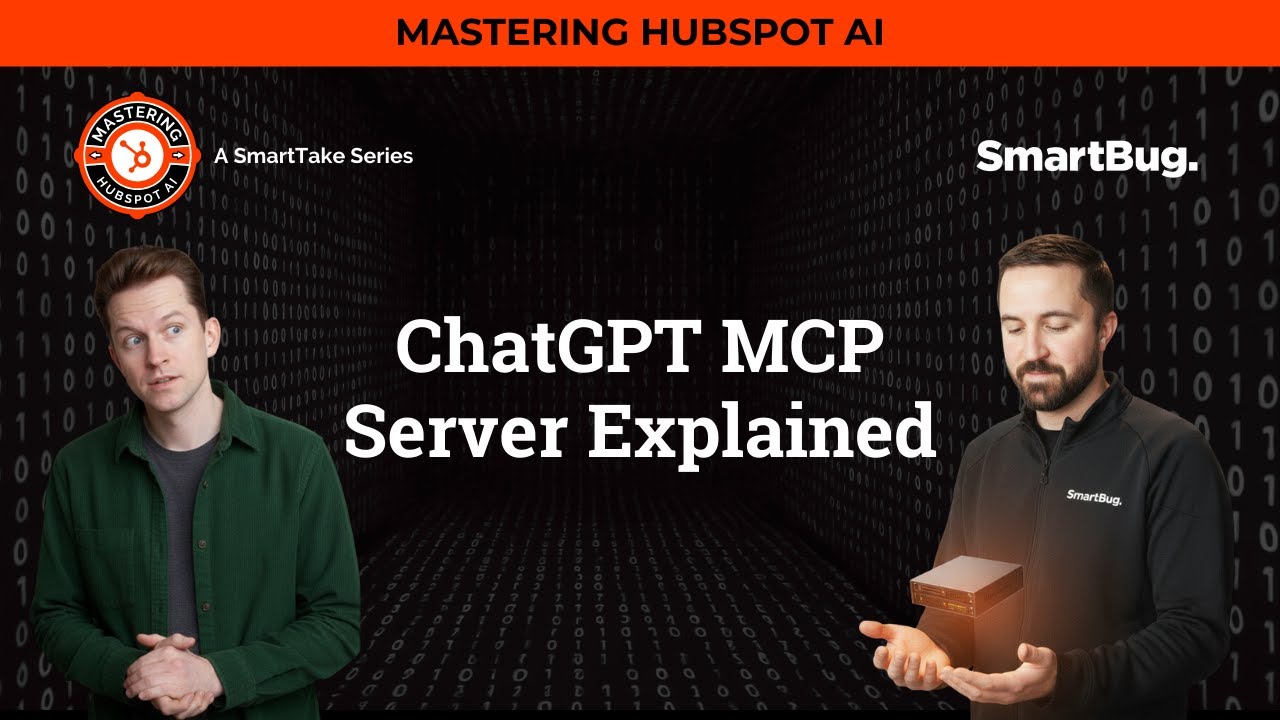
See the MCP Server in action with real-world prompt examples from the Mastering HubSpot AI video series. At 8:15, they demonstrate how to summarize deal progress across multiple pipelines with a single ChatGPT prompt.
Key Takeaways
HubSpot's MCP Server represents a fundamental shift in how businesses connect AI tools to customer platforms - eliminating technical barriers while actually improving data security through centralized permission management.
In summary: The MCP Server lets sales, marketing and support teams work how they prefer (in ChatGPT) while keeping all data securely governed in HubSpot - no custom API development required.
Frequently Asked Questions
Common questions about HubSpot's MCP Server
An MCP (Multi-Connect Platform) Server acts as a universal adapter between ChatGPT and HubSpot, eliminating the need for custom API integrations.
It allows secure data flow with built-in permission controls and guardrails to prevent sensitive data leakage while enabling AI-powered CRM interactions.
- Replaces point-to-point API connections
- Centralizes permission management
- Works with future AI platforms without redevelopment
The MCP Server enables sales teams to query deal progress, identify stalled opportunities, and generate follow-up content directly from ChatGPT while maintaining all data within HubSpot's security framework.
Example prompts include 'summarize deal progress for deals >$50K' or 'identify deals missing next steps'.
- 60% reduction in pipeline review prep time
- Automated stalled opportunity alerts
- Real-time deal summaries for leadership
Marketers can automatically rank new leads by ICP fit, generate nurture sequences for stale leads, and analyze campaign performance.
All through natural language prompts in ChatGPT that pull real-time data from HubSpot without manual exports or API coding.
- ICP-based lead scoring automation
- Personalized nurture content generation
- Campaign performance analysis
Support teams can prompt ChatGPT to 'identify top customer issues and suggest knowledge base improvements' by analyzing HubSpot ticket data.
This surfaces recurring problems for proactive resolution while maintaining all sensitive customer data within HubSpot's permission controls.
- 30-50% reduction in repeat tickets
- Automated ticket trend analysis
- Knowledge base gap identification
The MCP Server enforces strict permission sets that can be configured as read-only initially.
It prevents sensitive data from being exposed to the AI model while allowing controlled access to CRM data. HubSpot admins should start with read-only access and gradually expand permissions after testing.
- Field-level permission controls
- Record-type access restrictions
- Phased implementation approach
Yes, with proper permissions configured, the MCP Server allows ChatGPT to write data back to HubSpot - such as updating deal records, creating follow-up tasks, or logging meeting summaries.
However, most organizations begin with read-only access to validate data accuracy first.
- 78% start read-only for 30+ days
- Gradual permission expansion
- Stakeholder approval gates
Unlike custom API builds that require ongoing maintenance, the MCP Server provides instant connectivity with built-in security.
It eliminates the need for developers to create point-to-point integrations while providing more granular control over what data fields are accessible to AI tools.
- Weeks to minutes implementation time
- Centralized permission management
- Future-proof architecture
GrowwStacks helps businesses implement secure AI-CRM integrations like HubSpot's MCP Server with proper permission architecture and workflow design.
Our team can configure your MCP settings, develop custom prompts for your use cases, and train your team on safe implementation - all starting with a free 30-minute consultation.
- Done-for-you implementation
- Custom prompt development
- Security-first configuration
Ready to Connect ChatGPT to Your HubSpot CRM Securely?
Every day without AI-CRM integration costs your team hours in manual work and missed insights. GrowwStacks will implement your MCP Server connection with proper security guardrails in under 2 weeks - starting with a free consultation.