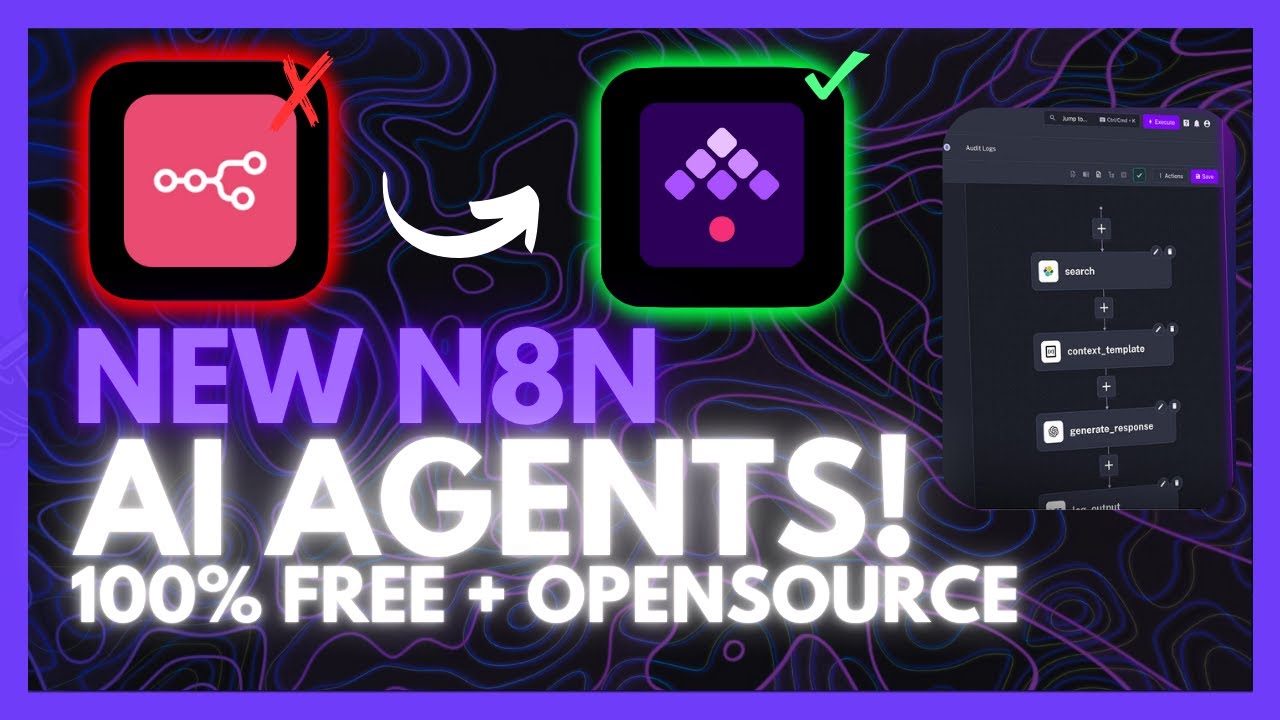
Kestra: The Open-Source AI Agent Builder That Automates Anything (n8n Alternative)
Most automation tools force you to choose between simplicity and power. Kestra breaks this tradeoff by combining no-code ease with infrastructure-as-code flexibility - all while running locally on your machine. Discover how this open-source platform can transform CSV files, process API data, and build AI agents with just a few lines of YAML.
Kestra vs n8n: Key Differences
Businesses using n8n often hit a wall when their automation needs grow more complex. While n8n excels at connecting apps with its node-based interface, it struggles with advanced data processing and infrastructure-level automation. This is where Kestra changes the game.
Kestra introduces infrastructure-as-code principles to workflow automation. Instead of dragging nodes, you define workflows in YAML files that can version control, test, and deploy like software code. This declarative approach makes complex automations more reliable and maintainable.
950+ integrations: Despite its code-centric approach, Kestra offers nearly a thousand ready-made connectors through its plugin system. You get the flexibility of code with the convenience of pre-built integrations - the best of both worlds.
AI-Powered Automation Made Simple
At the 3:15 mark in the tutorial video, we see Kestra's killer feature: the AI copilot. Imagine describing what you want to automate in plain English, and having the system generate the complete workflow for you.
This isn't just simple task automation. The AI can handle complex data transformations like converting CSV files to formatted spreadsheets, applying calculations, and even sending notifications when the job is done. All without writing a single line of code.
Natural language to YAML: The AI copilot converts your plain English prompts into production-ready YAML workflow definitions. This bridges the gap between business requirements and technical implementation.
Local Installation in Minutes
The biggest advantage of Kestra? It runs completely locally using Docker containers. No cloud subscriptions, no vendor lock-in, and your sensitive data never leaves your infrastructure.
Installation requires just a single command (with variations for Windows users):
docker run --rm -p 8080:8080 -v /var/run/docker.sock:/var/run/docker.sock -v ~/.kestra:/app/kestra kestra/kestra:latest server local Once running, Kestra provides a web UI at localhost:8080 where you can create your first workflow. The platform includes tutorial flows that demonstrate its capabilities right out of the box.
Real-World Workflow Examples
Kestra shines in scenarios where traditional no-code tools fall short. One standout example from the tutorial (at 6:30) shows how it can:
- Fetch JSON data from a remote API
- Transform the data using Python scripts
- Run SQL queries against the processed data
- Send Slack notifications upon completion
What would take hours to configure in spreadsheets or basic automation tools becomes a reliable, scheduled workflow in Kestra. The platform handles error recovery, logging, and monitoring automatically.
Advanced Data Engineering
At 7:45 in the video, we see Kestra's true power for data teams. The platform can:
- Run Python scripts in isolated Docker containers (no environment conflicts)
- Process large datasets with built-in parallelization
- Chain multiple transformations with dependency management
- Visualize pipeline execution with detailed logs
This makes Kestra ideal for ETL (Extract, Transform, Load) workflows that would normally require custom coding. The declarative YAML format means these pipelines are self-documenting and easy to modify.
Using the AI Copilot
The tutorial's most impressive moment comes at 9:20 when demonstrating the AI copilot. Simply describe what you want to accomplish, and Kestra will:
- Generate the YAML workflow definition
- Suggest appropriate plugins and configurations
- Provide sample input data for testing
- Explain each part of the generated code
No coding required: While Kestra supports custom code when needed, many workflows can be created entirely through the AI interface. This makes advanced automation accessible to non-technical users while preserving flexibility for developers.
Watch the Full Tutorial
See Kestra in action from installation to advanced workflow creation. The video tutorial demonstrates real-time AI agent creation, data pipeline building, and the complete local setup process.
Key Takeaways
Kestra represents the next evolution of workflow automation - combining the simplicity of no-code tools with the power of infrastructure-as-code. Its unique approach solves three critical business challenges:
In summary: Kestra brings enterprise-grade automation capabilities to businesses of any size, runs completely locally for data security, and makes advanced workflows accessible through its AI copilot. For teams outgrowing n8n or looking for more powerful automation, it's a game-changing alternative.
Frequently Asked Questions
Common questions about Kestra automation
While n8n focuses on node-based integrations, Kestra brings infrastructure-as-code principles to workflow automation. This means you get both no-code simplicity and code-level flexibility in one platform.
Kestra uses YAML files to define workflows and can run complex data pipelines that would be difficult to configure in pure no-code tools. The declarative approach makes automations more maintainable and testable.
- Infrastructure-as-code workflow definitions
- Built for complex data processing pipelines
- 950+ plugins for common integrations
Yes, Kestra has built-in AI capabilities through its AI copilot feature. You can connect providers like Gemini and describe what you want to automate in plain language.
The AI will generate the necessary YAML configuration and handle tasks like data transformation, calculations, and notifications automatically. This makes advanced automation accessible to non-technical users.
- Natural language to YAML conversion
- Supports major AI providers
- Explains generated code
The core Kestra platform is completely open-source and free to run locally. You only need Docker installed to get started. There is a paid cloud-hosted version available, but the local version offers all the same functionality.
Running locally means your data never leaves your infrastructure, providing better security and compliance for sensitive business processes.
- 100% open-source core
- No feature limitations in local version
- Enterprise-grade security
Kestra excels at data processing pipelines, business process automation, and AI agent workflows. Common use cases include transforming CSV files, processing API data, running SQL queries, and building complete AI agents.
The platform's flexibility makes it suitable for everything from simple task automation to complex multi-step workflows involving conditional logic and error handling.
- Data engineering pipelines
- Business process automation
- AI agent creation
Setup is straightforward if you're comfortable with basic Docker commands. The installation requires just a single command in your terminal. Kestra provides different command presets for Windows PowerShell, Command Prompt, and WSL users.
Once installed, the web UI guides you through creating your first workflow. The included tutorial flows help you understand the platform's capabilities quickly.
- Single-command installation
- Windows/Linux/Mac support
- Interactive tutorials
Yes, Kestra offers blueprints (templates) for common automation scenarios. These include ready-to-use workflows for data engineering, business operations, and AI agent creation.
You can modify these templates or use them as learning resources for building your own custom automations. The blueprints cover everything from simple tasks to complex multi-step workflows.
- Data processing templates
- Business automation examples
- AI agent blueprints
While Kestra workflows are defined in YAML, you can incorporate Python scripts, SQL queries, and other languages within your automations. The platform runs these in isolated Docker containers for security and consistency.
Kestra's AI copilot can generate the necessary code snippets based on your requirements. This means you can leverage multiple programming languages without needing deep expertise in each one.
- Native YAML workflow definitions
- Python script execution
- SQL query support
GrowwStacks helps businesses implement Kestra workflows tailored to their specific needs. Our team can design custom AI agents, configure complex data pipelines, and integrate Kestra with your existing systems.
We specialize in transforming manual processes into automated workflows that save time and reduce errors. Our implementation services include training your team to maintain and modify the automations we create.
- Custom workflow design
- Existing system integration
- Free 30-minute consultation
Ready to Automate Your Business Processes With Kestra?
Manual data processing and repetitive tasks are costing your business time and money every day. Let GrowwStacks implement Kestra workflows that work while you sleep.