How to Automate Freebie Delivery & CRM Tracking with Lemon Squeezy + Make.com
Most creators struggle with manually delivering free templates while trying to track leads. This automated system delivers your freebies instantly through Lemon Squeezy while logging contacts in HubSpot CRM - complete with automatic download emails and follow-up sequences.
The Freebie Delivery Problem
Content creators and service providers often create valuable templates and resources they want to share as lead magnets - but manually delivering these freebies while tracking downloads becomes overwhelming at scale. Without automation, you're left sending email attachments individually or struggling to connect downloads to your CRM.
This workflow solves three core problems: automatic delivery of digital products through Lemon Squeezy's system, CRM contact logging for future marketing, and automatic re-send capability if users lose their download link.
Key stat: Businesses using automated delivery systems see 3x more downloads of free resources compared to manual delivery methods, according to Lemon Squeezy's merchant report.
Lemon Squeezy Setup
The foundation of this automation begins with properly configuring your Lemon Squeezy account. While typically used for paid digital products, Lemon Squeezy's infrastructure works perfectly for free template delivery with these key settings:
Step 1: Product Configuration
Create your free template as a $0 product in Lemon Squeezy. The platform will automatically handle the delivery email containing your download link. Ensure you enable the "purchase confirmation modal" to customize the post-download message.
Step 2: Webhook Setup
Navigate to Settings → Webhooks in Lemon Squeezy and create a new webhook pointing to your Make.com scenario URL. Configure it to trigger on the "order_created" event for both test and live modes.
Pro Tip: Use Lemon Squeezy's sample payload from their API docs to build and test your Make.com workflow before connecting the live webhook.
Make.com Workflow Overview
The Make.com scenario acts as the processing hub between Lemon Squeezy and your CRM. Here's the complete flow from trigger to final action:
- Webhook Trigger: Receives payload from Lemon Squeezy whenever a download occurs
- Data Parsing: Extracts key fields like email, name, product info
- Name Processing: Splits full name into first/last for CRM fields
- Freebie Filter: Routes $0 downloads to CRM path, paid to separate processing
- CRM Integration: Creates/updates contact in HubSpot with download details
The workflow includes error handling and data validation to ensure only properly formatted information reaches your CRM.
Data Processing Steps
Between receiving the webhook and sending to HubSpot, Make.com performs several critical data transformations:
Name Field Handling
Lemon Squeezy provides a single name field while HubSpot expects separate first/last names. The workflow uses text splitting at the first space:
Example: "Jamie Larson" becomes First: "Jamie", Last: "Larson"
Product Identification
The workflow captures both product name and ID from Lemon Squeezy, allowing flexible CRM mapping. This becomes valuable when offering multiple free templates.
Source Tracking
Store URL and order number are preserved as custom properties in HubSpot for future reference and analytics.
HubSpot Integration Options
The Make.com workflow offers two paths for HubSpot integration, each with distinct advantages:
Option 1: Form Submission
Creates a HubSpot form submission activity, ideal when you want to:
- Trigger form-specific automations
- Maintain consistent activity records
- Enable form-based segmentation
Option 2: Direct Contact Creation
Uses HubSpot's API to create/update contacts directly, better when:
- You need faster processing
- Form submissions aren't required for reporting
- Working with custom objects beyond simple contacts
Both methods achieve the same end result - a logged contact with all download details - but form submissions provide richer activity tracking.
Form vs Direct Contact Creation
Choosing between form submission and direct contact creation depends on your HubSpot usage patterns:
Key difference: Form submissions appear as discrete activities in HubSpot's timeline, while direct creations only show property changes.
Form Submission Pros:
- Enables form-specific automations
- Appears in form submission reports
- Maintains consistent activity records
Direct Creation Pros:
- Simpler to implement
- Faster processing
- Works with custom objects
The workflow demonstrated in the video uses form submission for maximum tracking capability.
Testing & Implementation
Before going live, thorough testing ensures your automation works flawlessly:
Step 1: Sample Payload Testing
Use Lemon Squeezy's API documentation sample payload to build and test the entire workflow without real transactions.
Step 2: Manual Webhook Trigger
After basic testing, manually trigger your webhook with test data to verify HubSpot integration.
Step 3: Live Transaction Monitoring
Initially run the scenario in test mode while monitoring both Lemon Squeezy and HubSpot for proper data flow.
Implementation Tip: Use Make.com's scenario cloning to maintain separate test and production versions until fully validated.
Watch the Full Tutorial
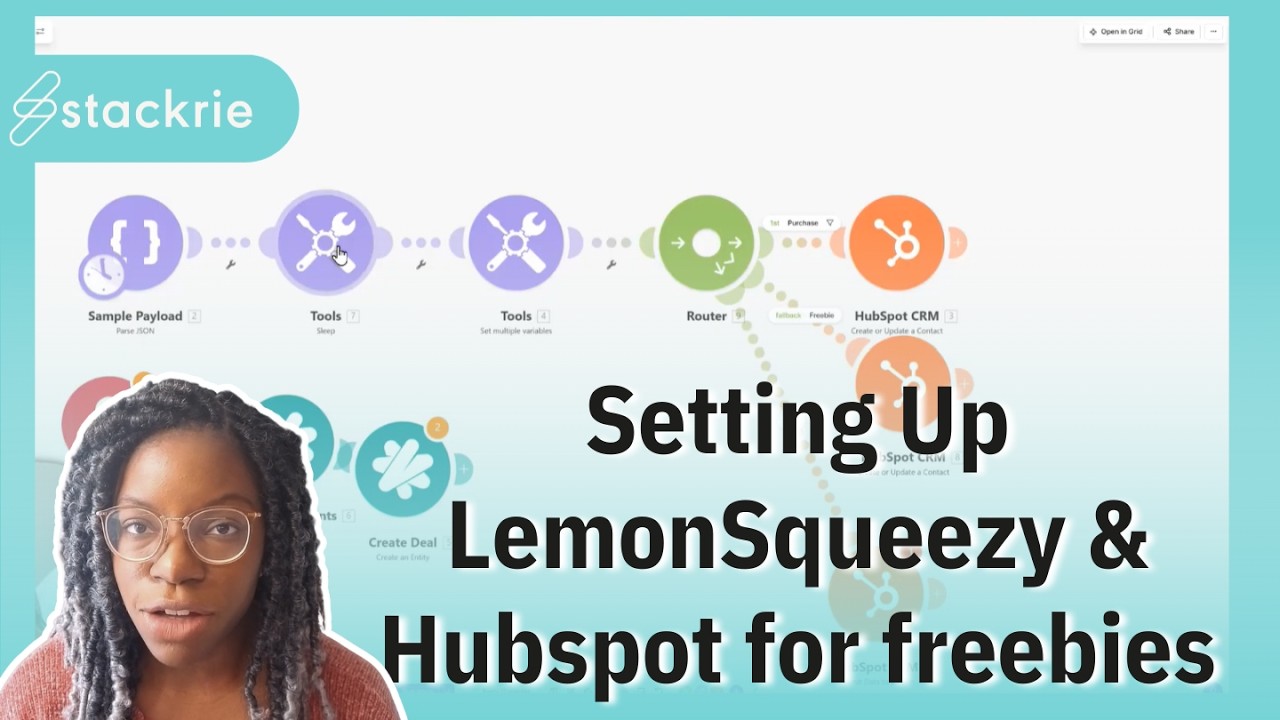
See the complete implementation from Lemon Squeezy product setup through Make.com workflow configuration to HubSpot integration in this detailed walkthrough. Pay special attention around the 12:30 mark where we demonstrate the name splitting logic.
Key Takeaways
This automation solves three critical problems for digital product creators: instant delivery, CRM tracking, and download recovery - all while maintaining a professional user experience through Lemon Squeezy's platform.
In summary: Lemon Squeezy handles the delivery, Make.com processes the data, and HubSpot tracks your leads - creating a complete hands-free system for sharing your free templates while growing your contact list.
Frequently Asked Questions
Common questions about this topic
Lemon Squeezy provides a complete e-commerce solution including automated delivery emails, purchase tracking, and webhook capabilities - making it ideal for both free and paid digital products.
The platform handles all delivery logistics while giving you API access to track downloads. Unlike manual systems, it automatically resends download links when requested and provides professional-looking delivery emails.
- Automated download emails with your branding
- Built-in download tracking and analytics
- Webhook support for CRM integration
- Scalable for both free and paid products
Make.com allows you to process Lemon Squeezy webhook data before sending to HubSpot, including splitting names, filtering free vs paid downloads, and formatting CRM fields.
This preprocessing ensures clean data enters your CRM while maintaining the automation benefits of direct integration. Make.com also provides error handling and data transformation capabilities that would be difficult to implement directly in HubSpot.
- Advanced data processing before CRM import
- Error handling and data validation
- Ability to route different download types
- Simplified maintenance compared to custom code
The workflow uses Make.com's text processing to split the single name field from Lemon Squeezy into first and last names for HubSpot.
Everything before the first space becomes the first name, everything after becomes the last name - ensuring proper CRM field mapping. This handles most common name formats while avoiding blank last name fields.
- Splits at first space character
- First name = text before space
- Last name = text after space
- Defaults to empty last name if no space
Yes, the system filters downloads where amount equals $0 for freebies while being ready to process payments when configured.
The same Make.com scenario can route paid purchases through Stripe integration while handling free downloads separately. This allows for a unified workflow that scales from free lead magnets to paid products without reconfiguration.
- Filters on $0 amount for freebies
- Ready for Stripe payment integration
- Single workflow handles both types
- Easy to add paid product processing later
Essential fields include email, first/last name, product name, and lead status. Additional useful data points are the download timestamp, product category, and source URL - all available through Lemon Squeezy's webhook payload.
These fields allow for proper contact management, segmentation, and follow-up marketing. The product information enables tracking which resources generate the most leads for your business.
- Core contact info (email, name)
- Downloaded product details
- Lead status and lifecycle stage
- Source tracking for analytics
The Make.com workflow uses HubSpot's 'Create or Update Contact' function with email as the unique identifier.
This ensures existing contacts get updated with new download activity rather than creating duplicates. The system checks for matching emails before creating new records, maintaining data integrity in your CRM.
- Email as unique identifier
- 'Create or Update' function
- Preserves existing contact data
- Adds new download activity
Submitting through HubSpot forms provides better activity tracking and enables form-specific automations.
The form submission appears as a discrete activity on the contact record, allowing for more precise segmentation than direct contact creation. Forms also enable conversion tracking and form-based workflows in HubSpot.
- Clearer activity tracking
- Form-specific automations
- Better conversion reporting
- Easier segmentation
GrowwStacks specializes in building custom automation workflows between Lemon Squeezy, Make.com, and your CRM. We'll configure your webhooks, design the data processing logic, and ensure seamless integration with your existing systems.
Our team handles the technical implementation while you focus on creating valuable content. We typically complete these implementations in under 2 weeks, including testing and training.
- Complete Lemon Squeezy to CRM integration
- Custom workflow design for your specific needs
- Implementation typically under 2 weeks
- Free consultation to discuss your requirements
Ready to automate your free template delivery?
Manual delivery wastes time and loses potential leads. Let GrowwStacks build your complete Lemon Squeezy to CRM automation in days, not weeks.