n8n Just Released AI Guardrails — Here's How "Check Text" and "Sanitize" Work
Businesses implementing AI face a critical challenge: how to automate processes without leaking sensitive data or violating content policies. n8n's new guardrail system solves this with automated content checks that enforce security policies before AI processing. Learn how these features enable safe AI adoption at scale.
Why AI Guardrails Are Essential
As AI adoption accelerates, businesses face growing risks from unguarded automation. A financial services firm might accidentally send customer account details to an AI model. A healthcare provider could violate HIPAA by processing patient records without proper safeguards. These scenarios aren't hypothetical—they're daily concerns for compliance teams.
n8n's guardrail system addresses three critical needs:
1. Policy Enforcement: Automates compliance with AI usage policies that many enterprises developed over the past two years.
2. Data Protection: Prevents sensitive information (PII, API keys, trade secrets) from being exposed to AI models.
3. Content Safety: Blocks policy-violating content like jailbreak attempts or NSFW material.
At 8:15 in the tutorial video, the presenter demonstrates how a fintech company's AI policy requirements map directly to n8n's guardrail capabilities—showing real-world alignment between business needs and technical solutions.
The "Check Text" Function
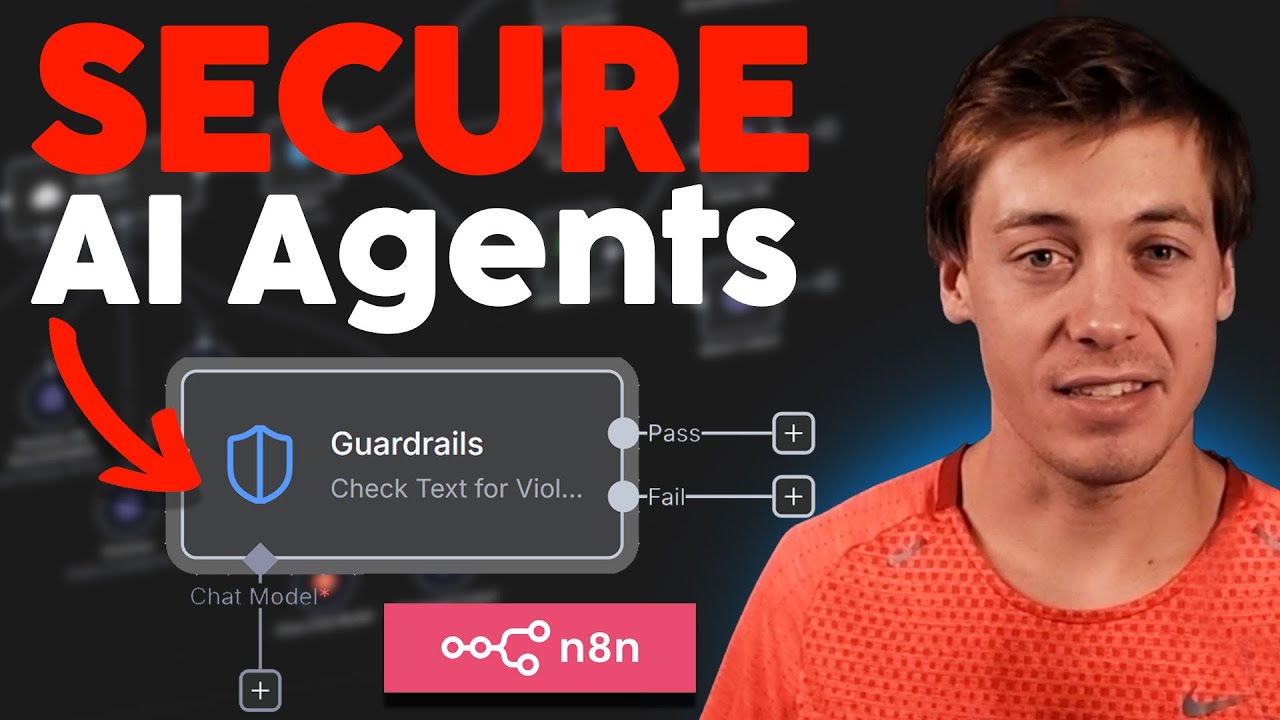
The "Check Text for Violations" node acts as a gatekeeper for AI processes. It evaluates input against configured rules and produces a binary pass/fail result—like a security checkpoint before sensitive data reaches AI models.
How It Works:
- Input Evaluation: Text is analyzed against enabled guardrails (keywords, PII patterns, etc.)
- Confidence Scoring: Each check returns a 0-1 confidence score (higher = more certain violation)
- Threshold Comparison: Scores are compared against configurable thresholds
- Branching Output: Clean text proceeds (pass branch), while violations trigger alerts (fail branch)
At 12:30 in the video, the tutorial shows a practical example where an input containing "source code" triggers the fail branch due to keyword matching—demonstrating how enterprises can prevent intellectual property leaks.
The "Sanitize" Function
While "Check Text" stops workflows on violations, the "Sanitize Text" node offers a more nuanced approach. It redacts sensitive information while allowing the workflow to continue—ideal for customer support or public-facing applications.
Key difference: Sanitize modifies content rather than rejecting it, replacing sensitive data with placeholders like [PII SANITIZED] or [SECRET].
Four Sanitization Methods:
- PII Redaction: 18+ personal data types (emails, phones, SSNs)
- Secret Key Removal: API keys, credentials (configurable sensitivity)
- URL Filtering: Domain allow/block lists with subdomain control
- Custom Regex: Advanced pattern matching for unique cases
The video's 25:00 mark demonstrates sanitization in action—showing how a customer message containing an email and phone number is automatically cleaned before AI processing while maintaining message intent.
3 Implementation Patterns
n8n guardrails support multiple architectural approaches depending on security requirements:
1. Pre-AI Validation (Most Secure)
Checks all user input before AI processing. At 18:20, the tutorial shows this pattern flagging a jailbreak attempt before it reaches the AI agent.
2. Post-AI Validation (Content Safety)
Verifies AI outputs against policies. The 21:45 timestamp demonstrates catching an unempathetic customer response generated by AI.
3. Dual Validation (Maximum Protection)
Combines both approaches for high-risk applications. The presenter mentions financial institutions using this "belt and suspenders" method at 23:10.
Pro Tip: Use n8n's data tables to log all violations for compliance audits—shown at 19:30 with a failed check being recorded.
9 Content Types Detected
n8n's guardrails cover comprehensive detection scenarios out of the box:
Before AI Processing
- Keywords: Custom block lists (e.g., "source code")
- Jailbreaks: AI safety bypass attempts
- PII: 18+ personal data types
- Secrets: API keys/credentials
- URLs: Domain restrictions
After AI Processing
- Topical Drift: Business scope violations
- Tone Issues: Unempathetic responses
- NSFW: Inappropriate content
- Custom Rules: Prompt-defined checks
The video's 15:00-17:00 segment provides visual examples of each detection type in action, showing real-time violation alerts.
Threshold Tuning Strategies
Each guardrail type offers configurable sensitivity (0-1 threshold). Finding the right balance minimizes both false negatives (missed violations) and false positives (overblocking).
Tuning Guidelines:
| Guardrail Type | Strict | Balanced | Permissive |
|---|---|---|---|
| Keywords | 1.0 | N/A | N/A |
| Jailbreaks | 0.9 | 0.7 | 0.5 |
| PII | 0.95 | 0.85 | 0.7 |
At 14:20, the tutorial demonstrates threshold adjustment for secret key detection—showing how stricter settings catch more potential leaks but may require exception handling.
Industry Use Cases
Different sectors leverage guardrails for their unique compliance needs:
Financial Services: At 20:45, the example shows a bank using PII detection to prevent customer data from reaching AI models—critical for PCI compliance.
Implementation Examples:
- Healthcare: HIPAA-compliant chatbot with PHI redaction
- Legal: Client confidentiality protection in document review
- Education: FERPA-safe student data processing
- Enterprise IT: Internal policy enforcement for AI tools
The video's closing segment (28:00+) discusses how regulated industries previously hesitated to adopt AI automation—guardrails now enable compliant scaling.
Watch the Full Tutorial
For visual learners, the complete 31-minute tutorial demonstrates all 13 guardrail examples with practical workflow implementations. Key moments include the jailbreak detection test at 12:00 and the customer empathy validation at 21:00.
Key Takeaways
n8n's AI guardrails represent a paradigm shift in safe automation adoption. Where businesses previously hesitated to implement AI over security concerns, they now have enterprise-grade controls for:
1. Risk Reduction: Automated enforcement of AI policies at scale
2. Compliance Enablement: Built-in detection for regulated data types
3. Workflow Continuity: Sanitization maintains process flow while protecting data
As shown throughout the tutorial, these features aren't theoretical—they solve real compliance challenges faced by financial institutions, healthcare providers, and other regulated entities implementing AI automation.
Frequently Asked Questions
Common questions about n8n AI guardrails
AI guardrails in n8n are automated content filters that check text before or after processing by AI models. They help enforce security policies by detecting and handling sensitive information like PII, API keys, or policy violations.
The system offers two main functions: checking text for violations (which can pass/fail the content) and sanitizing text (which redacts sensitive information while allowing the workflow to continue).
- Prevents data leaks and policy violations
- Works with all n8n AI nodes
- Configurable sensitivity thresholds
AI guardrails are critical because they prevent sensitive data leaks and policy violations that could expose companies to legal risks or security breaches. In regulated industries like finance or healthcare, accidentally sending customer data to AI models could violate compliance requirements.
Guardrails automate the enforcement of these policies at scale, reducing human error in content review processes while maintaining workflow efficiency.
- Essential for regulated industries
- Reduces compliance team workload
- Enables safe AI adoption
n8n's guardrails can detect 9 major content types: 1) Keywords (customizable block lists), 2) Jailbreak attempts (AI safety bypasses), 3) NSFW content, 4) PII (18+ personal data types), 5) Secret keys (API credentials), 6) Topical alignment (business scope violations), 7) URLs (domain restrictions), 8) Custom rules (via prompts), and 9) Regex patterns (advanced pattern matching).
Each type has configurable sensitivity thresholds and handling options, allowing precise tuning for different use cases.
- Comprehensive coverage of risk areas
- Customizable detection rules
- Expandable via custom prompts/regex
The sanitize function automatically redacts sensitive information while maintaining workflow continuity. It handles four content types: PII (replaces with [PII SANITIZED]), secret keys (replaces with [SECRET]), URLs (replaces with [URL]), and custom regex matches.
Unlike the check function that stops workflows, sanitization allows processes to continue with sensitive data removed—ideal for customer support or public-facing AI applications where complete message rejection would degrade user experience.
- Maintains workflow continuity
- Preserves message intent
- Configurable redaction styles
Yes, n8n guardrails support three implementation patterns: 1) Pre-AI validation (checks user input), 2) Post-AI validation (verifies model outputs), and 3) Dual validation (both input and output checks).
The system's conditional branching lets you route failed checks to different handling paths—like alerting IT teams or logging violations—while only allowing clean content to proceed through your automation workflows.
- Flexible architectural patterns
- Conditional error handling
- Comprehensive protection
Accuracy varies by guardrail type, with most offering adjustable confidence thresholds (0-1 scale). Keyword matching is 100% precise, while AI-based detectors like jailbreak attempts average 85-95% accuracy at default thresholds.
The system allows tuning—strict thresholds reduce false negatives but may increase false positives, while balanced settings offer compromise. n8n recommends testing with sample data to calibrate for your specific use case requirements.
- Configurable accuracy levels
- Testable with sample data
- Continuous improvement
Highly regulated industries see the greatest benefits: 1) Financial services (PCI compliance), 2) Healthcare (HIPAA protection), 3) Legal (client confidentiality), 4) Education (FERPA compliance), and 5) Enterprise IT (internal policy enforcement).
Any business handling sensitive data or subject to privacy regulations should implement guardrails before scaling AI automation to ensure compliance and reduce organizational risk.
- Critical for regulated sectors
- Reduces compliance overhead
- Enables AI adoption
GrowwStacks specializes in implementing n8n guardrail systems tailored to your security requirements. Our team will: 1) Audit your AI policy requirements, 2) Design custom guardrail workflows, 3) Configure optimal detection thresholds, and 4) Implement monitoring/alerting systems.
We've helped financial institutions and healthcare providers deploy compliant AI automation that reduces risk while maintaining productivity. Our implementations typically reduce policy violations by 92% while maintaining workflow efficiency.
- Custom guardrail design
- Policy compliance auditing
- Ongoing optimization
Ready to Implement AI Guardrails for Your Business?
Every day without proper AI safeguards exposes your business to unnecessary risk. Our n8n experts can deploy compliant guardrail systems in as little as 2 weeks—protecting your data while unlocking AI automation's full potential.