Build a Smart Family Clock-In System with n8n & Home Assistant
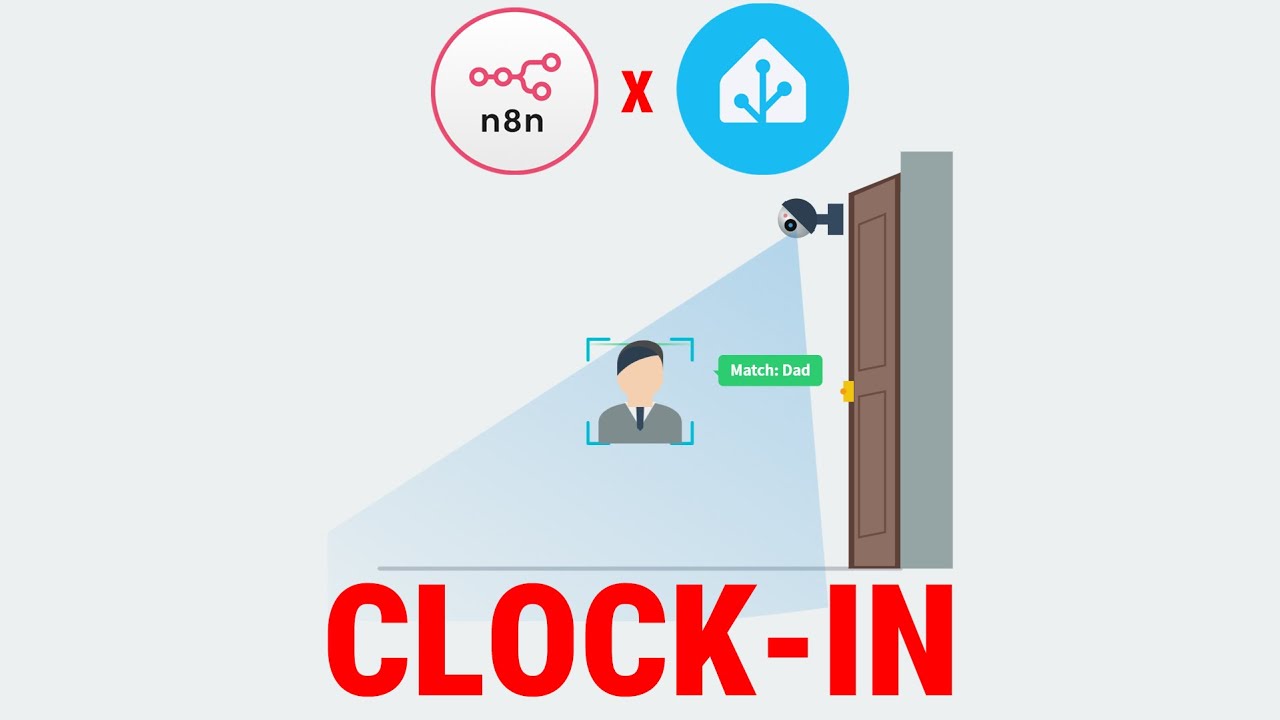
Tired of wondering when family members come and go? This automated system combines Frigate's face recognition with n8n workflows to create daily attendance reports, giving you peace of mind without manual tracking. Perfect for busy households who want smarter home automation.
How the Family Clock-In System Works
Traditional methods of tracking family comings and goings - notes on the fridge, text messages, or memory - are unreliable and create mental overhead. This system automates the entire process using three key technologies working together:
Frigate's AI-powered face recognition identifies family members as they enter your home. Home Assistant stores this data securely. n8n orchestrates the entire workflow - collecting data at midnight, processing it through filters, generating an AI summary, and delivering notifications.
The complete system takes about 2 hours to set up but runs autonomously forever once configured. You'll receive daily reports like "Dad arrived at 5:42pm, Mom at 6:15pm, and Son at 3:30pm after school" without lifting a finger.
Setting Up Frigate Face Recognition
The foundation of this system is accurate face detection. Frigate's machine learning models need proper configuration to reliably recognize your family members:
In your Frigate config file, enable both person tracking and face recognition under camera settings. After restarting, you'll see a new faces tab where you can build your family's face library. For each member, upload at least three clear photos from different angles.
Training tip: The first few days may show "unknown" labels as the AI learns. Simply find these snapshots, click "train face," and assign them to the correct person to continuously improve accuracy.
Building the n8n Attendance Workflow
The magic happens in n8n, where we create a workflow that runs automatically at midnight to compile the day's attendance data. Here's the step-by-step process:
Step 1: Schedule Trigger
Configure a schedule trigger to run once daily at midnight. This ensures the system checks arrivals for the previous full day.
Step 2: Data Collection
Use an HTTP Request node to query Home Assistant's database API directly. This retrieves the complete history for your Frigate face recognition sensor.
Critical configuration: Set authentication using a Home Assistant long-lived access token and add filters to only retrieve data for your specific face recognition sensor.
Processing and Filtering the Raw Data
The raw data from Home Assistant contains noise - unknown faces, system states, and irrelevant information. We need to clean this before generating reports:
Step 3: Face Filter
A JavaScript code node acts as a high-precision filter, keeping only records that match your predefined family members (dad, mom, son, etc.).
Step 4: Data Logging
An optional but recommended step stores the cleaned data in n8n's database tables. This creates an audit trail for troubleshooting.
Debugging advantage: Having this raw-but-filtered data available lets you verify the AI's reports and identify any recognition issues that need training.
Generating AI-Powered Daily Reports
With clean data ready, we transform it into human-readable reports using AI:
Step 5: Data Formatting
An Edit Fields node transforms raw states ("dad") into descriptive labels ("Member: Dad") and converts timestamps to readable times.
Step 6: Aggregation
All individual arrival events are bundled together into a single daily dossier for the AI to analyze.
Step 7: AI Analysis
A Gemini AI node receives the structured data with a clear prompt: "Generate a concise daily attendance report based on these family arrival records."
Customization tip: You can modify the AI prompt to change report style, include additional analysis, or focus on specific patterns.
Setting Up Notifications
The final step delivers the AI-generated report where you need it:
Step 8: Home Assistant Notification
A Call Service node creates a persistent notification in Home Assistant, creating a timestamped record in your dashboard.
Step 9: Mobile Alert
An additional Call Service node sends the same report to your mobile device via Home Assistant's notification system.
Flexible delivery: You could easily add email notifications, Slack messages, or other outputs by duplicating and modifying this step.
Watch the Full Tutorial
See the complete implementation from start to finish in our video tutorial. At 4:15, we demonstrate how to configure the critical HTTP Request node to properly query Home Assistant's history API - a common stumbling point for many automations.
Key Takeaways
This project demonstrates how combining specialized tools can create powerful home automation solutions that would be impossible with any single system alone. Frigate handles face recognition, Home Assistant manages the smart home data, and n8n orchestrates the entire workflow.
In summary: You can automate family attendance tracking with about 2 hours of setup. The system improves over time as Frigate learns faces better, and you can extend it with additional features like anomaly detection for unusual arrival times.
Frequently Asked Questions
Common questions about this topic
You'll need a camera connected to Frigate for face recognition, a Home Assistant installation, and n8n running either locally or in the cloud.
The camera should be positioned at your main entry point with good lighting. For best results, use a camera with at least 1080p resolution.
- Camera with Frigate integration
- Home Assistant instance
- n8n installation
Frigate's face recognition improves over time as you train it with more images. The system learns from corrections you make when it misidentifies someone.
Initial accuracy starts around 80-90% and can reach 95%+ after proper training with multiple angles of each family member's face.
- Improves with more training images
- Multiple angles increase accuracy
- Regular corrections help the AI learn
Yes, you can add additional cameras at different entry points throughout your home.
Each camera would need its own Frigate configuration, and you'd modify the n8n workflow to aggregate data from multiple sources before generating the final report.
- Supports multiple cameras
- Requires separate Frigate configs
- n8n workflow needs adjustment
All face recognition happens locally on your Frigate installation without requiring cloud processing.
The system gives you complete control over where data is stored and who can access it. You can choose to keep everything on your local network.
- No cloud processing required
- Data stays on your devices
- Full control over access
The AI-generated report format is fully customizable by modifying the prompt in the n8n workflow.
You can specify exactly what information to include, how it should be presented, and even add analysis like "Dad was home late 3 times this week."
- Edit the AI prompt
- Add custom analysis
- Change output format
The system includes a data table for logging all recognized faces, allowing you to review and correct any misidentifications.
You can also adjust Frigate's confidence thresholds to reduce false positives, though this may increase false negatives until the system learns more.
- Reviewable data logs
- Adjustable confidence levels
- Training reduces errors over time
The core face recognition and data collection continues working locally without internet access.
Only cloud-dependent features like mobile notifications would be affected until connectivity is restored. Local notifications in Home Assistant would still work.
- Face recognition works offline
- Data collection continues
- Cloud notifications pause
GrowwStacks specializes in custom automation solutions for both homes and businesses.
We can adapt this attendance tracking system for business use cases like employee check-ins, integrating with your existing HR systems and security infrastructure while maintaining privacy compliance.
- Custom business adaptations
- HR system integration
- Full implementation service
Ready to automate your family's attendance tracking?
Stop wondering when family members come and go. Let GrowwStacks build this smart clock-in system for your home, customized to your family's routines and your home's layout.