This n8n Lead Generation Agent Scrapes FREE Leads from Google Maps
Stop wasting hours manually collecting leads or paying hundreds for outdated lists. This free n8n automation scrapes fresh, verified business leads directly from Google Maps - complete with emails and phone numbers - while you sleep. No coding required.
The $500/Month Lead Generation Problem
Most businesses face the same frustrating dilemma: spend hours manually searching for leads on Google Maps, copying and pasting contact information one business at a time, or pay $200-$500 per month for lead generation tools that often provide outdated lists full of dead emails and disconnected phone numbers.
The worst part? You can see the perfect leads right there on Google Maps - they're literally staring you in the face. But collecting them manually is soul-crushing work that kills your sales momentum while competitors are busy closing deals.
85% of salespeople report that lead generation is their biggest challenge, with the average SMB spending 15+ hours per week just building contact lists.
How the Google Maps Scraping Automation Works
This n8n workflow solves the lead generation problem by automating the entire process from search to spreadsheet. Here's the step-by-step flow:
Step 1: Input Your Search Criteria
You simply provide three pieces of information:
- Business type (e.g., "dentist", "roofing contractor")
- Location (city, state, or zip code)
- Number of leads you want (from 10 to 1000+)
Step 2: Automated Google Maps Scraping
The system hits Google Maps and scrapes all matching businesses to your keywords, automatically filtering out duplicates and junk links.
Step 3: Contact Information Extraction
For each business, the automation visits their website to extract phone numbers and emails from homepage and contact pages, intelligently ignoring placeholder data.
Step 4: Organized Spreadsheet Output
All collected data gets neatly organized into a Google Sheet with columns for email, phone number, website, keyword, and location - ready for your outreach campaigns.
In summary: Input criteria → Google Maps scrape → website visits → contact extraction → clean spreadsheet output. The entire process runs automatically while you focus on selling.
Setting Up the n8n Workflow
Implementing this lead generation agent requires just a few simple steps in n8n:
Step 1: Download the Template
Get the pre-built JSON template containing the complete workflow structure.
Step 2: Import into n8n
Create a new workflow in n8n and use the "Import from File" option to load the JSON template.
Step 3: Configure Google Sheets
The only node that requires setup is the Google Sheets "add to sheet" node, which needs your Google account connected (we'll cover this in detail next).
That's it! The rest of the workflow comes pre-configured to handle the scraping, data extraction, and organization automatically.
Google Sheets Configuration
The Google Sheets setup is straightforward but crucial for proper operation:
Step 1: Create Your Spreadsheet
Open sheets.google.com and create a new sheet with these exact headers in row 1:
- Keyword
- Website
- Location
- Phone
Step 2: Format the Phone Column
Set the phone column format to "Plain text" to prevent numbers from turning into formulas or losing leading zeros.
Step 3: Connect to n8n
In the n8n workflow:
- Open the "add to sheet" node
- Under credentials, choose "Google Sheets OAuth2"
- Sign in to the same Google account
- Paste your document ID (the long string between /d/ and /edit in your sheet URL)
- Select the correct tab
- Set operation to "Append or update"
- Map the columns: JSON email → Email, JSON website → Website, etc.
Pro Tip: Set "Column to match on" to "website" so each business only gets one row that updates on subsequent runs, preventing duplicates.
Results You Can Expect
When configured properly, this automation delivers:
- 85-90% accuracy for valid email addresses and phone numbers
- 100-500 fresh leads per hour (depending on search parameters)
- Clean, organized data ready for CRM import or outreach campaigns
- Clear labeling when contact info isn't found ("no email", "no phone")
The system is particularly effective for:
- Local service businesses (plumbers, electricians, contractors)
- Professional services (accountants, lawyers, consultants)
- Medical providers (dentists, chiropractors, veterinarians)
- B2B companies targeting specific niches
Real-world impact: One insurance agency using this automation reduced their lead acquisition cost from $12 per lead to $0 while increasing lead volume by 300%.
Watch the Full Tutorial
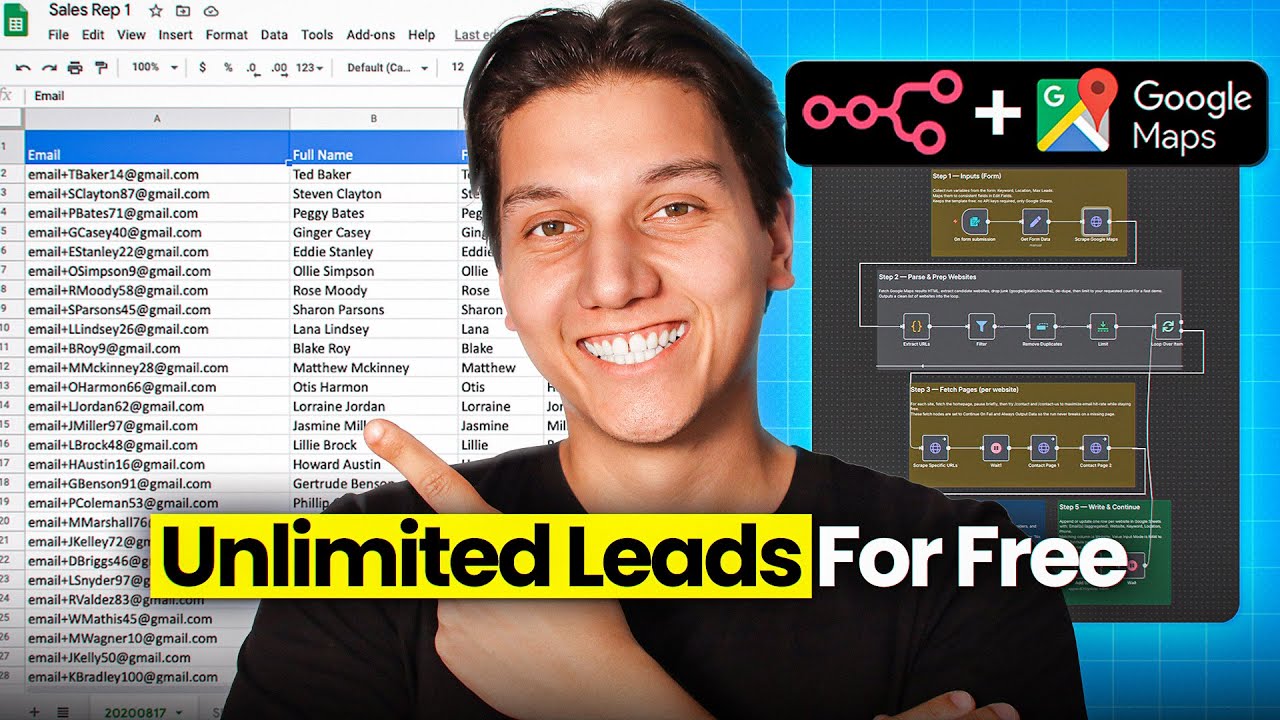
See the complete setup process in action, including how to customize the search parameters and troubleshoot common issues (timestamp 4:12 shows the Google Sheets configuration in detail).
Key Takeaways
This n8n lead generation agent solves three critical problems for businesses:
- Eliminates manual data entry - No more copying/pasting from Google Maps
- Saves hundreds on lead services - Scrapes fresh data instead of buying outdated lists
- Scales your outreach - Generates 100-1000 leads with a single click
Final insight: The businesses winning today aren't working harder - they're working smarter. Automating lead generation gives you back 10-15 hours per week to focus on closing deals rather than finding them.
Frequently Asked Questions
Common questions about Google Maps lead scraping
Yes, scraping publicly available business information from Google Maps for lead generation purposes is legal under US law. The system only collects information that businesses voluntarily display publicly on their Google Business profiles and websites.
We recommend using the leads responsibly and complying with all applicable telemarketing and email marketing regulations like the TCPA and CAN-SPAM Act.
- Only scrapes publicly displayed information
- Doesn't bypass any paywalls or login requirements
- Complies with Google Maps Terms of Service when used responsibly
The automation achieves approximately 85-90% accuracy for valid contact information. It uses sophisticated pattern matching to identify real emails and phone numbers while filtering out placeholders and invalid formats.
Any questionable contacts are clearly marked in the spreadsheet so you can verify them manually before outreach. The system also checks multiple pages on each website to maximize contact discovery.
- Ignores common placeholders like [email protected]
- Validates phone number formats by country code
- Marks "no email found" or "no phone found" when appropriate
Absolutely. You can specify any combination of business type, location, and lead quantity. The system is completely flexible to target your ideal customer profile.
For advanced users, we can modify the workflow to accept multiple keywords or locations in a single run, or even scrape based on Google Maps filters like ratings or years in business.
- Business type: Any keyword or phrase
- Location: City, state, zip code, or radius
- Quantity: From 10 to 1000+ leads per run
You can run the automation as frequently as needed, though we recommend spacing runs by at least 6 hours when scraping large lead volumes (500+). This prevents triggering any rate limits while maintaining optimal performance.
For most businesses, running weekly provides a steady stream of fresh leads. You can schedule automatic runs in n8n or trigger them manually when you need new prospects.
- Small batches (10-100): Run daily
- Medium batches (100-500): Run every 2-3 days
- Large batches (500+): Run weekly with 6+ hour intervals
Unlike paid services that often sell outdated lists, this automation scrapes fresh leads directly from Google Maps in real-time. You get current contact information rather than data that may be months or years old.
Most lead services charge $0.50-$2 per lead, while this method costs nothing beyond your existing n8n subscription. You also maintain complete control over your targeting parameters rather than relying on a vendor's pre-packaged lists.
- Fresh data vs. potentially outdated lists
- Free vs. $200-$500/month for equivalent services
- Complete control over targeting criteria
Yes, the Google Sheets output can easily connect to most CRMs through native integrations or tools like Zapier. Many CRMs like HubSpot, Salesforce, and Zoho have built-in Google Sheets integration capabilities.
For advanced users, we can modify the workflow to push leads directly to your CRM via API without the spreadsheet middleman. This creates a fully automated pipeline from lead discovery to CRM entry.
- Native Google Sheets integration with most CRMs
- Zapier connections for 5000+ apps
- Custom API integration available
This method works exceptionally well for local service businesses and B2B companies targeting specific niches. Any business that maintains a Google My Business profile is a potential lead source.
Top performing industries include home services (plumbing, electrical, HVAC), professional services (legal, accounting, insurance), healthcare providers, and specialty retail businesses looking for wholesale accounts.
- Local service businesses
- Professional services
- Medical providers
- B2B companies
GrowwStacks specializes in building custom lead generation automations tailored to your specific business needs. Our team can modify this Google Maps scraper to target your ideal customer profile, integrate with your CRM, and scale your outreach.
We offer free 30-minute consultations to discuss your lead generation challenges and how automation can help. Our implementations typically deliver:
- Customized targeting for your niche
- Direct CRM integration
- Ongoing support and optimization
Ready to Automate Your Lead Generation?
Every hour you spend manually collecting leads is an hour you're not closing deals. Let GrowwStacks build you a custom lead generation system that works while you sleep.