OpenAI Agent Builder: The No-Code Zapier Alternative for AI Workflows
Most businesses struggle to implement AI automation because it requires technical expertise. OpenAI's new Agent Builder changes everything - letting you create powerful AI workflows without coding. Discover how this visual platform could replace your existing automation tools.
What Is OpenAI Agent Builder?
Business automation has traditionally required either technical coding skills or reliance on limited pre-built integrations. Tools like Zapier helped bridge this gap but still couldn't handle complex, AI-powered workflows that require understanding context and making decisions.
OpenAI's Agent Builder changes this equation by providing a visual interface where anyone can create sophisticated AI agents by connecting different components. As shown at 2:15 in the video, you simply drag and drop elements to build workflows that would normally require a team of developers.
Key differentiator: While Zapier connects apps, Agent Builder creates intelligent agents that can analyze information, make decisions, and adapt their behavior based on context - all without writing code.
Key Features That Make It Powerful
The Agent Builder platform includes several groundbreaking features that set it apart from traditional automation tools:
1. Visual Workflow Builder
The drag-and-drop interface (visible at 4:30 in the video) lets you connect different nodes to create complex workflows. Components include:
- Agent nodes - The AI brains that process information
- Logic nodes - If/else conditions and while loops
- Tool nodes - Integrations with external systems
- Human approval nodes - Pauses for manual review
2. Pre-Built Templates
At 3:45, the video shows how Agent Builder provides ready-made templates for common use cases like:
- Data enrichment workflows
- Customer service agents
- Document comparison tools
- Planning assistants
Time-saving insight: These templates can reduce setup time from days to minutes, letting you focus on customizing rather than building from scratch.
How It Compares to Zapier
While both platforms enable automation, they serve different needs:
| Feature | Zapier | OpenAI Agent Builder |
|---|---|---|
| Primary Focus | Connecting existing apps | Creating intelligent agents |
| Workflow Complexity | Linear sequences | Branching logic with decision-making |
| AI Capabilities | Limited to pre-built AI actions | Customizable AI at every step |
| Learning Curve | Beginner-friendly | Moderate (more powerful but complex) |
| Integration Options | 1000+ direct app connections | Fewer direct integrations but more flexible API options |
At 18:20 in the video, you can see how Agent Builder's ability to understand context and make decisions creates workflows that would be impossible in Zapier.
Building Your First AI Workflow
Creating a basic agent in OpenAI's platform follows these steps (demonstrated at 5:15 in the video):
Step 1: Define Inputs
Start by specifying what information your workflow will receive. This could be:
- Text from a user query
- Data from an uploaded file
- API responses from other systems
Step 2: Add Agent Nodes
Drag in agent components that will process the information. Each agent can be configured with:
- Custom instructions (prompts)
- Model selection (GPT-5, GPT-5 Nano, etc.)
- Tools it can access
Step 3: Connect Logic
Use if/else nodes and while loops to create decision points in your workflow. At 7:45, the video shows how these can route information differently based on conditions.
Pro tip: Start simple with just 2-3 nodes, then gradually add complexity as you become comfortable with the platform.
Real-World Example: Business Planning Agent
The video at 9:30 demonstrates a practical template for a business planning assistant that:
- Collects key details about a new business initiative
- Determines if all required information is present
- Either creates a tailored plan or asks for missing details
This example highlights Agent Builder's ability to:
- Understand unstructured input ("I want to start a food business")
- Identify what information is missing
- Generate customized responses based on context
At 12:15, you can see how the agent handles incomplete information by gracefully requesting the missing details rather than failing.
Advanced Capabilities
Beyond basic workflows, Agent Builder offers powerful features for more complex implementations:
1. Code Generation
At 20:45, the video shows how every workflow can be exported as TypeScript or Python code. This lets developers:
- Inspect the underlying implementation
- Extend functionality beyond the visual builder
- Integrate workflows into custom applications
2. ChatKit Integration
The platform includes tools to create custom chat interfaces (shown at 22:30) that connect to your agents. This allows:
- Building branded chat experiences
- Embedding agents in websites or apps
- Creating conversational front-ends for complex workflows
3. Vector Store Connections
Agents can search proprietary data stores (demonstrated at 19:10) to:
- Reference company documents
- Access product databases
- Pull in relevant information dynamically
Current Limitations
While powerful, Agent Builder has some constraints to consider:
- Integration depth: Fewer direct app connections than Zapier (though API options help)
- Learning curve: More complex than basic automation tools
- Cost structure: AI usage fees can add up for high-volume workflows
- Enterprise features: Still developing team collaboration and monitoring tools
At 24:10 in the video, the presenter notes that while the platform is impressive, it may not yet replace all Zapier workflows - especially simple, high-volume app connections.
Watch the Full Tutorial
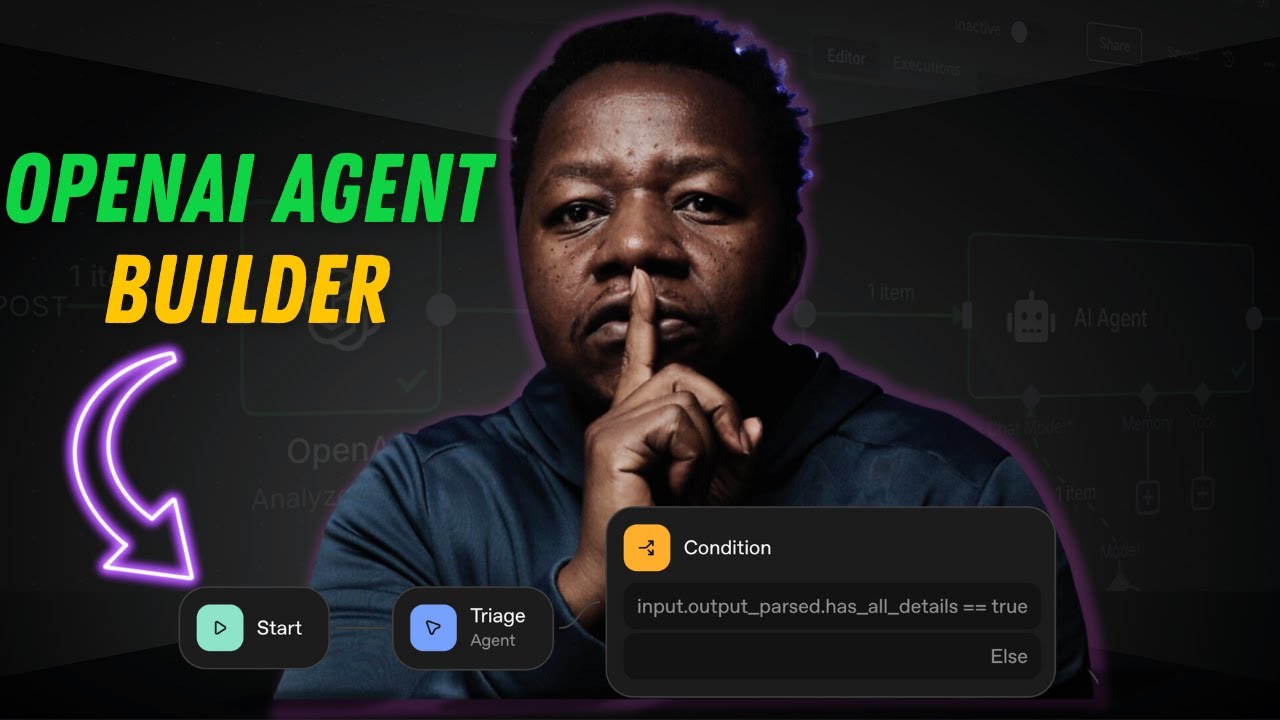
See OpenAI Agent Builder in action with this complete walkthrough from the video at 4:15 where the presenter builds a real workflow step-by-step. You'll see how the visual interface makes complex AI automation accessible to non-technical users.
Key Takeaways
OpenAI Agent Builder represents a significant leap forward in making AI-powered automation accessible to businesses without technical teams. While it may not replace every Zapier workflow yet, it opens up new possibilities for intelligent, context-aware automation.
In summary: Agent Builder excels at workflows requiring understanding and decision-making, while Zapier remains stronger for simple app connections. For many businesses, using both tools together will provide the most comprehensive automation solution.
Frequently Asked Questions
Common questions about this topic
OpenAI Agent Builder is a visual no-code platform that lets users create AI-powered workflows by connecting different components. It provides drag-and-drop tools to build agents that can process information, make decisions, and interact with other systems without requiring coding knowledge.
The platform includes pre-built templates for common use cases like customer service, data enrichment, and planning assistance. You can start with these templates and customize them to your specific needs, or build completely original workflows from scratch.
- Visual interface: No coding required to build complex AI agents
- Templates: Jumpstart development with pre-built solutions
- Flexibility: Combine multiple AI models and tools in one workflow
While Zapier focuses on connecting existing apps, OpenAI Agent Builder specializes in creating intelligent workflows powered by AI. Agent Builder offers more advanced decision-making capabilities through its agent components that can analyze information and respond dynamically.
Unlike Zapier's linear workflows, Agent Builder supports complex branching logic and human-in-the-loop approvals. However, Zapier currently offers more direct integrations with popular business apps and may be better suited for simple, high-volume automations between established platforms.
- Zapier strengths: More app integrations, simpler interface
- Agent Builder strengths: AI decision-making, contextual understanding
- Best for: Use both - Zapier for app connections, Agent Builder for intelligent workflows
Agent Builder excels at creating workflows that require understanding context or processing unstructured data. Common use cases include customer service agents that handle complex inquiries and document processing workflows that extract and analyze information.
The platform is particularly strong for business planning assistants that help with initiatives, data enrichment tools that pull together information from multiple sources, and any workflow where natural language understanding provides significant value over traditional automation.
- Customer service: Handle complex, multi-step inquiries
- Document processing: Extract and analyze information
- Planning assistants: Help with business initiatives
No, Agent Builder is designed as a no-code platform with a visual interface for building workflows. Users can drag and drop components to create agents without writing any code. The platform provides intuitive controls for configuring agents, setting up logic flows, and connecting tools.
However, developers can extend functionality by adding custom code when needed. The platform provides automatic code generation for workflows, allowing technical users to inspect and modify the underlying implementation if desired. This makes it accessible to both non-technical users and developers.
- No-code: Visual interface requires no programming
- Code optional: Developers can extend with custom code
- Learning resources: Plenty of documentation and templates available
As of October 2025, OpenAI Agent Builder pricing starts at $20/month for basic usage, which is competitive with Zapier's mid-tier plans. The main cost difference comes from OpenAI's usage-based pricing for AI model calls, which can add up for high-volume workflows.
For businesses running many complex workflows, Agent Builder could become more expensive than Zapier. However, for AI-powered workflows, it often provides better value by reducing the need for multiple specialized tools. The cost-effectiveness depends largely on your specific use cases and workflow complexity.
- Base price: $20/month comparable to Zapier
- AI costs: Additional fees for model usage
- Value: Higher for intelligent workflows than simple app connections
Yes, Agent Builder offers several integration options including API connections to custom applications and pre-built tools for file search and web queries. The ChatKit feature allows creating conversational interfaces that can be embedded in your products.
While the platform doesn't yet have as many direct integrations as Zapier, its API capabilities allow connection to most modern business systems. You can also connect vector stores for working with proprietary data, enabling agents to reference your company's specific knowledge bases and documents.
- API access: Connect to custom applications
- ChatKit: Create conversational interfaces
- Vector stores: Work with proprietary data
Current limitations include fewer direct integrations than established automation tools and a higher learning curve for complex workflows. Potential costs for high-volume AI usage can be significant, and there are limited offline capabilities since most processing happens in the cloud.
The platform is also newer than alternatives like Zapier, so some enterprise features around monitoring and team collaboration are still developing. For simple, high-volume app-to-app connections without AI, traditional automation tools may still be more efficient and cost-effective.
- Integrations: Fewer than Zapier currently
- Learning curve: Steeper for complex workflows
- Enterprise features: Still maturing
GrowwStacks helps businesses implement AI automation workflows using platforms like OpenAI Agent Builder. Our team can design custom agent workflows for your specific business needs, integrating them with your existing tools and systems.
We provide complete implementation services including workflow design, system integration, team training, and ongoing optimization. Whether you need a simple automation or a complex AI-powered workflow system, we can help you leverage Agent Builder's capabilities effectively.
- Custom workflows: Tailored to your business processes
- System integration: Connect with your existing tools
- Free consultation: Discuss your automation goals
Ready to Build Your First AI Workflow?
Manual processes cost your business time and money every day. Our automation experts can have your first AI workflow live in under a week.