OpenAI Codex 2.0: The Free Agent That Can Now Operate Your Computer
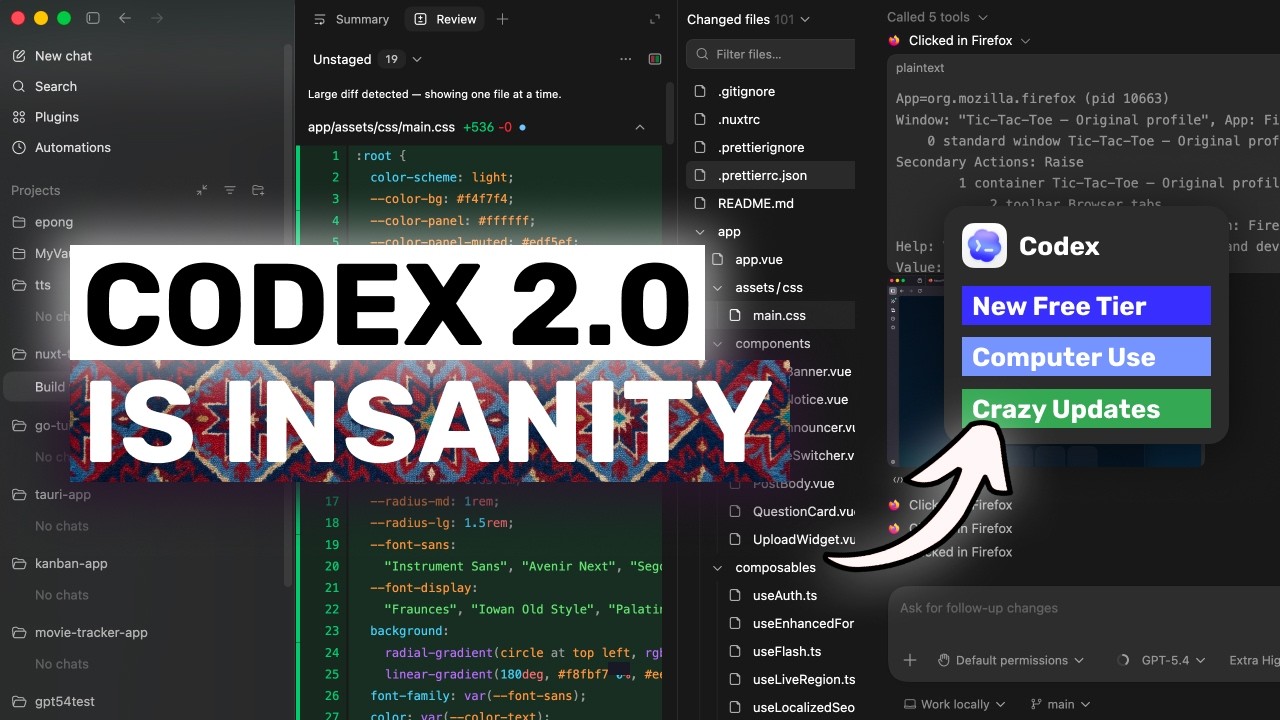
Developers waste countless hours switching between coding, testing, and manual workflows. OpenAI's latest Codex update transforms it from a coding assistant into a full workflow agent that can click, type, browse, and operate your Mac alongside you - now available even on free tier temporarily.
From Coding Assistant to Workflow Agent
For years, developers have struggled with the fragmentation between writing code and all the surrounding tasks - testing flows, checking front-ends, reviewing PR comments, and managing project assets. OpenAI's Codex began as just another autocomplete tool, but this update fundamentally repositions it as a complete workflow agent.
The shift became clear when OpenAI introduced the Codex app as a command center for agents, followed by pay-as-you-go pricing for teams. Now with computer control capabilities, Codex can operate alongside developers rather than just suggesting snippets.
3 million developers already use Codex weekly according to OpenAI, with usage growing sixfold since January - clear validation that developers want AI that participates in work rather than just answering questions.
Computer Control: Click, Type, Browse
The most transformative update allows Codex to operate your Mac computer - seeing the screen, clicking interfaces, typing inputs, and interacting with applications using its own cursor. This bridges the gap between writing code and testing it in real environments.
An integrated browser enables commenting directly on web pages, streamlining front-end work and product mockups. Instead of the old generate-switch-test cycle, developers can maintain focus while Codex handles the context switching.
Real software development involves only 30-40% actual coding according to industry studies - the rest is testing, debugging, and manual workflows that Codex now helps automate.
Integrated Visual Workflows
Product development often stalls waiting for visual assets - mockups, icons, game elements. Codex now integrates OpenAI's image generation directly into workflows, creating assets without switching tools.
This proves particularly valuable for front-end developers who can generate placeholder images matching their code context, or product teams creating quick concept mockups during brainstorming sessions.
GitHub and Development Lifecycle
Codex now handles GitHub review comments directly and can run multiple terminal tabs simultaneously. Combined with SSH connections to remote dev boxes (currently in alpha), it covers more of the actual software lifecycle.
New file previews for PDFs, spreadsheets and docs, plus a summary pane tracking project artifacts, make Codex useful beyond just the IDE - addressing the reality that developers work across many file types and environments.
Memory and Long-Running Tasks
Perhaps most significantly, Codex can now preserve context across sessions through memory features. It schedules future work, picks up where it left off days later, and remembers preferences and corrections.
This transforms it from a single-session tool into a persistent working partner that learns your project's nuances over time - crucial for complex development work that spans weeks or months.
Pricing and Free Tier Access
In a strategic move, OpenAI has temporarily made Codex available on ChatGPT Free and Go tiers alongside paid plans. While enterprise users get higher rate limits, even free users can access core features including computer control.
The pay-as-you-go option for teams makes adoption easier for businesses, while improved prompting efficiency helps all users get more value from each interaction - critical for cost-conscious developers.
Practical Implications for Developers
Codex 2.0 represents a shift from AI that answers questions to AI that participates in work. While still requiring supervision, its ability to operate computers, remember context, and connect tools makes it genuinely useful infrastructure rather than just a toy.
As shown at 4:30 in the video demonstration, the workflow continuity when switching between coding, testing, and asset generation creates tangible time savings that compound across projects.
The future is clear: AI won't replace developers, but developers using AI agents like Codex will replace those still doing everything manually.
Watch the Full Tutorial
See Codex 2.0 in action controlling a Mac, generating assets, and handling GitHub workflows in the complete video walkthrough below. The 4:30 timestamp demonstrates particularly well how it maintains context between coding and testing phases.
Frequently Asked Questions
Common questions about this topic
Codex 2.0 can now operate your computer alongside you on Mac OS, meaning it can see your screen, click, type, and interact with applications using its own cursor. This allows it to handle tasks like testing app flows, checking front-end implementations, opening documents, and comparing outputs.
This bridges the gap between writing code and verifying it works in real environments. Instead of manually switching contexts between your IDE and browser or other apps, Codex can maintain workflow continuity by handling those transitions.
- Sees and interacts with your screen like a human would
- Operates applications through direct control
- Maintains context between coding and testing phases
Yes, for a limited time OpenAI is making Codex available on ChatGPT Free and ChatGPT Go tiers, along with Plus, Pro, Business and Enterprise plans. Free users get access to the same core functionality including computer control, though paid plans have higher rate limits.
This temporary free access represents a strategic shift by OpenAI to drive adoption beyond just enterprise users. It makes Codex's powerful workflow automation accessible to students, indie developers, and hobbyists who couldn't justify the previous pricing.
- Temporary free tier access available now
- Core features included even for free users
- Paid plans offer higher usage limits
Currently, the computer control functionality is only available on Mac OS, though the Codex app itself is available on Windows. OpenAI has indicated this feature will expand to other platforms in future updates.
The SSH connection capability is still in alpha testing phase as well, meaning enterprise users and those in the EU/UK may experience staggered rollout of some features. This phased approach helps OpenAI refine functionality before full release.
- Mac OS only for computer control currently
- Windows app available without this feature
- Expansion to other platforms planned
Codex 2.0 introduces memory features that allow it to preserve context across sessions. It can schedule future work, pick up where it left off days later, and remember preferences and corrections from previous interactions.
This makes it more useful for complex projects that span multiple work sessions rather than just one-off coding tasks. The agent becomes more like a persistent team member that maintains institutional knowledge about your project over time.
- Remembers context between sessions
- Scheduled task continuation
- Learns from corrections and preferences
Codex now integrates OpenAI's image generation model directly into workflows. This means developers can create mockups, concept images, game assets and other visual elements without switching tools.
The agent can generate these assets in the same context as coding tasks, which helps maintain workflow continuity during product development. This is particularly valuable for front-end work where visual feedback is constantly needed.
- Integrated image generation
- Context-aware asset creation
- Maintains workflow continuity
The update allows Codex to directly address GitHub review comments, check diffs, and handle pull request feedback within its workflow. This closes the loop between writing code and managing the collaborative aspects of development.
By integrating GitHub actions into its toolset, Codex becomes more useful for team environments rather than just individual coding sessions. It can now participate in the full code review lifecycle that's central to modern software development.
- Handles GitHub review comments
- Manages pull request feedback
- Supports team collaboration workflows
While both use similar AI models, Codex is specifically designed as an agent that takes actions in development environments. It can execute terminal commands, edit files, browse the web with purpose, connect to remote servers, and now operate your computer directly.
This makes it more of a working partner than just a conversational assistant. Codex is optimized for completing technical tasks rather than just discussing them, with specialized capabilities for software development workflows.
- Action-oriented rather than just conversational
- Specialized for development workflows
- Integrated with developer tools and environments
GrowwStacks helps businesses implement AI workflow automation solutions including Codex integration. Our team can design custom automation flows that leverage Codex's capabilities for your specific development processes.
We offer free consultations to assess how AI agents can accelerate your technical workflows while maintaining quality control and security standards. Our solutions integrate Codex with your existing tools to create seamless developer experiences.
- Custom Codex workflow integration
- Security and quality assurance
- Free 30-minute consultation
Ready to Transform Your Development Workflow?
Every hour wasted on manual testing and context switching costs your team productivity. Let GrowwStacks implement Codex automation tailored to your specific development environment and workflows.